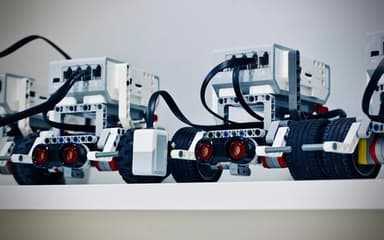




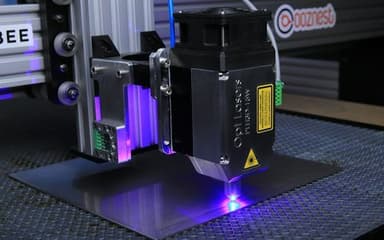


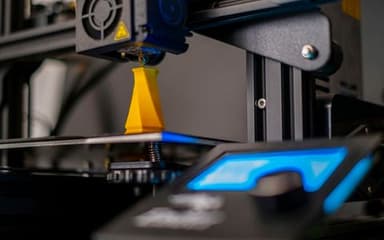


My child now builds robots at home too, and can't wait for class every Saturday.
Junior · Ages 10–16On-siteOnlineLanguage: Georgian
Graphic Design: Figma & Canva
Kids learn color, composition and typography, and create posters, logos and app designs in Figma.
Duration3 months
Workload36 h
Sessions24
LevelBeginner

What you will learn
- Color, composition and typography
- Canva: posters and social media posts
- Figma: frames and components
- Your own logo and brand
- App design
- A portfolio of 6 works
Who it is for
Loves drawingNow in digital form
BloggerBetter content
Future UX designerFirst steps
Tools and equipment
FgFigmaCvCanvaPrProcreate (bonus)
How it works
- Day 0Application
Free consultation
- Days 1–3Choosing a group
By age and level
- Before the startGroup and payment
Monthly
- 3 monthsClasses in the lab
24 classes
- Every monthOpen lesson
With parents attending
- At the endCertificate
and exhibition
Syllabus
3 modules7 topics24 sessions36 hours3 portfolio pieces
01Visual languageWeeks 1–4
- 1.1Color wheelTheory
- 1.2CompositionPractice
- 1.3PosterProject
Outcome
Poster02BrandWeeks 5–8
- 2.1Logo sketchPractice
- 2.2Brand bookProject
Outcome
Logo and brand03AppWeeks 9–12
- 3.1Figma: screensPractice
- 3.2PrototypeProject
Outcome
App prototypeGroups & times
Times don't work for you? Let us know and we'll email you when the next group opens.
Trainer
Scratch · Design · 3D
Ana T.
Product designer · Coding teacher
Teaches Scratch, Figma and 3D modeling to kids aged 7–16. Her students' projects are featured at the lab's exhibition every season.
- 6years of experience
Certificate
Digital certificate with QR verification
Presented at the end of the course, at the exhibition. Parents receive a digital copy and a progress report.
Reviews
The group is small, and the trainer gives every child individual attention. At the open lesson, we were amazed by how much they had learned.
My child looks forward to every lesson and keeps going at home.
My child built their first drone without help and now practices in the simulator every day.
Frequently asked questions
Does my child need a laptop?
For the online group, yes. We have computers in the lab.
Is Figma paid?
The education plan is free.
Can siblings enroll together?
Yes, the second child automatically gets a 15% discount.
What if my child misses a lesson?
The trainer covers the missed topic at the next class, or your child can make it up with another group.
Similar courses
All coursesKeep learning
Ages 8–11
KA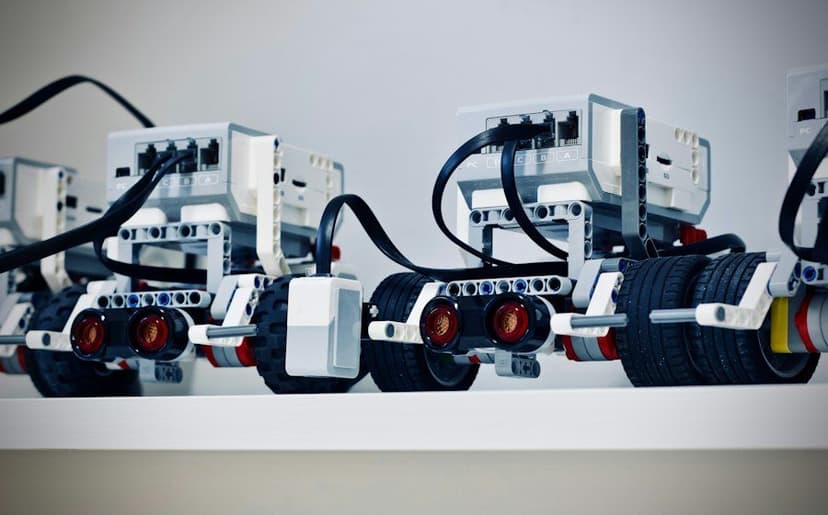
Robotics: From LEGO Spike to Arduino
- Starts
- 19 Oct · Mon
- Length
- 4 months · 32 sessions
- Format
- On-site
160₾per month · 4 months
Ages 10–15
KA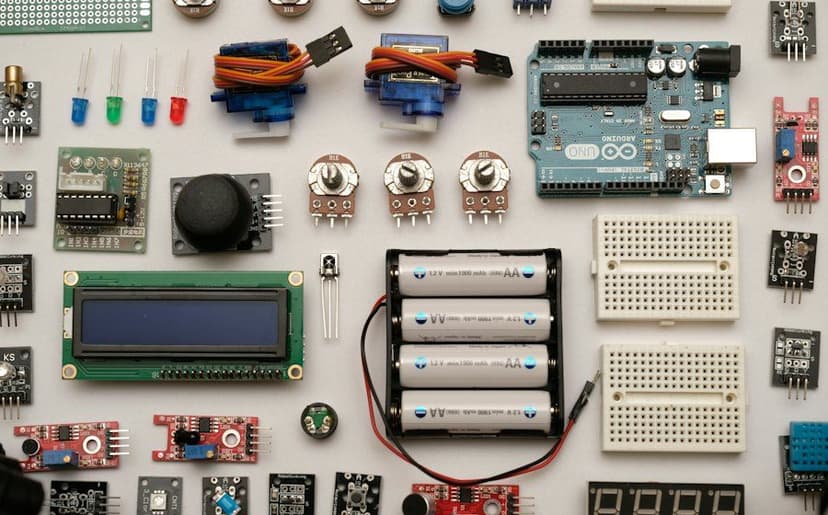
Electronics & Arduino
- Starts
- 2 Nov · Mon
- Length
- 3 months · 24 sessions
- Format
- On-siteHybrid
160₾per month · 3 months
Ages 7–10
KA · EN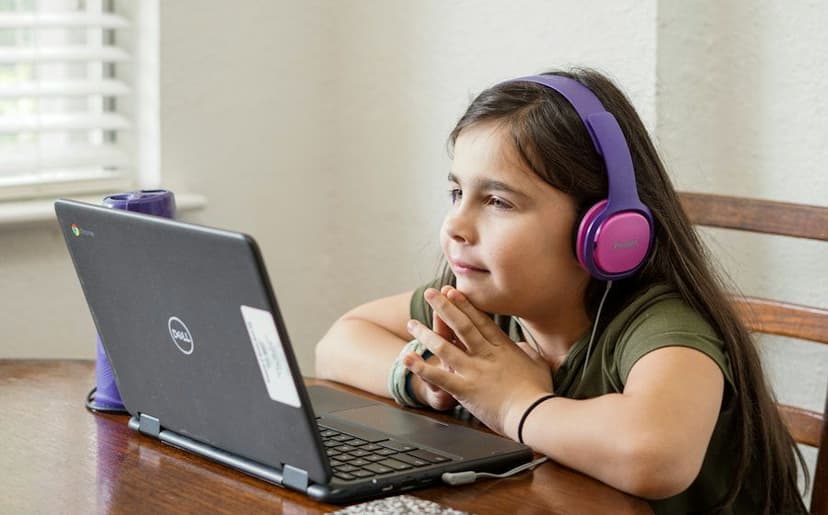
Coding with Scratch
- Starts
- 22 Oct · Thu
- Length
- 3 months · 24 sessions
- Format
- OnlineOn-site
140₾per month · 3 months
130₾ / monthMonthly
Buy