







My child looks forward to every lesson and keeps going at home.
Junior · Ages 7–10OnlineOn-siteLanguage: Georgian / English
Coding with Scratch
A first encounter with code: kids create their own games and animations in Scratch and learn logic, loops and conditions.
Duration3 months
Workload36 h
Sessions24
LevelBeginner
What you will learn
- Logical thinking and algorithms
- Loops, conditions and variables
- Drawing your own characters and backdrops
- Sound, animation and events
- 3 original games
- Sharing projects with friends
Who it is for
Kids aged 7–10Can already read
Loves gamesWants to make their own
Online or in the labBoth formats
Tools and equipment
ScScratch 3MbMicro:bit (bonus)PtPiskel drawing
How it works
- Day 0Application
Free consultation
- Days 1–3Choosing a group
By age and level
- Before the startGroup and payment
Monthly
- 3 monthsClasses in the lab
24 classes
- Every monthOpen lesson
With parents attending
- At the endCertificate
and exhibition
Syllabus
3 modules9 topics24 sessions36 hours3 portfolio pieces
01First spriteWeeks 1–3
- 1.1Motion and looksPractice
- 1.2Events and buttonsPractice
- 1.3Animated cardProject
Outcome
Animated card02Loops and conditionsWeeks 4–7
- 2.1Repeat and “if”Theory
- 2.2Keeping score with variablesPractice
- 2.3Catch gameProject
Outcome
First game03My worldWeeks 8–12
- 3.1Levels and a boss fightPractice
- 3.2Sound and musicPractice
- 3.3Game festivalPresentation
Outcome
3 games in a portfolioGroups & times
Times don't work for you? Let us know and we'll email you when the next group opens.
Trainer
Scratch · Design · 3D
Ana T.
Product designer · Coding teacher
Teaches Scratch, Figma and 3D modeling to kids aged 7–16. Her students' projects are featured at the lab's exhibition every season.
- 6years of experience
Certificate
Digital certificate with QR verification
Presented at the end of the course, at the exhibition. Parents receive a digital copy and a progress report.
Reviews
Frequently asked questions
What's needed for the online group?
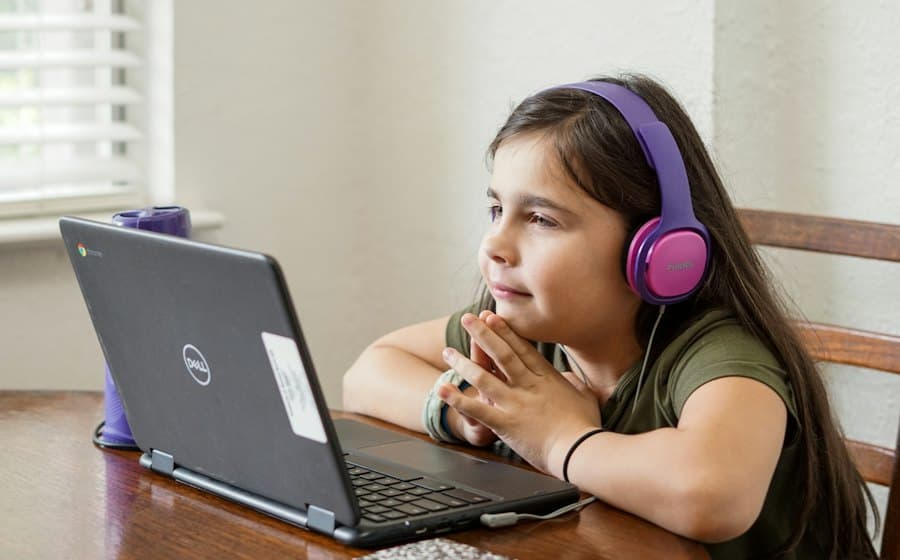
A computer or laptop and headphones. Scratch doesn't fully work on tablets.
Isn't it too hard for a 7-year-old?
Lessons are 45 minutes long and built around play.
Can siblings enroll together?
Yes, the second child automatically gets a 15% discount.
What if my child misses a lesson?
The trainer covers the missed topic at the next class, or your child can make it up with another group.
Similar courses
All coursesKeep learning
Ages 8–11
KA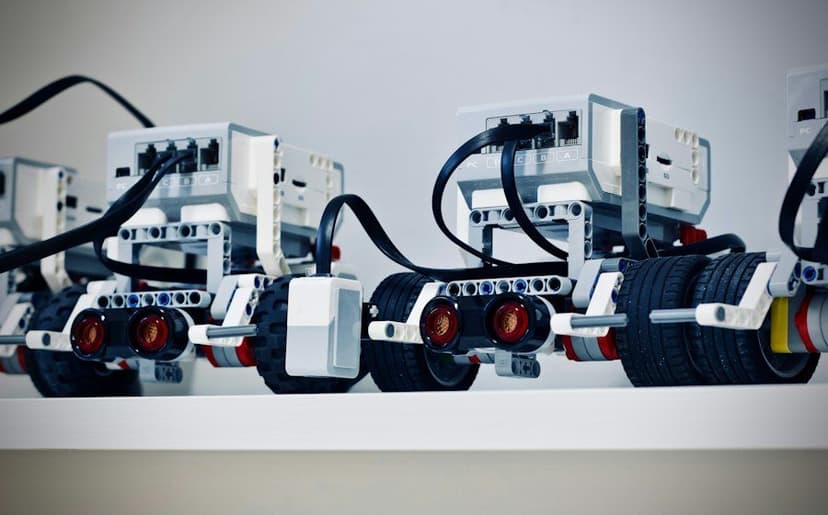
Robotics: From LEGO Spike to Arduino
- Starts
- 19 Oct · Mon
- Length
- 4 months · 32 sessions
- Format
- On-site
160₾per month · 4 months
Ages 10–15
KA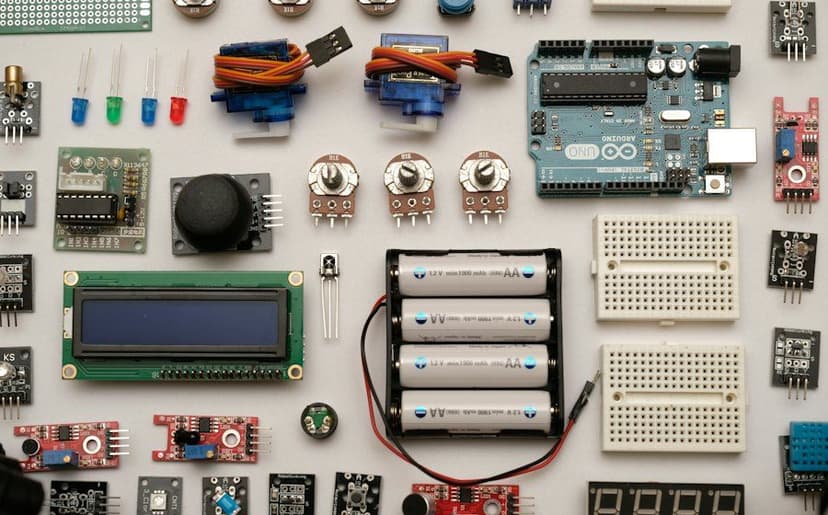
Electronics & Arduino
- Starts
- 2 Nov · Mon
- Length
- 3 months · 24 sessions
- Format
- On-siteHybrid
160₾per month · 3 months
Ages 12–17
KA · EN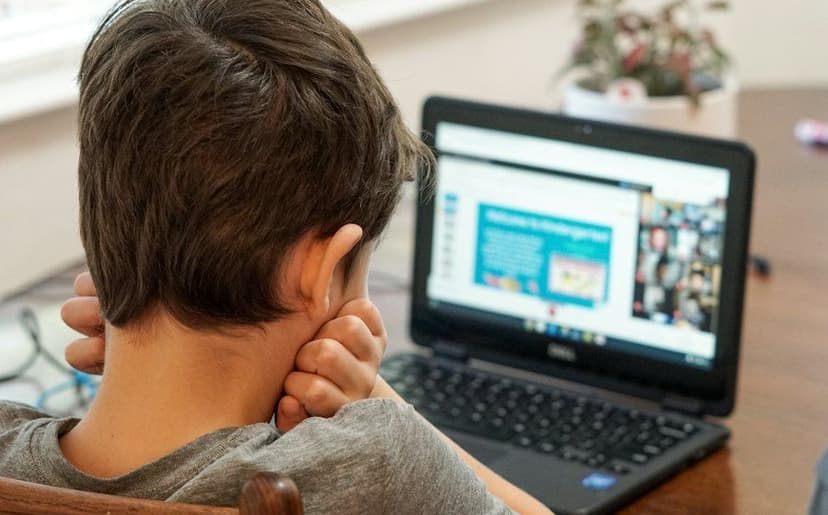
Python for Teens
- Starts
- 28 Oct · Wed
- Length
- 6 months · 48 sessions
- Format
- HybridOnline
150₾per month · 6 months
140₾ / monthMonthly
Buy