







Laser Cutting & Engraving
 18+ყუთები, სუვენირები, აბრები
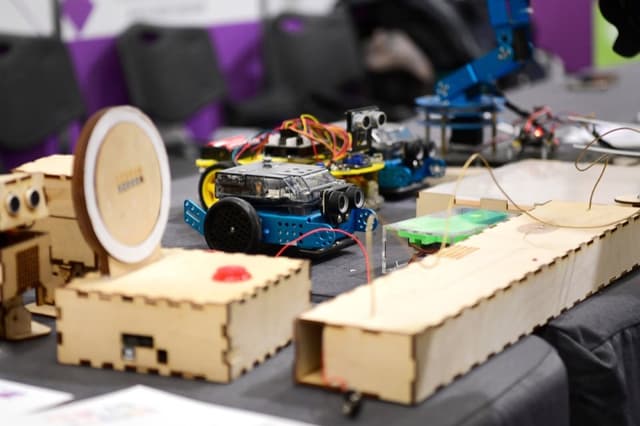
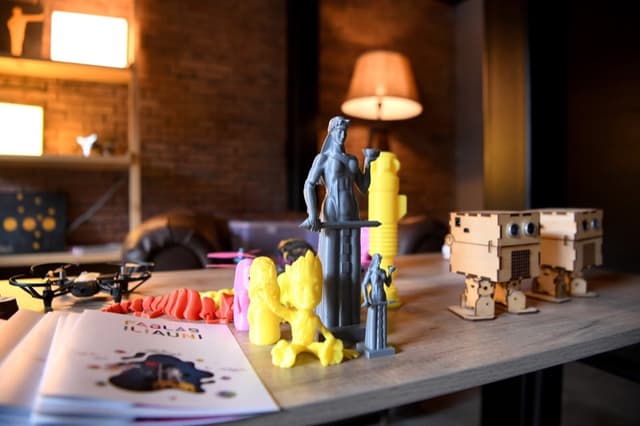
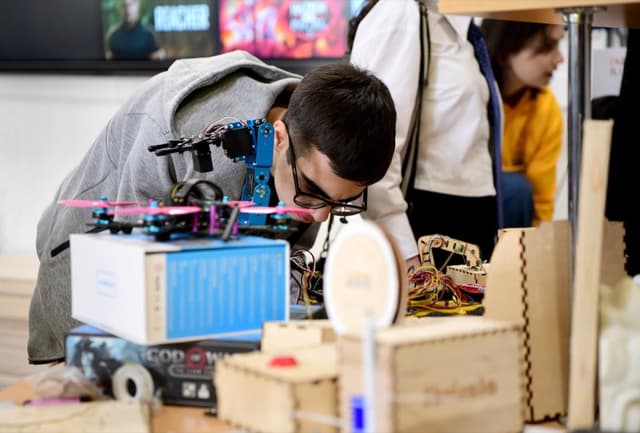
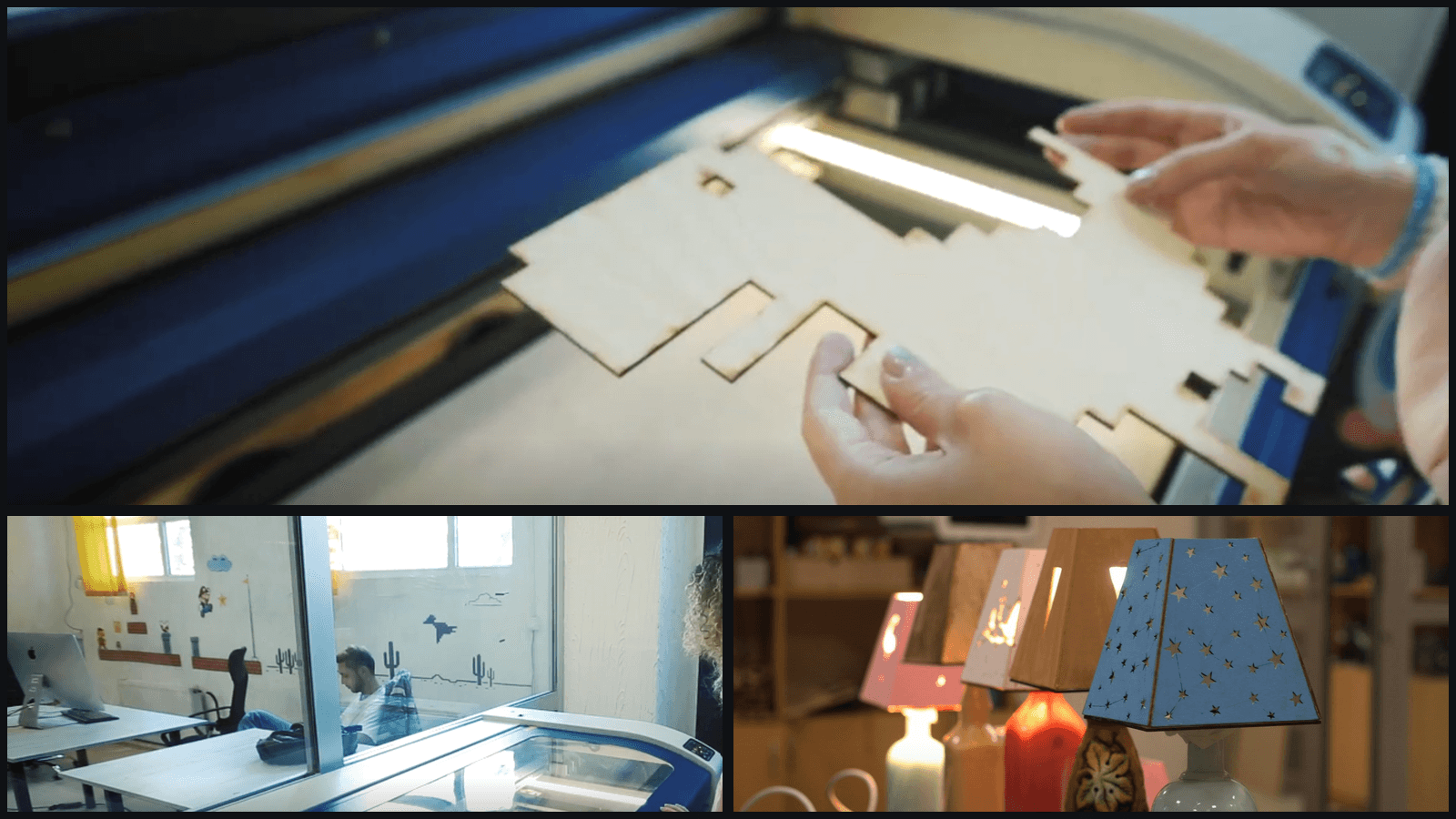
This laser cutting and engraving course is for anyone who wants hands-on experience with digital design and laser technology. You get to know laser cutting and engraving technologies, what they can do and where they are used. You learn to create and edit vector drawings in CorelDRAW and other suitable 2D design programs and adapt them to the requirements of the laser machine. You also study the properties of different materials, how the laser machine works, how to use it safely and how to set cutting and engraving parameters. During the course you work hands-on with the laser machine, learn techniques for processing different materials and learn to use laser technology to make both decorative and functional products. In the practical tasks you make souvenirs, decorative items and other structures. The training covers the full process of making a product, from the idea and 2D design, through choosing the material and setting up the machine, to making and assembling the final product. The course runs in a hybrid format and combines individual work at the computer with hands-on training on the laser machine. You must have your own laptop that can install and run the design software used in the course.
The price includes hands-on training, work on the laser machine and access to all the learning materials you need.
- Hands-on 2D design training in CorelDRAW
- Working on the laser machine under an instructor’s supervision
- Materials for the practical tasks
- A final project and a digital certificate
Who it is for
What you will learn
- 2D design and vector modeling — creating and editing drawings in CorelDRAW and preparing them for laser processing.
- Laser cutting and engraving technologies — how they work, where they are used and safety rules.
- Choosing and processing materials — plywood, MDF, acrylic and other compatible materials.
- Operating the laser machine — focusing, work coordinates and setting cutting and engraving parameters.
- Precise structures and engraving — joining parts, allowing for dimensions, engraving text and photos.
- Making your own product — from creating the design and processing the material to assembling the parts and presenting the final product.
Tools and equipment
Groups & times
Times don't work for you? Let us know and we'll email you when the next group opens.
How it works
- Day 0Application
Form or call
- Days 0–3Group and payment
Buying the course
- Week 1Orientation
Getting started
- 5 weeksLearning
10 classes
- Final weekFinal project
- AfterwardCertificate
with QR verification
Syllabus
01Introduction to laser technology and safetyWeek 1 · 4 topics
- 1.1How the laser machine is built and how it worksTheory
- 1.2Laser cutting and engraving technologies and their usesTheory
- 1.3Safety rules and preparing the workspaceTheory
- 1.4Making your first simple laser piecePractice
02CorelDRAW — 2D design for laser cuttingWeeks 1–2 · 4 topics
- 2.1The CorelDRAW workspace and vector design basicsPractice
- 2.2Geometric shapes, text and editing objectsPractice
- 2.3Preparing files for cutting and engravingPractice
- 2.4Dimensions, lines, layers and export formatsPractice
OutcomeA design for a personalized souvenir or sign
03Materials and cutting parameters3 topics
- 3.1Getting to know plywood, MDF, acrylic and other compatible materialsTheory
- 3.2Test matrix 10–90% × 5–400 mm/sPractice
- 3.3Test runs on materials and checking qualityPractice
OutcomeMaking parts that fit together
04Operating the laser machine and hands-on cutting3 topics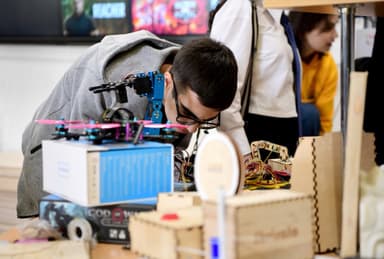
- 4.1LightBurn: importing files, working layers and cut orderPractice
- 4.2Focusing, coordinates and setting up the work areaPractice
- 4.3Air Assist and safety checksPractice
05Engraving techniques3 topics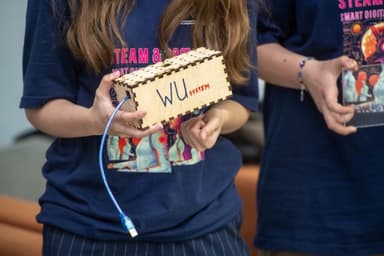
- 5.1Processing images and preparing them for engravingPractice
- 5.2Engraving text, logos and photosTheory
- 5.3Choosing engraving settings and checking qualityPractice
OutcomeMaking a personalized engraved product
06Final projectWeek 5 · 2 topics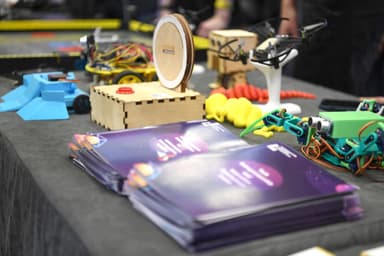
- 6.1Your own productProject
- 6.2PresentationPresentation
OutcomeCertificate + product
Frequently asked questions
Are materials included?
Yes: the course includes practical work, and the materials for that work are included.
Do I need my own computer?
Yes. The course combines computer work with hands-on practice on the laser machine, so you need your own laptop that can run the course software.
Can I get a refund?
If you decide after the first session that you can't continue the course, you can request a full refund. To do so, contact us within 24 hours of the end of the first session, before the next session starts.


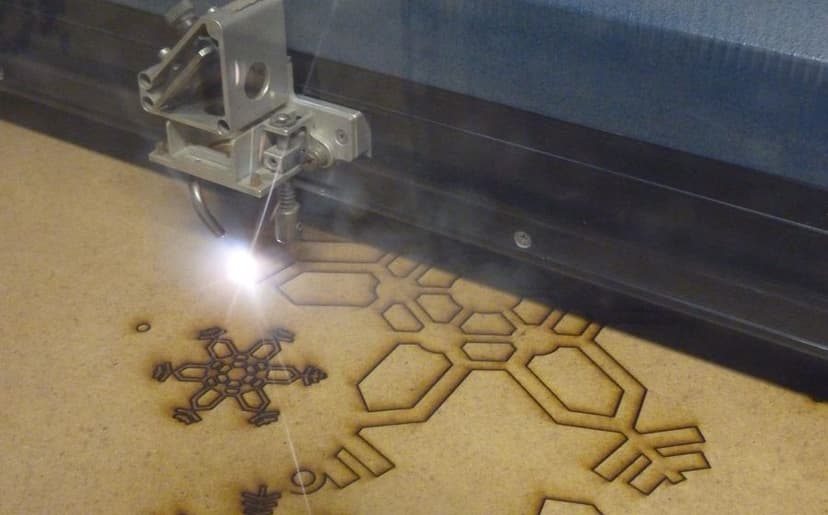 Digital FabricationWhat Is Laser Cutting and Engraving? How It Works and Where It’s UsedEditorial9 min
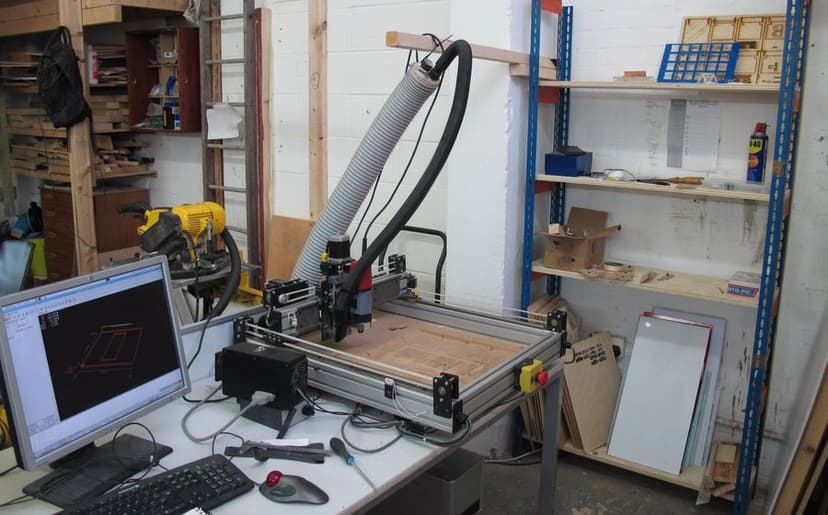 Digital FabricationCNC, Laser Cutter or 3D Printer: Which Technology for Which JobEditorial9 min
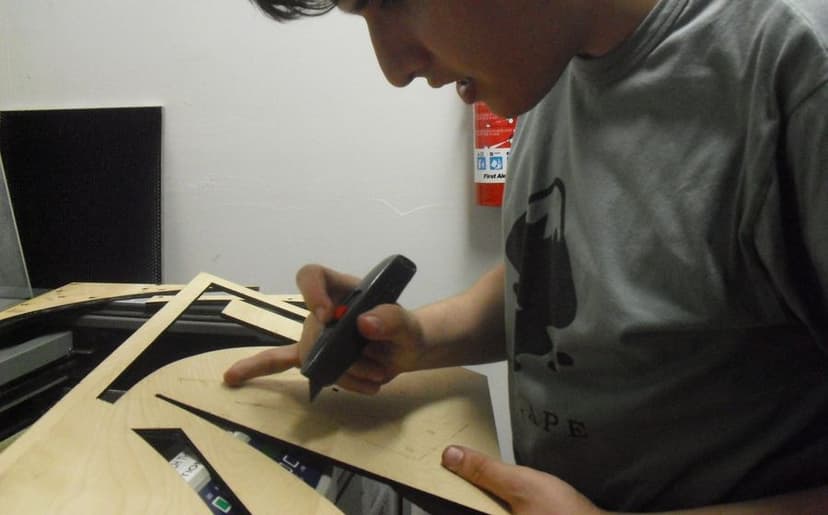 Digital FabricationLaser Cutting and Engraving Course in Tbilisi: What You Learn and Who It’s ForEditorial8 min