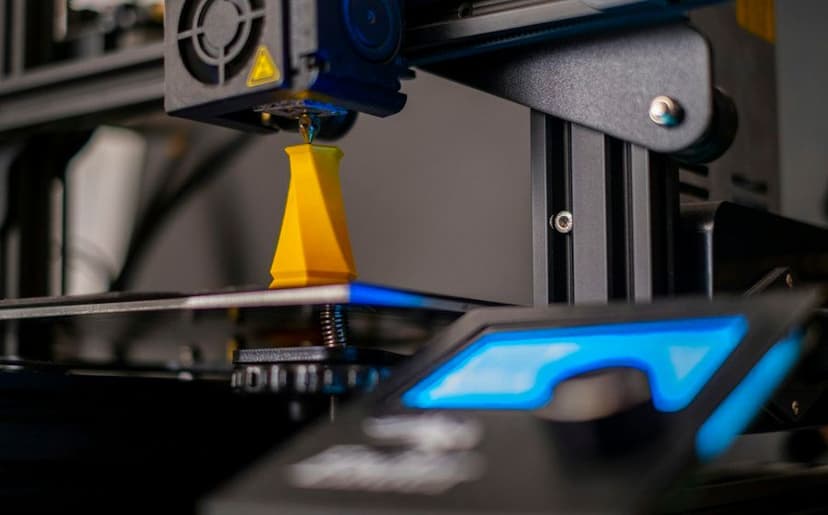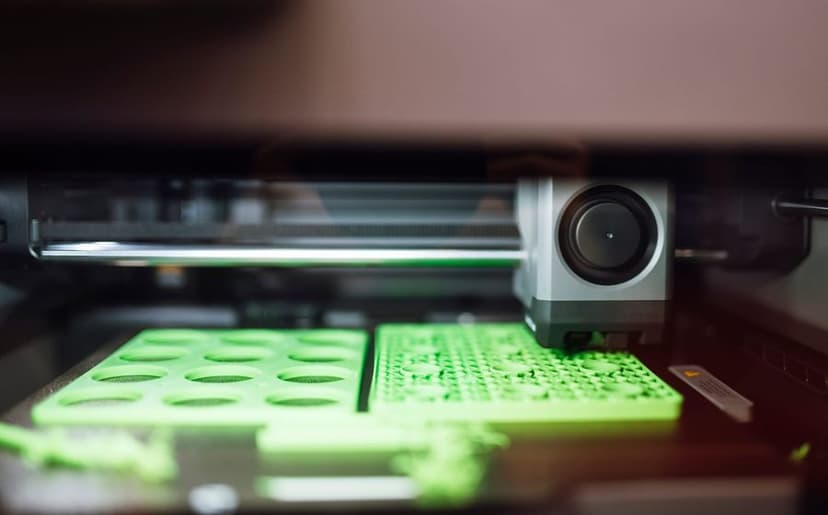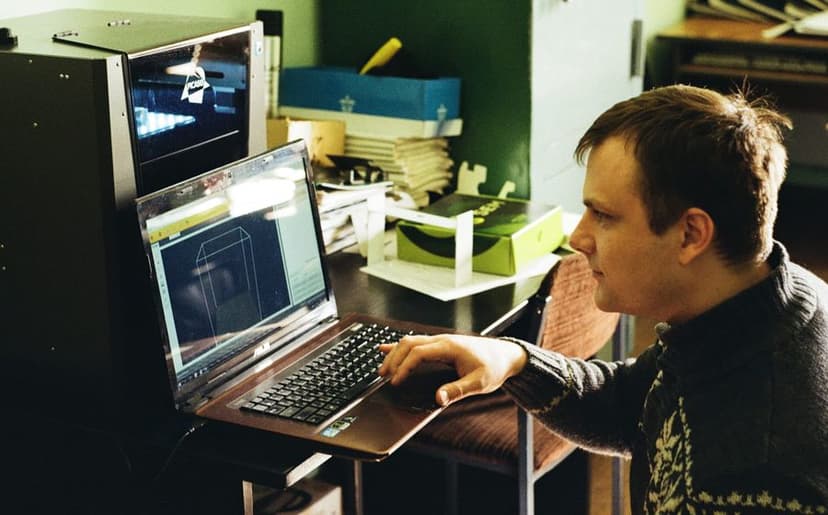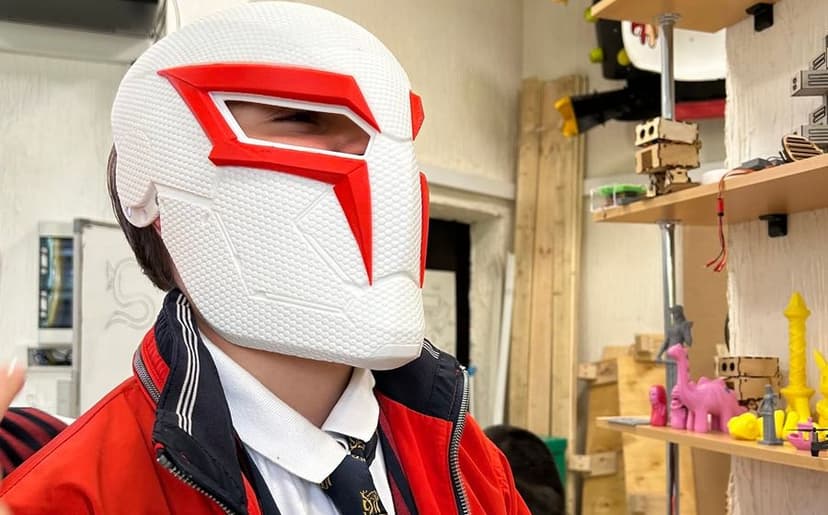
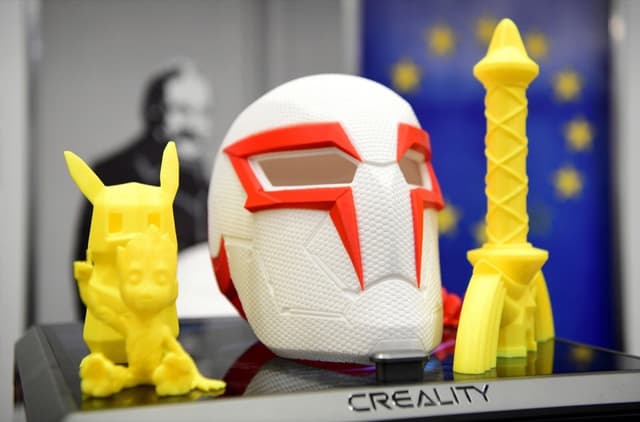
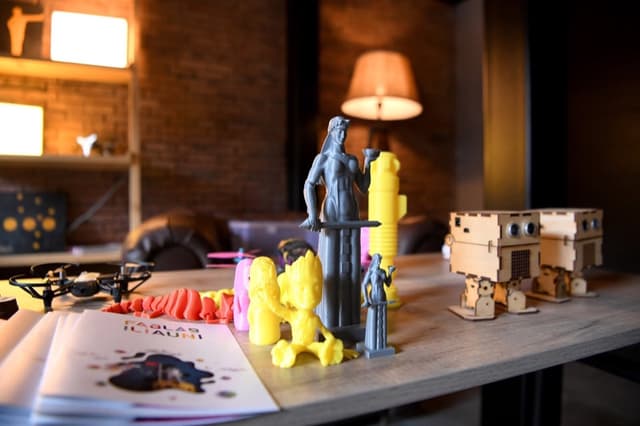
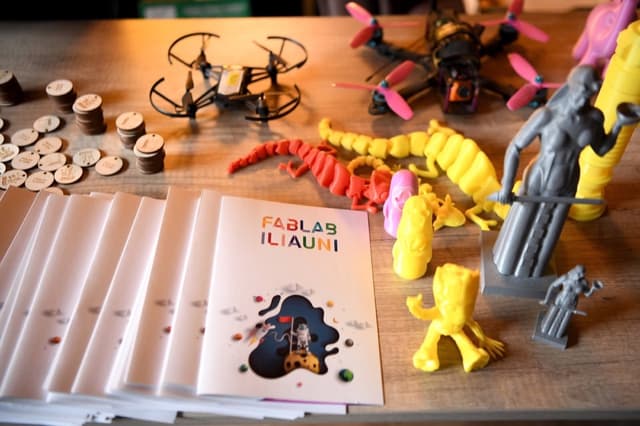
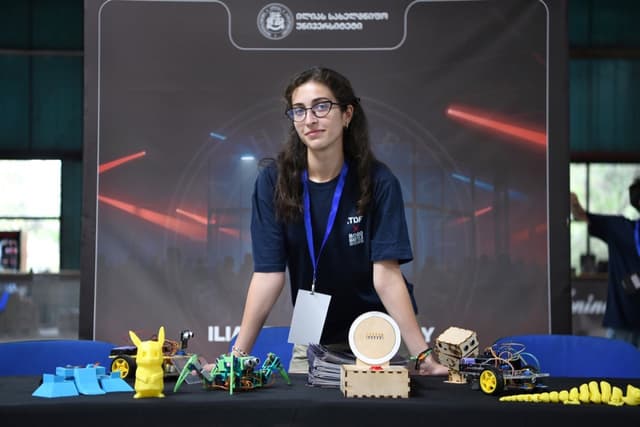
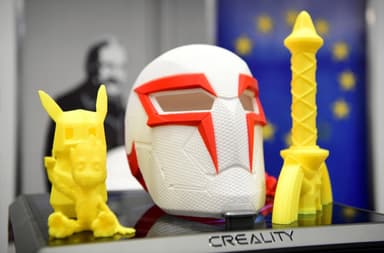
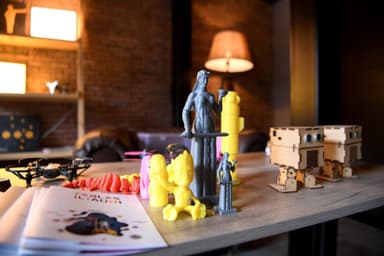
A 3D printing course teaches the whole route from idea to object: modelling a part on the computer, preparing the file in a slicer and printing it on a 3D printer. Tbilisi Digital School runs two: one for teens aged 13–17 and one for adults 18+. Both are for beginners, teach modelling in Fusion 360 and end with something you designed and printed yourself.
What you learn on a 3D printing course
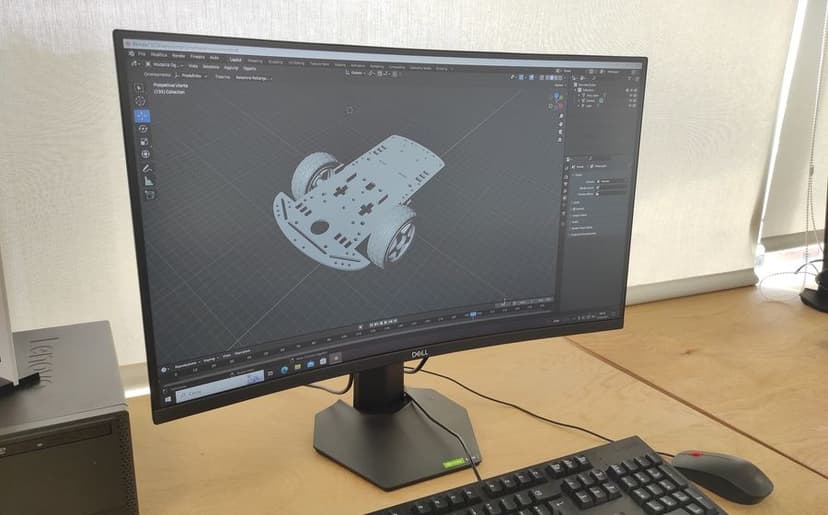
- 3D modelling. You build parts from sketches in Fusion 360. In parametric modelling, dimensions are editable values: change one number and the whole model updates.
- Slicing. A slicer cuts the model into layers and writes the printer’s instructions. You set the layer height, infill (how solid the inside is) and supports.
- Printer setup and calibration. How a 3D printer works and how to set it up so the first layer sticks and the dimensions come out right; adults also cover maintenance.
- Materials. Adults compare PLA, PETG and TPU: PLA is the easiest to print, PETG is tougher, TPU is flexible, almost like rubber.
New to all this? Start with our beginner’s guide to 3D printing.
Teen course or adult course?
Same technology, different goals: the teen course builds engineering thinking, the adult course aims at usable parts and products.
- Age: teens 13–17; adults 18+.
- Length: about 2 months for teens; 6 weeks for adults.
- Format: hybrid for teens; on-site in the lab for adults.
- Language: Georgian for teens; Georgian and English for adults.
- Software: Autodesk Fusion 360 and a slicer for teens; Fusion 360, Bambu Studio and Prusa Slicer for adults.
- Focus: mechanisms, engineering design, simulation and rendering for teens; tolerances, assemblies, materials and small-batch production for adults.
- Result: teens present an individual engineering project; adults finish with their own product.
Details and current groups are on the 3D printing and modelling course for teens and 3D printing course for adults pages.
3D modelling course for teens (13–17)
For teens who are into technology, robotics and mechanisms. No experience is needed: the course starts with Fusion 360 basics, then moves on to parametric design, modelling real objects from measurements, and mechanisms with moving parts. It also covers simulation, rendering and animation, technical drawings and building electronics into a design. Students set up the printer, print in practice and build working prototypes under an instructor’s supervision.
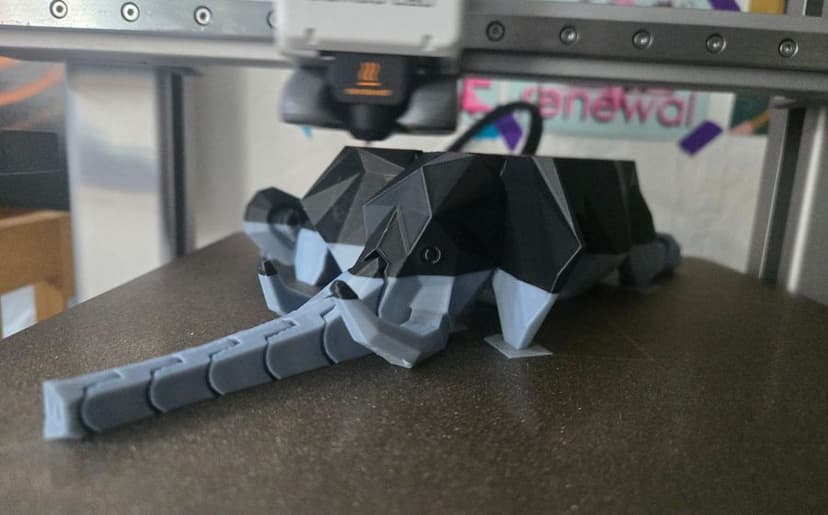
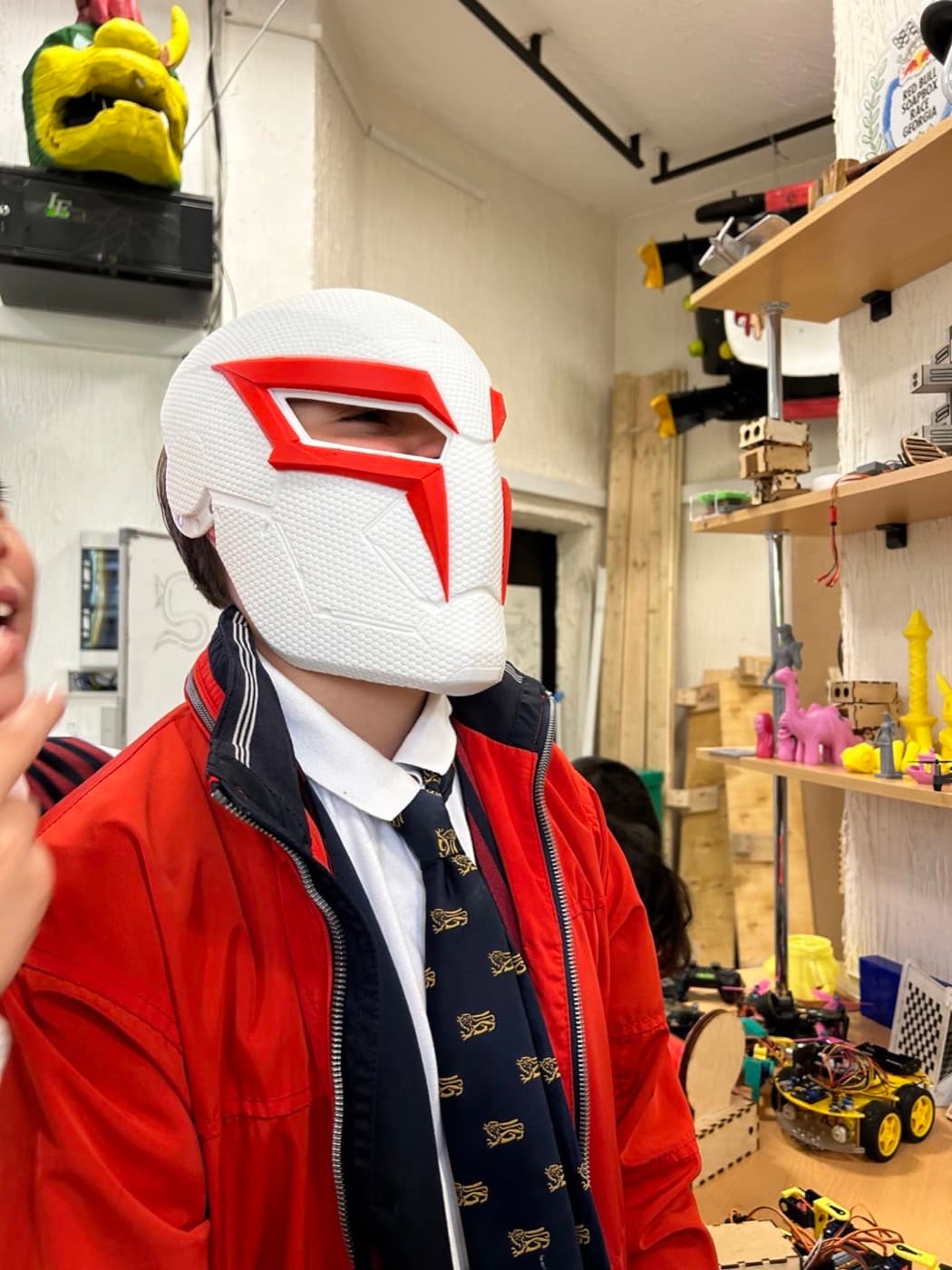
The course ends with an individual engineering project that each student designs, prints and presents. 3D printing and filament are included, and students keep their printed models and final product.
Younger children aged 10–13 get a first taste of 3D modelling in Tinkercad on the Electronics and Smart Devices course, where they design cases for their own devices.
3D design and printing for adults (18+)
For designers who want a prototype in hand, engineers who need parts fast and entrepreneurs building a product for the market.
The course runs in four stages: modelling, parts that fit together, printing and a final project. After parametric modelling in Fusion 360 you learn tolerances, the small allowances that let two printed parts fit together. Then you set up supports, infill and layers in Bambu Studio and Prusa Slicer, compare materials, and learn to calibrate and maintain the lab’s FDM (Fused Deposition Modeling) printers.
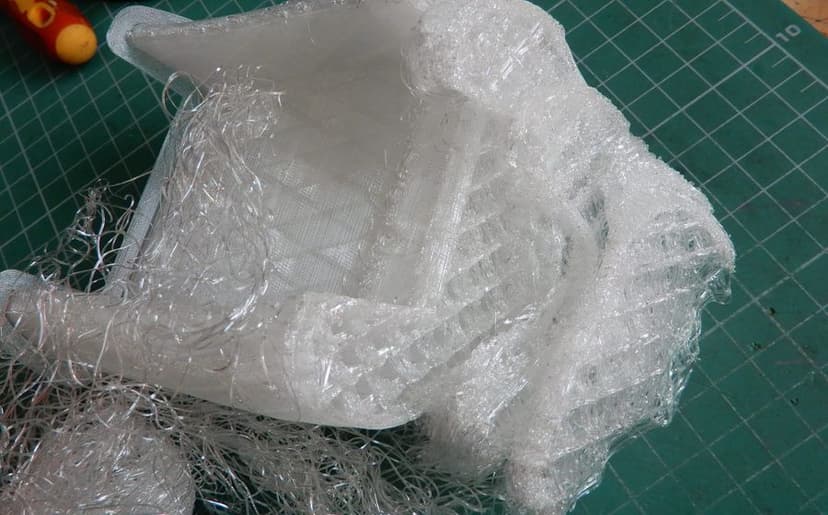
You finish with your own product and learn to produce it as a small batch rather than a one-off. When a print fails, see our guide to common 3D printing problems and how to fix them.
Want to take digital fabrication beyond plastic? The related adult courses are Laser Cutting & Engraving and CNC Machining.
How to choose and where to start
Age decides first: teens aged 13–17 join the teen course, anyone 18 or over the adult one. Looking for a Fusion 360 course in particular? Both are built around it.
To get a feel for modelling first, try a simple model in Tinkercad in your browser, and see our comparison of 3D modelling software.
Prefer a single session first? See the 3D printing masterclass. Not sure which course fits? Get in touch for a free consultation and we’ll help you choose.