To start 3D printing you need four things: a printer (for most beginners, an FDM printer), a spool of PLA filament, a 3D model you download or design yourself, and a slicer, the program that turns the model into instructions the printer understands. The workflow is always the same: model, slicer, print, finish. On a modern printer, your first good print can happen on day one.
3D printing is additive manufacturing: an object grows layer by layer instead of being cut out of a block of wood or metal. That is why one machine can make a toy, a kitchen hook, a phone stand or the prototype of a new product.
Below, everything is in the order we explain it to newcomers in our lab: how a printer works, which technology and material to choose, which settings to start with and how to get through your first week.
How does a 3D printer work?
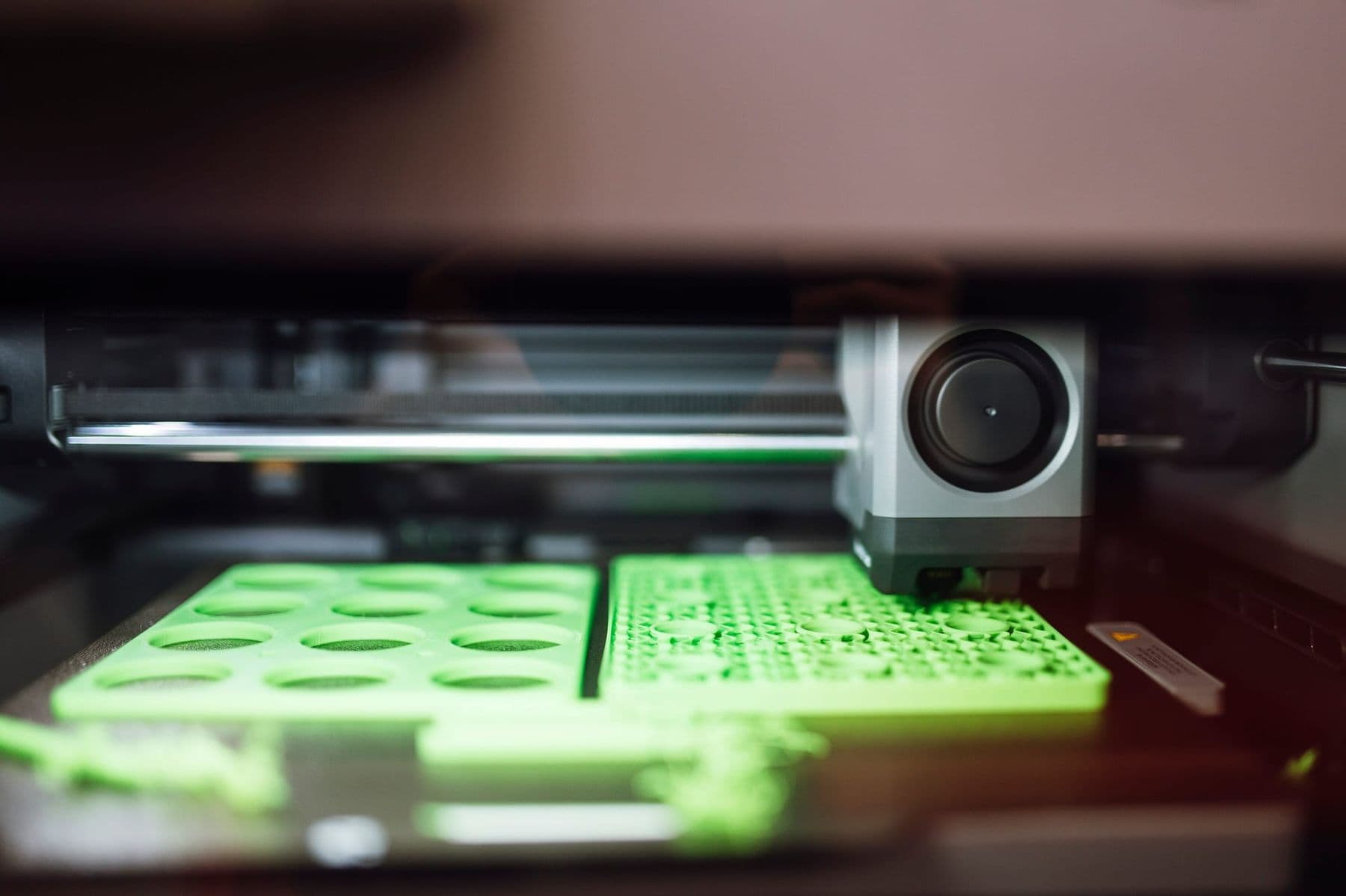
Most home and school printers are FDM machines (Fused Deposition Modeling, also called FFF). Think of a hot glue gun moved by a computer:
- Plastic filament, usually 1.75 mm thick, feeds from a spool into the extruder.
- A heated nozzle (most often 0.4 mm) melts it. For PLA that is roughly 190–220°C.
- The nozzle draws thin lines on the bed and completes one layer, typically 0.2 mm high.
- The bed moves down by one layer height (or the print head moves up) and the next layer starts. Hundreds of layers make the object.
The build plate is heated to about 55–60°C for PLA so the first layer sticks. The printer follows a G-code file: thousands of short commands such as "move to this point and push out this much plastic".
FDM, resin or SLS: which technology should you choose?
At home and small-studio level you will meet three technologies. They differ in cost, detail and safety.
| Technology | How it works | Strength | Weakness | Best for |
|---|---|---|---|---|
| FDM (filament) | Melts a plastic strand and stacks it in layers | Cheap material, tough parts | Visible layers, limited fine detail | Beginners, schools, functional parts |
| Resin (SLA/MSLA) | UV light cures liquid resin layer by layer | Very fine detail, smooth surface | Resin irritates skin, parts need washing | Miniatures, jewellery models |
| SLS (powder) | A laser fuses nylon powder | No supports, strong parts | Industrial price and size | Factories, print services |
Our advice is simple: start with FDM. A resin printer makes sense only when you know you need miniatures or very fine detail and you have a separate, well-ventilated room.
The 3D printing workflow: from model to finished object
Every print goes through the same four steps:
- Model. Download a ready file (STL or 3MF) or design your own. For simple objects the free browser app Tinkercad is enough (see our step-by-step Tinkercad tutorial); for parts with exact dimensions, use Fusion 360.
- Slicer. Bambu Studio, PrusaSlicer, OrcaSlicer or UltiMaker Cura slice the model into layers, add supports where needed and show print time and filament weight. The output is a G-code file.
- Print. Send the file over USB, a memory card or Wi-Fi. Always watch the first layer.
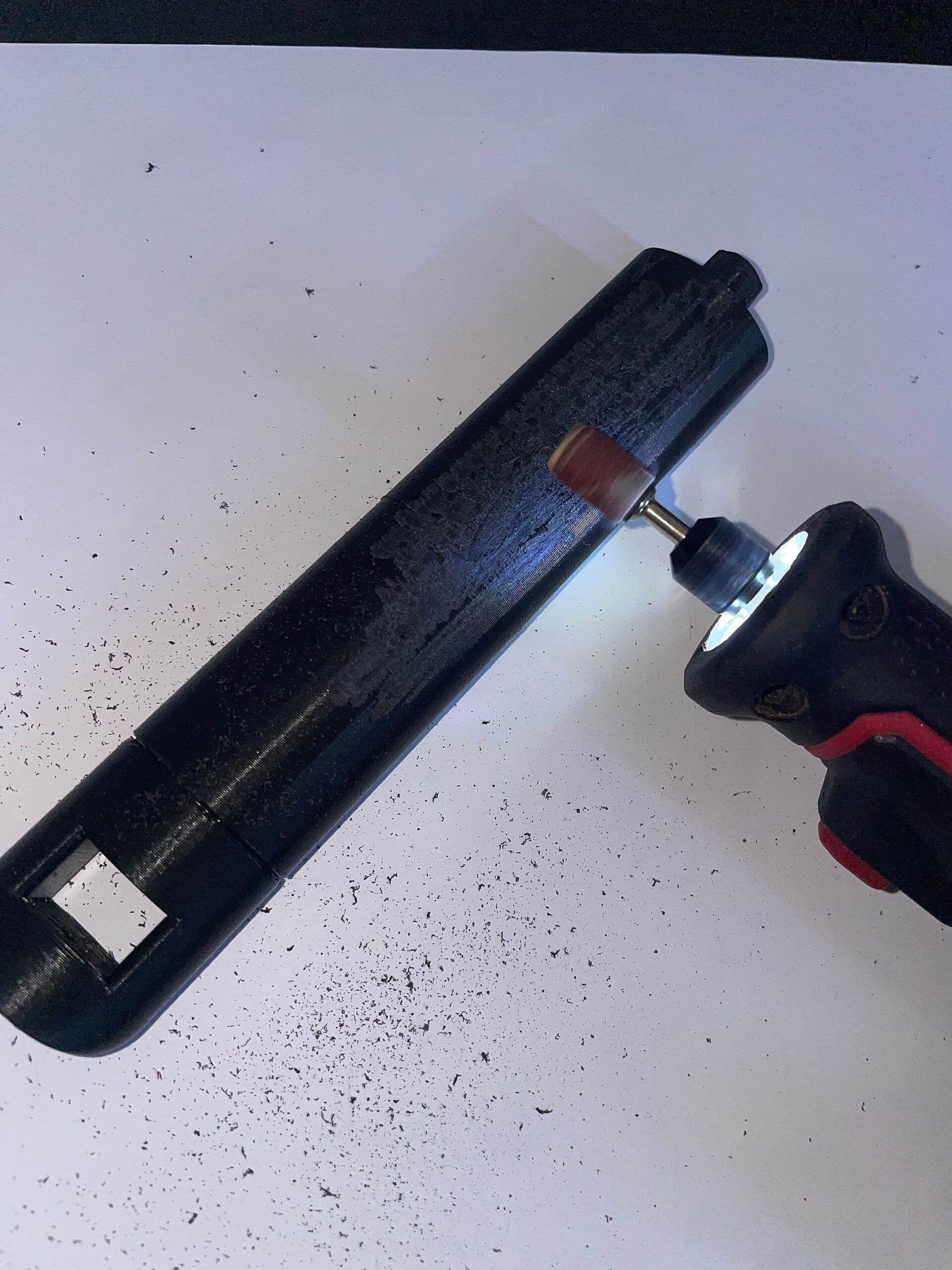
- Post-processing. Remove supports, sand if needed, paint or glue parts together. When sanding, protect your eyes and do not breathe in the dust.
Where to find free models and how the main slicers compare is covered in free STL files and slicers.
Starter slicer settings for PLA
The printer profiles that ship with slicers are good. If you want to adjust, start from these values for a 0.4 mm nozzle:
| Setting | Starting value | What it affects |
|---|---|---|
| Layer height | 0.2 mm (0.12–0.16 for detail) | Detail and time |
| Walls (perimeters) | 2–3 | Strength |
| Infill | 10–20% | Weight, time, stiffness |
| Nozzle temperature | 210–215°C (check the spool label) | Layer bonding |
| Bed temperature | 60°C | First-layer adhesion |
| Supports | Only for large overhangs | Surface quality |
Two useful rules from the Prusa knowledge base: layer height should stay below 80% of the nozzle diameter (about 0.32 mm for a 0.4 mm nozzle), and part strength depends mostly on the number of perimeters, not on infill. You will rarely need more than 30% infill.
3D printer filament: which material should you start with?
There are many 3D printing materials, but four are enough to begin:
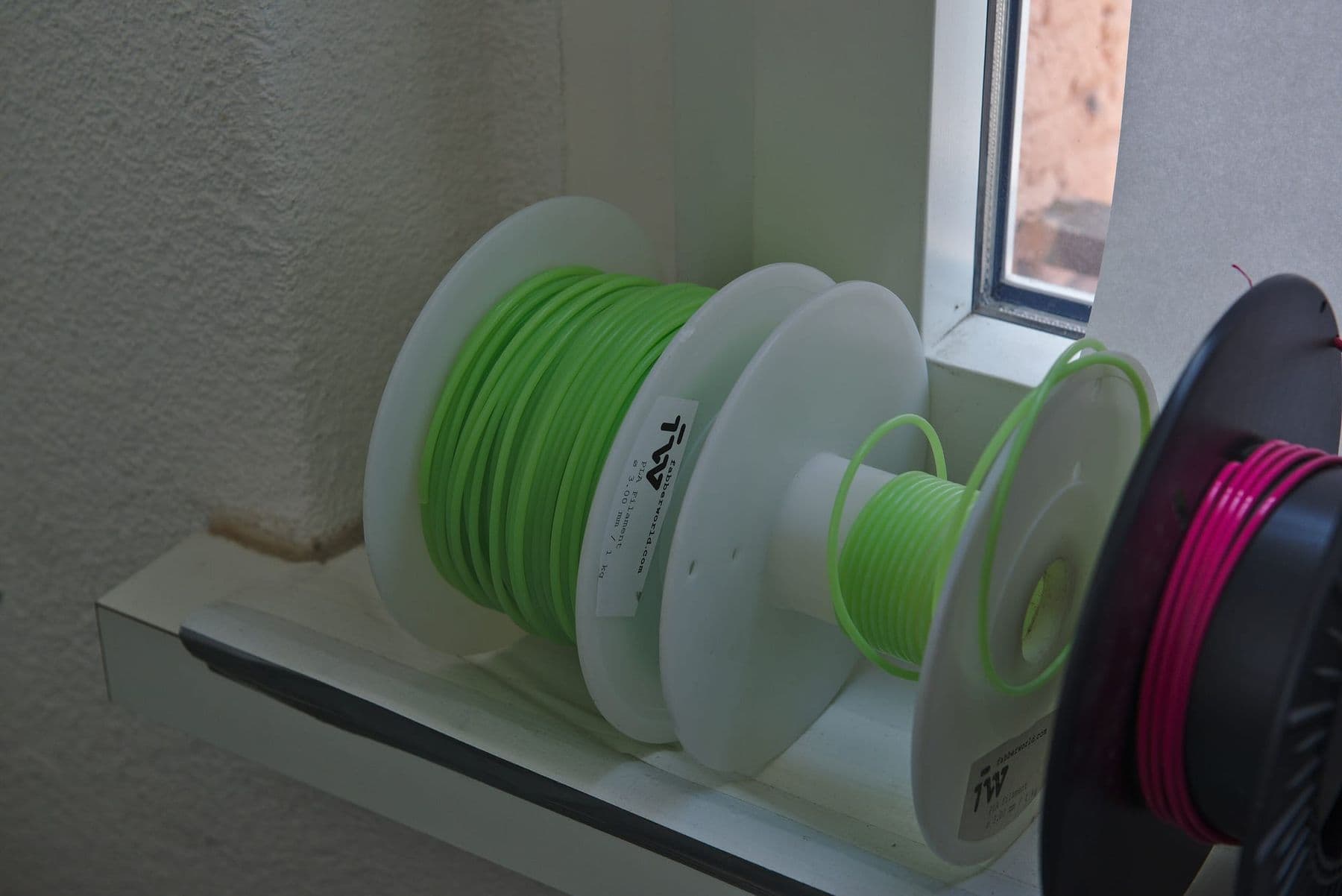
- PLA: the easiest to print, almost odourless, warps little. Best for beginners.
- PETG: tougher and more heat resistant. Good for brackets and outdoor parts.
- TPU: soft and flexible, for phone cases or gaskets. Prints slowly.
- ABS and ASA: heat resistant, but they need an enclosed printer and good ventilation.
A table with temperatures, heat resistance and prices is in our article PLA, PETG or ABS; in Georgia a kilogram of PLA costs roughly 55–70 GEL. A small object often weighs only a few dozen grams, and the slicer tells you the exact weight before you print.
Filament absorbs moisture from the air, especially PETG and TPU. Keep open spools in a sealed bag or box with silica gel. If the filament crackles while printing and the part grows fine "cobwebs", the material is probably wet and needs drying.
Your first week: 7 days, 7 steps
The classic beginner mistake is starting with a 15-hour helmet on day one. This plan builds habits step by step:
- Day 1: assemble, run the automatic calibration and print the test file stored on the printer.
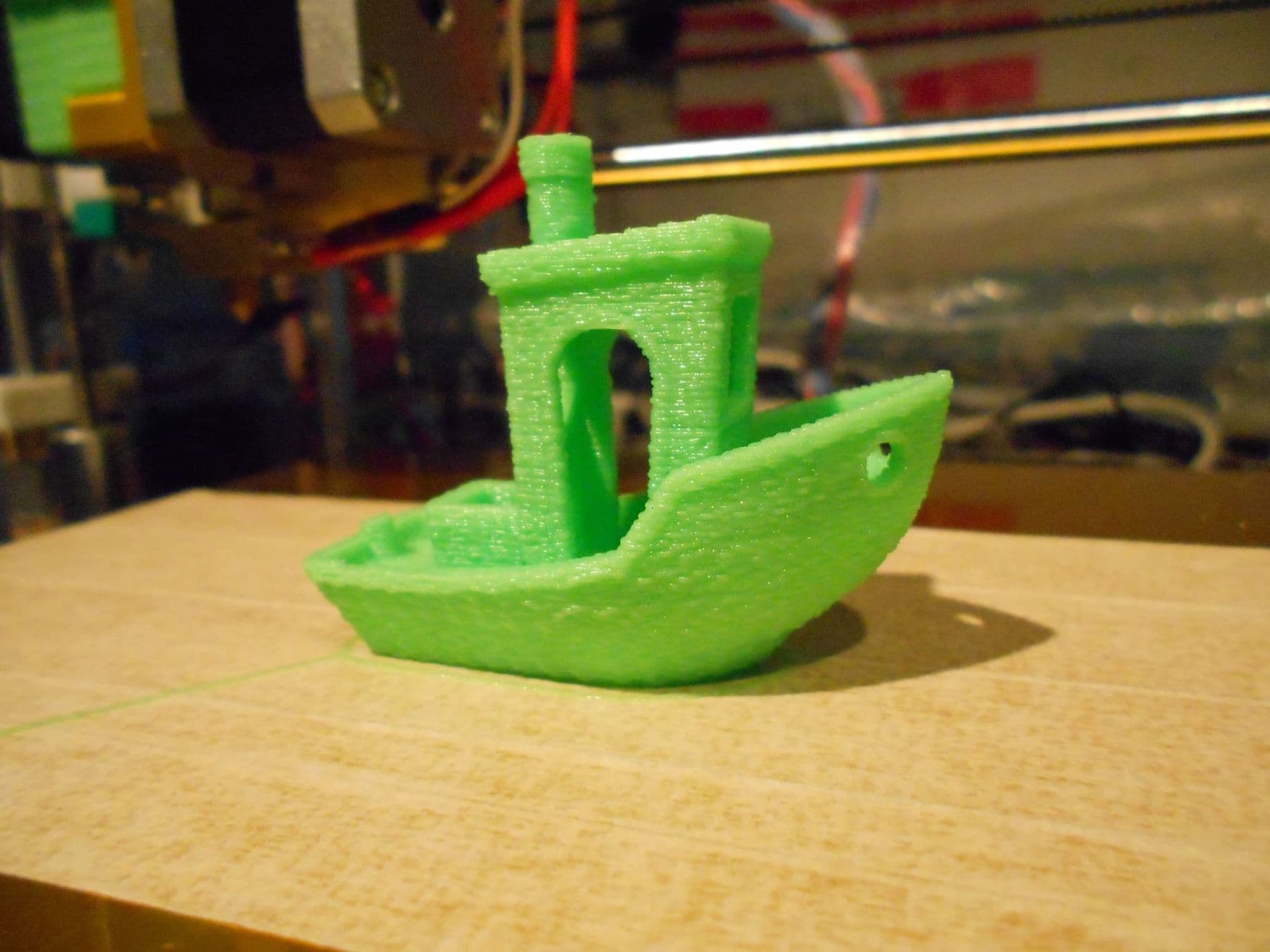
- Day 2: download a simple model (a calibration cube or 3DBenchy) and print it with the default profile.
- Day 3: learn the first layer: clean the bed, watch the line width and adjust the Z offset if needed.
- Day 4: design a name keychain in Tinkercad and print it.
- Day 5: print something useful: a hook, a cable clip or a pencil cup. For more, see 40 3D printing ideas.
- Day 6: experiment with orientation: print the same part lying down and standing up, then compare strength and supports.
- Day 7: maintenance: clean the nozzle and bed, check belts and screws, write down the settings that worked.
Safety: ventilation, resin and hot parts
A 3D printer is safe at home if you follow a few rules. Research by UL Research Institutes shows that printers release volatile organic compounds (VOCs) and ultrafine particles while printing. Among common filaments, ABS typically emits the most, then nylon, then PLA. So:
- Put the printer in a room with a window or good ventilation, but not in a bedroom.
- Do not hover over a running printer; watch through a camera or the transparent door of an enclosure.
- A basic dust mask does not protect you from these emissions.
- Print at the lowest temperature the manufacturer allows and wash your hands with soap afterwards.
- The nozzle runs above 200°C. Children should work with a printer only with an adult present.
Resin printers need stricter rules. Prusa's guidance: always wear gloves when handling resin (nitrile gloves, for example), ideally a simple respirator too, and keep the room well ventilated. Wash resin off your skin or out of your eyes immediately with soap and water, and stop and see a doctor if you notice itching or a rash. Resin bottles (full or empty) must not go into regular waste, and liquid resin must never go down the drain: treat it as hazardous chemical waste.
Keep a print log: for every print write down the material, the temperatures and what happened. After two weeks you will have your own settings table and you will stop repeating the same mistakes. Do not touch the build plate with your fingers: skin oil is a common enemy of first-layer adhesion.
What budget do you need to start 3D printing?
Prices change, so these are approximate ranges only. Printer prices come from manufacturers' official stores as of October 2026; in Tbilisi the price depends on the shop and delivery.
| Item | Approximate cost | Note |
|---|---|---|
| Entry-level FDM printer | about 180–550 USD | Open or enclosed, depending on the model |
| PLA filament, 1 kg | about 55–70 GEL | Enough for dozens of small objects |
| Tools | Small cost | Scraper, flush cutters, silica gel, isopropyl alcohol |
| Extra for resin | Resin, gloves, alcohol | You also need a washing and curing routine |
For which model fits which job, read which 3D printer to buy.
Common beginner mistakes
- Dirty bed: the first layer does not stick. Clean it with dish soap and water or isopropyl alcohol.
- Wrong Z offset: the nozzle is too high (round, separated lines) or too low (thin, wavy, see-through surface).
- Wet filament: strings, bubbles and brittle parts.
- Wrong orientation: too many supports, or the weak direction exactly where the load is.
- Starting big: learn on small parts, where a mistake costs 20 minutes, not 20 hours.
Typical print problems and their fixes are covered in 3D printing problems and how to fix them.
Where to learn 3D printing in Tbilisi
You can learn on your own, but designing your own parts, especially parts that must fit together, is where most people get stuck.
The TDS course "3D Design and 3D Printing" is for adults: 6 weeks, 12 sessions, 36 hours, on site in Georgian or English. You start with parametric modelling in Fusion 360, then learn tolerances and assemblies, slicer settings, PLA, PETG and TPU, and printer calibration and maintenance. In the lab you work with Bambu Studio and PrusaSlicer on 12 FDM printers and finish with your own product. A detailed overview is in 3D design and printing course for adults. The course for teens aged 13–17, and how the two compare, are on our 3D printing courses page.
 Course at TDS3D Design & 3D Printing6 weeks · 32 h · Starts 18 NovDetails
Frequently asked questions
How much does a 3D printer and printing cost?
As of October 2026, entry-level FDM printers cost roughly 180–550 USD in official stores. Material is cheap: a kilogram of PLA costs roughly 55–70 GEL in Georgia, and the slicer shows the weight of each print.
How long does a 3D print take?
It depends on size, layer height and infill. A keychain or a hook can print in under half an hour, while a large figure or a helmet can take dozens of hours. The slicer shows the exact time before you print.
What is a slicer and which one should I use?
A slicer cuts a 3D model into layers and creates the G-code file your printer runs. The easiest choice is your printer maker's slicer (Bambu Studio, PrusaSlicer), because it includes ready profiles. OrcaSlicer and UltiMaker Cura are free alternatives for many printers.
Do I need 3D modelling skills to start 3D printing?
No. Thousands of free models are available, so you can print without modelling. The real value starts when you design your own objects: begin with Tinkercad, then learn Fusion 360 for precise parts.
Is a 3D printer safe to use at home?
An FDM printer with PLA is fine at home if the room is ventilated, you do not sit next to it for hours and children do not touch the hot nozzle. ABS needs an enclosed printer and good ventilation. Resin printers need gloves, a separate ventilated space and proper waste handling.
Which 3D printer filament should I start with?
PLA. It is the easiest to print, inexpensive and almost odourless. When you need strength or heat resistance, move to PETG; for soft parts, try TPU.
If you would rather not spend your first month on trial and error, learn with a structure: in the 3D Design and 3D Printing course you practise both modelling and printing. Not sure which path fits you? Contact us for a free consultation.
Sources
- 3D Printer Safety: 10 Ways to Promote Healthy Indoor Air Quality, UL Research Institutes
- PLA, Prusa Knowledge Base
- Layers and perimeters, Prusa Knowledge Base
- Infill, Prusa Knowledge Base
- Resins, Prusa Knowledge Base
- 3D Printers, Bambu Lab Store
- 3D Printers, Creality Store
- #3DBenchy, the jolly 3D printing torture-test