AI for Motion Designers: Video, Animation and Sound
 18+Video, animation and sound

In eight sessions you learn to make video and animation entirely in AI: from script and style frames to camera moves, characters, visual effects, Georgian voice-over and music. In the last session you put it all together and deliver a 30–45 second spot.
Who it is for
What you will learn
- A script, shot list and animatic for a 30-second spot
- Style frames and a character or product sheet
- One character or product across every shot
- Visual effects on your own phone footage with AI
- A logo sting, Georgian voice, music and the spot in 16:9 and 9:16
- ვიდეოს მონტაჟი და ექსპორტი — კადრების გაერთიანება, საბოლოო დამუშავება და სხვადასხვა ფორმატისთვის მომზადება.
Tools and equipment
Groups & times
New dates will be announced soon. Leave your contact and we will let you know first.
How it works
- Day 0Application
Form or call
- Days 0–3Group and payment
Buying the course
- Week 1Orientation
Safety, accounts
- 4 weeksLearning
6 classes
- Final weekFinal project
Presentation to a jury
- AfterwardCertificate
with QR verification
Syllabus
01An AI-native workflow and the conceptSession 1 · 2 h · 3 topics
- 1.1A map of video models: who is best at what, credits and licencesTheory
- 1.2From idea to script and shot list with Gemini, ChatGPT and ClaudePractice
- 1.3A moodboard in Google Flow with Nano BananaPractice
OutcomeA 30-second spot treatment, a 10-shot list and a moodboard
02Style frames and keyframesSession 2 · 2 h · 3 topics
- 2.1Style references: Nano Banana, Magnific, Krea in real timePractice
- 2.2A character and product sheet from every anglePractice
- 2.3Start and end frames, an animatic in RunwayPractice
Outcome6–8 style frames, a character or product sheet and an animatic
03Image-to-video and camera languageSession 3 · 2 h · 3 topics
- 3.1Google Flow: Veo and Gemini Omni for image-to-videoPractice
- 3.2Higgsfield Cinema Studio: camera, lens, tempo, eraPractice
- 3.3Kling: start and end frames, loopsPractice
OutcomeFour shots with different camera moves and one seamless loop
04Characters and products in every shotSession 4 · 2 h · 3 topics
- 4.1Seedance: multiple references and a 30-second scene in one generationPractice
- 4.2Higgsfield Soul ID and Kling Omni: keeping a face and a productPractice
- 4.3Runway References: one world across every shotPractice
OutcomeA 15–30 second sequence with one character or product
05Video-to-video and VFX inside AISession 5 · 2 h · 3 topics
- 5.1Runway Aleph: weather, background, object swaps and restylingPractice
- 5.2Gemini Omni: editing video by conversation, step by stepPractice
- 5.3Kling and Luma: video-to-video and motion transferPractice
OutcomeYour own phone clip transformed with AI: a before-and-after
06Motion graphics, type and logo animation with AISession 6 · 2 h
OutcomeA 5-second logo sting, a 10-second loop and 3 variations
07Voice, lip-sync, music and sound effectsSession 7 · 2 h · 3 topics
- 7.1ElevenLabs: Georgian voice-over and sound effectsPractice
- 7.2A talking character: Runway Act-Two, Higgsfield Speak, KlingPractice
- 7.3Suno: music for the spot; the built-in audio of Veo, Omni and SeedancePractice
OutcomeA 10–15 second shot of a character speaking Georgian, with music and effects
08Integration, finishing and deliveryFinalSession 8 · 2 h · 2 topics
- 8.1Importing and assembling in free DaVinci Resolve or CapCutPractice
- 8.2Exporting for social media and disclosing AI; presentationPresentation
OutcomeA 30–45 second spot in 16:9 and 9:16
Lecturer
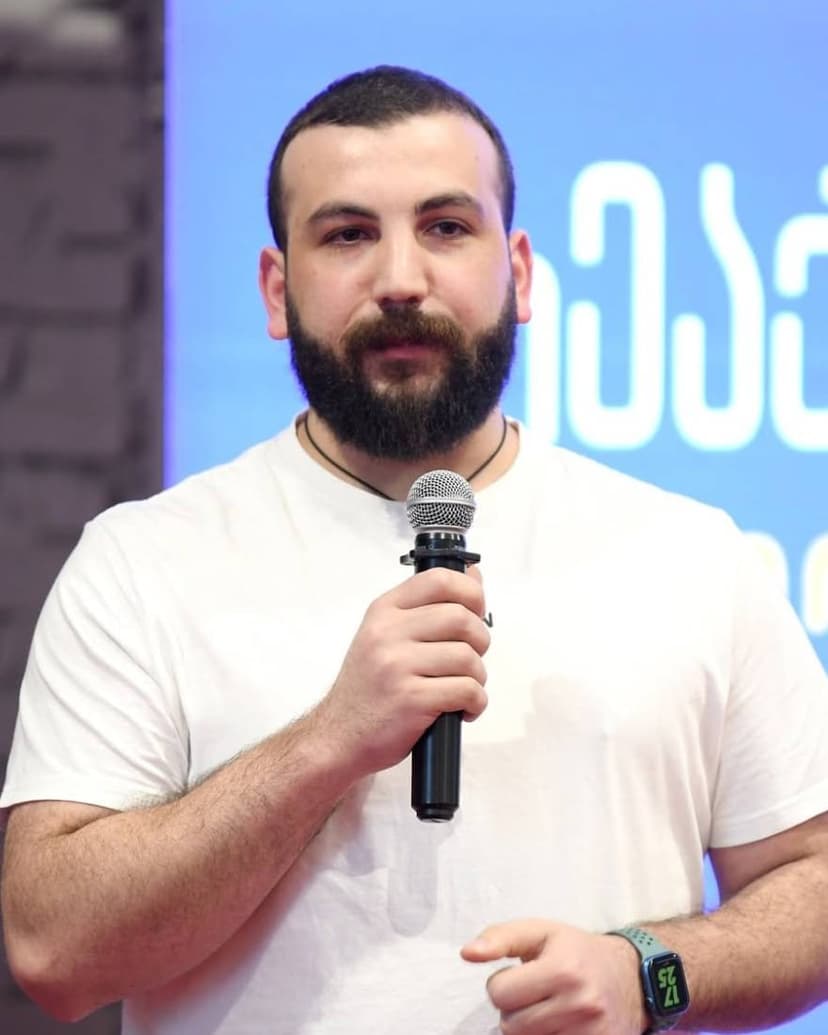
AI and robotics researcher, tech entrepreneur
AI and robotics researcher, tech entrepreneur and teacher who makes artificial intelligence accessible to everyone. Founder and director of the AI and Robotics Research Lab at Ilia State University, and head of the university’s Center for Technology Entrepreneurship and Innovation. Builds and uses AI bots and automation in daily work, teaching and content creation. Founded the Georgian Robotics Association (GRA), the tech media outlet TechCrush and Tbilisi Digital School. Since 2017 has taught programming, robotics and AI to thousands of people. Named to Forbes Georgia’s 30 Under 30.
Frequently asked questions
Do I need After Effects or editing skills?
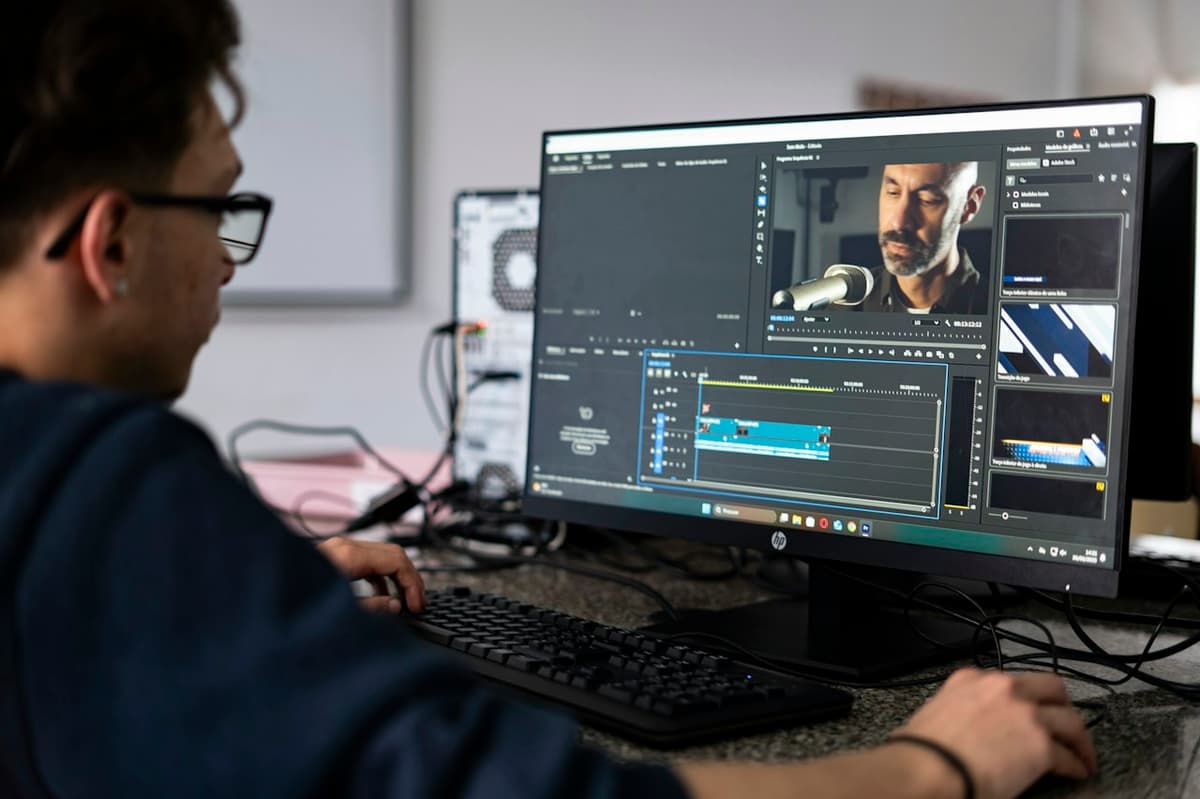
No. Almost the whole course happens inside AI tools. In the last session we assemble the shots in free DaVinci Resolve or CapCut and teach the basics you need right there.
What will the tools cost me?
Google Flow gives 50 free credits every day, and Runway, ElevenLabs and Krea have free plans. For a full spot one paid service is enough, about $15–30 a month (for example Magnific or Runway). We tell you which one to pick before the course starts.
Can AI write Georgian text in video?
AI still writes Georgian letters unreliably, so we generate shots without text and add Georgian titles in the edit. Georgian voice works well in ElevenLabs.
Do I need a powerful computer?
No. Video generation runs in the browser, and an ordinary laptop is enough for the edit.
Can I get a refund?
After the first class, we refund 100%. After that, refunds are prorated for the remaining classes.