





Robotics, Electronics and Smart Systems: From a Smart City to Autonomous Robots
 Ages 13–17სერვოები, სენსორები და Arduino C++
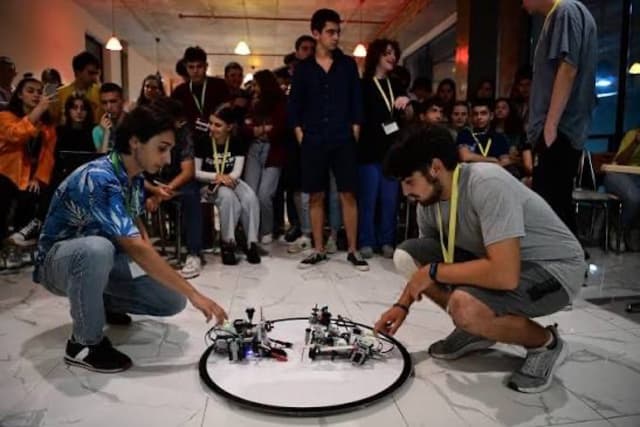
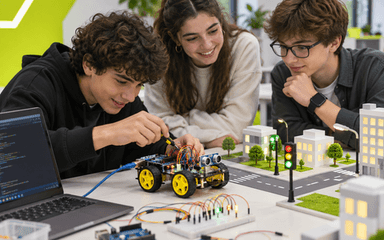
This robotics and smart systems course is designed for teens aged 13–17 who want hands-on experience with electronics, programming, robotics and automation technology. Students get to know the Arduino and ESP32 microcontrollers and learn the basics of C++ programming, how to build electronic circuits, how to control sensors and motors, and how internet-connected smart devices work. The course is divided into three phases and combines programming, electronics, 3D modeling and engineering design. Over the three phases they build a smart city, a walking spider robot and a robotic arm, and finally an autonomous car for competitions.
The course fee includes hands-on teaching, use of the learning lab and technical equipment, and the materials needed for the projects in the program.
- Use of Arduino and ESP32 learning kits, sensors and motors
- Use of 3D printing and laser cutting for hands-on projects
- Lab tools and the materials needed for learning
- Creating, assembling and testing individual and team projects
- Anything else the lessons need for the best results, the school provides
- Nothing extra to buy
Who it is for
What you will learn
- Arduino C++ from scratch: variables, conditions, loops, functions, arrays, millis() and state machines
- 20+ sensors and actuators: HC-SR04, DHT11, MQ-2, RFID RC522, VL53L0X, servos and motors with encoders
- ESP32 and IoT: Wi-Fi, a phone control panel, MQTT and a shared city dashboard
- Designing their own parts in Tinkercad and Fusion 360
- Laser cutting, 3D printing and soldering, with lab operator certificates
- Robotics: walking gaits, inverse kinematics, teach-and-replay, PID and maze algorithms
- The engineering process: design documents, testing, debugging, presenting and a portfolio
Tools and equipment
Phases
Phase 1 · 20 Nov – 31 Jan · 16 sessions · Phase price 980₾Smart City
From the first LED to a working city: every session adds a new city module that the teen designs, makes and programs. At the end of the phase the 15 blocks join into one smart city controlled from a phone.
Finished projects- My city block A traffic light, a sound-guided crossing, a parking barrier, automatic street lights and a parking display on an Arduino Nano board they soldered themselves.
- Smart house An RFID door, climate control, a fire alarm, a rain-sensing window and a self-watering garden on an ESP32 with a phone panel.
- Smart city Fifteen blocks in one city with a shared IoT dashboard, a night mode and an evacuation drill.
Your child keeps: The smart house module, The city block tile with all module housings, Soldered street lights and the street board, An RFID key fob and a pot of cress
The smart-house electronics to take home: for an extra fee, a manager will tell you the details
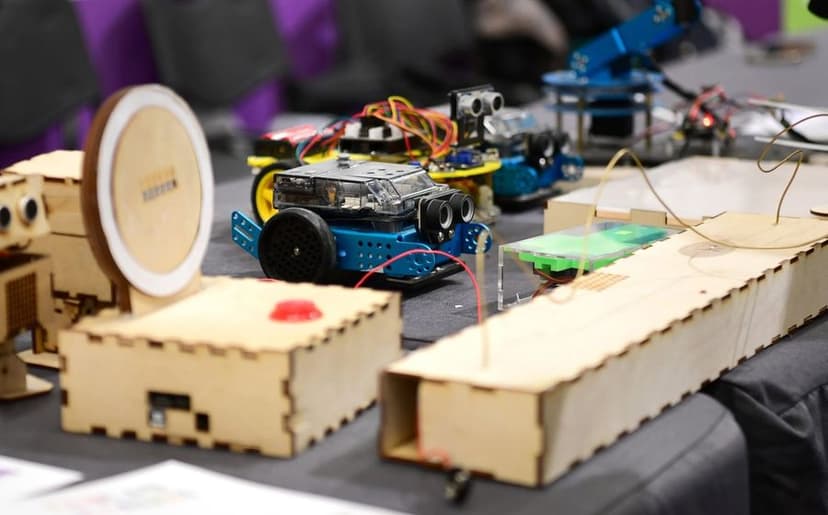
Phase 2 · 1 Feb – 4 Apr · 16 sessions · Phase price 980₾Walking robot and robotic arm
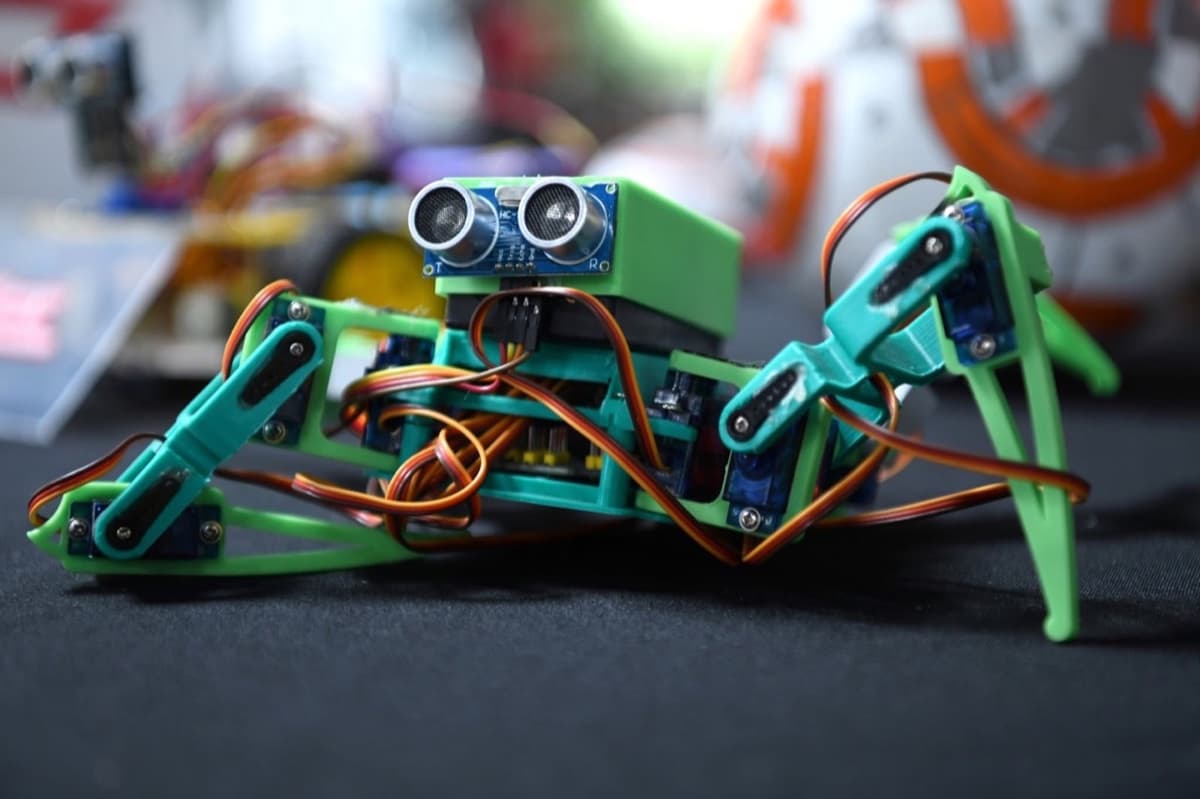
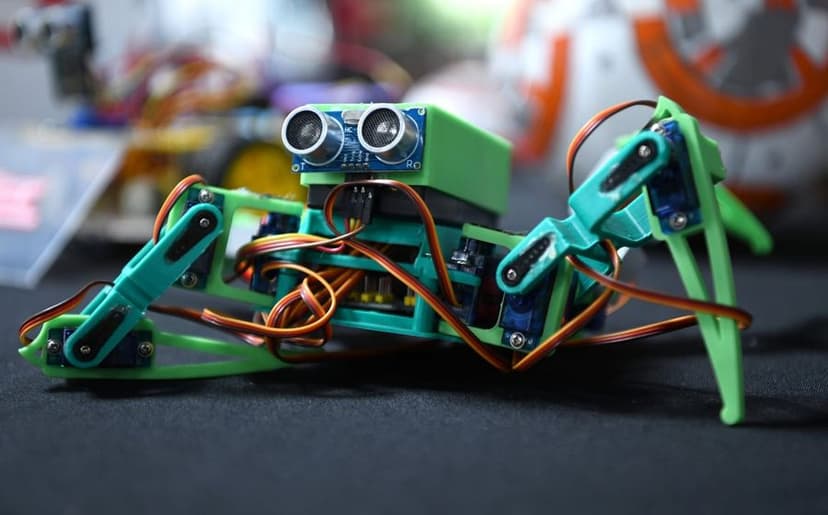
Electronics start to move: a spider robot walks on 8 servos, dances and is driven from a phone, and a robotic arm learns movements and repeats them. Fusion 360 starts here, plus fun projects: a drawing plotter or a face-tracking camera.
Finished projects- Spider robot A four-legged robot on 8 servos: walking gaits, phone control, an autonomous mode and a dance.
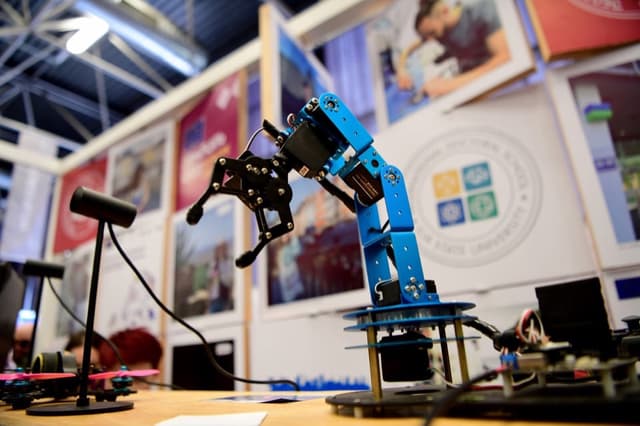
- Robotic arm A 4-DOF arm with a gripper, joystick control, teach-and-replay and colour sorting.
- Fun project A drawing plotter that writes their name in Georgian, or a camera that follows a face.
Your child keeps: The spider's self-designed shell and sensor head, The arm's laser-cut parts and gripper, The joystick controller box, Plotter drawings
The spider robot electronics to take home: for an extra fee, a manager will tell you the details
Phase 3 · 5 Apr – 13 Jun · 16 sessions · Phase price 980₾Autonomous robots and competitions
A self-designed autonomous car in four competitions: a PID line-following race, a maze, sumo and WRO-style missions. The year ends with a grand project the teen invents and presents on Demo Day.
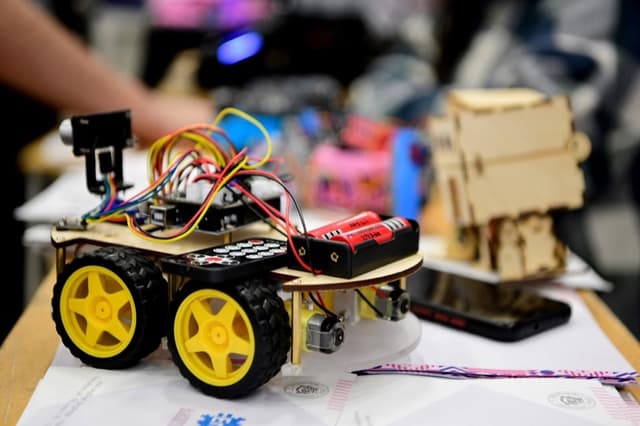
Finished projects- Autonomous car With encoders, line and distance sensors: line follower, maze solver, sumo and missions in one robot.
- Grand project Their own idea, from a design document to a working device.
- Year portfolio Projects from all three phases with photos, videos, code and CAD files.
Your child keeps: The car chassis, sumo blade and mission attachment, The grand project's housing, Medals and the year certificate, A digital portfolio
The autonomous car to take home: for an extra fee, a manager will tell you the details
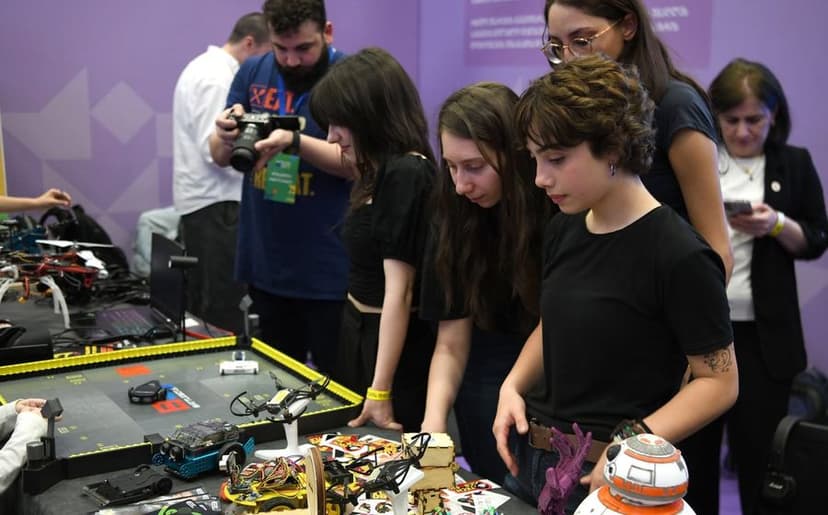
Every phase starts a new theme and ends with a finished project, so your child can also join at the start of any phase.
- Their own smart house model and software project
- Every part they designed, laser-cut and 3D-printed themselves
- Hands-on experience building and programming a robotic arm, a mobile platform and automatic control systems.
- A digital portfolio
- Practical knowledge of electronics, C++ programming, sensors, IoT technologies and robotic systems.
- Results of the projects from all three phases and digital certificates confirming completion of each phase.
Groups & times
Times don't work for you? Let us know and we'll email you when the next group opens.
How it works
- Day 0Application
Free consultation
- Days 1–3Choosing a group
By age and level
- Before the startGroup and payment
Monthly
- 7 months · 3 phasesClasses in the lab
48 classes
- Every monthOpen lesson
With parents attending
- At the endCertificate
and exhibition
Syllabus
Phase 1: Smart City
01The street: from a traffic light to street lights4 sessions · 4 topics
- 1.1First light: a traffic lightPractice
- 1.2Pedestrian crossing: a button and millis()Practice
- 1.3Parking barrier: a servo and ultrasoundPractice
- 1.4Street lights: a photoresistor and first solderingPractice
OutcomeThe city block has a working traffic light, a sound-guided crossing, a parking barrier and automatic street lights.
02The smart house: body, door, climate and alarm4 sessions · 4 topics
- 2.1The smart house body and RGB lightingProject
- 2.2Smart door: an RFID lockPractice
- 2.3Climate control: DHT11 and a fanPractice
- 2.4Fire alarm: MQ-2 and a sirenPractice
OutcomeA self-designed house with an RFID door, climate control and a fire alarm.
03City services: parking, a window and a garden3 sessions · 3 topics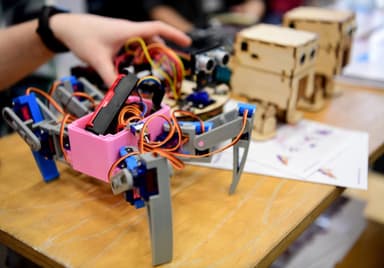
- 3.1Parking display: an I2C screenPractice
- 3.2Rain sensor and an automatic windowPractice
- 3.3Self-watering garden: a soil sensor and a pumpPractice
OutcomeA parking display, a window that closes when it rains and a garden that waters itself.
04The IoT city and the Expo5 sessions · 5 topics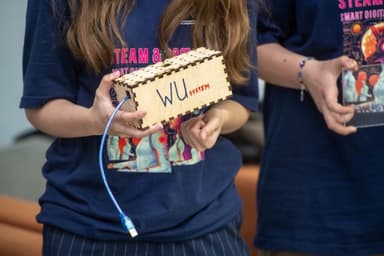
- 4.1ESP32: the house on your phonePractice
- 4.2The city IoT dashboard: MQTTProject
- 4.3The street controller: a soldered boardProject
- 4.4A day in the city: integration and debuggingProject
- 4.5Smart City ExpoPresentation
OutcomeFifteen blocks joined into one smart city with phone control and a shared IoT dashboard, shown to parents at the Expo.
Phase 2: Walking robot and robotic arm
05Servos and building the spider3 sessions · 3 topics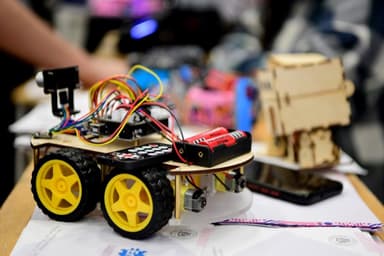
- 5.1Inside a servo: PWM and calibrationPractice
- 5.2The spider's brain: PCA9685 and a body shell in Fusion 360Practice
- 5.3Assembling the spider and its zero poseProject
OutcomeAn assembled spider robot with a self-designed shell that stands up and sits down.
06The spider walks4 sessions · 4 topics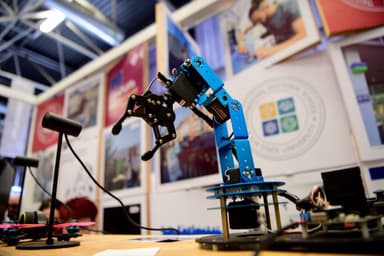
- 6.1First steps: walking gaitsPractice
- 6.2Inverse kinematics: moving a leg by coordinatesPractice
- 6.3Phone control: a Wi-Fi joystickPractice
- 6.4Autonomy and dance: a distance sensorProject
OutcomeThe spider walks, turns, is driven from a phone, avoids obstacles on its own and dances.
07The robotic arm5 sessions · 5 topics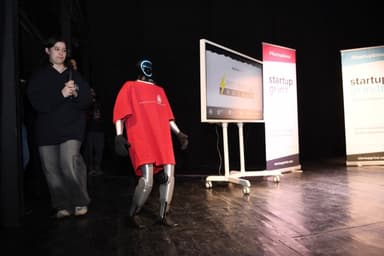
- 7.1Robotic arm: design and laser cuttingPractice
- 7.2Assembling the arm and its gripperProject
- 7.3Joysticks and smooth motionPractice
- 7.4Teach and replayPractice
- 7.5A colour-sorting factoryProject
OutcomeA 4-DOF arm that is driven by joysticks, remembers and replays movements and sorts cubes by colour.
08Fun project and the Robot Show4 sessions · 4 topics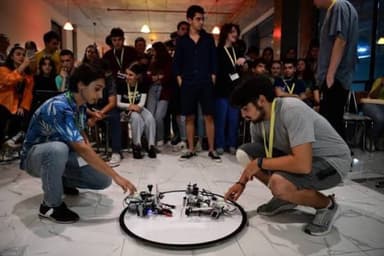
- 8.1Fun project: a drawing plotter or a face-tracking cameraProject
- 8.2Finishing and showing the fun projectProject
- 8.3Getting ready for the showPractice
- 8.4Robot ShowPresentation
OutcomeA working drawing plotter or face-tracking camera, and the Robot Show for parents.
Phase 3: Autonomous robots and competitions
09The autonomous car: chassis, motors and encoders3 sessions · 3 topics
- 9.1Designing the autonomous car chassis in Fusion 360Practice
- 9.2Motors, a driver and powerPractice
- 9.3Encoders: exact distance and exact turnsPractice
OutcomeA self-designed car that drives an exact distance and turns an exact angle.
10Line following and PID3 sessions · 3 topics
- 10.1Line sensors: a first line followerPractice
- 10.2The PID controllerPractice
- 10.3Line-following raceCompetition
OutcomeA PID line follower and the first competition: a line-following race.
11Maze, sumo and missions5 sessions · 5 topics
- 11.1VL53L0X and wall followingPractice
- 11.2Solving a mazePractice
- 11.3Sumo: strategy and buildPractice
- 11.4WRO-style missionsPractice
- 11.5TDS Robot Cup: sumo and missionsCompetition
OutcomeOne robot in three disciplines and the TDS Robot Cup.
12Grand project and Demo DayFinal5 sessions · 5 topics
- 12.1Grand project: the idea and a design documentProject
- 12.2Grand project: fabricationProject
- 12.3Grand project: assembly and codeProject
- 12.4Testing, portfolio and rehearsalProject
- 12.5Demo Day: grand projectsPresentation
OutcomeA grand project of the teen's own idea, the year's portfolio and Demo Day for parents.
Frequently asked questions
Is it possible to take individual phases of the course?
Yes, the course is divided into three phases. You can take either the full program or a single phase. Starting from the second or third phase requires the relevant basic knowledge, which may be checked with an assessment beforehand.
What if they miss a session?
Missed sessions are not made up individually and are not refunded. If needed, the student can check the topic and assignments of the missed lesson with the trainer.
What is included in the course fee?
The course fee covers hands-on teaching, use of the learning robots, electronics kits and lab equipment, the learning materials needed and building the projects in the program. Everything they design and make themselves is theirs to keep.
Do they need a laptop or anything else?
No: laptops, electronics, the laser cutter, 3D printers and soldering stations are in the lab. A phone is useful in sessions where we control the house or the robot from a phone. You don't have to buy your own laptop, electronics kit or extra tools.
How safe is it?
Hands-on work takes place under the trainer's supervision and follows the relevant safety rules. Students work with electronic components made for learning, and the 3D printer and laser cutter are used under the instructor's control.
Do they need any prior knowledge?
No prior programming experience is needed to start from the first phase. Students learn Arduino C++, ESP32, electronics and how to program robotic systems step by step.
Can siblings enroll together?
Yes, siblings can enroll at the same time, depending on the right age group and available places. Contact us for more information.
Can siblings enroll together?
Yes, the second child gets a 15% discount. To get it, please contact our manager.
What if my child misses a lesson?
If a lesson is missed, the fee is not refunded. However, the trainer will help the student go over the missed material and catch up, so they can continue the course without falling behind.
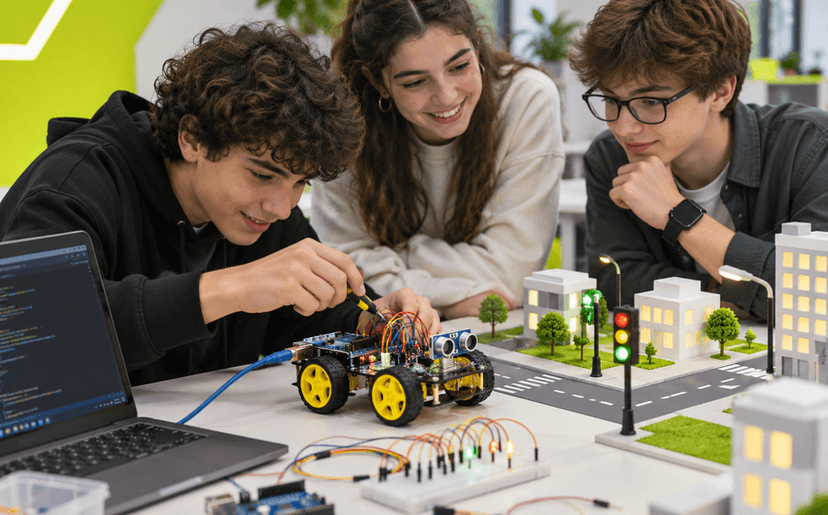 Ages 13–17 · 2 weeksStarts: 12 Decრობოტიკისა და ელექტრონიკის ექსპრესკურსი - 13-17 წელი250₾full course
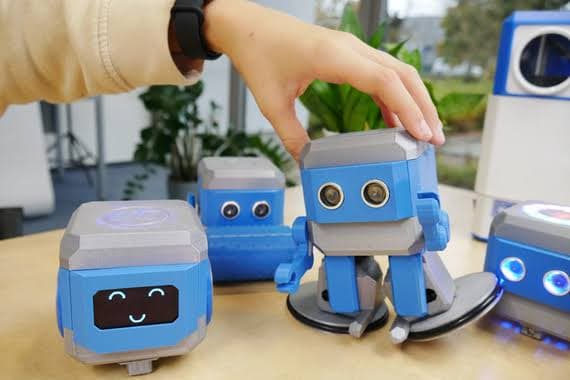
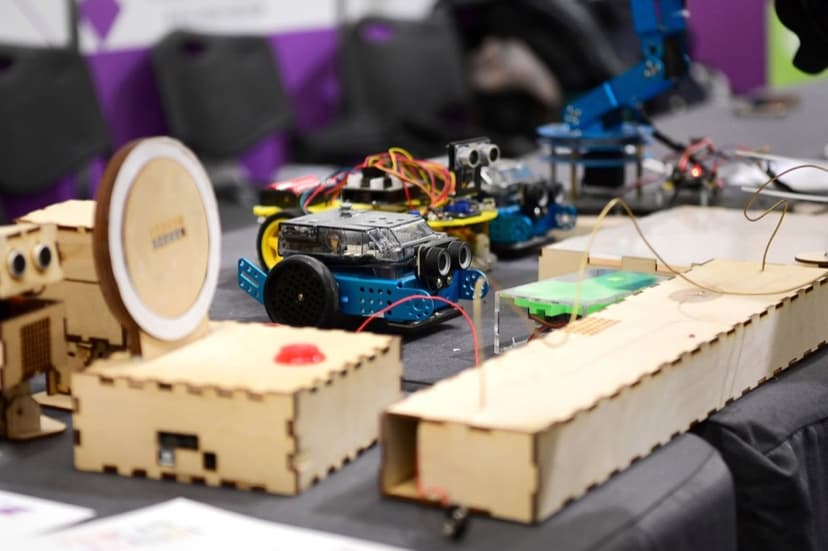 Ages 7–9 · 7 months · 3 phasesStarts: 21 NovRobotics and Electronics 7–9: from mBot to Your Own Otto Robot355₾per month · Kit included
 Ages 10–12 · 2 weeksStarts: 11 DecRobotics and Electronics 10–12: Arduino, a Robot Car and a Robotic Arm200₾full course · Kit included
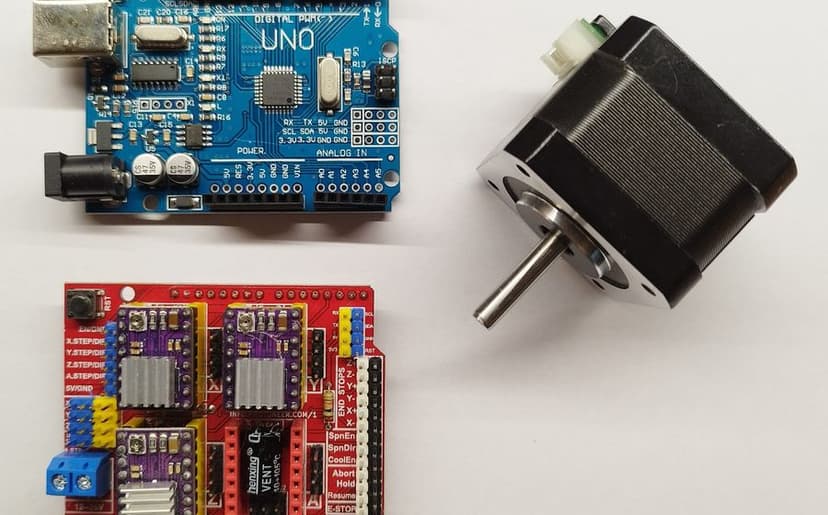 Robotics & electronicsRobot Components: What You Need for a First Project and What It CostsEditorial10 min
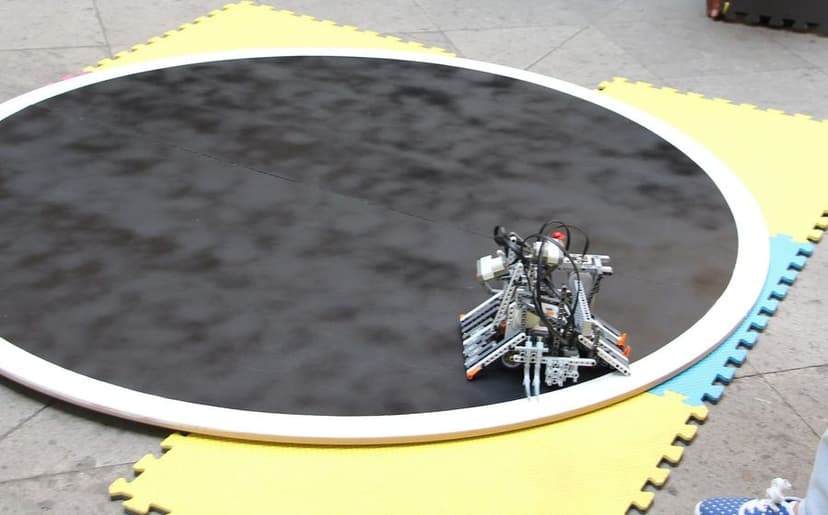 Robotics & electronicsRobotics Competitions for Kids: Sumo, Line Following, FLL and WROEditorial9 min
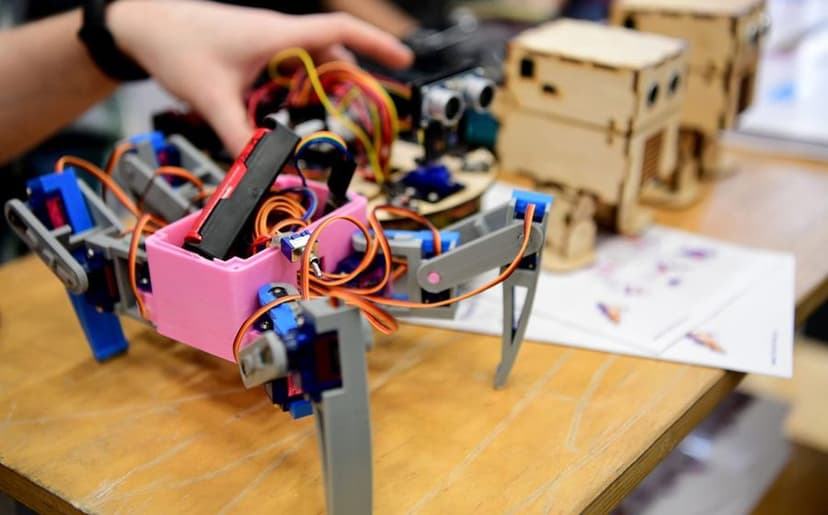 Robotics & electronics15 Arduino Projects for Beginners, from Easy to AdvancedEditorial10 min