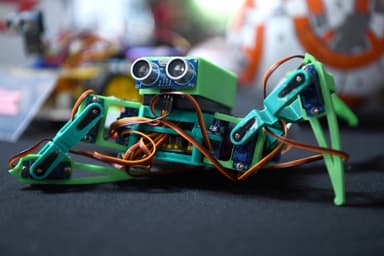
An electronics course teaches kids how circuits work, how to wire real components and how to program an Arduino so a device can react to the world around it on its own. At Tbilisi Digital School there are two: Electronics and Smart Devices for ages 10–13, and an Advanced course for ages 13–17 that adds robotics. Both are hands-on, held in person in Tbilisi and taught in Georgian.
What kids learn in an Arduino course
Every smart gadget, from a night light to a room thermometer, does three things: it senses, it decides and it acts.
- Senses: a sensor measures distance, temperature or humidity, or notices movement.
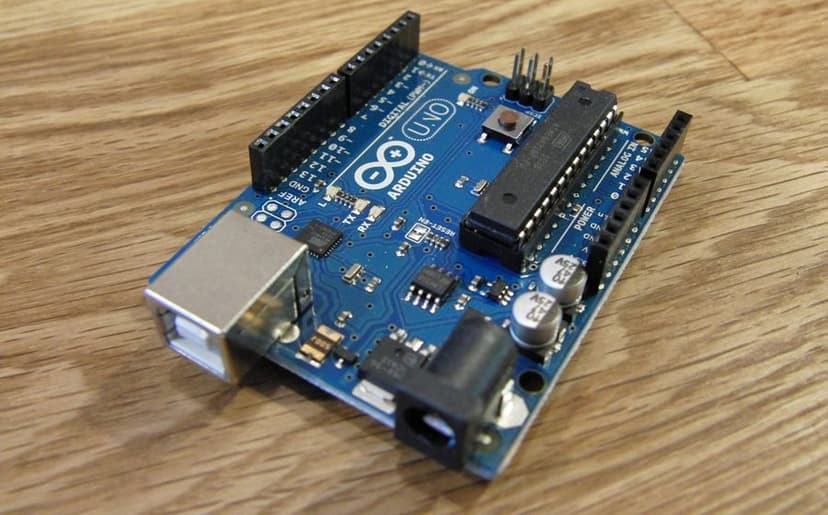
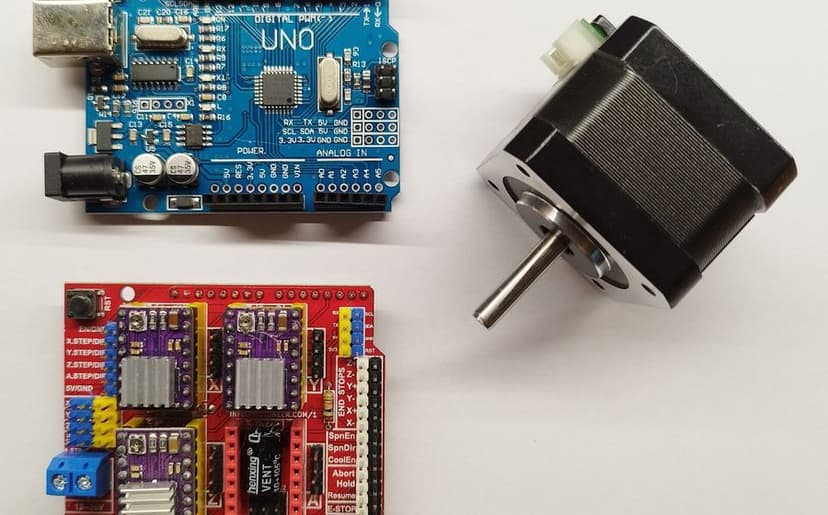
- Decides: the Arduino microcontroller reads that value and runs the code your child wrote.
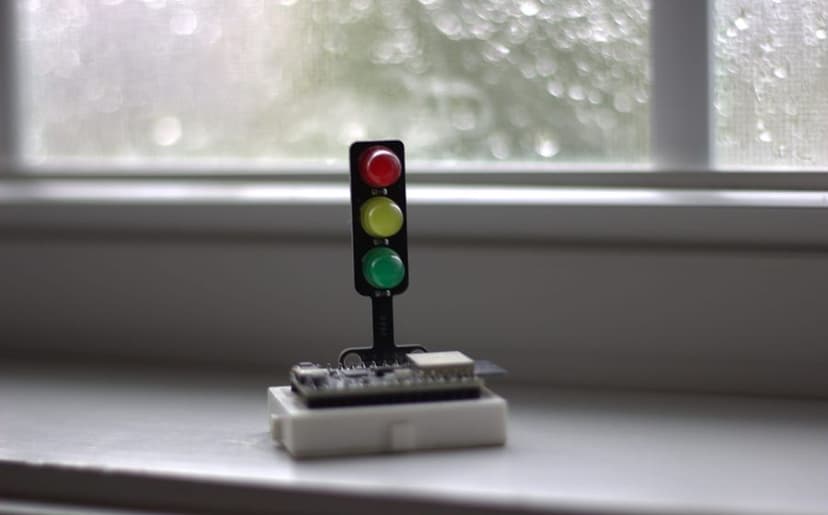
- Acts: an LED lights up, a servo turns, a display shows text or a buzzer sounds.
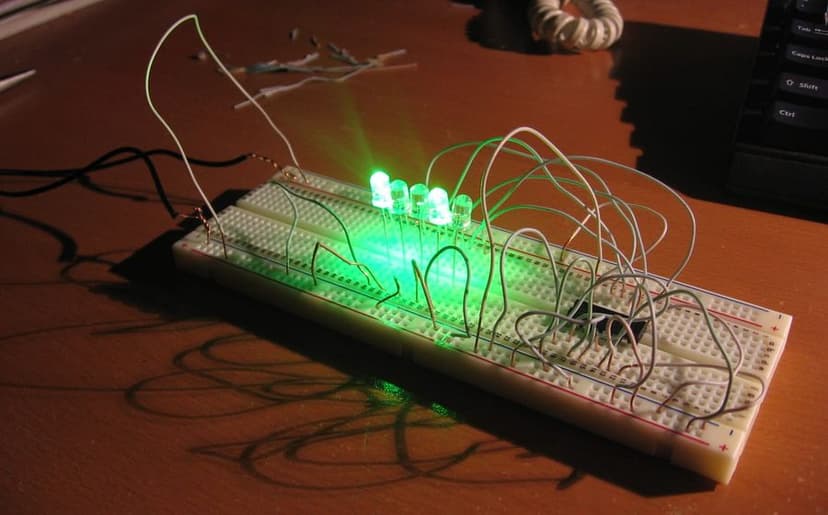
In class, kids build all three links themselves. They learn what current, voltage and resistance are, wire the circuit, write the program and then watch their own device come to life. It is physics, maths and coding in one practical task, and the result is something they can hold. If you would like to see what the board is first, read our Arduino guide for beginners.
Which course for which age
The two courses are built for different ages and levels:
- Arduino course for ages 10–13 (Electronics and Smart Devices): beginner level, no experience needed. Arduino, sensors, displays, Tinkercad Circuits and Tinkercad 3D, ending with the child's own smart device.
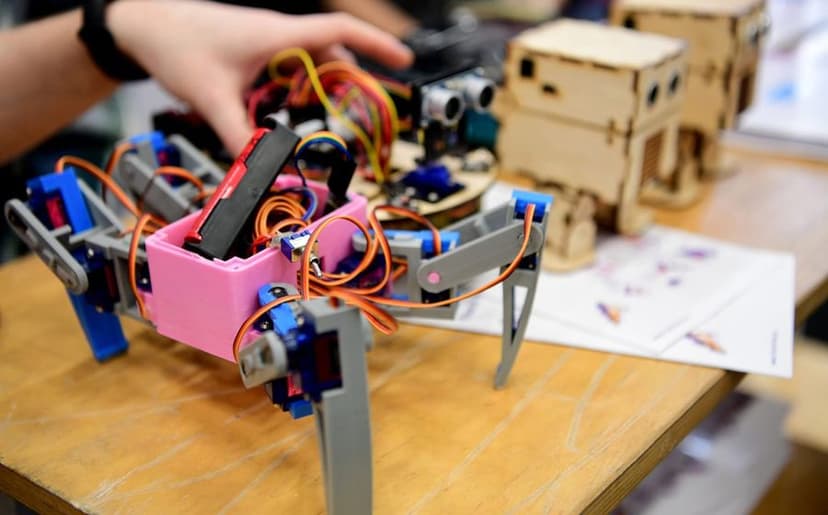
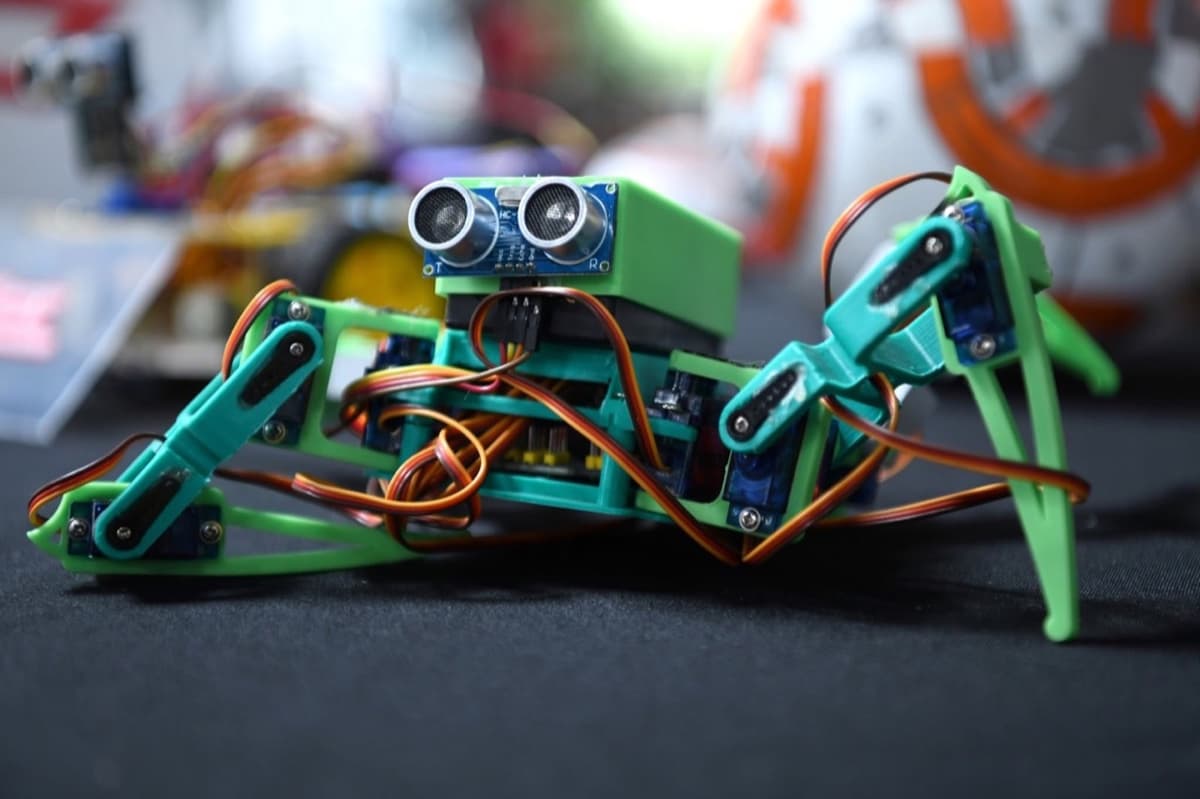
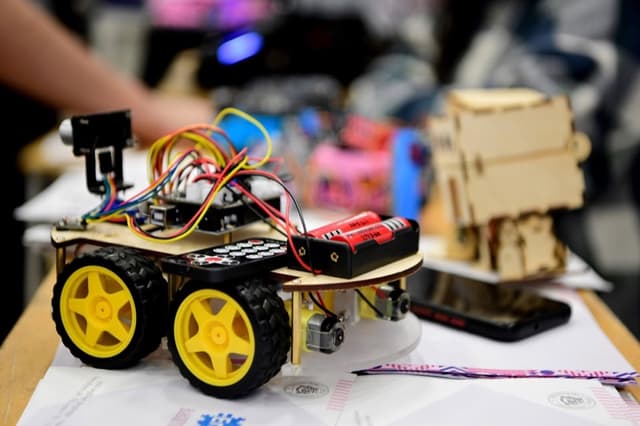
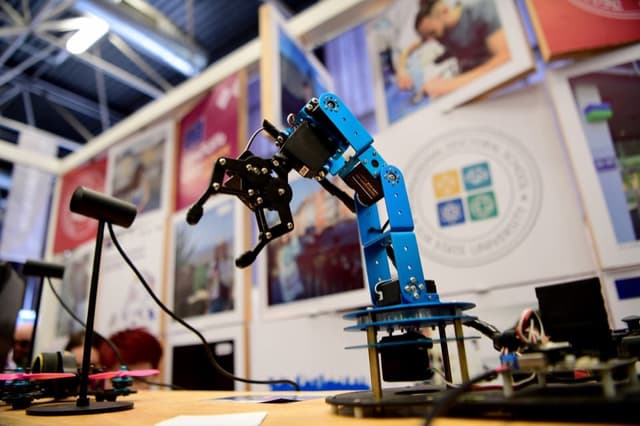
- Advanced electronics and robotics course for ages 13–17: from Ohm's law to Arduino C++, sensors and actuators, smart devices, a 4WD mobile robot and a robotic arm, ending with a final project.
If your child cares more about moving robots than about circuits, take a look at our robotics course for ages 10–14 too, with mBot, Ottobot, a 4WD robot, a robotic arm and a Tello drone.
What kids build
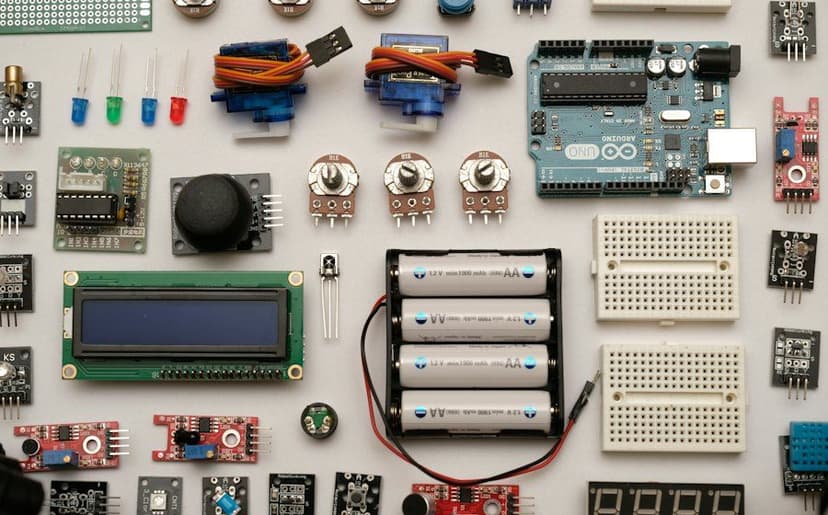
In the 10–13 course, kids start by lighting an LED and finding out why it needs a resistor. Then come the sensors: devices that measure distance, temperature and humidity, react to movement, show readings on a display or move a servo. The kit even includes a small solar panel. Later they design an enclosure and functional parts for their device in Tinkercad 3D, and they finish by building and presenting a smart device of their own, alone or in a team.
The Advanced course opens with breadboards, Ohm's law and Arduino C++: digitalWrite, analogRead, PWM, if/else and libraries. Teens work with ultrasonic, DHT11, IR, RFID, soil-moisture and gas sensors and build smart devices such as automatic plant watering, a door lock and a climate monitor. Next comes a 4WD mobile robot that drives autonomously or over Bluetooth, and finally a robotic arm that they assemble, calibrate and program so its servos move in sync.
How the lessons work
Each project follows the same loop: wire the circuit, write the code, test it, find the bug, fix it. Circuits can also be built and checked virtually in Tinkercad Circuits before they move to real parts, so a mistake becomes a normal step rather than something to fear.
Everything runs at low voltage: an Arduino takes 5 V from USB, and mains wiring is not part of the course. Lessons are in person and in Georgian. The kit, sensors and consumables are included, so there is nothing extra to buy, and the devices your child builds come home with them.
How to choose and get started
- Ages 10–13 and new to electronics: start with Electronics and Smart Devices.
- Ages 13–17, comfortable with some code and keen on robots: choose the Advanced course.
- Not sure yet: build a first breadboard circuit at home together and see how it goes.
For more ideas, browse 15 Arduino projects for beginners. If you would like help choosing, book a free consultation and we will walk you through both courses.