On an electronics course, a 10–13 year-old learns how current flows around a circuit, how to light an LED and read a sensor, how to program an Arduino in C++, and how to combine all of it into a finished smart device. On a good course most of the time goes into building, and the child finishes with a device that works and that they can explain themselves.
Many parents assume electronics is "too hard" or "dangerous" for a child. In fact, educational electronics runs on 5–9 volts, and this is exactly the age when the qualities it needs appear: curiosity about how things work, comfort with numbers and the patience to track down a mistake. Below we explain what a child learns step by step, how to judge a course, and how to help at home.
What kids learn on an electronics course: the skills ladder
Learning electronics is like climbing a ladder: each step rests on the one before and unlocks a more exciting project.
| Step | What they learn | Example project | Skill it builds |
|---|---|---|---|
| 1. The circuit | voltage, current, resistance, Ohm's law | lighting an LED from a battery | cause-and-effect thinking |
| 2. Parts and the breadboard | buttons, potentiometers, photoresistors | a night light | reading schematics, precision |
| 3. Arduino and code | pinMode, digitalWrite, if/else | a traffic light | algorithmic thinking |
| 4. Sensors and actuators | ultrasonic sensor, DHT11, buzzer, servo | parking sensor, thermometer | working with data |
| 5. A finished device | idea, circuit, code, enclosure | their own smart device | planning, presenting |
Step one matters most. Once a child understands why an LED needs a resistor and how to calculate it, everything afterwards becomes logic rather than magic. The formulas and worked examples are in our guide to electronics basics and Ohm's law.
On step two the child builds circuits on a breadboard with no soldering. If you want to try it at home, four simple circuits are explained step by step in your first electronic circuit.
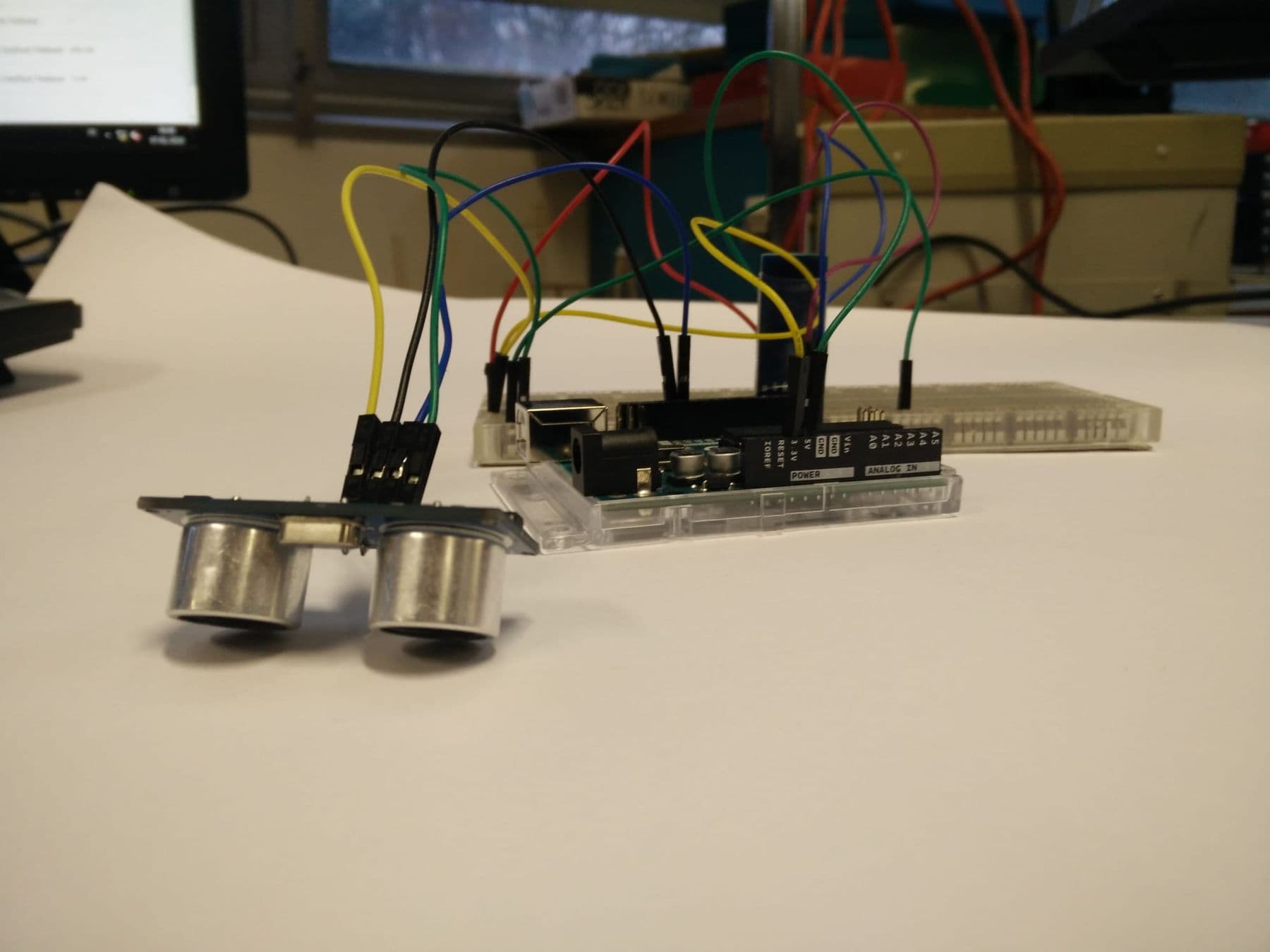
Steps three and four are where electronics meets programming. The child writes code that reads a sensor and makes a decision: "if something is closer than 20 centimetres, beep". This is the moment they realise that a phone, a washing machine and a fridge all work on the same principle.
Why 10–13 is a good age for electronics
Younger children (7–10) do better with block coding and ready-made robots such as Scratch and mBot. Electronics, where you connect the parts yourself and type real code, asks for a few extra skills.
Signs your child is ready:
- they multiply and divide comfortably and understand units (milliamps, ohms);
- they can follow multi-step instructions precisely;
- they want to know "what's inside": they take toys apart and ask how things work;
- they can stay with one problem for 20–30 minutes and do not give up after a mistake;
- typing Latin letters is not a struggle, since code is written in English characters.
If some of these do not fit yet, that is normal. For age milestones in more detail, see our parent's guide on what age to start robotics.
Inside our Electronics and Smart Devices course
Our Electronics and Smart Devices course is for beginners aged 10–13: no previous experience is needed. It runs for two months, on-site, in Georgian and in small groups. Students work in the Arduino IDE, Tinkercad Circuits and Tinkercad's 3D editor. The course is built like this:
- Introduction to Arduino and LEDs: electricity basics (current, voltage, resistors, Ohm's law, power sources), the microcontroller and its pins, a virtual circuit in Tinkercad Circuits.
- Sensors: the ultrasonic sensor (Trig/Echo, pulseIn), a line sensor with a buzzer, push buttons (pull-up and pull-down), the DHT11 temperature and humidity sensor and the Serial Monitor.
- Displays and motion: buzzers (tone), an LCD display with an I2C module, an 8 × 8 LED matrix, a servo controlled by a potentiometer.
- Projects: how a solar panel works, then a mini project that combines every sensor in one smart device.
- 3D design in Tinkercad: planning their own device's idea, circuit, program and 3D enclosure.
- The final project.
By the end of each week the child has a small smart device working. Everything the course needs (the Arduino kit, sensors and components) is included, so there is nothing extra to buy.
What your child builds, and what they keep
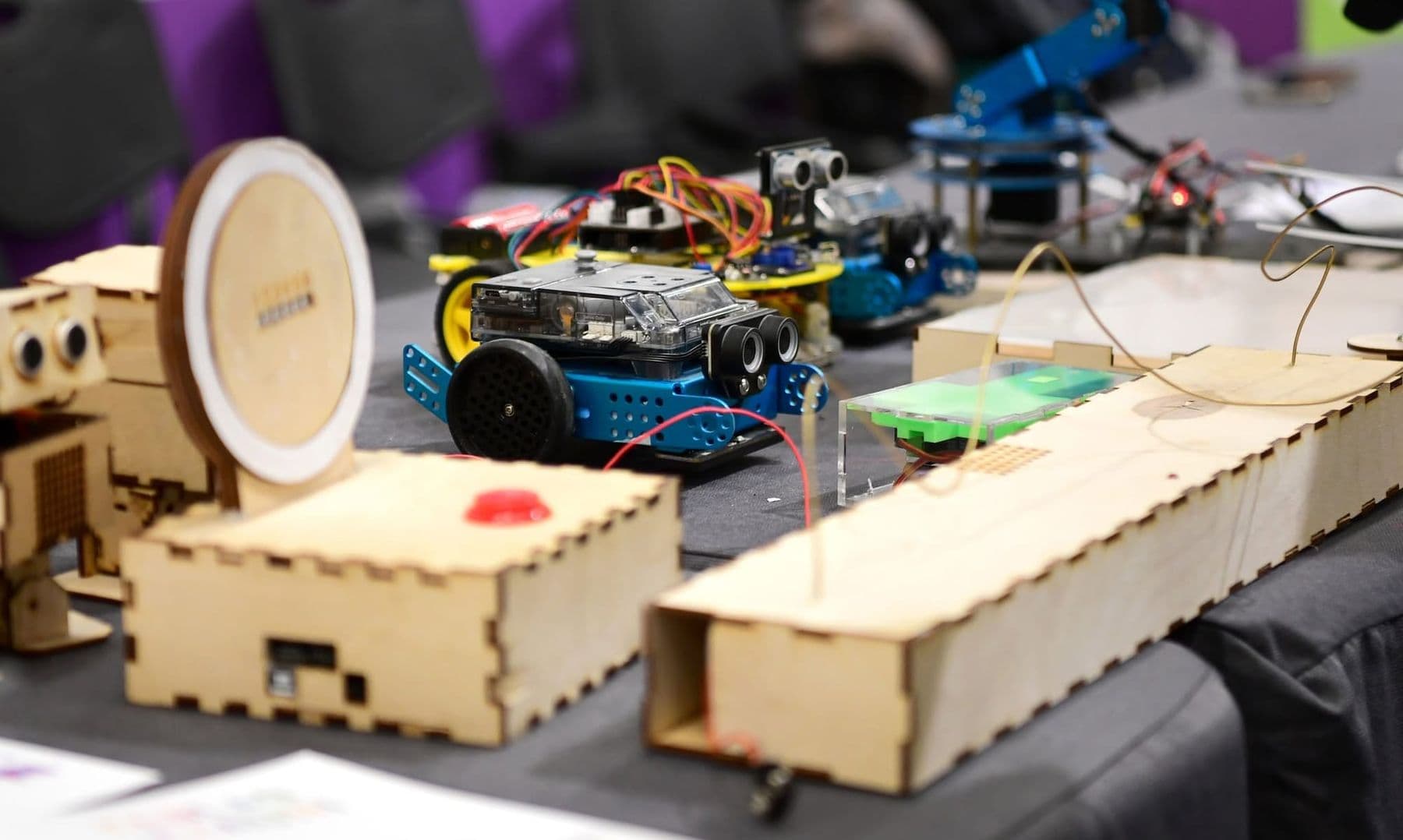
The results of an electronics course are tangible. Based on the course programme, over two months a child builds devices such as:
- a distance meter with an ultrasonic sensor that warns when something comes close;
- a line sensor with a buzzer that tells black from white;
- a thermometer and humidity meter with a DHT11, shown on the Serial Monitor and an LCD;
- an LED matrix showing a heart, a face or a moving dot;
- a servo whose angle is set with a potentiometer;
- an LED powered by a solar panel;
- and finally their own smart device that combines several sensors in a 3D enclosure designed in Tinkercad.
At the end, the child takes home an electronics mega kit plus the devices and prototypes they built. The kit is there so experiments can continue at home: with the same sensors and the same Arduino, the child can try new ideas.
How can you tell the course worked? Ask your child to explain how their final device works: which sensor measures what, what the code does and what went wrong along the way. If they can tell you in their own words, the knowledge has stuck.
Safety: electronics is not dangerous for kids if you follow the rules
Educational electronics runs on low voltage: 5 volts from USB or a 9-volt battery, which carries no risk of electric shock. The real risks are elsewhere, and parents should know them too:
- The wall socket (230 V in Georgia) is never used for experiments. This is the number one rule.
- Short circuits. If a battery's plus and minus are connected directly, it heats up. A child should know: if a battery gets hot, disconnect it at once.
- Button and coin cells. According to the US Consumer Product Safety Commission, a swallowed button battery can cause severe burns in a child's oesophagus in as little as two hours. If there is a younger sibling at home, keep these cells and the kit's small parts out of reach, and get medical help immediately if you suspect one was swallowed.
- Lithium batteries. Do not use or charge a swollen or damaged pack.
- Soldering only under adult supervision, with safety glasses and ventilation; see our guide to soldering for beginners.
Give electronics its own box and its own corner of the desk at home. The rule is simple: build first, check second, connect power last, and always switch off before changing the circuit. It is a habit that will serve your child for life.
How to support your child at home
You do not need to know electronics to help. What matters far more is how you react when something does not work.
- Ask, don't fix. "What have you checked so far?" is far more useful than moving the wire yourself.
- Ask for an explanation. Explaining to a parent helps a child organise what they know.
- Suggest Tinkercad Circuits. It is free, runs in the browser, and nothing burns there.
- Celebrate small wins. The first LED that lights up and the first bug fixed are both successes.
- Offer a real problem. "Our plant keeps drying out" or "is it too hot in your room?" is the best starting point for a project.
What to ask a school before choosing an electronics course
A good lesson for children does not look like a lecture. A short explanation is followed straight away by building, then code, testing and debugging, and finally the child shows what they made. If children spend most of a lesson listening, electronics soon becomes boring. So before you choose, ask:
- What does my child build each week, and what is the final project?
- Is it block coding or real code (C++)? Which suits my child's age?
- Is the kit included, and does my child keep it afterwards?
- How many children are in a group, and how much attention does each one get?
- What are the safety rules in the lab?
- How will I know what my child learned: a presentation, a project, a certificate?
At our school a certificate is issued with at least 80% attendance and a final project; each one is numbered and can be verified by QR code.
The next step after an electronics course
For children who have mastered the basics and turned 13, there is the Electronics and Robotics (Advanced) course: deeper Arduino C++, RFID, soil and gas sensors, a 4WD robot with Bluetooth, a robotic arm and a robot competition. For an independent challenge, a great next project is a DIY smart home with ESP32, controlled from a phone. Both courses, with ages and programmes side by side, are on one page: electronics and Arduino courses.
Frequently asked questions
At what age can kids start learning electronics?
Simple circuits with a battery and an LED are fine for 8–9 year-olds with an adult. A structured electronics course with Arduino and typed code works best from about age 10. For younger children, Scratch and mBot are a better start.
Does my child need any prior knowledge?
No. Electronics and Smart Devices is a beginner course that starts with the basics of electricity. It helps if the child is comfortable with a computer and knows multiplication and division.
What is the difference between electronics and robotics courses?
An electronics course focuses on circuits, sensors and smart devices: the child wires the parts and understands how each one works. A robotics course focuses on motion, mechanisms and controlling a robot. The two complement each other well.
Is electronics dangerous for children?
Educational electronics runs on 5–9 volts, with no risk of electric shock. The key rules are: no experiments with mains power, avoid shorting batteries, solder only with an adult, and keep button cells away from small children.
What does my child keep after the course?
An electronics mega kit to continue experimenting at home, plus the devices and prototypes they built during the course. With at least 80% attendance and a final project, they also receive a certificate.
Arduino course or Scratch: which should we choose?
For a 7–10 year-old, Scratch and mBot are the better choice: blocks, quick results and a ready-made robot. For a 10–13 year-old who wants to know how things work inside, Arduino and electronics are the better fit. If you are unsure, we can talk it through in a consultation.
If you are not yet sure whether to choose electronics or robotics, or what age to start, book a free consultation. We will listen and help you pick the course that fits your child's interests.
Sources
- Voltage, Current, Resistance, and Ohm's Law, SparkFun Learn
- How to Use a Breadboard, SparkFun Learn
- Arduino IDE and Cloud Editor downloads, Arduino
- Arduino Ultrasonic Sensor (HC-SR04) tutorial, ArduinoGetStarted
- DHT11, DHT22 and AM2302 Sensors, Adafruit Learning System
- Button Cell and Coin Battery Information Center, U.S. Consumer Product Safety Commission