Choose a robotics class for your child by three things: age, platform and teaching format. Ages 7–10 do best with block coding and a ready-made robot (mBot or LEGO); ages 10–14 with several robot types and a first taste of Arduino; from 13, Arduino C++ and real electronics. A good class keeps groups small, gives each child or pair their own robot and ends with a project or a competition.
Robotics is one of the best ways for a child to meet technology: it teaches mechanics, electronics and coding at once, through play. But “robotics class” can mean very different things at different schools. This guide helps you work out what you need and what to look for.
What does a child learn in a robotics class?
A good robotics club develops four skills together:
- Mechanics. How wheels, gears and levers work, and why a tall robot tips over.
- Electronics. What voltage, motors and sensors are, and how they connect.
- Coding. Sequences, loops and conditions: first with colourful blocks, later with text.
- Teamwork. Robots are often built in pairs or teams, and decisions at competitions are made together.
The big difference from a school lesson is that mistakes show up instantly: the robot hits a wall or spins in circles. Children learn that a mistake is a normal step that can be fixed.
LEGO, mBot or Arduino: which platform should you choose?
| Platform | Typical ages | How kids program it | Strength | Keep in mind |
|---|---|---|---|---|
| LEGO Education SPIKE (Essential / Prime) | 6–10 / 9–16 | Blocks, Python | Free-form building with bricks | LEGO Education is retiring the SPIKE line |
| mBot (Makeblock) | 7–12 | mBlock blocks, then Python or Arduino C | Sturdy robot, quick results | Less freedom to rebuild |
| Arduino and separate parts | from 10–12 | C++ in the Arduino IDE | Real electronics, endless projects | Needs more precision and patience |
| Special robots (walking, arm, humanoid) | from 10 | Blocks or C++ | Servos, balance, high motivation | Best after a basic course |
LEGO robotics has long been the school robotics standard. In the current FIRST LEGO League season, ages 6–10 use SPIKE Essential and ages 9–16 use SPIKE Prime. But according to LEGO Education's official page (as of 2026), the company is retiring the SPIKE portfolio, including SPIKE Essential and SPIKE Prime: its direct sales ended after 30 June 2026, and the SPIKE App will be supported until 30 June 2031. Existing kits still work, but keep this in mind before buying a new one.
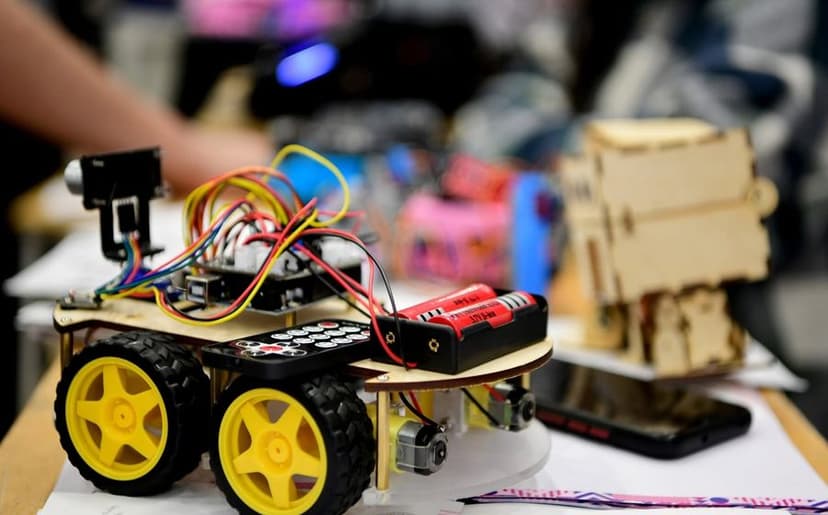
mBot is a sturdy metal two-wheel robot programmed with Scratch-style blocks. It is based on Arduino, which makes the later move to text-based code easier. Read more in mBot and Scratch: how a 7-year-old learns to program a robot.
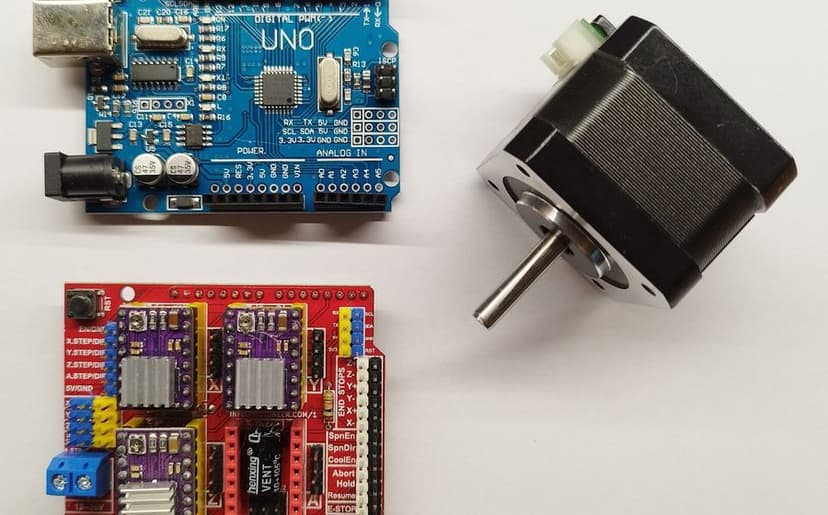
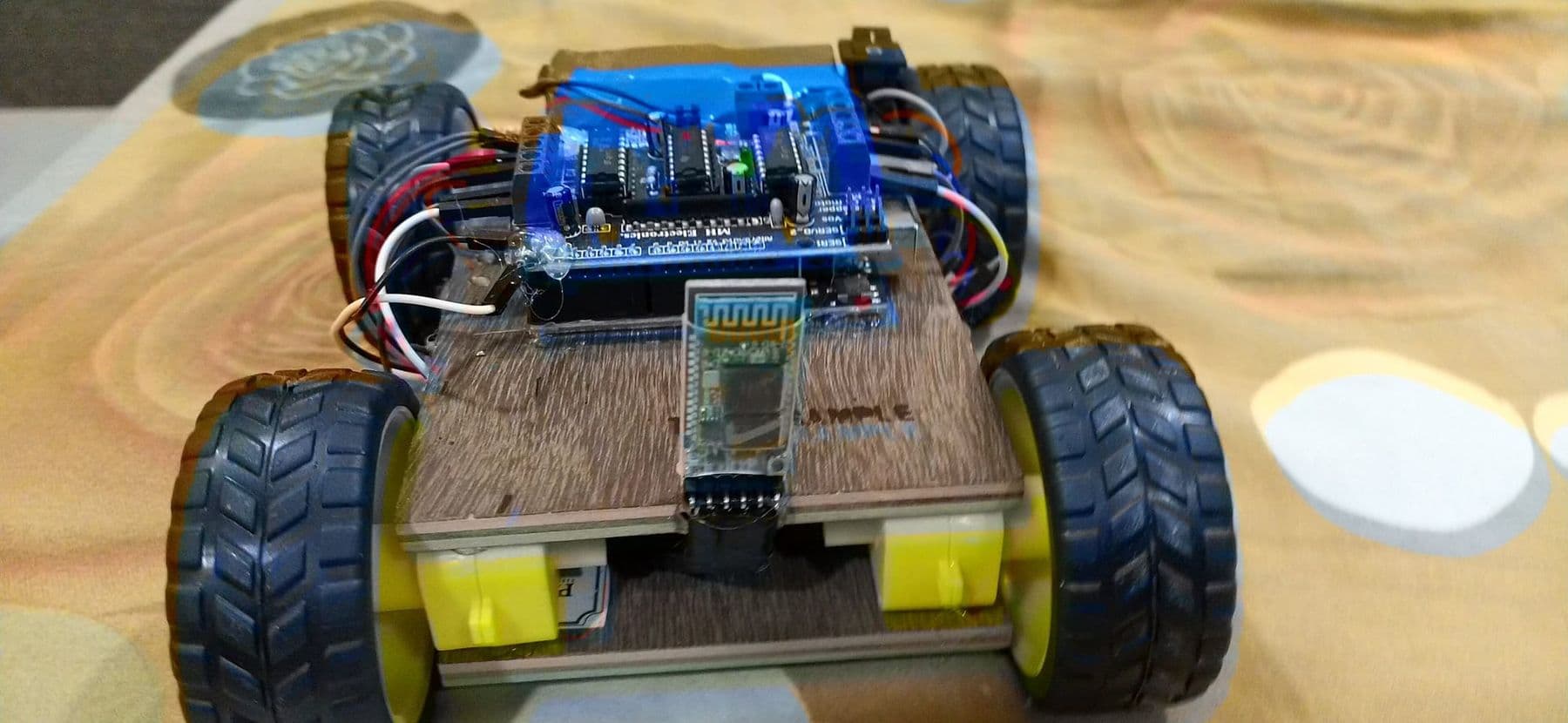
Arduino is the level where a child builds a robot from scratch: motors, driver, sensors, wires and code. See what such a project looks like in how to build your first robot with Arduino.
Which robotics class for which age?
| Age | Focus | Our course |
|---|---|---|
| 7–10 | Scratch, blocks, mBot movement and sensors | Programming and Robotics: Scratch and mBot |
| 10–14 | Several robots, first Arduino code, autonomous movement | Robotics: from mBot to a Robotic Arm |
| 13–17 | Electronics, Arduino C++, 4WD robot, robotic arm | Electronics and Robotics (Advanced) |
Age is a guide, not a rule. A 9-year-old who already builds games in Scratch may be ready for the next level, while a 12-year-old beginner may enjoy starting with blocks. Our guide on what age to start robotics helps you judge readiness. All three courses, compared side by side with answers to common questions, are on one page: robotics courses for kids.
What does a 2-month robotics course look like?
Take our course “Robotics: from mBot to a Robotic Arm” for ages 10–14 in Tbilisi. It runs for about 2 months with 22 sessions: two lessons and one mentoring session a week. No experience is needed. Along the way, students work with several platforms:
- Introduction to robotics: robot types and components, a first movement program in mBlock.
- Programming robots: Arduino code, logic and movement, then a first mini project.
- Sensor systems: ultrasonic, infrared and DHT11 sensors, reacting to the surroundings.
- Tello drone: flying, block programming and simulation.
- Ottobot: assembling a walking robot, balance, programming and dancing.
- Autonomous navigation: the robot finds its own way.
- Competition and final: team challenges, a mini competition and a final presentation.
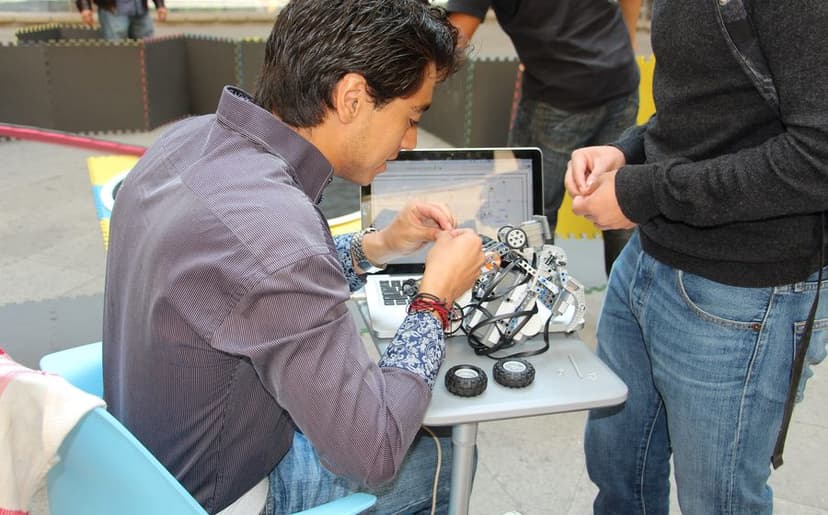
Wherever your child studies, a well-run two-hour lesson looks roughly like this: a short introduction and the task of the day, then building and coding, testing and fixing, and finally a mini challenge or show-and-tell. If most of the lesson is spent listening at the board, it is a lecture rather than a robotics club.
 Course at TDSRobotics and Electronics 10–12: Arduino, a Robot Car and a Robotic Arm7 months · 3 phases · 72 h · Starts 21 NovDetails
What to ask a robotics school before enrolling: 10 questions
Whether it is a robotics school, an academy or an after-school club, these questions give you a clear picture:
- How many children are in a group, and how many teachers?
- Does every child have their own robot, or do three or four share one kit?
- What does the price include: kit, materials, any extra costs?
- What does the child keep after the course: the robot, the kit, their projects?
- Which platform do they use, and what is the next level?
- Does the course end with a real project, a presentation or a competition?
- What experience does the teacher have in electronics and coding?
- How is safety handled with batteries, tools and soldering irons?
- How will you see progress: feedback, a project showcase, a certificate?
- Can you visit the lab and talk to the teacher before enrolling?
A good sign is when children spend more of the lesson building and testing than listening. More than half of every lesson should be hands-on. Ask to see the final projects of a previous group: they tell you more about the teaching than any brochure.
What does a child keep after a robotics course?
In our junior robotics courses the kit and all materials are included in the price, so there is nothing extra to buy. At the end, children keep the robots and prototypes they built; after “Programming and Robotics: Scratch and mBot”, your child takes the mBot home and can keep experimenting. A certificate is issued for at least 80% attendance and a completed final project, and each certificate has a number and a QR code for verification.
Just as important are the skills that stay: breaking a problem into parts, finding a bug and seeing an idea through.
How do you know robotics classes are working?
After the first month, look at behaviour rather than praise or scores. These signs tell you the course is working:
- your child tells you at home what they built and why it failed on the first try;
- mistakes no longer cause frustration, and you hear “I'll try it another way”;
- they look at everyday technology differently: “Does the lift have a sensor?”, “How does the robot vacuum know where the wall is?”;
- they use new words: sensor, loop, condition, motor, battery;
- they ask to build something at home or make something in Scratch.
If interest fades completely after two months, that is not failure. Another field may suit your child better: 3D modelling, design or drones. Talk together about what they liked and what they did not, and involve them in the next choice.
A school robotics club or a separate course?
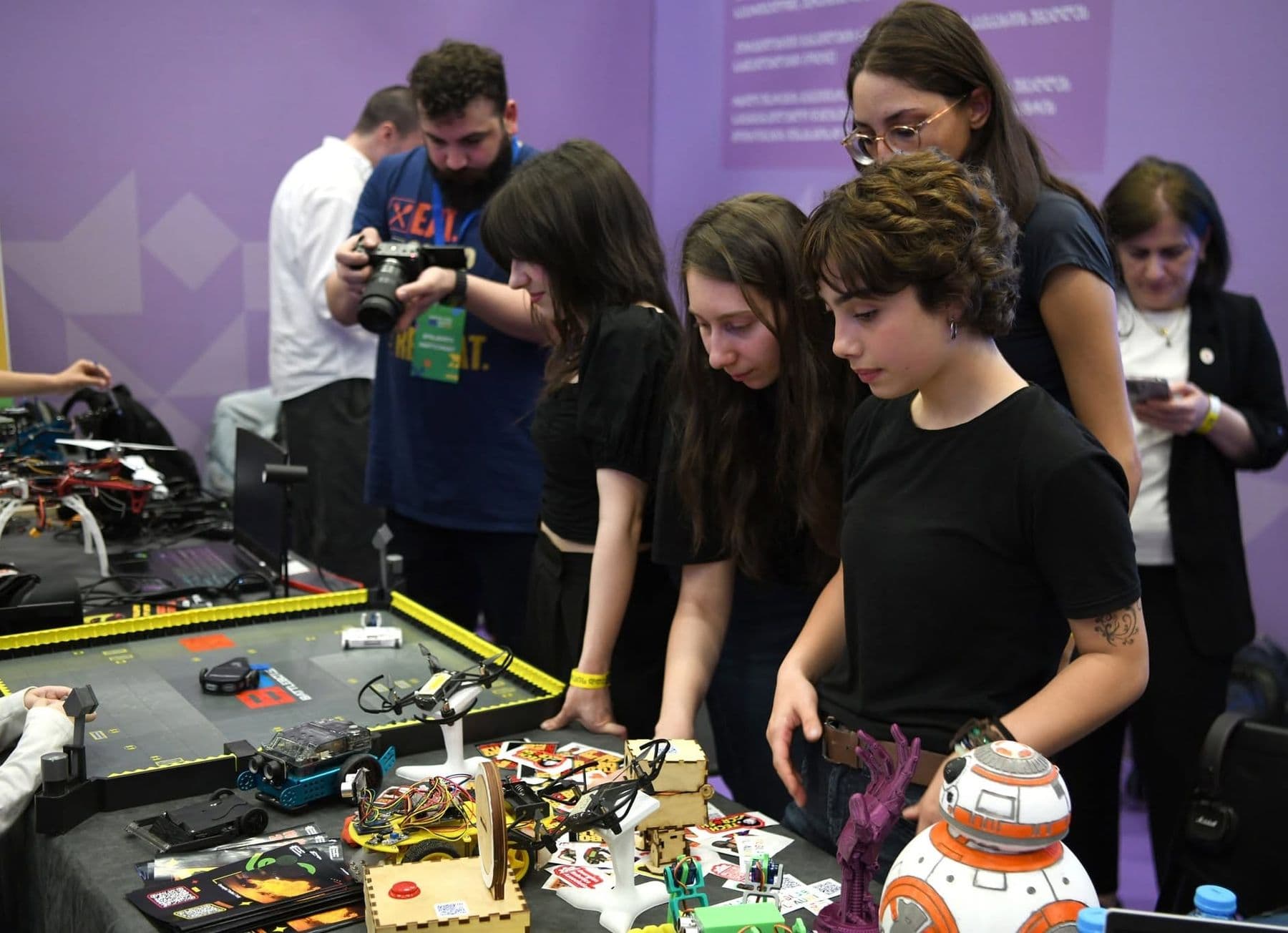
A school robotics club is convenient: no travel, and children learn with friends. It is often a year-long programme that prepares for olympiads. A separate course is usually more intensive, runs in an equipped lab and covers one clear level. If your school is thinking of opening a STEM club, we can provide the equipment, a trainer and a curriculum; see training for schools and companies. For competitions, read robotics competitions for kids: sumo, FLL and WRO.
Frequently asked questions
What age can a child start robotics?
Learning with a block-programmed robot usually starts at 7, once a child can read simple text. Arduino elements can be added from about 10, and serious electronics and C++ from 13. Younger children do better with construction sets and screen-free play.
Is LEGO robotics better than Arduino?
They are different stages, not rivals. LEGO and mBot suit younger children: assembly is easy and results come fast. Arduino is for teenagers who want real electronics and text-based code. Many children do both, blocks first and Arduino later.
Should we start with robotics or with coding?
If your child loves building with their hands and finds long screen time hard, start with robotics: code turns straight into physical movement. If games and animation are the attraction, start with Scratch. A good robotics course teaches coding too, so neither choice closes a door.
Do we need to buy anything for the course?
In our junior robotics, electronics and drone courses the kit and materials are included, so you need nothing extra. If you enrol elsewhere, always ask, because the cost of a kit changes the total a lot.
Are online robotics classes worth it?
Online works well for coding basics and simulation, for example in Tinkercad Circuits. But the heart of robotics is physical building, working with sensors and motors, and finding faults on the spot. For children, learning in person in a lab is usually far more effective.
How to take the first step
If you are not sure robotics will grab your child, start with the free open lecture What Is Mechatronics? A Lecture for Parents and Kids. We talk about what age to start and how to choose a first field, and finish with a tour of the lab. If you have specific questions, book a free consultation.
Sources
- SPIKE update 2026, LEGO Education
- FIRST LEGO League: programs and age groups, FIRST
- mBot: robot kit for kids, Makeblock
- Arduino UNO R3: Tech Specs, Arduino
- Scratch Foundation