






Drone Course: Tello, ArduPilot and FPV
 Ages 13–17From flying to coding: build and control your own flying machine
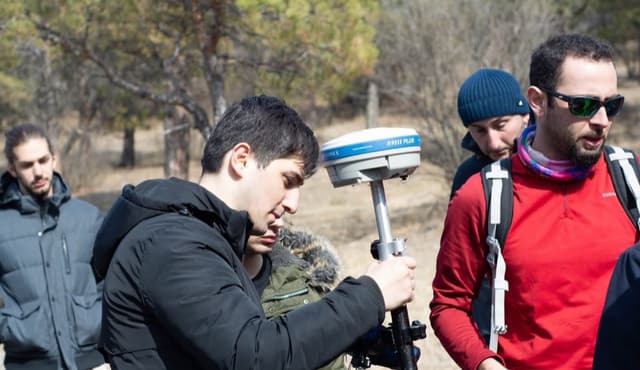
The drone course introduces teens aged 13–17 to the world of unmanned aerial systems, bringing together aviation technology, engineering, programming and hands-on flying. Students learn how drones are built and how they work, flight physics, safety rules and what different types of flying machines can be used for. The course is split into three phases over several months. It covers flying and programming DJI Tello drones, exploring autonomous systems with the F450 platform and ArduPilot, and FPV technology and flying Tiny Whoop drones. Throughout the course, students work with flight simulators, electronic components and real flying machines, and learn to create, assemble, set up and test prototypes. The program is built on practical assignments, engineering projects and flight challenges. Step by step, students go through the whole process: from planning the idea and design, through programming and assembly, to testing a real flying machine.
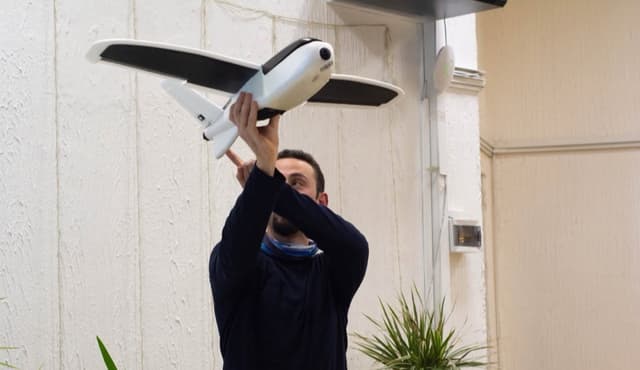
The course fee includes all the materials and components needed for hands-on learning, and use of the lab equipment. The prototypes the student makes during the course, and the corresponding fixed-wing aircraft, stay with them after the course ends.
- DJI Tello, F450 with ArduPilot, FPV goggles and radios in the lab
- Batteries, propellers, spare parts and soldering supplies
- Printed and laser-cut parts: gates, guards, mounts
- Prototypes built during the course and the student’s personal kit
- Anything else the lessons need for the best results, the school provides
- Nothing extra to buy
Who it is for
What you will learn
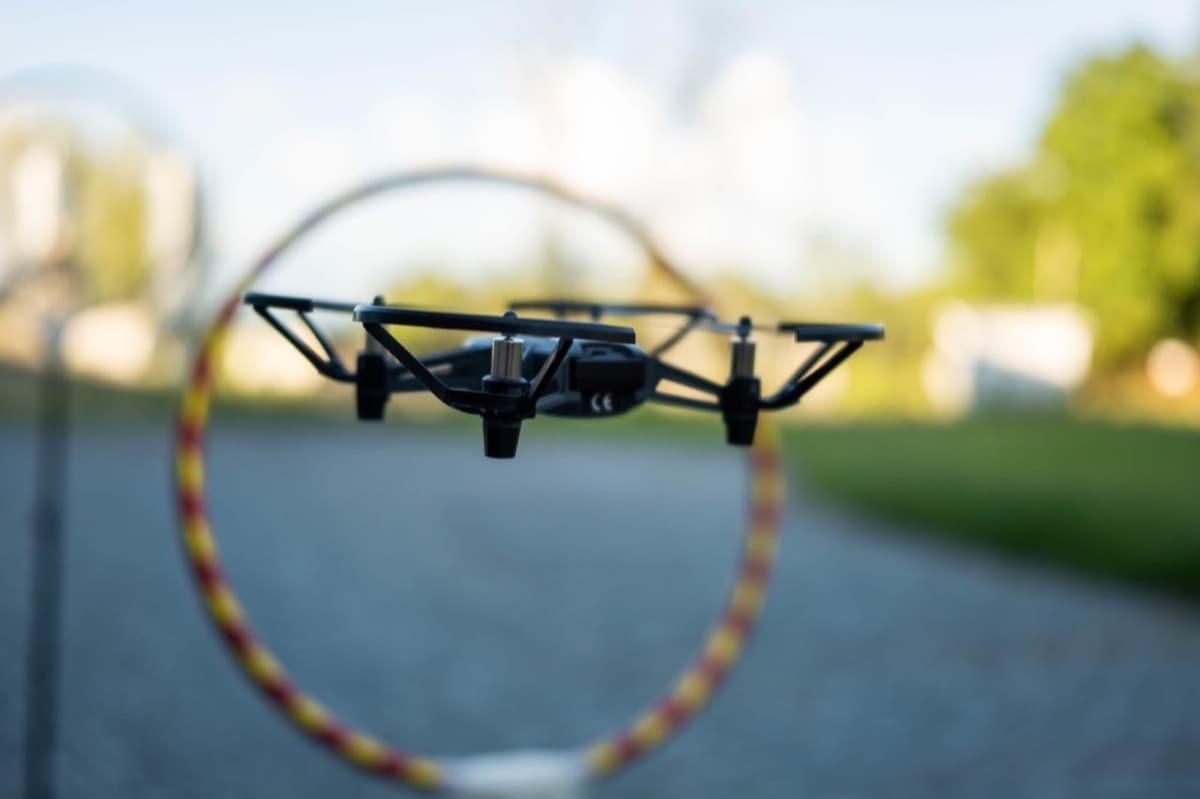
- Flying a DJI Tello by hand and programming it with blocks and Python
- Flight physics: thrust, torque, roll, pitch, yaw and PID
- Soldering, LiPo batteries and drone electronics: motors, ESCs, flight controller, GPS
- Building an F450 and setting up ArduPilot in Mission Planner, up to an autonomous mission
- Building their own FPV tinywhoop with Betaflight and ELRS
- FPV flying in a simulator and with goggles, and racing
- Designing their own parts in Fusion 360, 3D printing and laser cutting
- Georgia's drone rules, safety, troubleshooting and repair
Tools and equipment
Phases
Phase 1 · 20 Nov – 31 Jan · 16 sessions · Phase price 1,100₾Flight basics: DJI Tello
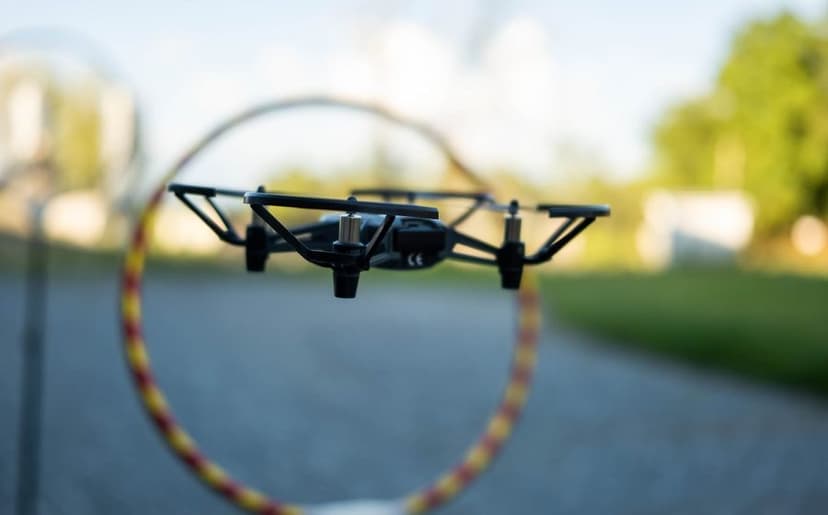
How a multirotor flies, safety and Georgia's rules, flying by hand and coding with blocks and Python. The phase ends with an obstacle race and a multi-drone show for parents.
Finished projects- Obstacle race A race on a course built from the teens' own gates and landing pads, in two classes: by hand and by Python code.
- Drone show 4–6 Tellos fly in sync to music, choreographed and coded by the teens.
Your child keeps: X-frame keychain and pre-flight checklist card, Their own propeller tool and parts box, Named landing pad and race gate, Aerial photo engraved on plywood, edge-lit acrylic sign, medal, Tello Pilot certificate
Phase 2 · 1 Feb – 4 Apr · 16 sessions · Phase price 1,100₾My first big drone: F450 and ArduPilot
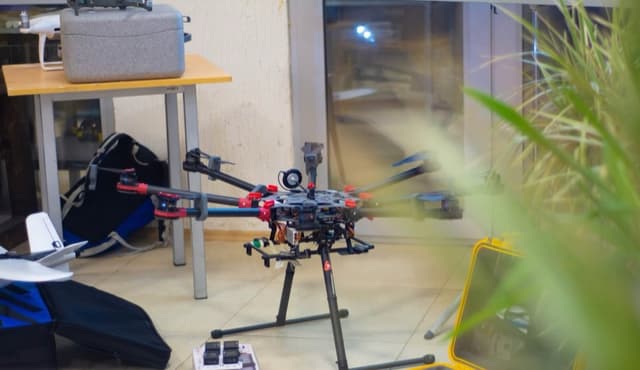
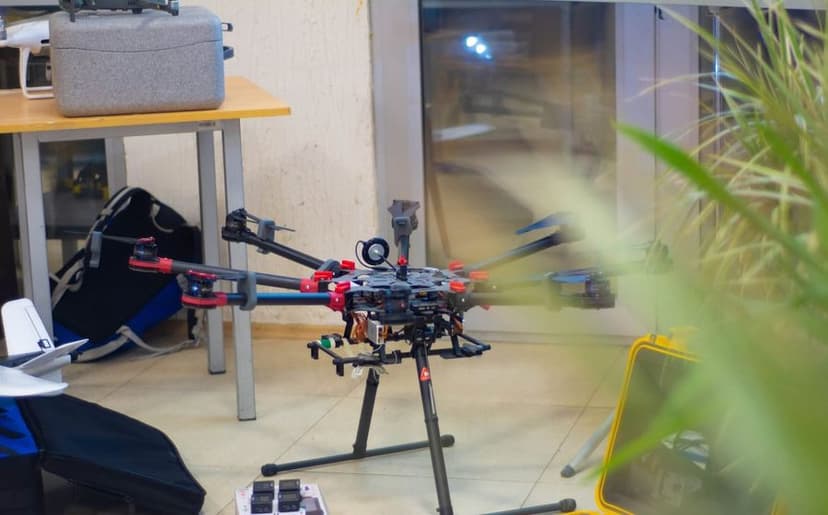
Teams of three build an F450 quadcopter from a kit: soldering, LiPo power, flight controller, GPS and radio. Once ArduPilot is set up, the drone flies under the instructor's supervision and completes an autonomous mission.
Finished projects- F450 on an autonomous mission The team's drone flies four waypoints inside a geofence on its own, takes an aerial photo and returns home.
- Soldering practice board LED navigation lights on a drone silhouette: the teen's first soldered circuit.
Your child keeps: LED soldering board and their own smoke stopper, Copies of the mounts, GPS mast and prop guard they designed, Propeller balancer, reference card, engraved mission map, F450 and ArduPilot Engineer certificate (the F450 stays at school)
Phase 3 · 5 Apr – 13 Jun · 16 sessions · Phase price 1,090₾FPV and tinywhoop
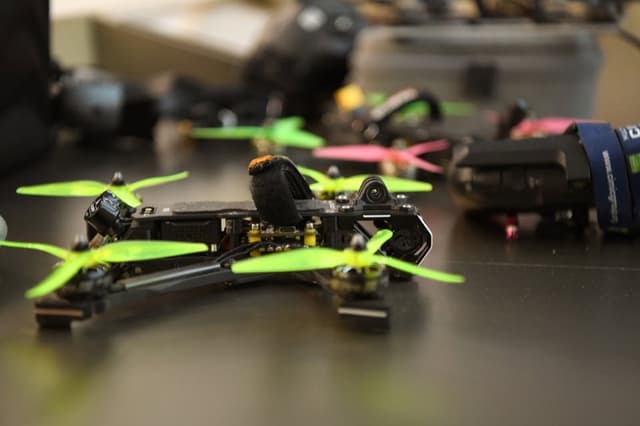
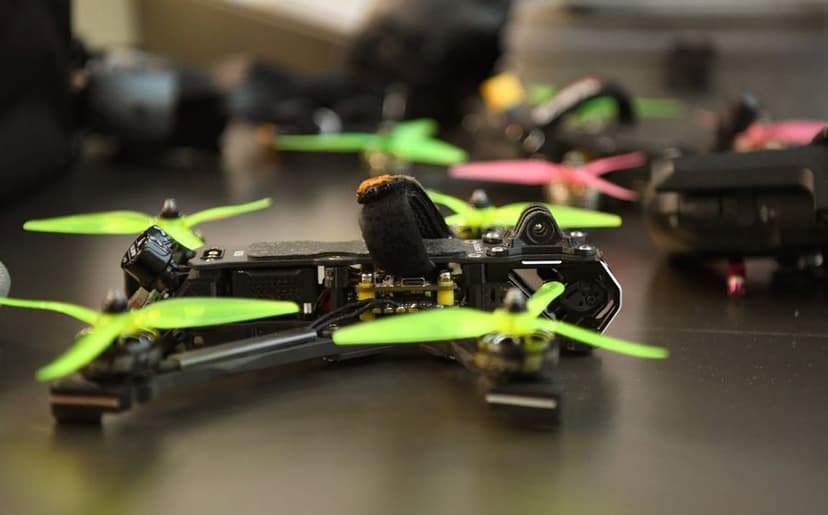
Every teen builds their own 65 mm FPV drone: soldering the motors, fitting the camera and video transmitter, and setting up Betaflight and ELRS. After simulator training they fly an indoor course with goggles and race.
Finished projects- Their own tinywhoop A 65 mm, 1S FPV drone of about 30 grams, built and configured by hand.
- FPV race An indoor course made of the teens' gates and a race that parents watch on a big screen.
- FPV video A 30–60 second clip from the goggles' recording, edited by the teen.
Your child keeps: Channel card, battery case, micro-soldering board, Whoop stand, carry case, propeller tool, Their own gate, USB LED light, medal, FPV video and FPV Pilot certificate
Their own tinywhoop drone to take home: for an extra fee, a manager will tell you the details
Every phase starts a new theme and ends with a finished project, so your child can also join at the start of any phase.
- Hands-on experience in building, programming, setting up and safely flying drones.
- Prototypes and 3D-printed and laser-cut parts made during the course, as well as the corresponding fixed-wing aircraft
- A portfolio: Python code, ArduPilot and Betaflight configurations, flight videos
- Three certificates: Tello Pilot, F450 and ArduPilot Engineer, FPV Pilot
- Practical projects completed in DJI Tello programming, F450/ArduPilot and FPV flying.
Groups & times
Times don't work for you? Let us know and we'll email you when the next group opens.
How it works
- Day 0Application
Free consultation
- Days 1–3Choosing a group
By age and level
- Before the startGroup and payment
Monthly
- 7 months · 3 phasesClasses in the lab
48 classes
- Every monthOpen lesson
With parents attending
- At the endCertificate
and exhibition
Syllabus
Phase 1: Flight basics: DJI Tello
01Pilot start: physics, rules, simulator4 sessions · 4 topics
- 1.1How a drone fliesTheory
- 1.2Safety, the law and batteriesTheory
- 1.3Simulator and Mode 2 sticksPractice
- 1.4Flying by hand and precision landingPractice
OutcomeThe teen flies and lands a Tello safely by hand and takes home a keychain, checklist card, propeller tool and landing pad
02Flying with code: from blocks to Python4 sessions · 4 topics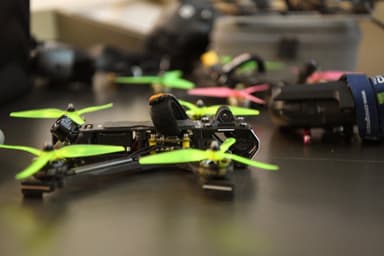
- 2.1Block coding: the first autonomous flightPractice
- 2.2Python and djitellopyPractice
- 2.3Curves, figure-eights and flipsPractice
- 2.4Maintenance and repair: pit stopPractice
OutcomeA Python program that flies the drone through the teen's own gate; the teen replaces propellers, guards and motors
03Autonomy, camera and group flight4 sessions · 4 topics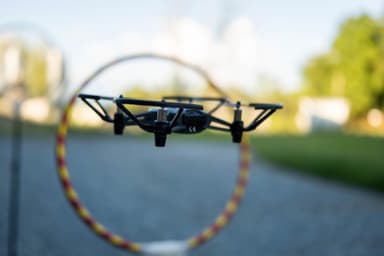
- 3.1Mission Pads: the drone reads markersPractice
- 3.2Camera: photos, video and aerial shotsPractice
- 3.3Autonomous mission: find it and landProject
- 3.4Flying together: a New Year mini showProject
OutcomeA rescue mission that finds its marker on its own, and a first three-drone show
04Race and drone show4 sessions · 4 topics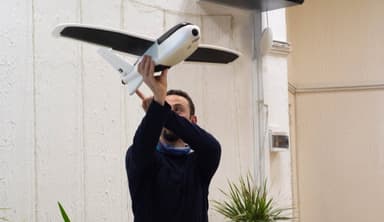
- 4.1Back from the break: the race courseCompetition
- 4.2Show script and choreographyProject
- 4.3Dress rehearsalPractice
- 4.4Demo day: race and showPresentation
OutcomeAn obstacle race by hand and by code, and a 4–6 drone show for parents
Phase 2: My first big drone: F450 and ArduPilot
05Drone electronics and soldering3 sessions · 3 topics
- 5.1Anatomy of a big droneTheory
- 5.2Soldering: the first jointsPractice
- 5.3LiPo and power: PDB, XT60, smoke stopperPractice
OutcomeThe team drone's power system is soldered; the teen takes home an LED board and their own smoke stopper
06Building the F4503 sessions · 3 topics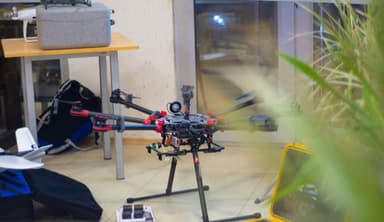
- 6.1Frame, motors and ESCsProject
- 6.2Flight controller and wiringProject
- 6.3GPS, compass and radioProject
OutcomeA fully built and wired F450 that responds to the radio
07ArduPilot and the safety net3 sessions · 3 topics
- 7.1Mission Planner: firmware and calibrationPractice
- 7.2ESC calibration, motor test and flight modesPractice
- 7.3Failsafes, geofence and battery monitorPractice
OutcomeA calibrated ArduCopter with flight modes and failsafes, ready to fly
08First flights and PID3 sessions · 3 topics
- 8.1First hover in the fieldPractice
- 8.2Flight modes in the air and repairsPractice
- 8.3PID: why a drone wobblesPractice
OutcomeUnder supervision, the teen flies the F450 in Stabilize, AltHold and Loiter and understands PID
09Autonomous mission4 sessions · 4 topics
- 9.1Mission planning and simulationPractice
- 9.2The first autonomous missionProject
- 9.3Mission with a camera and demo preparationProject
- 9.4Demo day: autonomous missionPresentation
OutcomeThe F450 flies its route on its own, takes an aerial photo and returns home
Phase 3: FPV and tinywhoop
10FPV system and simulator2 sessions · 2 topics
- 10.1FPV system, frequencies and the lawTheory
- 10.2FPV simulator: from Angle to AcroPractice
OutcomeThe teen flies FPV in a simulator and knows their channel and the rules
11Building the tinywhoop4 sessions · 4 topics
- 11.1Whoop anatomy and micro solderingProject
- 11.2Motors on the AIO: 12 jointsProject
- 11.3Betaflight and ELRSProject
- 11.4Camera, VTX, OSD and the first hoverProject
OutcomeTheir own tinywhoop that answers the radio, sends video and makes its first hover
12FPV flying and tuning2 sessions · 2 topics
- 12.1First FPV flightsPractice
- 12.2Rates, PID and filtersPractice
OutcomeFlying with goggles next to a spotter, on a drone tuned to their own hands
13Course, speed and repairs3 sessions · 3 topics
- 13.1Race course: gates and flagsProject
- 13.2Horizon, Acro and the racing linePractice
- 13.3Troubleshooting and repairPractice
OutcomeAn indoor course of the teens' own gates; the teen finds and fixes typical whoop faults
14Race, video and demo dayFinal5 sessions · 5 topics
- 14.1Race rules and the first indoor raceCompetition
- 14.2DVR and FPV videoProject
- 14.3My upgradeProject
- 14.4Dress rehearsalPractice
- 14.5Demo day: FPV racePresentation
OutcomeAn FPV race for parents and the teen's own 30–60 second FPV clip
Frequently asked questions
Can my teen join in the middle of the year?
Yes, the course is split into three independent phases. You can choose the full program or a single phase. To join the second or third phase, your teen must meet the relevant prerequisites.
What if my teen misses a session?
Missed sessions are not made up individually or refunded. If needed, the student can check the topic of the missed lesson and its assignments with the trainer.
What does the course fee include?
The course fee includes the materials and components needed for hands-on learning, and use of the lab equipment. Students work with DJI Tello, F450 and FPV drones, flight simulators, electronic components and related engineering tools.
Does my teen keep the drones and equipment used during the course?
The training drones, radios, batteries and shared lab equipment are used for hands-on learning and do not become the student's property. After completing the full course, the student keeps the prototypes and the 3D-printed and laser-cut parts they made, as well as the fixed-wing aircraft kit included in the program.
How is safety ensured during practice flights?
Students learn the flight safety rules and work with the drones under the trainer's supervision. Practice flights take place in a suitable training environment, with safety conditions and the weather taken into account.
Does my teen need any experience?
No, we start from zero. Curiosity, basic computer skills and school maths are enough. Technical terms are explained in Georgian and English, and coding starts with blocks and moves to Python step by step.
Does my child need their own laptop or other equipment?
No. The computers, drones, controllers, tools and other equipment needed for the classes are provided in the lab. No extra personal equipment has to be bought.
Can siblings enrol together?
Yes, you get 15% off for the second child. Just contact us before you enrol.
Can siblings enroll together?
Yes, the second child gets a 15% discount. To get it, please contact our manager.
What if my child misses a lesson?
If a lesson is missed, the fee is not refunded. However, the trainer will help the student go over the missed material and catch up, so they can continue the course without falling behind.
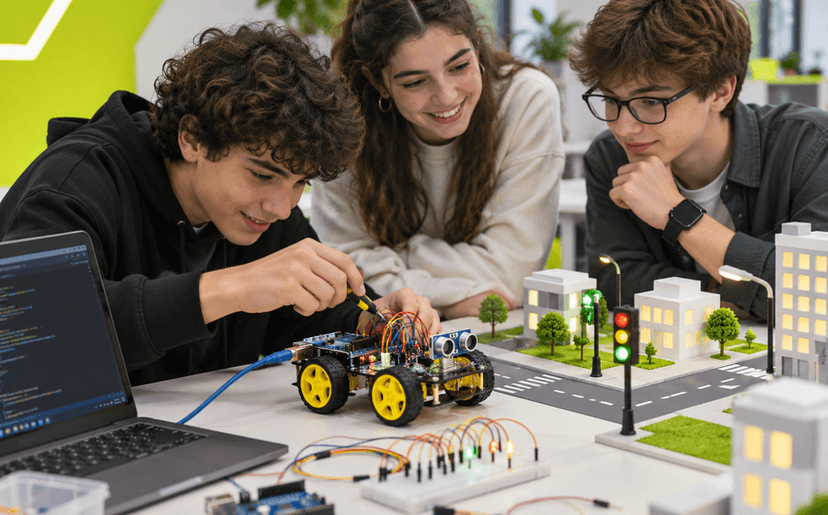 Ages 13–17 · 2 weeksStarts: 12 Decრობოტიკისა და ელექტრონიკის ექსპრესკურსი - 13-17 წელი250₾full course
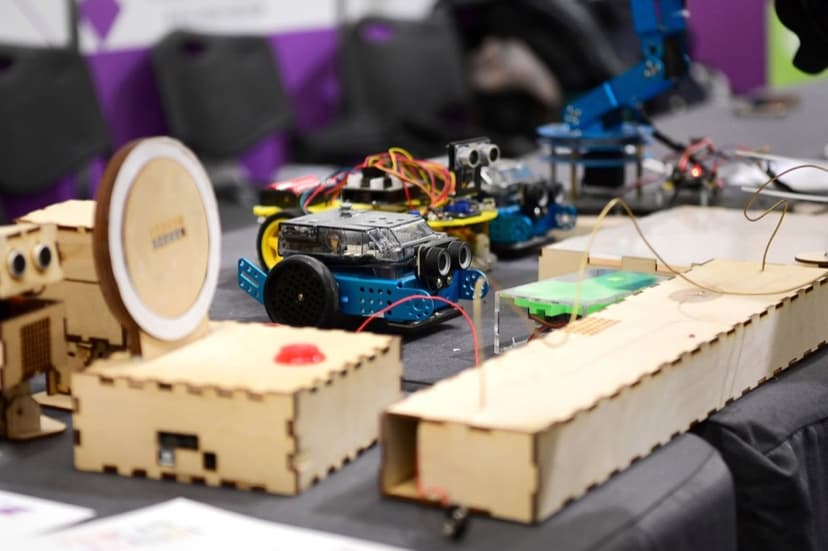 Ages 7–9 · 7 months · 3 phasesStarts: 21 NovRobotics and Electronics 7–9: from mBot to Your Own Otto Robot355₾per month · Kit included
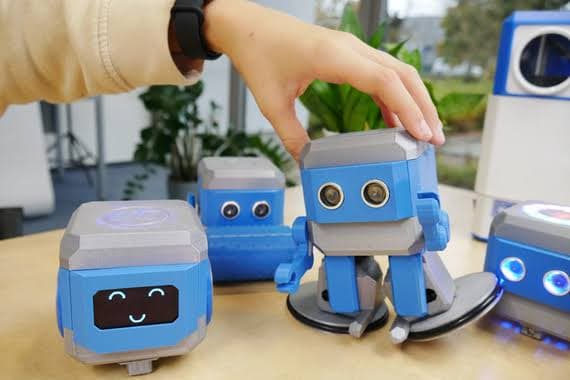 Ages 10–12 · 2 weeksStarts: 11 DecRobotics and Electronics 10–12: Arduino, a Robot Car and a Robotic Arm200₾full course · Kit included