Photogrammetry is a method that turns many overlapping photos of an object or place into a 3D model, an orthophoto (an accurate, measurable aerial map) or a terrain model. The software finds common points across the photos, works out where each one was taken from and rebuilds the surface. You need 60–80% overlap and free software such as WebODM, Meshroom or RealityScan.
The key point is that you do not need an expensive 3D scanner: a phone, a camera or a drone is enough. That is why photogrammetry is used by surveyors, architects, archaeologists, film and game makers and, more and more, by school students.
What is photogrammetry, in simple terms?
Close one eye, then the other: a nearby object “jumps” while a distant one barely moves. Your brain uses that difference to judge distance. Photogrammetry does the same, only with dozens or hundreds of photos instead of two eyes.
A few terms you will meet in every program:
- Point cloud: millions of points in space, each with its own colour;
- Mesh: a surface built from those points out of small triangles;
- Texture: colour taken from the photos and “wrapped” onto the surface;
- Orthophoto (orthomosaic): aerial photos merged into one accurate map with perspective distortion removed, so you can measure distances on it;
- DSM and DTM: a surface model (with buildings and trees) and a terrain model (bare ground only).
How it works: from photos to a 3D model
The names differ between programs, but the steps are the same:
- Feature detection. The software finds thousands of distinctive points in each photo: corners, spots, texture details.
- Matching. It looks for the same point in different photos. This is why overlap matters: two frames with nothing in common cannot be linked.
- Camera positions (Structure from Motion). From the matches it calculates where the camera stood and where it was pointing for each shot.
- Dense cloud. With the positions known, it builds millions of points.
- Mesh and texture. It joins the points into a surface and adds colour.
- Georeferencing. Using the drone’s GPS or ground control points, the model gets real coordinates and real dimensions.
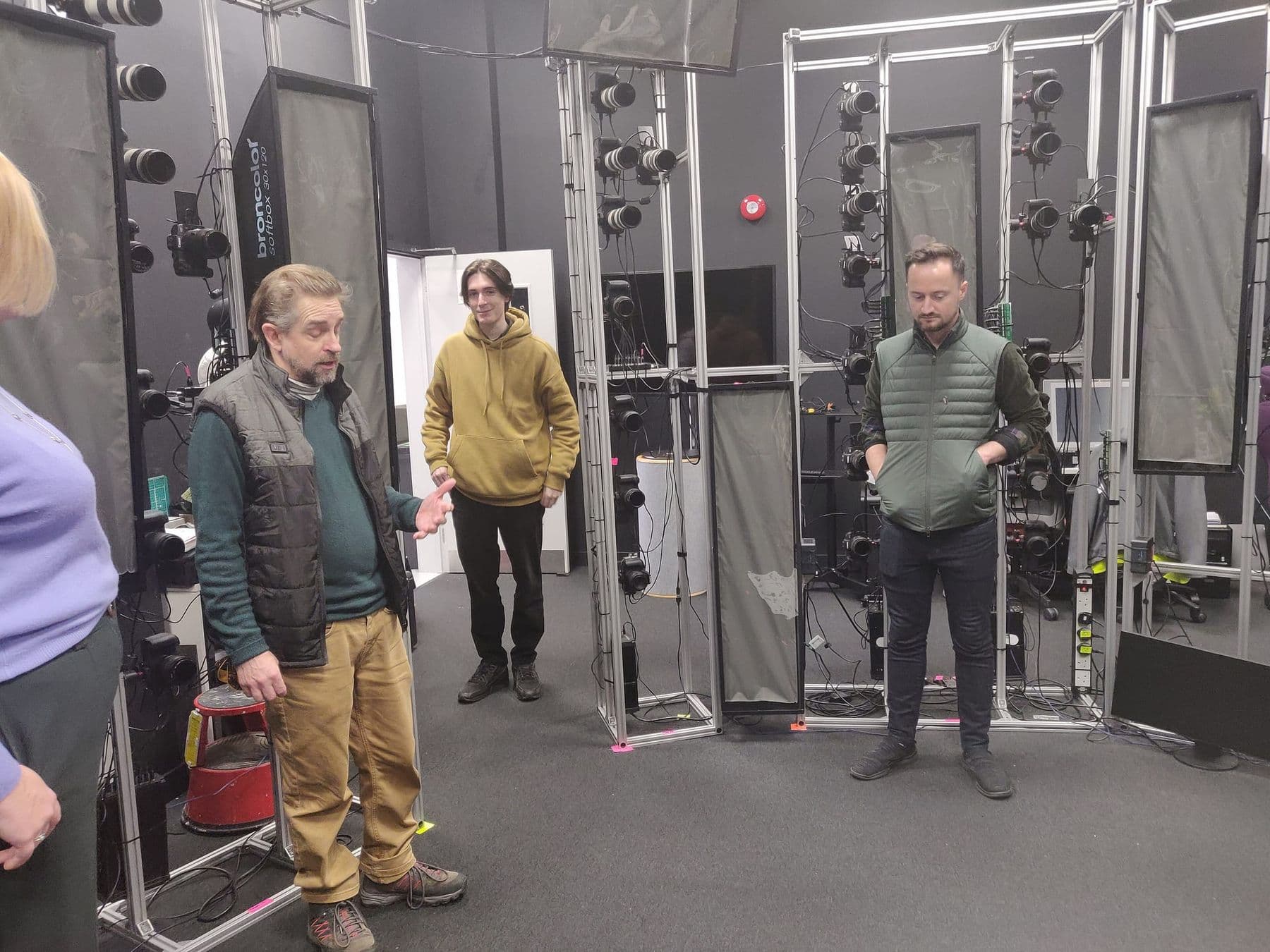
Flying a drone for mapping: overlap, height and flight plan
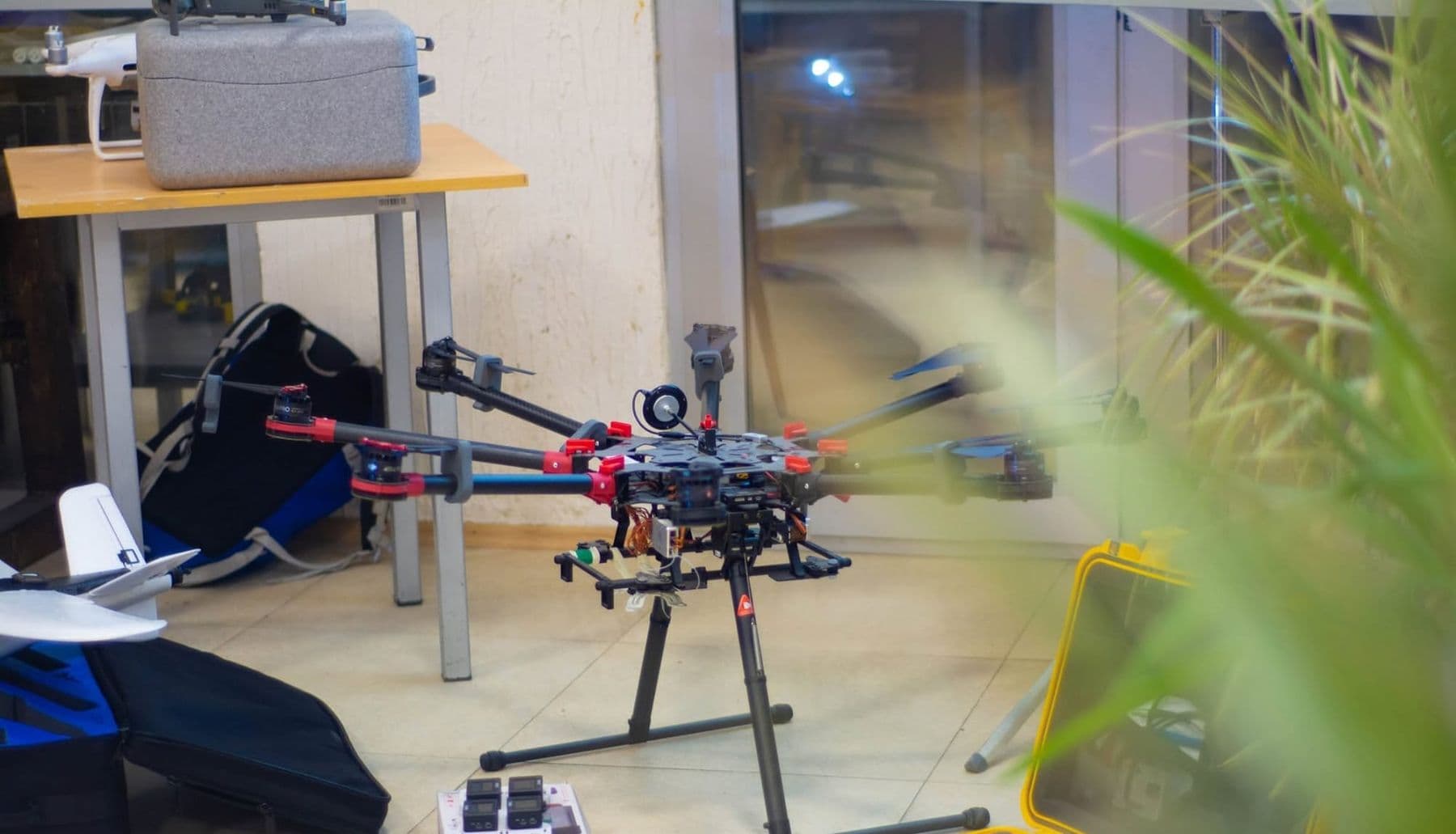
A mapping flight is not about pretty shots. The drone flies a grid, like a lawnmower, and takes photos at regular intervals. The OpenDroneMap documentation recommends:
| What you need | Overlap | Camera angle |
|---|---|---|
| Orthophoto and terrain, simple area | about 70% | near-vertical, 5–10° off-nadir |
| Complex buildings and vegetation | 80–83% | same |
| Full 3D model | nadir pass at 60% plus a 45° cross-grid at 70–80% | 90° and 45° |
The second key number is GSD (Ground Sampling Distance): how many centimetres on the ground one pixel covers. The formula: GSD = (sensor width × flight height) / (focal length × image width in pixels). Example: a camera with a 13.2 mm wide sensor, an 8.8 mm focal length and 5472 pixels, flying at 100 m, gives about 2.7 cm per pixel. At 50 m that drops to 1.4 cm, but you need four times as many photos for the same area.
In Georgia, drone flights fall under the rules of the Civil Aviation Agency: drones of 250 g or more must be registered (uas.gov.ge), and prohibited and restricted zones are shown at airspace.gov.ge. Check both before a mapping flight, and never fly over people.
Ground control points: why a map needs accuracy
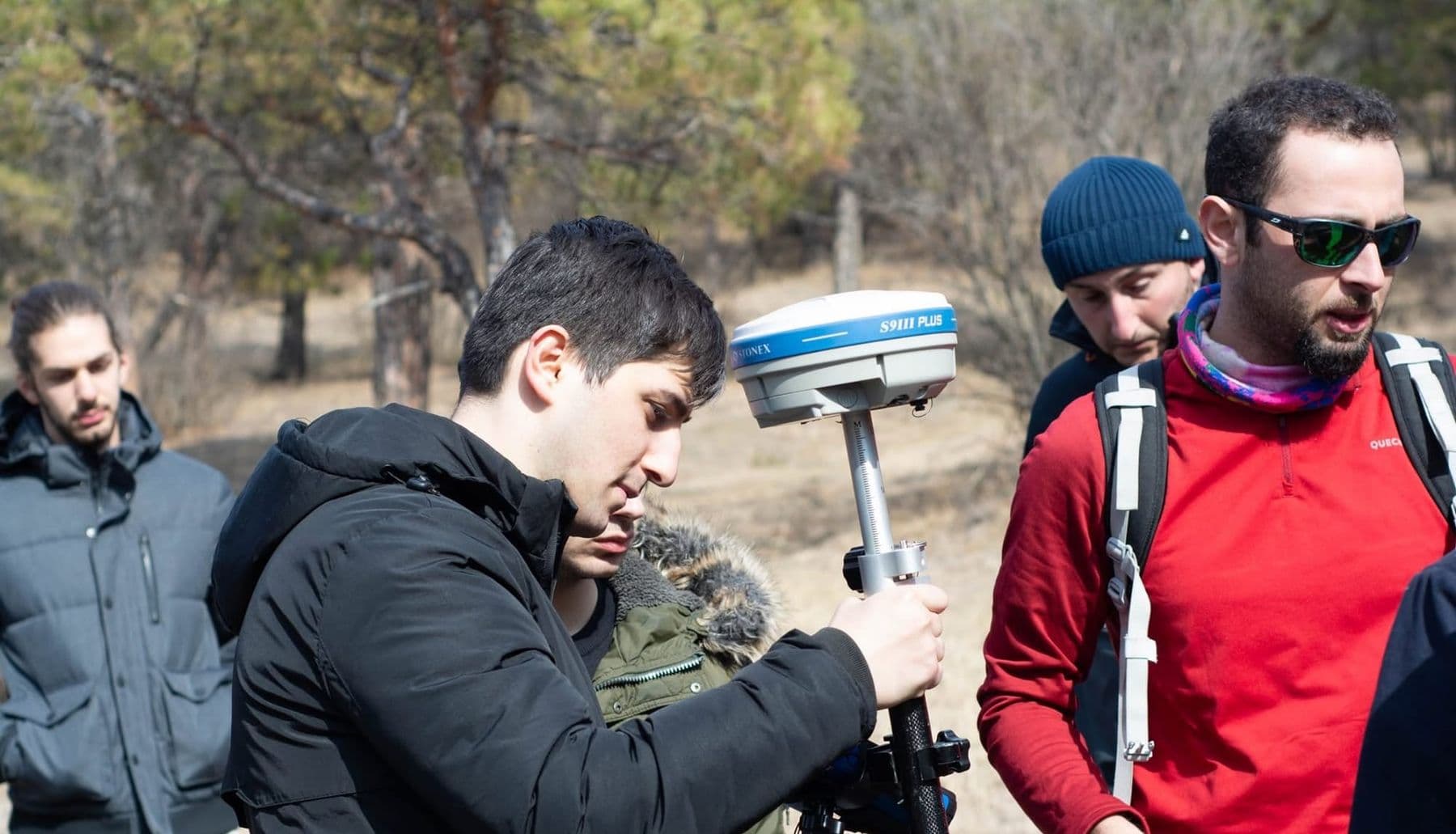
A drone’s ordinary GPS can be off by a few metres. That is fine for a nice 3D model, but too much for a builder who needs an exact volume or boundary. So surveyors lay out ground control points (GCPs): clearly visible markers such as black-and-white squares, whose coordinates are measured with a precise GNSS receiver.
Spread the markers around the edges and the middle of the site, so the model is “held” from every side. In the software you mark each one on several photos, and the model snaps to real coordinates. Agisoft Metashape Professional, for example, has built-in GCP import and automatic target detection.
Which photogrammetry software should you choose?
As of 2026, beginners have solid free options:
| Software | Price and licence | Best for |
|---|---|---|
| WebODM | Free, open source (AGPL-3.0) | Drone maps, orthophotos, terrain, 3D |
| Meshroom | Free, open source (MPLv2) | 3D models of objects |
| RealityScan | Free for schools and educators, and for individuals and companies under 1 million USD annual revenue | Fast 3D, desktop and phone |
| Agisoft Metashape | Paid, with a 30-day trial licence | Professional mapping and measurement |
WebODM creates orthomosaics, surface and terrain models (DSM, DTM), textured 3D models and plant-health indexes such as NDVI, and it runs offline on your own computer. Meshroom is a node-based open-source tool that is good for understanding what happens at each stage. RealityScan also has a mobile app, the fastest way to get started.
Practice with a phone: your first 3D model
No drone? The principle is exactly the same, and you can make your first model with a phone:
- Pick an object: matte and textured, like a stone, an old shoe or a statue. Shiny, transparent and single-colour objects work badly.
- Light: an overcast day or even lighting, with no hard shadows.
- Shoot: walk around the object in two or three rings at different heights. Each frame should overlap the previous one heavily.
- Do not move the object: you move, it stays put.
- Process: load the photos into RealityScan or Meshroom and let it run.
- Check: holes in the model are the areas you did not cover. Add more shots there.
Put a newspaper or a printed sheet next to the object. On a plain table the software finds nothing to lock onto, while text and patterns help it match points. If you need true size, include an object of known length in the shot, such as a ruler, and scale the model to it.
From a model to a 3D print
A photogrammetry model is rarely ready to print straight away. Go through these steps:
- Export as OBJ or STL;
- Trim the extras (table, background) and close the holes so the model is watertight;
- Flatten the base so it sits firmly on the print bed;
- Scale it to the right size and reduce the polygon count.
To pick the right tool for this, see our comparison of 3D modelling software, and if you are still choosing a printer, read which 3D printer to buy. A mini model of a schoolyard or building printed from your own drone photos is one of the most memorable projects a student can make.
Photogrammetry or laser scanning (LiDAR)?
A LiDAR scanner measures distance with laser pulses and builds a point cloud directly, without calculating it from photos. Each method has its strengths:
- Photogrammetry is cheap (a camera is enough), gives photorealistic colour and texture, and works well on textured surfaces such as stone, brick and soil.
- LiDAR is expensive but depends less on light and texture. Some laser pulses reach the ground through gaps in the leaves, which gives it an edge on forested terrain.
Professionals often combine the two: LiDAR for geometry, photos for colour. For learning, photogrammetry is the best start: it is accessible, and at every stage you can see why a model came out well or badly.
Where is photogrammetry used?
- Construction: earthwork volumes and progress tracking;
- Land registry and surveying: accurate maps and boundaries;
- Agriculture: crop health maps;
- Archaeology and heritage: digital copies of monuments;
- Film and games: realistic 3D objects and landscapes.
Common mistakes and how to fix them
| Problem | Cause | Fix |
|---|---|---|
| Photos will not align | Too little overlap | More shots, 70–80% overlap |
| Holes in the model | Some sides not covered | Another ring from a different height |
| Blurry texture | Motion blur | Faster shutter, slower flight |
| A “wavy” map | GPS error | Ground control points |
| Water and glass break up | Reflections | Exclude them; this is normal |
Where can you learn photogrammetry?
Photogrammetry blends naturally with drones, 3D modelling and geography, which makes it a great project for teenagers. At Tbilisi Digital School it is a dedicated module of the course Drones: Building, Coding and Photogrammetry for ages 13–17, where students create 3D models with photogrammetry. For the full picture of the course, read our guide to a drone course for teens.
 Course at TDSDrone Course: Tello, ArduPilot and FPV7 months · 3 phases · 72 h · Starts 21 NovDetails
Frequently asked questions
What is an orthophoto?
An orthophoto is a map assembled from aerial photos with camera perspective and terrain distortion corrected. That means you can measure distances and areas on it, as on an ordinary map. It is made from drone or aircraft photos with photogrammetry software.
What is the best free photogrammetry software for beginners?
It depends on the job. For drone maps and orthophotos, WebODM; for 3D models of objects, Meshroom or RealityScan. The quickest start is the RealityScan mobile app; the most transparent way to learn is Meshroom, where you can see every stage.
Can you do photogrammetry with a phone?
Yes. A modern phone camera is good enough if the object is matte, the light is even and the frames overlap well. The RealityScan mobile app handles both capture and processing in one place.
How many photos does photogrammetry need?
A small object usually needs a few dozen frames, a yard or building flown by drone a few hundred. Overlap matters more than the count: each frame should repeat most of the previous one, around 70–80% for drone mapping.
Do I need permission to fly a drone for mapping in Georgia?
Drones of 250 g or more must be registered with the Georgian Civil Aviation Agency, and prohibited and restricted zones are shown on the airspace.gov.ge map. Check both sites before you fly, and respect other people’s privacy.
Next step
Start today: pick a stone or a statue, take 40–60 photos with your phone and run them through free software. Once you understand the principle, a drone map is the logical next step. If your child is 13–17 and you want them to learn drones and photogrammetry with a mentor in Tbilisi, book a free consultation.
Sources
- Flying Tips, OpenDroneMap Documentation
- WebODM: free and open source drone mapping software
- Meshroom, AliceVision, GitHub
- RealityScan, Epic Games
- Metashape Professional Edition features, Agisoft
- Metashape Standard Edition, Agisoft
- Unmanned Aircraft Systems portal, Georgian Civil Aviation Agency