Choose 3D modelling software by goal. For first steps and for kids, Tinkercad is best (free, in the browser). Precise parts for 3D printing are done in Fusion 360 (free for personal, non-commercial use, with limits). Blender is the tool for characters, animation and games, SketchUp for architecture, and FreeCAD for fully free parametric CAD.
All five programs "do 3D", but they are built for different jobs. Anyone who has fought Blender to get a phone stand's dimensions right, or tried to sculpt a dragon in Fusion 360, knows that the wrong tool doubles the learning time.
Licence terms and prices here are as of October 2026. They change, so check the official page before you download (links are in the sources).
Parametric CAD vs mesh modelling: what is the difference?
3D modelling splits into two big worlds.
Parametric CAD (computer-aided design) works with dimensions and rules. You draw a sketch, set dimensions and constraints (for example, "these two lines are parallel"), then turn the sketch into a solid. The program remembers every step, so if you change a hole from 5 mm to 6 mm, the whole model updates. Fusion 360, FreeCAD and Onshape work this way. This approach is best for parts that must fit each other or a real object.
Mesh modelling builds a surface from vertices, edges and faces. You can sculpt a shape like clay, stretch and smooth it. Blender works this way. This approach is best for organic shapes: characters, animals, sculptures.
Tinkercad and SketchUp sit in between: they work with simple shapes or pushed-up surfaces and still let you type dimensions. Note that the STL file a printer uses is always a mesh, whichever program created it.
Comparison table: price, platform and difficulty
| Program | Price and licence (2026) | Runs on | Best for | Difficulty |
|---|---|---|---|---|
| Tinkercad | Free | Browser | First models, kids, circuits | Very easy |
| Fusion 360 | Free for personal non-commercial use, with limits | Windows, macOS | Precise parts, assemblies, printing, CNC | Medium |
| Blender | Free, open source (GPL), commercial use allowed | Windows, macOS, Linux | Characters, animation, games, rendering | Hard |
| SketchUp Free | Free, non-commercial only | Browser | Architecture, interiors, furniture | Easy |
| FreeCAD | Free, open source, no licence fees | Windows, macOS, Linux | Parametric CAD without restrictions | Medium to hard |
One more option is Onshape's free plan: full cloud CAD in the browser, but only for non-commercial projects, and your documents are public.
Which file formats should you know?
Formats connect modelling, printing and working with other people, so they matter when you choose software:
- STL: the classic printing format. It stores only a triangle surface, with no colour, material or units, which is why a model sometimes appears 25.4 times too small or too big in the slicer (a millimetre/inch mix-up).
- 3MF: a modern printing format that stores units, colours and often slicer settings. Bambu Studio and PrusaSlicer save projects as 3MF.
- OBJ: a mesh with colours and textures, common between Blender and game tools.
- STEP: an exact CAD solid that stays editable in other CAD programs. Send STEP when a part goes to an engineer or a factory.
- Native formats (F3D, FCStd, BLEND, SKP): they keep the full model history. This is your source file; the STL is only a copy for printing.
A rule we follow in the lab: always keep the source file, not just the STL. Editing an STL precisely is nearly impossible, while changing one dimension in the source takes seconds.
Tinkercad: where to start 3D modelling for free
Tinkercad is Autodesk's free browser app. Nothing to install: open the site, sign in and work. You build models from ready shapes (box, cylinder, sphere, text), turn some into "holes" and group them. In an hour you can design a keychain or a name tag and download an STL.
Tinkercad also includes Circuits (electronics and Arduino simulation) and Codeblocks (shapes built with block code). Teachers can create a class, and students join with a class code and a nickname.
The limit: complex precise parts, smooth curves and adjustable dimensions are hard in Tinkercad. When you feel that, it is time to move to Fusion 360. A step-by-step first project is in Tinkercad for beginners.
Is Fusion 360 free? Licence and capabilities
Fusion 360 (now officially Autodesk Fusion) is professional parametric CAD: sketches and constraints, extrude, revolve, fillet, parameters and formulas, multi-part assemblies, technical drawings and CNC toolpaths (CAM). It is one of the most common tools for designing functional parts for 3D printing.
What "free" means for Fusion, according to Autodesk's official page:
- Personal use: free for home-based, non-commercial projects if you earn less than 1,000 USD a year; not for use at work, in a company or for any other commercial purpose. The licence is time-limited and can be renewed when it expires.
- Limits: only 10 editable documents at a time (the rest are read-only), limited CAM, drawings and electronics, and fewer import and export formats.
- Education licence: eligible students and educators get free one-year access, for educational purposes only.
- Paid version: 680 USD a year in Autodesk's US store as of 2026.
If you plan to earn money from 3D printing, the personal licence usually no longer fits: you need paid Fusion or a free alternative such as FreeCAD.
The TDS "3D Printing and Modelling" course for teens aged 13–17 follows exactly this path: it starts in Tinkercad and continues in Fusion 360, from sketches and parameters to measuring real objects and building your own product. Details are in 3D modelling course for kids. It sits next to the adult course on our 3D printing courses page.
 Course at TDS3D Design and Printing: From Tinkercad to Fusion 3607 months · 3 phases · 72 h · Starts 24 NovDetails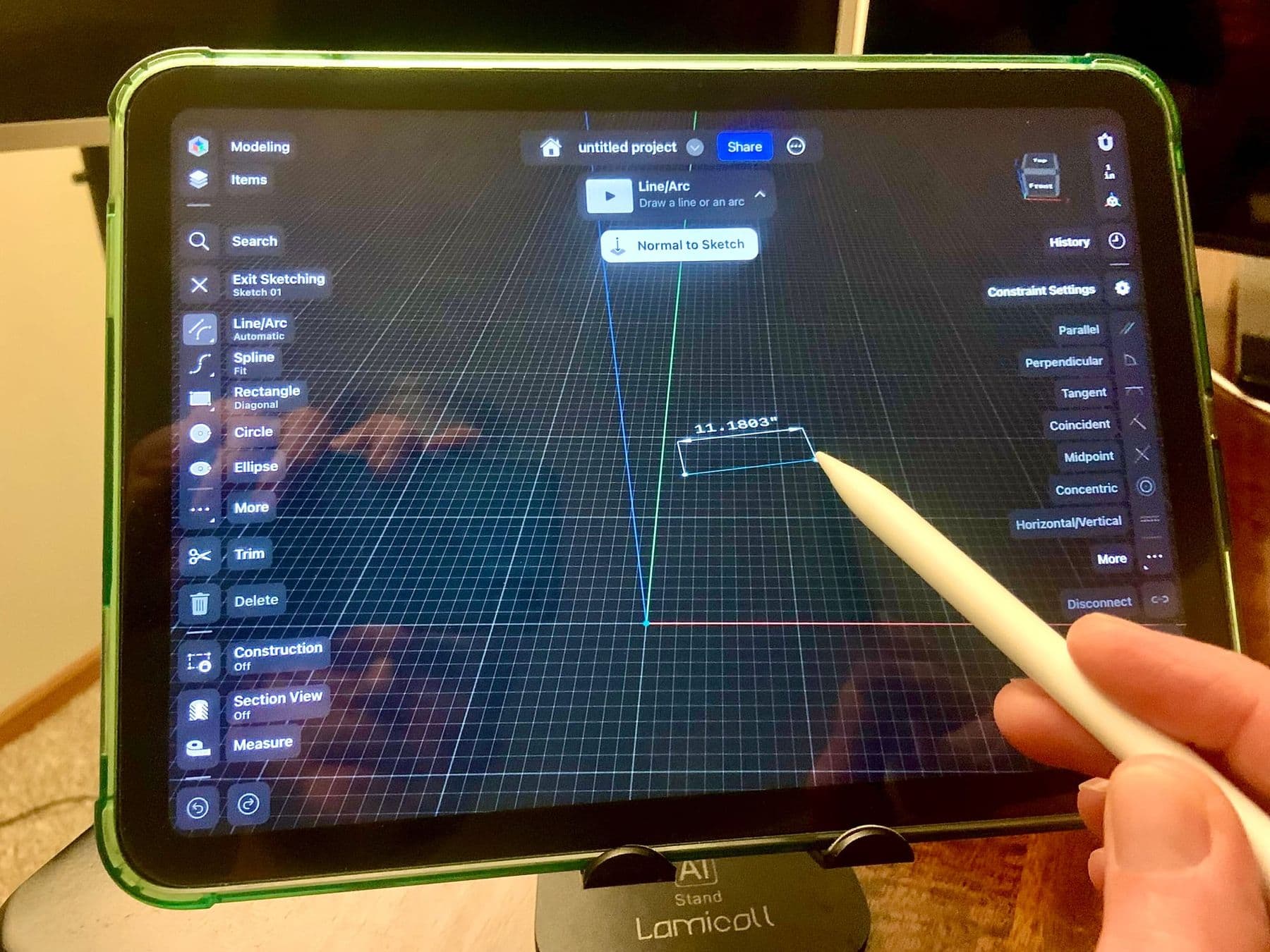
Blender: modelling, sculpting, animation and games
Blender is completely free and open source under the GPL: you can use it for any purpose, including commercial work, and what you make is yours. As of October 2026 the current long-term release is 5.2 LTS, for Windows, macOS and Linux.
People use Blender for characters, sculpture, animation, visual effects, rendering and game assets. If you are interested in making games, Blender will be part of your path: see game development for adults.
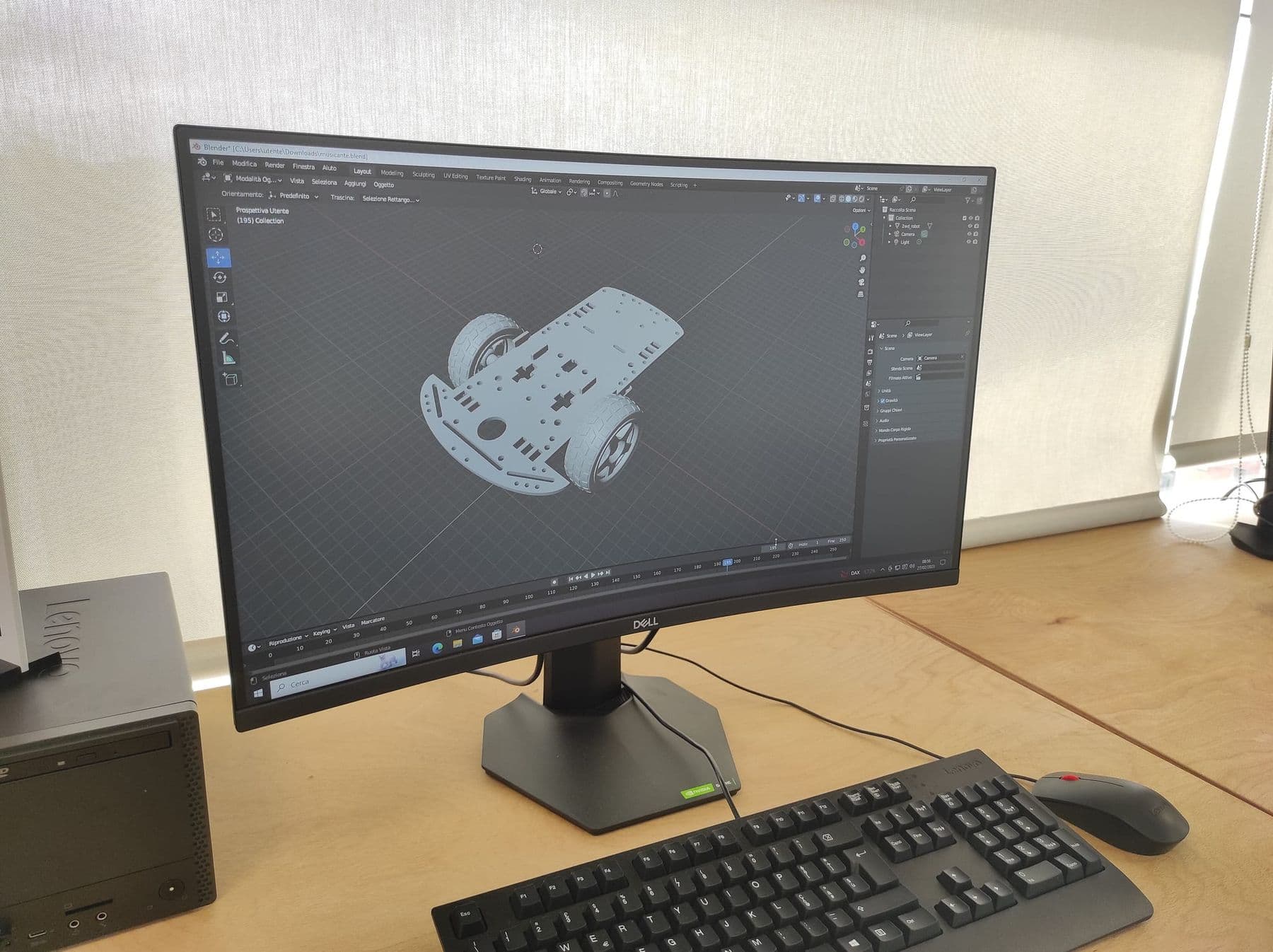
Blender works for 3D printing too if you watch two things: the model must be closed ("watertight", without holes or stray internal faces) and at the right scale. The 3D Print Toolbox extension, listed on Blender's official extensions platform, calculates volume and finds bad geometry. But for a bracket or an enclosure with exact dimensions, Fusion 360 or FreeCAD is much more convenient.
SketchUp Free: architecture and interiors
SketchUp works by drawing faces and pulling them up (Push/Pull), so a room, a house or a piece of furniture comes together quickly. SketchUp Free runs in the browser, includes 10 GB of cloud storage and exports STL.
One important condition: under Trimble's terms, the free version may be used only for non-commercial purposes. If you design an interior for a client, you need a paid plan. Check SketchUp models carefully before printing so every surface is closed, or the slicer will complain.
FreeCAD: fully free parametric CAD
FreeCAD is an open-source parametric modeller: no sign-up, no licence fees and no restriction on commercial use. It runs on Windows, macOS and Linux. The current stable version, 1.1, was released in March 2026 and has had several updates since.
FreeCAD is organised in workbenches: Sketcher for sketches, Part Design for parts, plus modules for drawings, architecture and CNC. Its interface is less polished than Fusion's and beginners need more patience, but your files and data stay yours for good.
Learn one parametric CAD well instead of three halfway. Sketch, dimensions, constraints and extrude work the same way in every CAD program. Once you are fluent in Fusion 360, FreeCAD or Onshape comes much faster.
Which 3D modelling software should you choose for your goal?
- Child aged 8–12, first models: Tinkercad.
- Teen interested in engineering and 3D printing: Tinkercad, then Fusion 360.
- Adult who needs functional parts for home or a prototype: Fusion 360 (personal licence) or FreeCAD. Our 3D design and printing course for adults covers this path.
- Games, animation, characters, printable figures: Blender.
- Architecture, interiors, furniture: SketchUp.
- Commercial work with free software: FreeCAD, or Blender for organic shapes.
Many experienced makers use two programs: a precise enclosure in Fusion 360, a decorative detail in Blender. The key is to learn one of them well first.
Frequently asked questions
Which 3D modelling software is completely free?
Blender and FreeCAD are open source and free for any purpose, including commercial use. Tinkercad is free and runs in the browser. Fusion 360, SketchUp Free and Onshape's free plan come with non-commercial conditions.
Is Fusion 360 free?
It is free for personal, non-commercial use if your annual revenue is under 1,000 USD, with limits: 10 editable documents at a time, limited CAM and export formats. Students and teachers can get an education licence. Commercial work needs the paid version.
Blender vs Fusion 360: which should I learn for 3D printing?
For functional objects (brackets, enclosures, spare parts), Fusion 360, because it works with dimensions and parameters. For figures, characters and decor, Blender. If you need both, start with the kind of object you will print most often.
Can I use SketchUp Free for commercial projects?
No. Under Trimble's terms, SketchUp Free is for non-commercial use only. Client projects need a paid plan or a different program.
How long does it take to learn 3D modelling?
Tinkercad basics take about an hour. Designing a simple functional part on your own in parametric CAD usually takes a few weeks of regular practice. Organic modelling in Blender is a longer road.
If you are looking for the right start for a teenager aged 13–17, see the 3D Printing and Modelling course, which runs from Tinkercad to Fusion 360. We also have a separate course for adults, 3D Design and 3D Printing, and if you are not sure which fits, contact us for a free consultation.
Sources
- Autodesk Fusion for personal use, Autodesk
- The 10 Document Limit for Personal Use Explained, Autodesk Fusion Blog
- Autodesk Education: free software for students and educators, Autodesk
- Blender License, Blender Foundation
- SketchUp Free, Trimble
- SketchUp Terms of Service: Free Offerings, Trimble
- FreeCAD: your own 3D parametric modeler, FreeCAD
- Onshape Free Plan, PTC Onshape