A good 3D modelling course for kids starts in Tinkercad, where children build models from shapes, holes and dimensions, and continues in Fusion 360, where they work with sketches, parameters and precise parts. 3D printing is an essential part: the child holds their own design, tests it and improves it. This path develops spatial thinking, applied maths and engineering habits.
3D modelling means creating a three-dimensional object on a computer. For a child it starts like a game, but it quickly becomes a real task: "this holder has to fit my desk exactly". That is where engineering begins.
This article is for parents: what 3D modelling gives a child, which program suits which age, what the learning path looks like and how to support your child at home.
Why 3D modelling? What it develops in children
Spatial thinking. A child rotates, cuts and combines a three-dimensional object on a flat screen and imagines how it looks from another side. A meta-analysis of 217 studies (Uttal and colleagues, 2013) found that spatial skills improve with training, that the gains last over time and that they transfer to other spatial tasks. The authors note that strong spatial skills are a powerful predictor of achievement in science, technology, engineering and maths.
Applied maths. Millimetres, proportions, coordinates, diameter and radius move from the textbook into a real problem. If a hole is 0.2 mm too narrow the bolt will not go in, and the child sees it for themselves.
Engineering thinking. Design, print, test, fix. This loop (iteration) teaches that mistakes are a normal part of the process, not a failure.
Product thinking. "Who am I making this for and what problem does it solve?" That question is the core of Design Thinking and useful in any future job.
Skills for many careers. Product designers, mechanical engineers, architects, game and animation artists and jewellery designers use 3D modelling every day. Medicine uses it too: organ models are printed before operations and custom orthoses are made for patients. A teenager fluent in CAD (computer-aided design) has already taken a first step towards any of these fields.
What age should kids start 3D modelling?
| Age | Program | What the child does | Parent's role |
|---|---|---|---|
| 7–9 | Tinkercad, with an adult | Simple shapes, a name keychain | Manage the account, sit alongside |
| 10–12 | Tinkercad, independently | Holes, alignment, exact dimensions, small useful objects | Offer interesting challenges |
| 13–17 | Fusion 360 and 3D printing | Sketches, parameters, assemblies, measuring real objects, own product | Support and a chance to show results |
This is a rough guide. Some 11-year-olds pick up Fusion 360 with ease, while some 14-year-olds first need more confidence in Tinkercad. The key sign is not age but how the child handles dimensions and how long they can focus on one task.
Autodesk gives a free Fusion education licence to eligible students and educators, for educational use only, and there is a free personal-use version for non-commercial projects, with limits. Details are in 3D modelling software compared.
The learning path: from Tinkercad to Fusion 360
Good 3D modelling teaching goes in stages, each with a practical result:
- Shapes and holes (Tinkercad): build an object from simple forms and cut it with holes.
- Dimensions and alignment: work in millimetres, align shapes, check with the Ruler.
- Measuring real objects: measure a real item with calipers and make an exact copy or a holder for it.
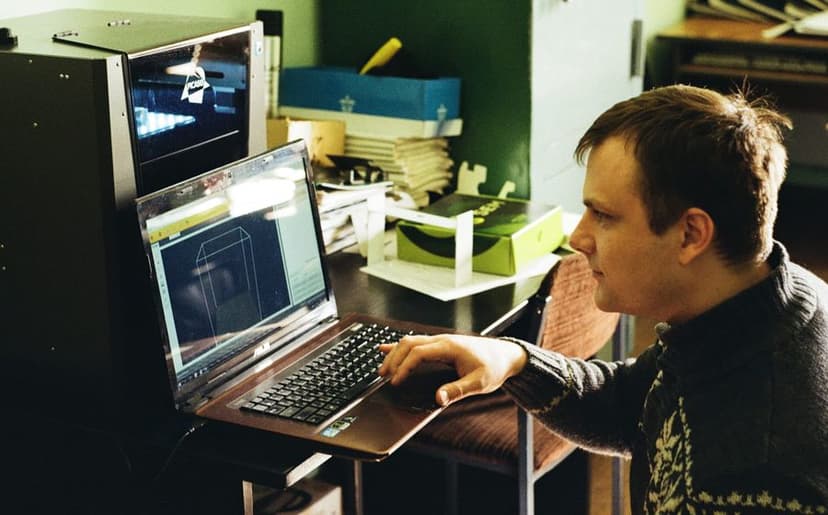
- Sketches and constraints (Fusion 360): draw a 2D sketch, set dimensions and rules, then turn it into a solid.
- Parameters: change one number and the whole model updates, for example a phone stand for a different phone.
- Assemblies and tolerances: two parts that must fit into each other.
- Print, test, fix: learn how the printer works and why a print failed.
- Final product: from your own idea to a prototype.
A hands-on lesson for the first stage, a name keychain in 20 minutes, is in Tinkercad for beginners.
Learning at home or on a course?
Both work; they suit different children and different stages:
| On your own at home | On a course, in a lab | |
|---|---|---|
| Resources | Free software and Tinkercad lessons | A structured, step-by-step programme |
| Feedback | Videos, forums, a parent | A teacher who spots a mistake straight away |
| Printing | Needs your own printer or a service | Printers and materials are in the lab |
| Motivation | Depends entirely on the child | A group, deadlines, a final project |
| Best for | Children who find their own challenges | Children who like structure and peers |
A good sign your child is ready for the next stage: they finish Tinkercad projects on their own and ask "how do I make this exact?" or "why doesn't this part fit into that one?". The answer to those questions is parametric CAD, that is, Fusion 360.
How is the TDS 3D printing and modelling course organised?
The TDS course "3D Printing and Modelling: Tinkercad to Fusion 360" is for teens aged 13–17 at beginner level: no prior experience is needed and the equipment is in the lab. It runs for 2 months: 24 sessions, 48 hours, with two lessons and one mentoring session a week, 2 hours each. The format is hybrid and the course is taught in Georgian.
What students cover:
- 3D modelling in Tinkercad, uses of 3D technology and Design Thinking;
- the Fusion 360 environment, sketches, dimensions and constraints;
- user parameters and formulas that change a model's dimensions automatically;
- measuring real objects and reverse engineering;
- tools such as Rib, Web, Emboss, Deboss, Pattern, Mirror, Sweep and Loft;
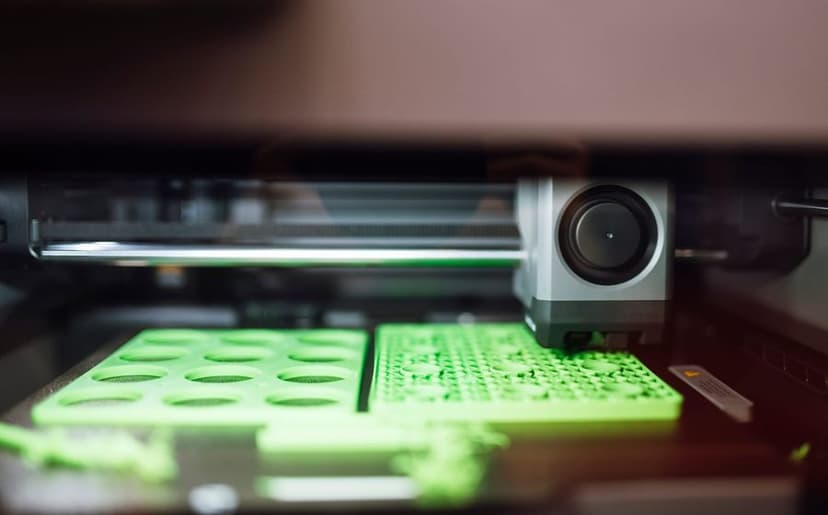
- 3D printing technologies, how printers work and how to calibrate them;
- simulation, rendering and animation, technical drawings and electronics integration;
- product design, prototyping and a final project based on their own idea.
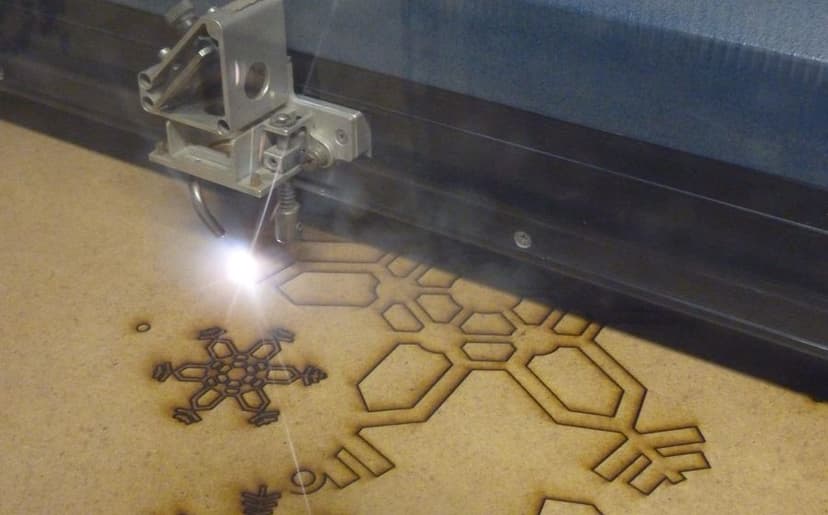
The course uses Fusion 360, a 3D printer and a laser cutter, so a project can combine plastic and wooden parts. The teen and adult courses are shown side by side on our 3D printing courses page.
 Course at TDS3D Design and Printing: From Tinkercad to Fusion 3607 months · 3 phases · 72 h · Starts 24 NovDetails
What do teens print? Project ideas
These ideas suit this age well because they meet a real need and teach a new tool at the same time:
- A parametric phone stand: change one number and it fits another phone.
- A desk organiser: for pens, a ruler and earphones, with exact dimensions.
- A replacement part: a broken handle or clip, measured with calipers.
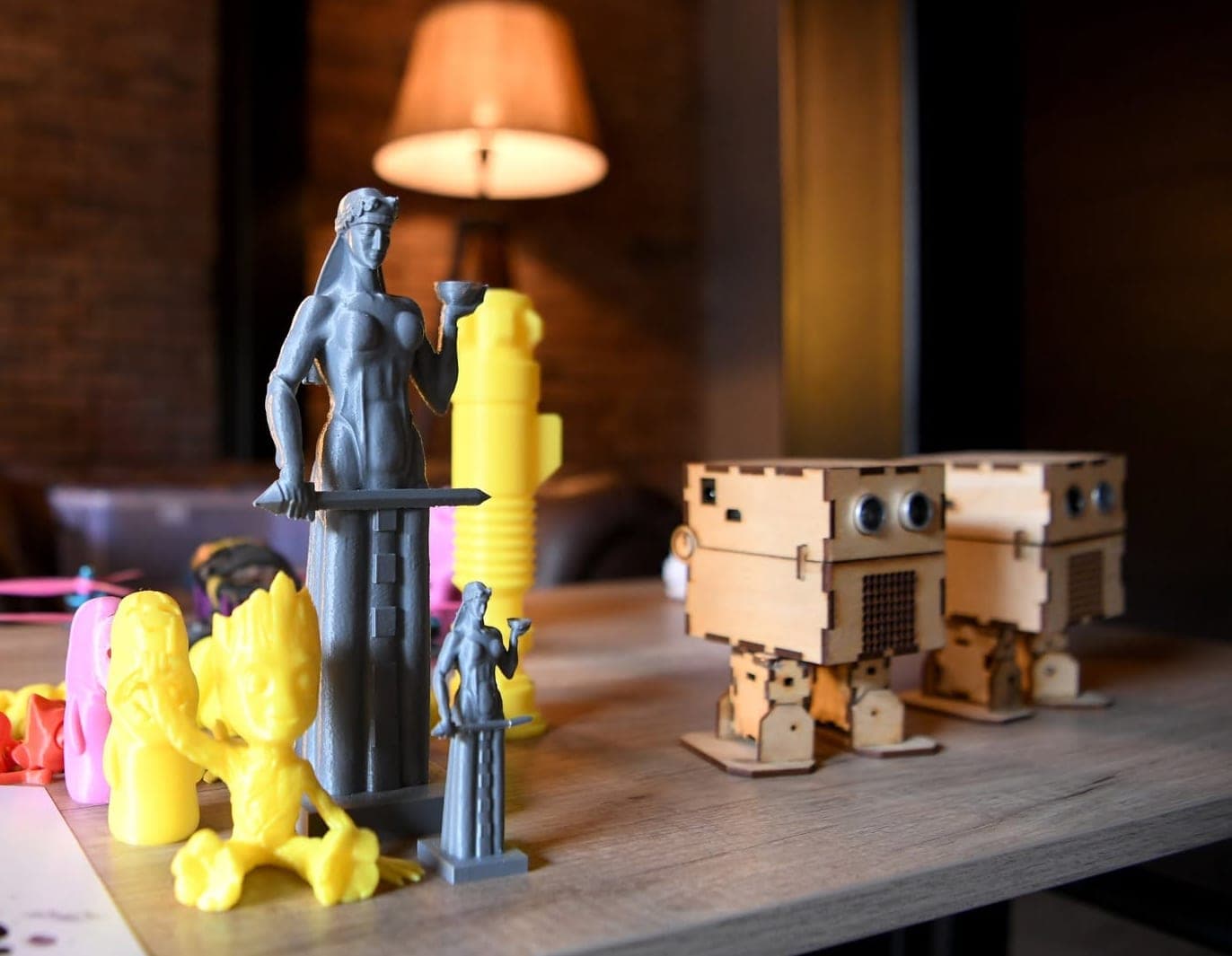
- A part for a robot or drone: a sensor mount, a case, an eye.
- A lamp with an LED: 3D printing and electronics in one project.
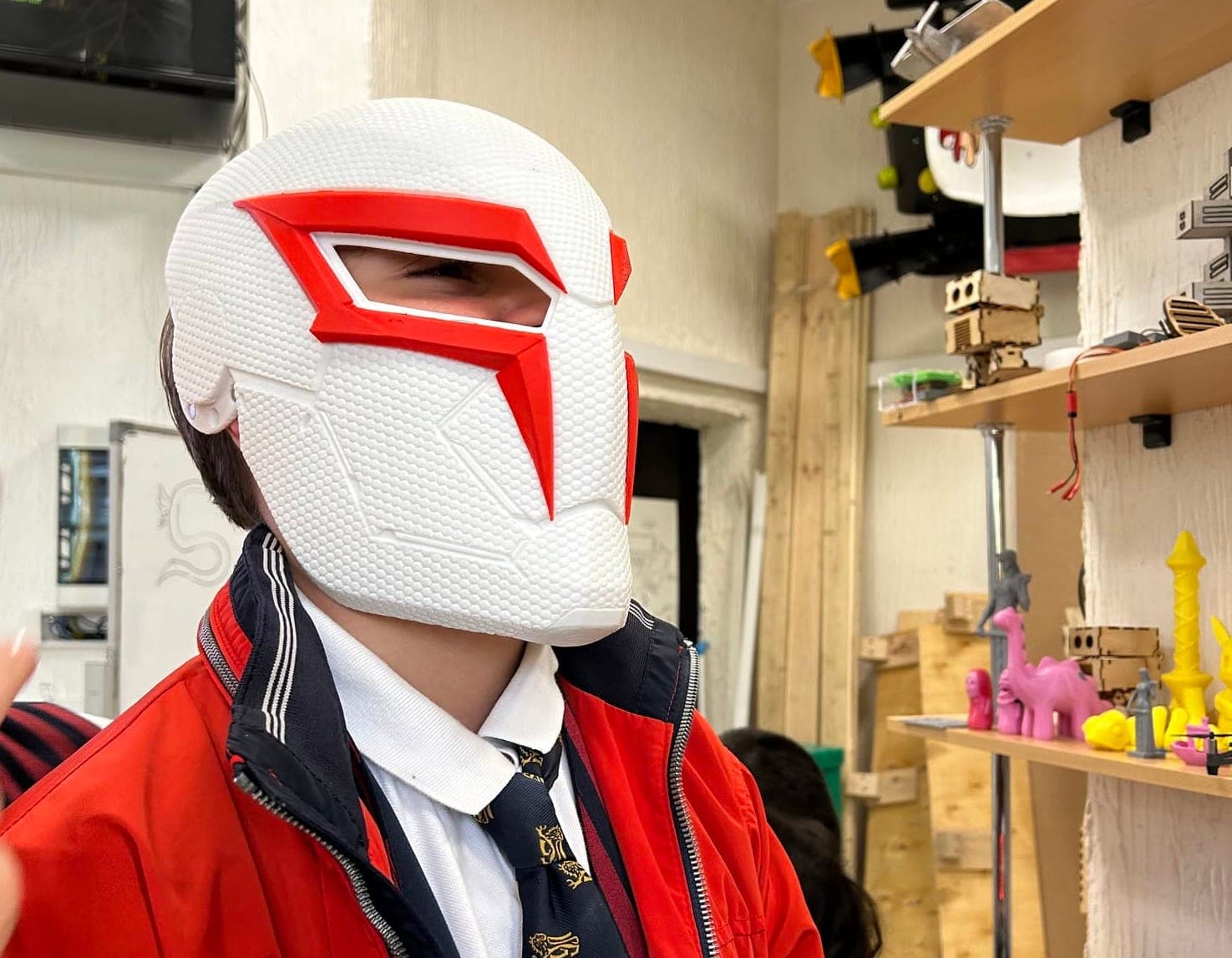
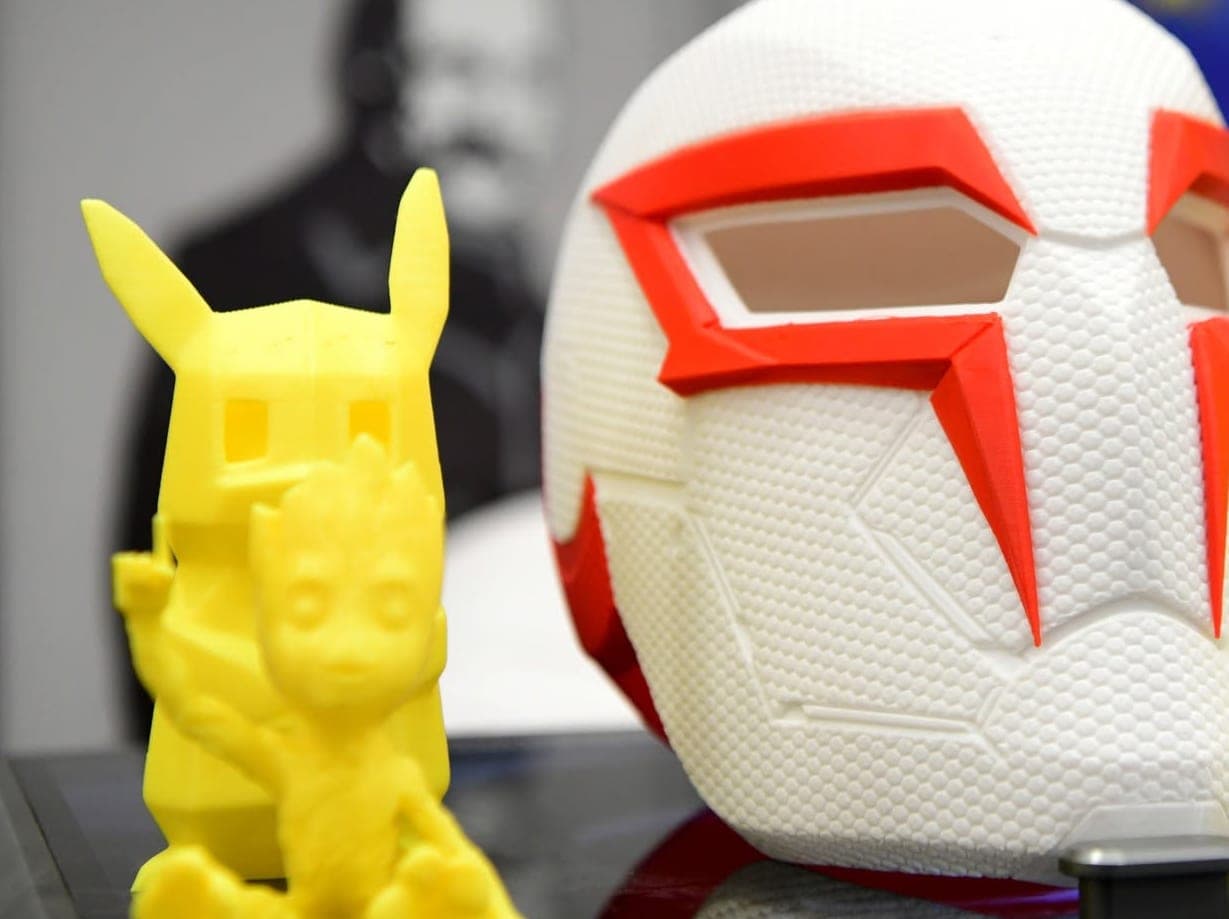
- A big multi-part project: a cosplay helmet or figure printed in pieces and assembled.
Forty more ideas for home, gifts and school are in 40 3D printing ideas.
How can parents help at home?
Supporting your child does not require technical knowledge. What works best:
- Give a real task: "this spot in the cupboard is empty, design a holder". A real need is the strongest motivation.
- Buy digital calipers: an inexpensive tool, and your child will start measuring everything.
- Do not fix mistakes for them: ask "why do you think it didn't fit?" An answer they find themselves sticks.
- Paper first: sketch and dimensions on paper, then on the computer. It also cuts screen time.
- Celebrate versions, not only results: put versions one, two and three side by side on a shelf.
- If you buy a printer for home, read the safety rules and first steps in how to start 3D printing.
If you want to understand what your child does, try our one-day workshop for adults, 3D Printing: A Useful Household Item in One Day: in 3 hours you design a simple household item in Fusion 360 and print it the same day.
Play "the measuring game" at home: give your child calipers and ask them to measure five objects and write the numbers down. Then let them design a stand or a lid for one of them in Tinkercad. When the printed part fits on the first try, they will never forget why dimensions matter.
Frequently asked questions
At what age can kids learn 3D modelling?
With an adult's help, children aged 7–9 can build simple models in Tinkercad, and most work independently from about 10. For Fusion 360, with sketches and parameters, the best age starts around 13. The TDS 3D modelling course is for teens aged 13–17.
Does my child need any prior knowledge?
No. The TDS course is designed for beginners and starts from the basics with modelling in Tinkercad. The equipment needed is in the lab.
Do we need to buy a 3D printer for home?
No. Modelling works on any computer, and Tinkercad runs in the browser. Printing happens in the lab during the course. If you decide to buy a printer later, first see what your child prints most often.
How long is the 3D modelling course?
The TDS "3D Printing and Modelling" course lasts 2 months: 24 sessions, 48 hours in total. There are two lessons and one mentoring session a week, 2 hours each, in a hybrid format.
Is Fusion 360 free for students?
Autodesk offers a free education licence to eligible students and educators. There is also a free version for personal, non-commercial use, with limits. We explain the 2026 licence terms in our software comparison.
Is 3D printing safe for kids?
FDM printing with PLA filament is relatively safe if the room is well ventilated, the child does not hover over a running printer for long and does not touch the hot nozzle. Children should print only with an adult present. Resin printers are not meant for children.
If your child is 13–17 and loves technology, see the programme of the 3D Printing and Modelling course. Still deciding? Contact us for a free consultation and we will help you choose the right first step.
Sources
- The malleability of spatial skills: a meta-analysis of training studies, Psychological Bulletin (PubMed)
- Autodesk Education: free software for students and educators, Autodesk
- Autodesk Fusion for personal use, Autodesk
- Tinkercad Learning Center, Autodesk
- 3D Printer Safety: 10 Ways to Promote Healthy Indoor Air Quality, UL Research Institutes