AI for Designers: From Idea to Finished Visual
 18+From idea to finished visual
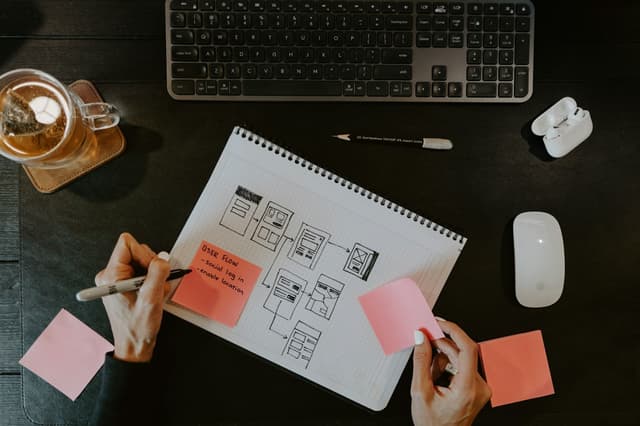
In eight sessions you bring AI into your design process: from moodboards and concepts to branding, mockups, an interface prototype and a campaign. The final call is still yours.
Who it is for
What you will learn
- Three style directions with moodboards
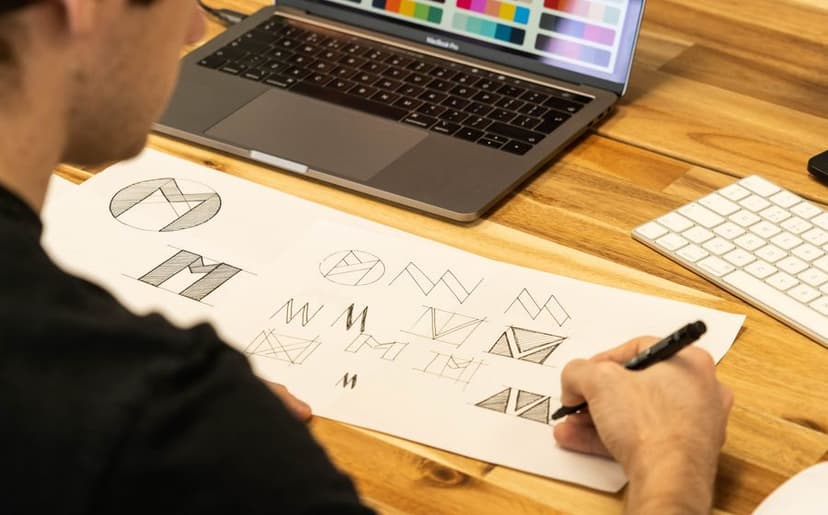
- A brand concept: vector logo, palette, typography
- Photo editing with Generative Fill and Nano Banana
- A ten-visual campaign in one consistent style
- An interface prototype made with Figma Make
- Licences and the rules for commercial use
Tools and equipment
Groups & times
New dates will be announced soon. Leave your contact and we will let you know first.
How it works
- Day 0Application
Form or call
- Days 0–3Group and payment
Buying the course
- Week 1Orientation
Safety, accounts
- 4 weeksLearning
8 classes
- Final weekFinal project
Presentation to a jury
- AfterwardCertificate
with QR verification
Syllabus
01AI in design: tools and licencesSession 1 · 2 h · 3 topics
- 1.1Generation, editing, vector, UI: which tool for whatTheory
- 1.2Copyright, Content Credentials, commercial safetyTheory
- 1.3From brief to prompt: ChatGPT and Claude as an art director’s assistantPractice
OutcomeA licence matrix for client work
02Visual prompting and moodboardsSession 2 · 2 h · 3 topics
- 2.1Composition, lighting, lens and style referencesPractice
- 2.2Midjourney: style references and personalisationPractice
- 2.3Firefly Boards: a moodboard with your teamPractice
OutcomeThree style directions
03Brand identitySession 3 · 2 h · 3 topics
- 3.1Naming and tone with AIPractice
- 3.2From logo to vector: Recraft and IllustratorPractice
- 3.3Typography with Ideogram and a Georgian lettering testPractice
OutcomeA brand concept sheet and Georgian lettering test results
04Generative editingSession 4 · 2 h · 2 topics
- 4.1Photoshop: Generative Fill, Expand, HarmonizePractice
- 4.2Nano Banana and Grok Imagine: editing with text instructionsPractice
OutcomeA campaign key visual
05Consistency and mockupsSession 5 · 2 h · 2 topics
- 5.1Style references, Recraft brand styles, Firefly Custom ModelsPractice
- 5.2Product shots, packaging and mockups without a photo shootPractice
OutcomeTen visuals in one consistent style
06UI with AISession 6 · 2 h · 2 topics
- 6.1Figma Make: from a description to screensPractice
- 6.2Design system and UX copy with AIPractice
OutcomeA clickable prototype
07Production pipelineSession 7 · 2 h · 3 topics
- 7.1Upscaling and detail: MagnificPractice
- 7.2Social media formats: Canva AIPractice
- 7.3Figma Weave and Magnific Spaces: node-based workflowsPractice
OutcomeOne visual exported to every format automatically
08Final projectSession 8 · 2 h · 2 topics
- 8.1Agreeing with the client and pricing AI workTheory
- 8.2Final project critique and presentationPresentation
OutcomeA brand mini-book for your portfolio
Frequently asked questions
What level do I need?
Basic Photoshop or Figma. The course does not teach design basics: it adds AI to the skills you already have.
Do I need paid subscriptions?
We mostly work with free plans and trials. Midjourney is paid only, so we do its exercises together as a group. At the end we tell you which subscriptions are worth it for your work.
Can I give AI-made visuals to clients?
We cover which tools’ licences allow commercial use, how to agree it with the client and when to disclose that a visual was made with AI.
Can I get a refund?
After the first class, we refund 100%. After that, refunds are prorated for the remaining classes.