For a designer, AI is not a “make me a design” button. It is a set of tools that speeds up each stage: ChatGPT or Claude turn a brief into prompts, Midjourney explores style, Adobe Firefly and Photoshop’s Generative Fill edit photos, Ideogram handles images with lettering, and Recraft produces vectors. Composition, typography, the final choice and checking the licence are still the designer’s job.
Generating an image now takes seconds. But a visual you hand to a client needs two things a generator does not provide by itself: a consistent brand style and a legally safe origin. This article covers both.
Which AI tool for what: comparison table
Data as of October 2026. Licences and plans change, so reread the terms on the official page before a client project.
| Tool | Strong at | Commercial use |
|---|---|---|
| Midjourney | Style exploration, aesthetic concepts | Paid plans only; larger companies need a higher plan |
| Adobe Firefly | Generative Fill, Expand, Firefly Boards | Firefly models trained on licensed data; partner models are not covered by that claim |
| Ideogram | Lettering and typography in images | Allowed, but the liability is yours |
| Nano Banana (Gemini) | Editing with text instructions | Under Google’s terms; check them |
| Recraft | Vectors, brand styles | Free plan images belong to Recraft; paid plan images to you |
| Figma Make | Interface prototypes from a description | Depends on your Figma plan |
A few details that do not fit in the table:
- Midjourney: works only with a paid subscription. According to a third-party summary of its terms (Terms.Law, 2026), subscribers own what they create, but a company with more than 1 million USD in annual revenue needs a Pro or Mega plan. Images are public by default, and private (Stealth) mode is only on the higher plans. Read Midjourney’s official Terms of Service yourself before a client project.
- Adobe Firefly: Adobe says its Firefly models are trained on licensed Adobe Stock content and public domain material, and calls them “commercially safe”. Partner models available inside Firefly (GPT Image, Gemini, FLUX) are separate, and that statement does not cover them. Firefly outputs carry Content Credentials, a record that the file was made with AI.
- Ideogram: its terms say it claims no ownership of your output and allows commercial use, but it disclaims liability for that use and warns that similar outputs may be generated for other users. Removing watermarks is not allowed.
- Recraft: images created on a paid plan are yours with commercial rights, even after you cancel.
A workflow from idea to final visual: 6 steps
1. Brief → style directions. Use ChatGPT or Claude as an art director’s assistant: “Here is the client brief. Suggest three distinct visual directions. For each: mood, palette, lighting, composition, type of reference and one prompt for an image generator.”
2. Moodboard. In Midjourney with style references, or in Firefly Boards, where you arrange images with your team on an infinite canvas. 8–12 images per direction is enough to talk to the client.
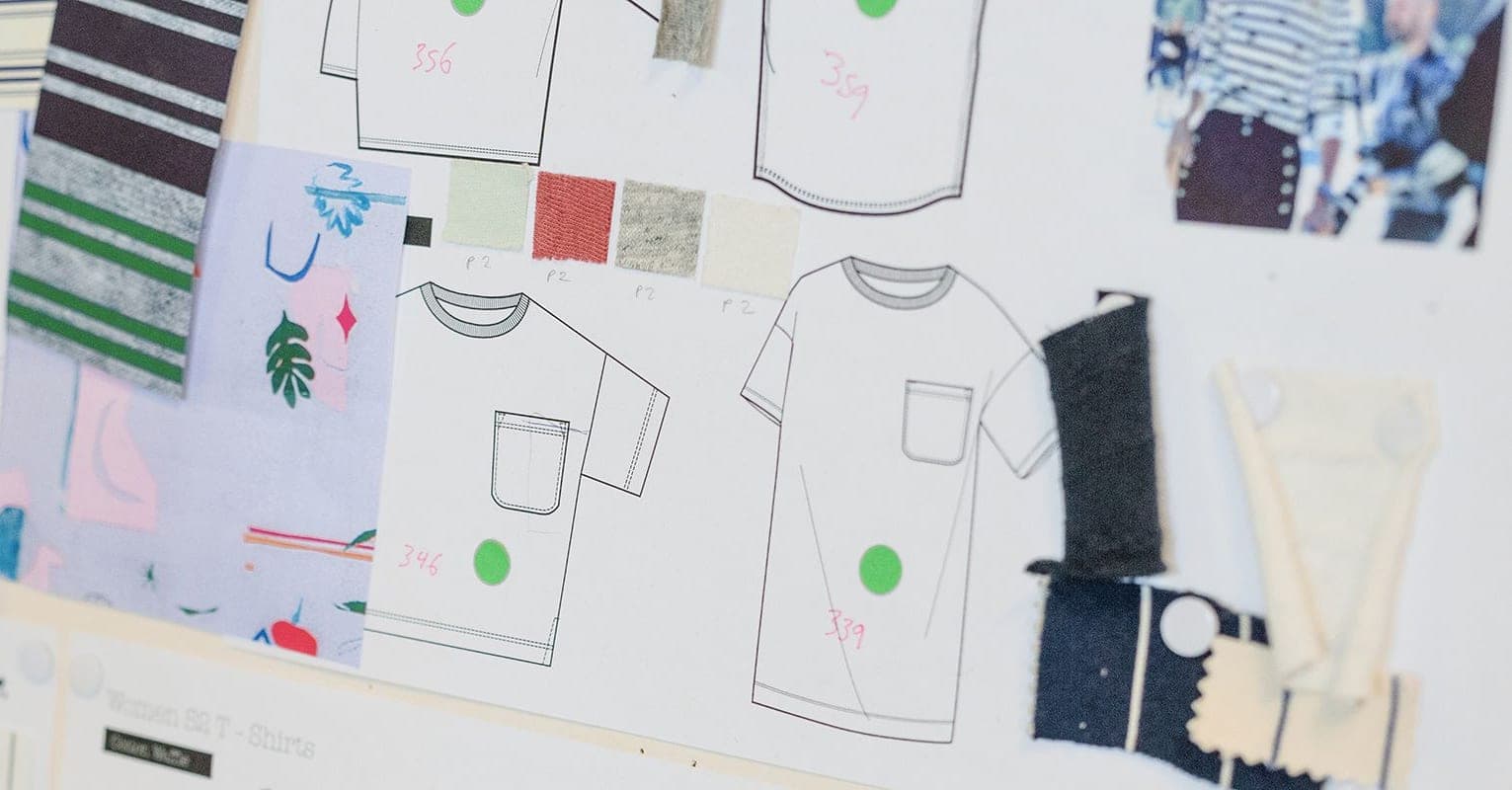
3. Generation. Create many variants of the direction the client picked and keep 2–3. For consistency, keep the same reference and prompt structure and change only the subject.
4. Editing. Photoshop’s Generative Fill replaces or adds objects; Generative Expand extends the canvas (say, from square to banner). In Nano Banana you describe the change in words: “make the background a city at night, keep the lighting”. Check hands, lettering, logos and reflections closely: that is where AI slips most.
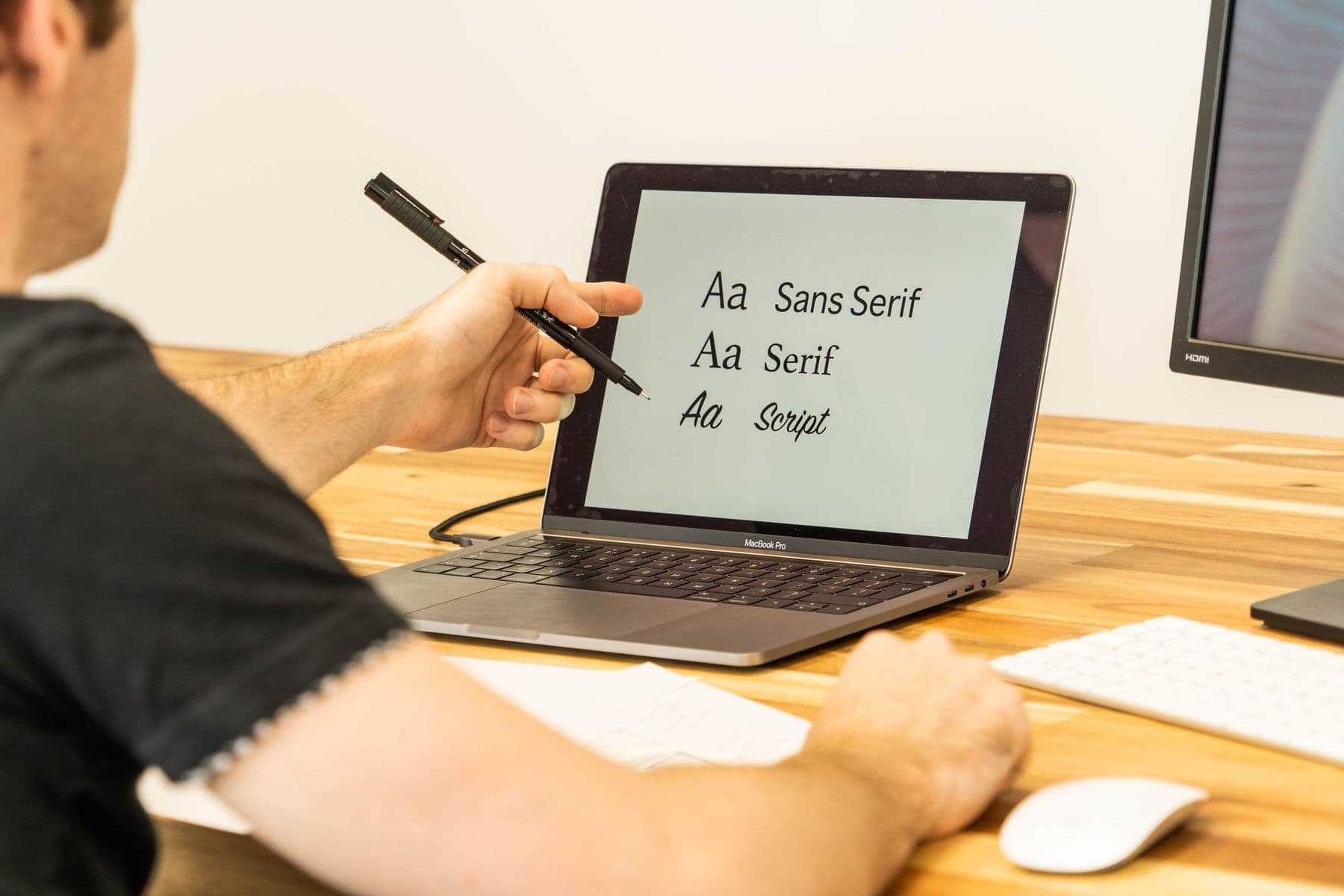
5. Typography and text. Ideogram is good for Latin lettering, but AI still renders Georgian letters unreliably in images. So Georgian text always goes in afterwards in Illustrator, Figma or Canva, with a real typeface.
6. Final. Upscaling (with Magnific, for example), formats for social media, colour checks for print. Then the licence check and telling the client (more below).
For UI/UX designers there is one more stage: Figma Make. It turns a description and existing Figma designs into an interactive prototype. You refine it in chat, select an element in the preview and change it in a properties panel, or pin notes to specific elements. Such a prototype is for testing an idea quickly; the final interface is still built in your design system.
This workflow assumes basic Photoshop or Figma. If you are still getting to know design software, start with our guide to design software for beginners.
 Course at TDSAI for Designers: From Idea to Finished Visual4 weeks · 16 hDetails
Creating images with AI: prompts for 3 real tasks
Image generators generally understand English descriptions best, so the prompts below are in English. The general rules for building a prompt are in our guide on how to write a good prompt.
Task 1. A product photo for a catalogue. “Photorealistic product shot: a handmade ceramic cup on a wooden table, soft morning side light from a window, 45-degree angle, 85 mm lens, blurred background, warm natural colours, empty space on the right for text, no text or logos.” If you have a photo of the real product, upload it as a reference so the shape and colour match.
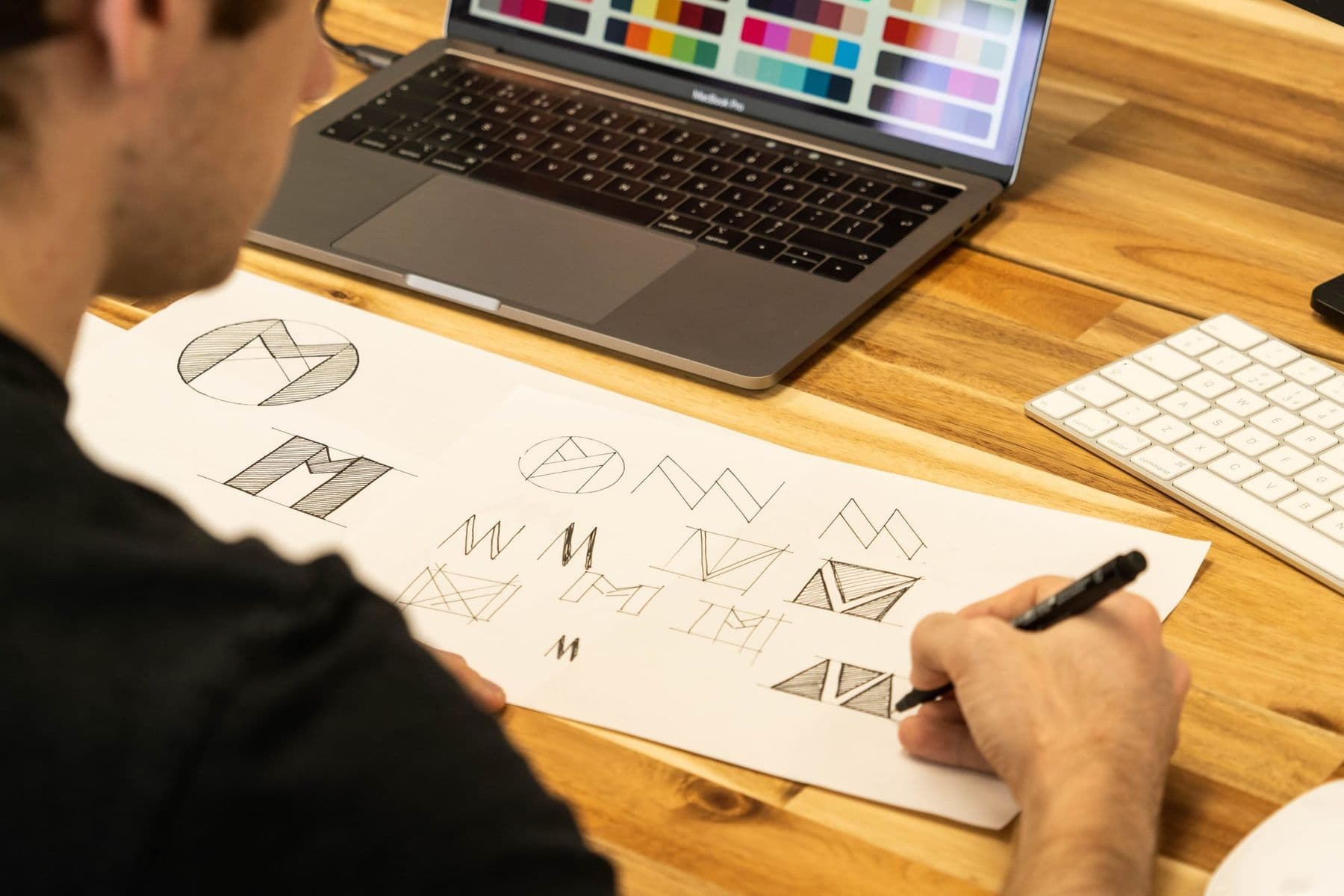
Task 2. AI logo concepts. “6 logo concepts for a small coffee roastery called ‘Grain’: a simple geometric mark, one colour, on white, flat vector style, no shadows or gradients, readable at 32 pixels, no text.” Here AI is a source of ideas, not a finished logo: redraw the chosen concept in vector (in Recraft or Illustrator), add the wordmark in a real typeface, and check it does not resemble existing trademarks.
Task 3. A campaign in one style. “In the same style as the attached reference (palette, lighting, grain), create 10 frames for an autumn campaign: 4 product close-ups, 3 people in the city with the product, 3 abstract backgrounds for text. Format 4:5. Same colour temperature in every frame.” Lay all ten out together at the end and regenerate any that fall out of style.
Copyright and telling the client
Three things every designer should know:
- A prompt does not make you an author. According to the U.S. Copyright Office’s January 2025 report, merely providing prompts does not make an output protectable. Protection is possible where a person has creatively modified or arranged the output or included their own work. The more of the work is yours, the stronger your and your client’s position.
- Transparency rules. Article 50 of the EU AI Act requires that realistic AI-generated images resembling real people, places or events (deepfakes) be disclosed as such, with a lighter requirement for evidently artistic work. If your client sells in the EU, this applies to them.
- Put it in the contract. Which tools you use, who owns the result, whether the client agrees to AI use and who checks licences. If the work will be registered as a trademark, talk to a lawyer.
Keep living artists’ names, other people’s brands and famous characters out of your prompts: that is the most direct route to a legal problem.
Build a licence table: tool, your plan, whether you own the output, whether commercial use is allowed, whether images are public, and the date you checked. Update it every three months. When a client asks “can we use this in an ad?”, you will have the answer in a minute.
Will AI replace designers?
AI changes the shape of a designer’s work: less time on routine retouching and drawing variations, more on choosing, concept and quality control. AI is strong where you need many options fast and weak where context, brand history and the client’s real problem decide the outcome, which is exactly what clients pay for. A designer’s core value is taste, judgement and responsibility for the result; knowing AI adds to that value rather than replacing it.
If your visuals need to move, video is the next step: our article on AI video and animation covers Runway, Kling, Veo and the motion design workflow.
Frequently asked questions
Can I use Midjourney images commercially?
Paid subscribers can. According to summaries of the terms, a company with annual revenue above 1 million USD needs a Pro or Mega plan; check the exact wording in Midjourney’s official Terms of Service. Keep in mind that images are public by default and that a purely AI-generated image may not be protected by copyright.
Is Adobe Firefly free?
Firefly has a free plan with a daily generation limit. On paid plans (Standard, Pro and higher), standard image and vector generation is unlimited, while video, audio and partner models use generative credits. The terms change often, so check the current plans on Adobe’s site.
Can AI design a logo?
It is good at logo ideas, but using an AI output as a finished logo is risky: it may resemble an existing mark, and a purely AI-made work may not be protected by copyright. Redraw the concept in vector and finish the final form yourself.
Which AI can write Georgian text in images?
As of 2026, none reliably. Some models get closer, but mistakes are common. Add Georgian text in your design software with a real typeface.
Do I need to tell my client I used AI?
Yes, and it is best written into the contract. The client should know who owns the result, what limits the licence has and whether it needs to be labelled in their market. Transparency builds trust and protects you from disputes later.
Next step
Take one current project through the six steps above and finish with your licence table. If you want to build this workflow on a portfolio project with a group and a trainer in Tbilisi, see AI for Designers: From Idea to Finished Visual or contact us for a free consultation. There is a separate course for video and animation: see both on our AI courses page.
Sources
- Adobe Firefly: commercially safe generative AI, Adobe
- Adobe Firefly plans and generative credits, Adobe
- Midjourney Commercial Use Rights: 2026 Guide (third-party summary), Terms.Law
- Terms of Service, Ideogram
- Pricing and licensing, Recraft
- Copyright Office Releases Part 2 of Artificial Intelligence Report, U.S. Copyright Office
- Article 50: Transparency Obligations, EU Artificial Intelligence Act
- Explore Figma Make, Figma Help Center