The easiest places to find free STL files are Printables, MakerWorld, Thingiverse, Thangs and Cults. A printer cannot read an STL directly: you open it in a slicer (Cura, PrusaSlicer, Bambu Studio or OrcaSlicer), set layer height, walls, infill and supports, and export G-code. If you plan to sell what you print, check the model’s licence before you start.
This guide is for people who already have a printer or are about to get one. If you are still learning how the technology works, start with how to start 3D printing. Below you will find the main model sites compared, licences explained in plain words, and the slicer settings we check before every print in our lab in Tbilisi.
What is an STL file, and how is it different from 3MF and G-code?
An STL file describes the surface of an object as thousands of small triangles. It stores shape only: no colour, no material, no print settings. That is why it is universal: every slicer and modelling program opens it. One catch: STL has no units, so a model drawn in inches can look tiny when your slicer assumes millimetres.
| Format | What it stores | When to use it |
|---|---|---|
| STL | Surface shape only | The most common format, opens everywhere |
| 3MF | Shape, colours, several objects, often settings | Multicolour prints, the designer’s own profile |
| OBJ | Shape and texture | Mostly visualisation |
| STEP | Exact CAD geometry | When you want to edit the part in Fusion 360 |
| G-code | Printer instructions: moves, temperatures, speeds | A ready file for one specific printer |
The key rule: G-code is written for one printer and one material. Someone else’s G-code can run at the wrong temperature on your machine or drive the nozzle into the bed. Download the STL or 3MF and slice it yourself.
Where can you find free STL files?
Millions of free 3D models exist online, of very mixed quality. Five sites are enough for a beginner:
| Site | What it is | What stands out |
|---|---|---|
| Printables | Prusa Research’s platform | Free models and a store, often ready G-code |
| MakerWorld | Bambu Lab’s platform | 3MF projects with the designer’s settings |
| Thingiverse | One of the oldest and largest archives | Huge choice, many older models |
| Thangs | A 3D model search engine | Search by shape, even by uploading a file |
| Cults | Free and paid model marketplace | Many designer files, read the licence carefully |
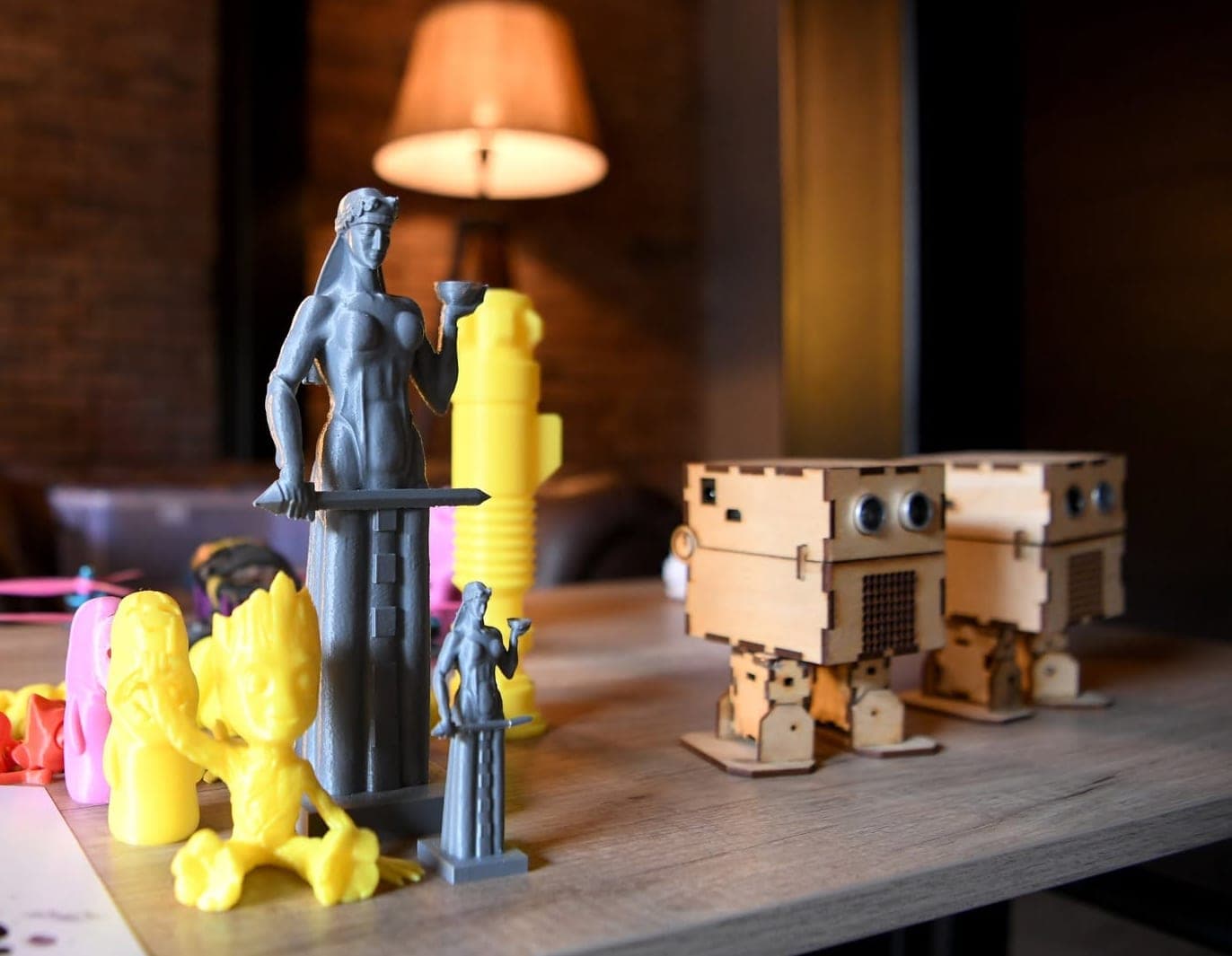
Which one first? With a Prusa or another open-system printer, Printables is a good start. With a Bambu Lab printer, MakerWorld projects open straight in Bambu Studio. Thingiverse has rare and older designs, so choose more carefully there. Looking for inspiration? See our list of 40 3D printing ideas.
How to pick a model that will actually print
- Real photos. The designer’s render always looks perfect. Photos from other users (“Makes” on Printables) show whether the model really prints.
- Comments. People often report parts that do not fit or places that need support.
- A flat base. A model with a large flat side prints without supports and sticks well to the bed.
- Designer notes. Material, nozzle size, infill and orientation are usually in the description.
- The licence. It is always shown on the model page. Here is what it means.
Licences: can you sell prints of a downloaded model?
“Free” does not mean “do anything you like”. The designer chooses a licence, most often one of the Creative Commons (CC) options. It decides whether you may sell prints and whether you may modify the model.
| Licence | Sell prints | Modify | Main condition |
|---|---|---|---|
| CC BY | Yes | Yes | Credit the designer |
| CC BY-SA | Yes | Yes | Share remixes under the same licence |
| CC BY-NC | No | Yes | Non-commercial use only |
| CC BY-NC-SA | No | Yes | Non-commercial, same licence |
| CC BY-ND | Yes | No | No modifications |
| CC BY-NC-ND | No | No | The strictest option |
Creative Commons defines NonCommercial as use not primarily intended for commercial advantage or monetary compensation. In plain terms: you can print a CC BY-NC model for your home, but you cannot sell the print.
Platforms add their own rules. The Printables store offers three licences: Standard Digital File (personal use), Commercial use (selling prints, including modified versions) and Commercial use, no derivative. MakerWorld keeps its whole library free for personal use, and some designers sell commercial licences through paid memberships.
Take a screenshot of the licence when you download: designers can change their terms later. If a model is NC but you want to sell it, write to the designer; many happily grant permission. Film characters, logos and brands are often protected even when a file carries a CC licence.
If you want to earn money from printing, licences and pricing are covered in detail in 3D printing as a business.
Which slicer should you choose: Cura, PrusaSlicer, Bambu Studio or OrcaSlicer?
A slicer cuts a 3D model into thin layers and writes the nozzle path for every layer as G-code. All four popular slicers are free and open source (as of 2026):
| Slicer | Developed by | Licence | Best for |
|---|---|---|---|
| UltiMaker Cura | UltiMaker | LGPL-3.0 | Many printer brands, lots of settings |
| PrusaSlicer | Prusa Research | AGPL-3.0 | Prusa and other printers, clear interface |
| Bambu Studio | Bambu Lab | AGPL-3.0 | Bambu Lab printers, MakerWorld projects |
| OrcaSlicer | Community | AGPL-3.0 | Built-in calibration tests |
PrusaSlicer grew out of Slic3r, Bambu Studio is based on PrusaSlicer, and OrcaSlicer builds on both, so skills transfer between them. OrcaSlicer includes ready temperature tower, flow and retraction tests, which speeds up tuning a new filament.
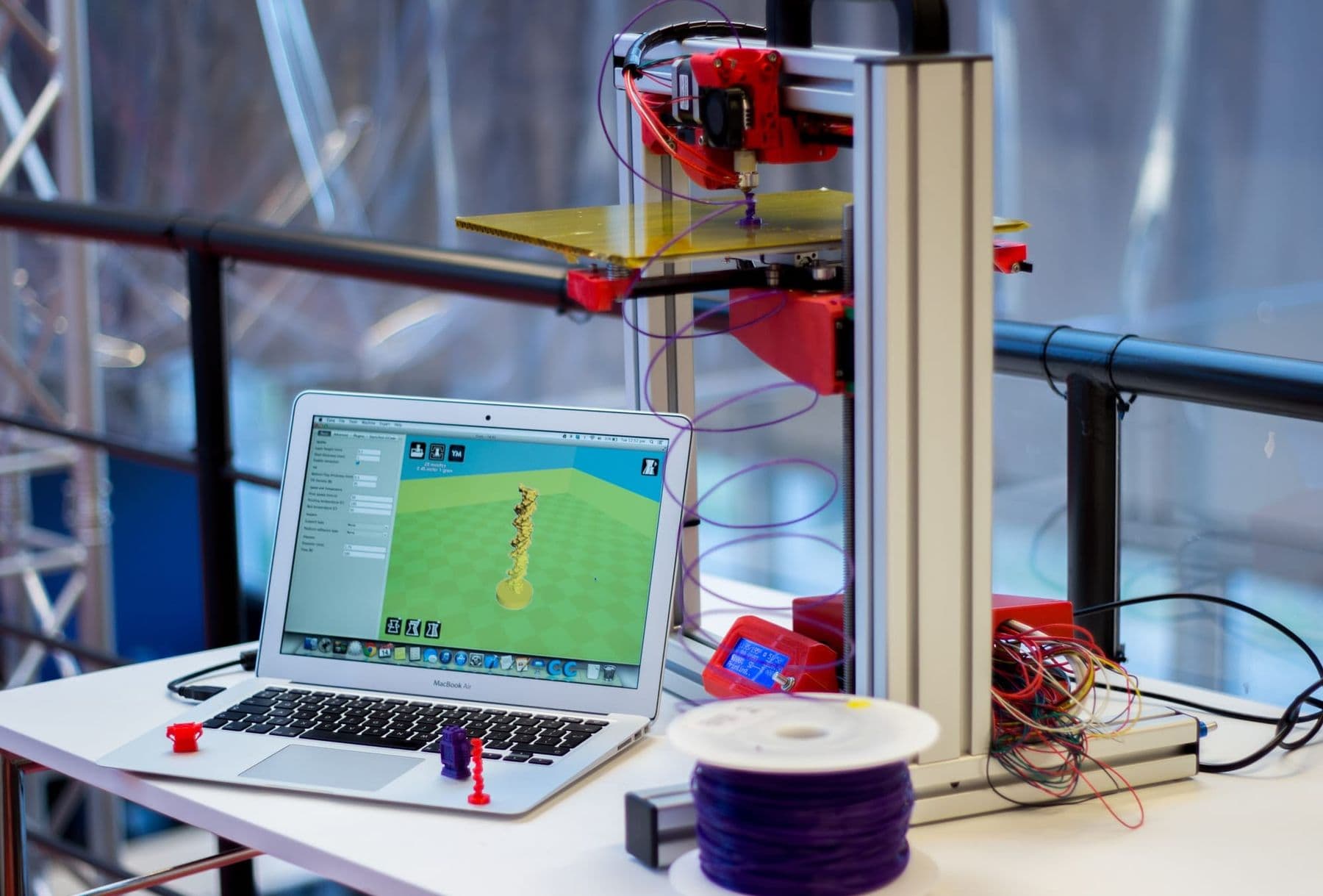
Simple advice: start with the slicer your printer’s manufacturer recommends, because tuned profiles are already inside. On our adult 3D Design & 3D Printing course we work in Bambu Studio and PrusaSlicer.
How to slice a 3D model in 8 steps
- Open the STL or 3MF (drag it into the window).
- Choose your printer profile and nozzle size, usually 0.4 mm.
- Choose the filament: PLA, PETG or another. The profile sets temperatures. For the differences, read PLA, PETG or ABS.
- Orient the model: put the largest flat face on the bed (“Place on face” or “Lay on face”).
- Check the size. If the model looks strangely small, it was probably made in inches: scale it by 25.4.
- Set layer height, walls, infill and supports (table below).
- Press “Slice” and scroll through the preview layer by layer: is anything floating in mid-air?
- Export the G-code and send it to the printer by USB, memory card or network.
 Course at TDS3D Design & 3D Printing6 weeks · 32 h · Starts 18 NovDetails
The slicer settings that really matter
Out of hundreds of settings, five decide almost everything. Starting values for PLA with a 0.4 mm nozzle:
| Setting | Starting value | What it affects |
|---|---|---|
| Layer height | 0.2 mm | Detail and print time |
| Walls (perimeters) | 2, or 3–4 for strong parts | Strength |
| Top and bottom layers | At least 3 | Surface quality |
| Infill | 15–20% | Weight, time, filament used |
| Supports | Overhangs beyond 45° | Correct shape |
Layer height. Keep it below about 80% of the nozzle diameter: around 0.32 mm for a 0.4 mm nozzle. Prusa advises against going below 0.10 mm, since quality barely improves while time grows a lot. Going from 0.2 to 0.1 mm doubles the number of layers, so the print takes roughly twice as long.
Walls and infill. Many beginners push infill towards 100% for strength. In fact, the number of walls affects strength more than infill does. For a strong hook or bracket, raise walls to 3–4 first, then infill. For a decorative piece, 10–15% infill is plenty.
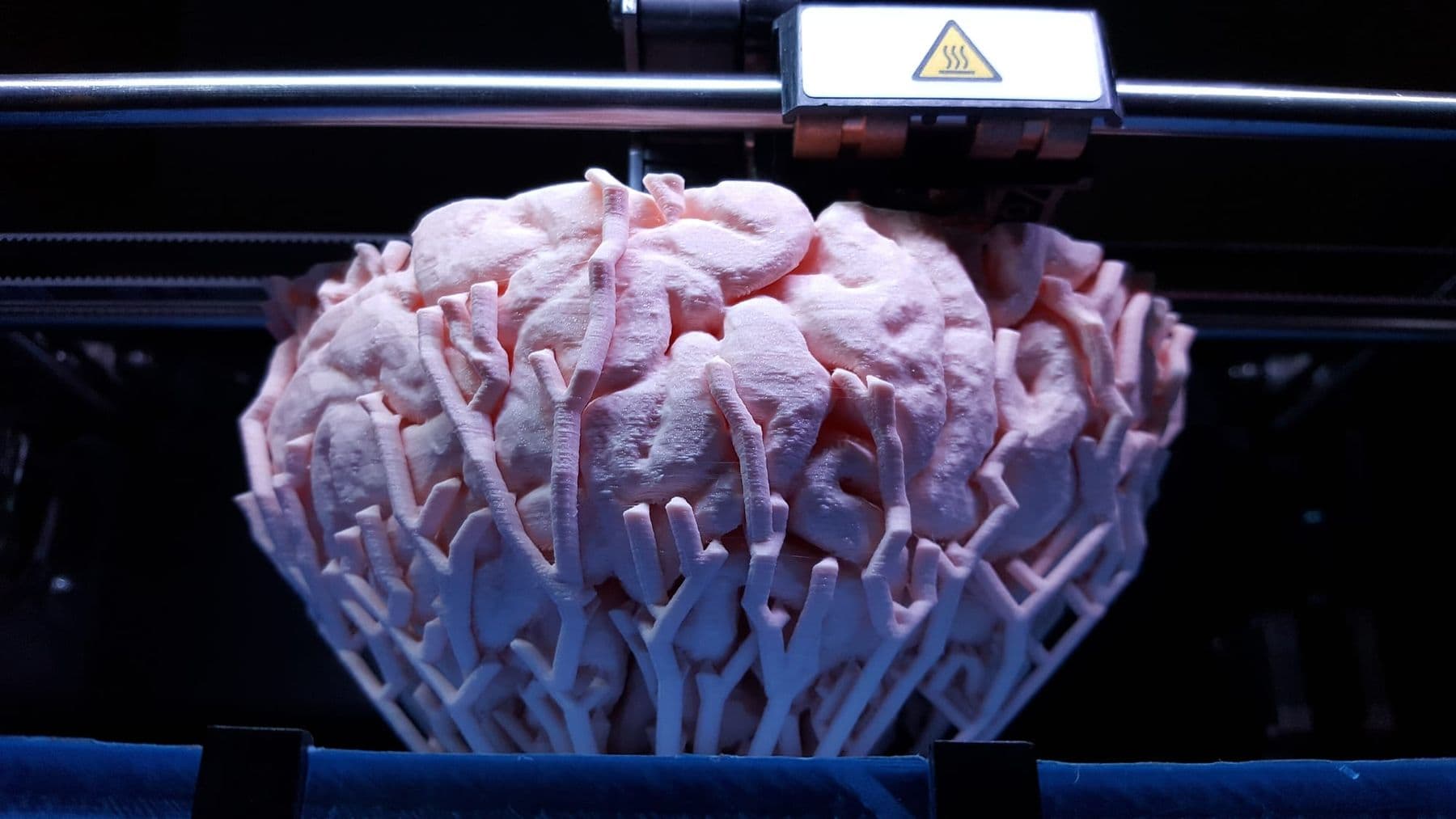
Supports, brim and raft. Supports hold up parts that hang in mid-air. Cura and PrusaSlicer use 45° as the default threshold, but slicers measure the angle differently, so check the preview. Tree supports use less material and come off figurines more easily. Leave a gap of about one layer height between support and model (0.2 mm for 0.2 mm layers). A brim adds extra lines around the first layer: use it when the contact area is small, the part is tall and thin, or corners lift. A raft is a thick base under the whole model; on modern printers with a heated bed you rarely need it, and it leaves a rough bottom.
Common mistakes before the first print
- Running someone else’s G-code on a different printer.
- Not checking the scale: an inch-based model comes out 25 times too small.
- Forgetting supports under an overhang.
- 100% infill “for strength” when more walls would have done the job.
- Starting with a big model: make the first print small, such as a 20 mm calibration cube.
- Selling prints without reading the licence.
If a print still fails, find the cause and the fix in 12 common 3D printing problems. Can’t find the object you need? Make a simple model yourself: Tinkercad for beginners gets you to your first STL in 20 minutes.
Frequently asked questions
Where can I download free STL files?
The most popular sites are Printables, MakerWorld, Thingiverse, Thangs and Cults. For beginners, Printables and MakerWorld are the most convenient, because you can see other users’ prints and often ready settings. Check the licence before downloading.
What is the best slicer for beginners?
There is no single best slicer. Start with the one your printer’s manufacturer recommends: Bambu Studio for Bambu Lab, PrusaSlicer for Prusa, and often Cura or OrcaSlicer for other brands. All four are free.
How do I convert an STL file to G-code?
Open the STL in a slicer, choose your printer and filament, press “Slice” and save the .gcode file. The slicer works out layers, nozzle path and temperatures.
Can I print and sell a model I downloaded from Thingiverse?
Printing for personal use is almost always fine; selling depends on the licence. If the licence includes NC, you may not sell prints. CC BY and CC BY-SA allow selling as long as you credit the designer.
What is the difference between STL and 3MF?
STL stores only shape; 3MF can also hold several objects, colours and print settings. If both are offered, choose 3MF.
How do I make my own STL file?
For a simple object, Tinkercad is enough: it runs in the browser and is free. For precise parts, such as pieces that must fit together, a parametric CAD program like Fusion 360 is the better choice. Both export the model as STL.
Next step
If you want to learn modelling, slicing and materials as one workflow, the 3D Design & 3D Printing course takes you from an idea to your own product in six weeks. There is a separate course for ages 13–17, and both are on our 3D printing courses page. Prefer a short introduction? Try the workshop 3D Printing: A Useful Household Item in One Day.
Sources
- Where can you get 3D models?, Prusa Knowledge Base
- About CC Licenses, Creative Commons
- Printables Store Launch, Prusa Research Blog
- Commercial License Membership, Bambu Lab Blog
- Layers and perimeters, Prusa Knowledge Base
- Support Structures, Polymaker Wiki
- PrusaSlicer, GitHub
- OrcaSlicer, GitHub