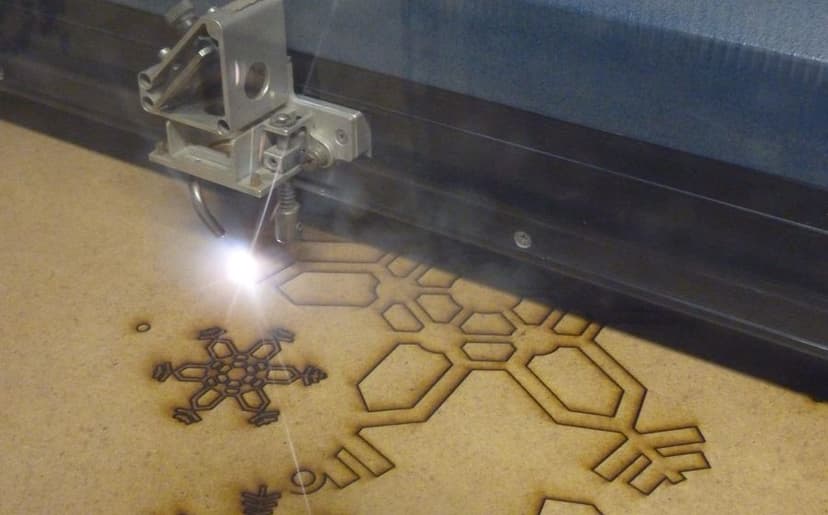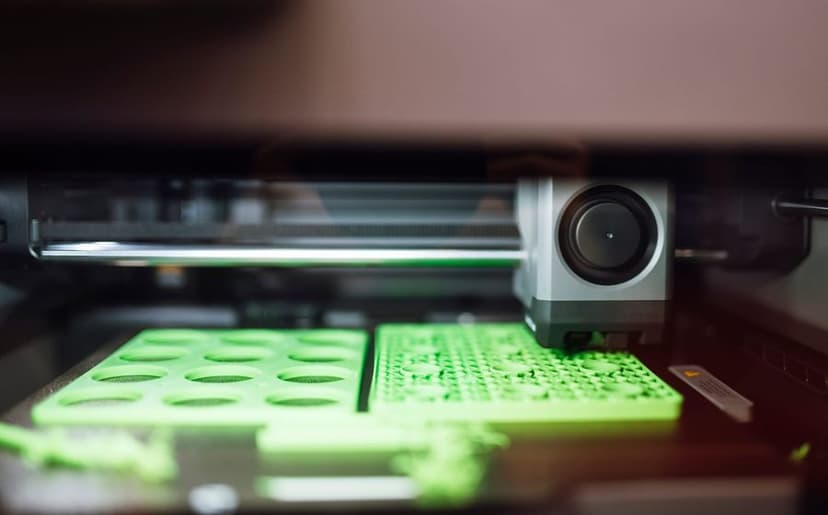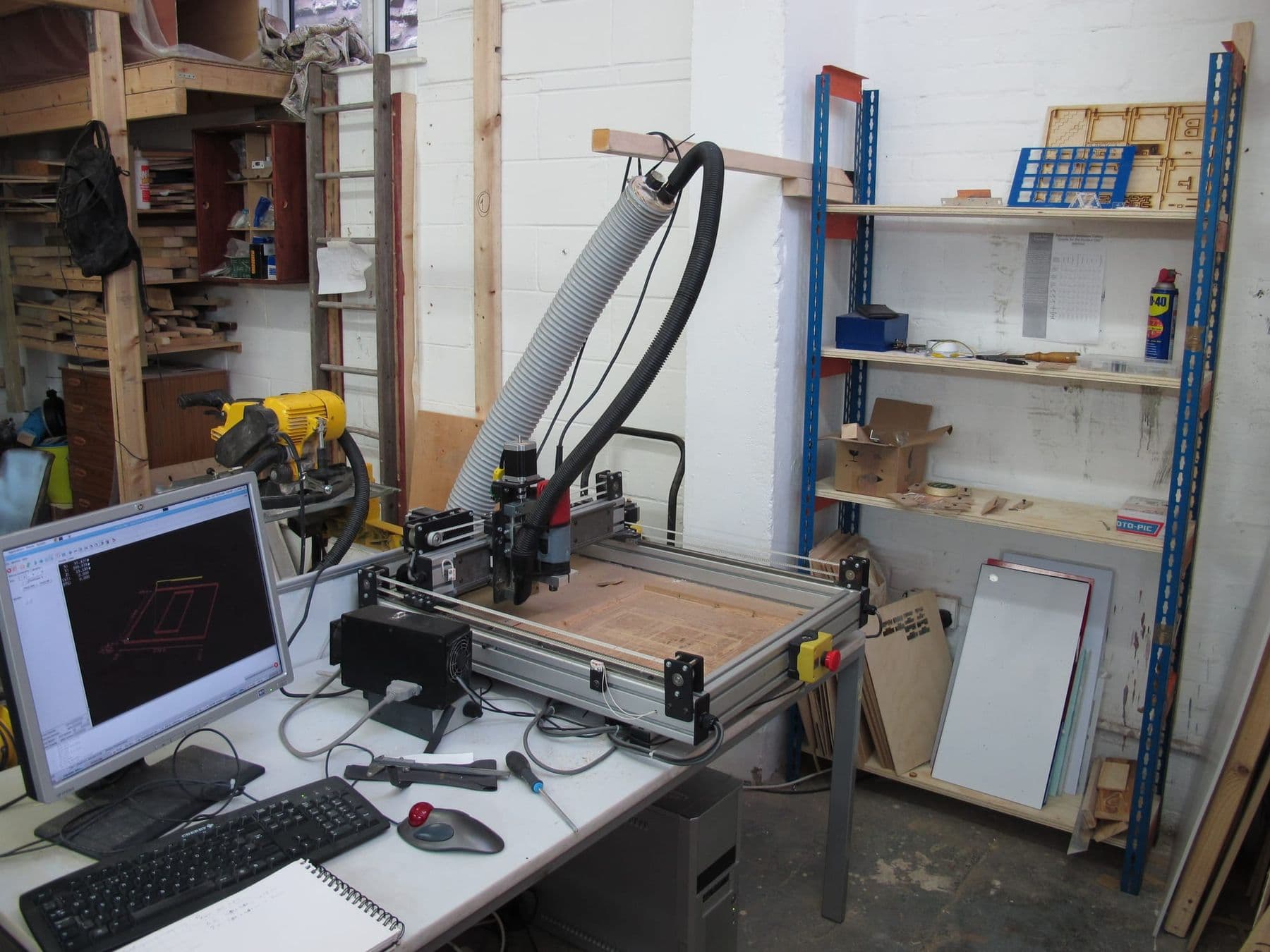
A CNC router, a laser cutter and a 3D printer do not replace each other: each one is the best tool for its own kind of job. A laser cuts and engraves flat parts from thin sheet; a CNC router machines thick wood, furniture plywood and 3D relief; a 3D printer builds complex three-dimensional shapes layer by layer. The choice depends on material, thickness, shape and quantity.
All three belong to digital fabrication: each takes a computer file and turns it into a precise physical object, which is why they often stand side by side in fab labs and makerspaces. Below you will find a big comparison table, eight real jobs and advice on which machine to start with.
Adding, removing and cutting: what is the difference in principle?
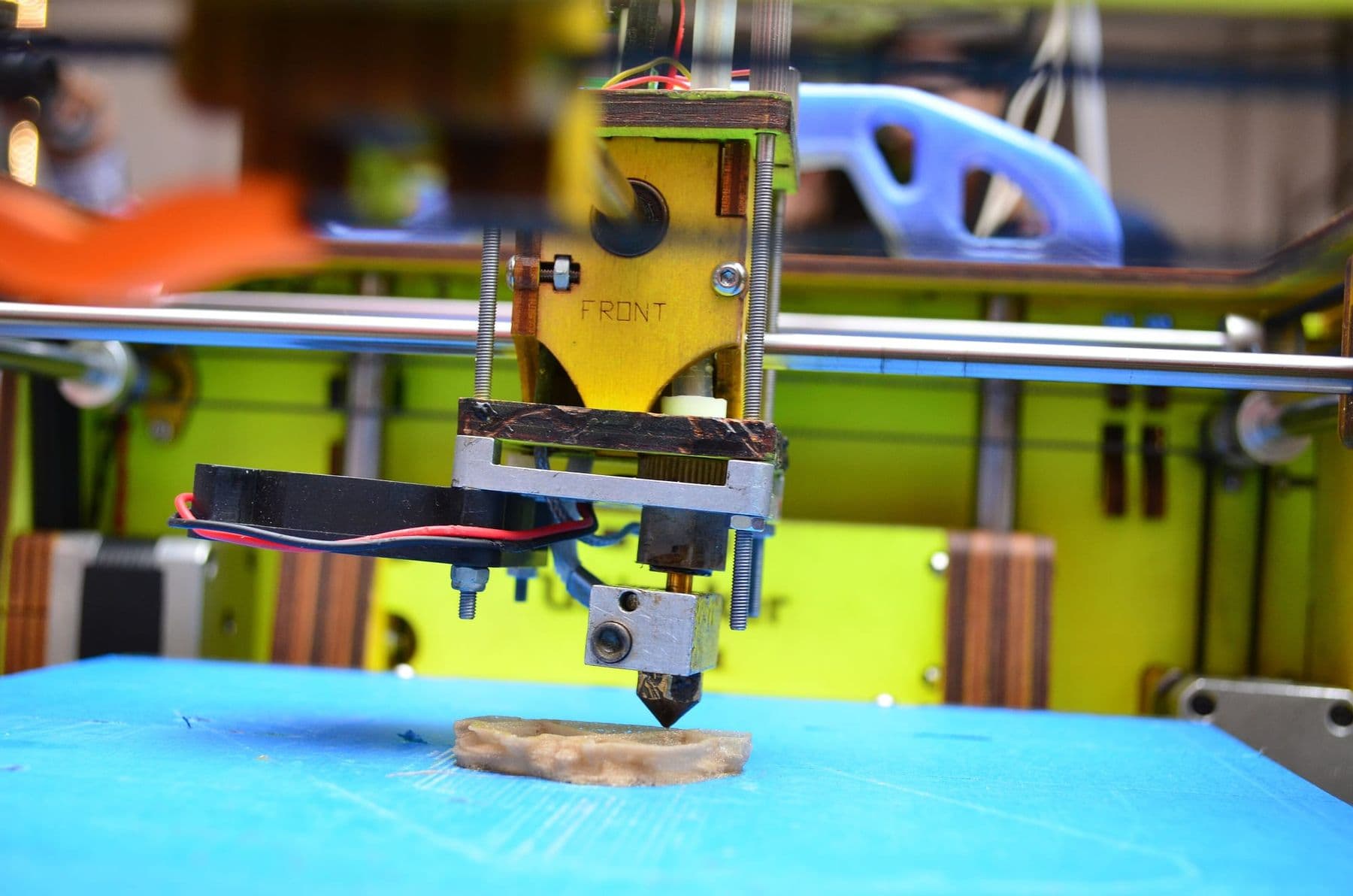
- 3D printer: additive manufacturing. An FDM printer lays molten plastic from a nozzle layer by layer. It can make hollow shapes, internal ribs and geometry no cutting tool could reach.
- CNC: subtractive manufacturing. A spinning bit removes material from a block or sheet. It works in depth: pockets, grooves, 3D relief.
- Laser: cutting and engraving with a beam. A focused beam melts, burns or vaporises material along a narrow line. Ideal for flat parts and surface engraving.
All three speak a similar “language”: G-code or an equivalent that controls movement. So the logic you learn on one (file → software → machine) carries over to the others.
Comparison table: CNC, laser and 3D printer
| Parameter | CNC router | CO₂ laser | 3D printer (FDM) |
|---|---|---|---|
| Principle | Removes material with a bit | Cuts and engraves with a beam | Adds layers |
| Typical material | Wood, plywood, MDF, plastics, soft metals | Plywood, acrylic, paper, leather, fabric | PLA, PETG, ABS, TPU, nylon |
| Thickness and size | Thick sheets and blocks, large bed | Thin sheets | Limited by build volume |
| Inside corners | Rounded by the bit radius | Almost sharp | Anything, even internal cavities |
| Detail | Good, depends on bit diameter | Very high on flat parts | Limited by layer (0.1–0.3 mm) |
| Speed | Fast on large sheets | Fastest on thin sheet | Slow, often hours |
| Noise | Loud, hearing protection needed | Moderate (extraction fan) | Low |
| Main hazards | Spinning tool, dust, noise | Fire, fumes, the beam | Hot nozzle, emissions |
The takeaway: the laser rules thin and flat, CNC rules depth and thickness, and the 3D printer rules volumetric shape. For laser types (CO₂ or diode), read CO₂ or diode laser.
CNC vs laser cutter: which is better for plywood and wood?
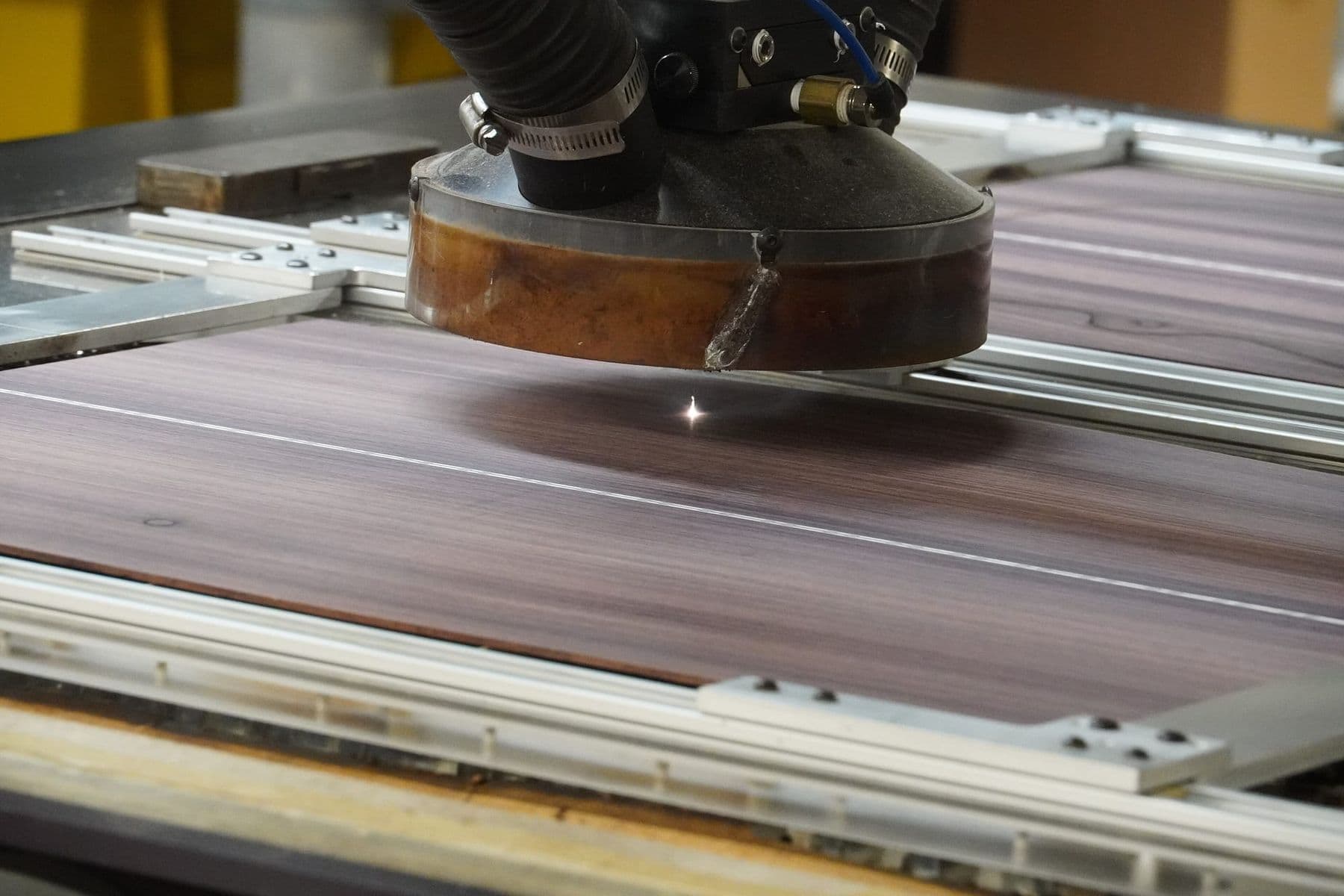
Both cut plywood, but differently. A laser cuts very precise, sharp-cornered parts from thin plywood: finger-joint boxes, ornaments, models. The edge is dark and charred. A CNC router leaves a clean, light edge, handles thick plywood and solid wood, and does what a laser cannot: pockets, grooves, V-carving and 3D relief.
So the rule is simple: thin sheet and fine detail → laser; thickness, depth and furniture → CNC. More on the basics: what is laser cutting and what a CNC machine is and how it works.
3D printer vs CNC: when to use which?
A 3D printer wins when the shape is complex and you need one-off plastic parts: an electronics enclosure, a bracket, an adapter, a spare part, a figurine. It does not need tool access, so it prints internal channels and cavities. CNC wins when you need wood, large size, the strength of solid material or a fast batch of identical parts from a sheet. Think about strength too: a 3D print is weakest between layers, while a part machined from solid material has no such weak plane.
To get started with printing, read how to start 3D printing.
File preparation: how it differs for each machine
The principle is shared (file → software → machine), but the details differ:
| Machine | File | Software | What to check |
|---|---|---|---|
| Laser | Vector (SVG, DXF, PDF), raster for engraving | LightBurn, CorelDRAW | Closed contours, cut line colour and width |
| CNC | 2D vector or 3D model | VCarve, Fusion 360 CAM | Bit diameter, inside corners, tabs |
| 3D printer | 3D model (STL, 3MF, STEP) | Bambu Studio, PrusaSlicer, Cura | Orientation, supports, wall thickness |
Laser and CNC files are similar, since both start as vectors, so laser users find the move to CNC easier. The most expensive mistakes are born in the file; see preparing files for CNC: 7 common mistakes.
Quantity and time: one part or a hundred?
Quantity often changes the answer. On a 3D printer every part takes its own hours: 100 small figurines can take days on a single printer. A laser or CNC nests many parts on one sheet and cuts them in one run, so for batches of flat parts they are far faster. For one complex volumetric part, though, the 3D printer has no rival: no sheet preparation and no clamping.
8 real jobs: which machine should you use?
| Job | Best machine | Why |
|---|---|---|
| Finger-joint box from 3–4 mm plywood | Laser | Precise, sharp joints, fast |
| Furniture part from 18 mm plywood | CNC | Thickness, clean edge, large format |
| Arduino enclosure with screw bosses | 3D printer | Volumetric shape, internal details |
| 3D relief panel in wood | CNC | Depth and a ball-nose bit |
| Photo or logo engraved on a wooden gift | Laser | Fine surface detail |
| Complex plastic spare part | 3D printer | One-off, no shape limits |
| Thin acrylic sign | Laser | Clean edge, precise outline |
| Thick 3D letters for a shopfront | CNC | Thickness and material choice |
Sometimes the best answer is a combination: a laser-cut wooden box with a 3D printed hinge, a CNC-cut table with a laser-engraved logo, or a 3D printed jig that holds a part precisely on the CNC. For first CNC project ideas, see 12 CNC projects for beginners.
 Course at TDSLaser Cutting & Engraving6 weeks · 20 h · Starts 17 NovDetails
Which machine should I buy first?
Swap “which should I buy” for “what will I make most often”:
- Home, hobby, technical objects: a 3D printer. The cheapest entry point, small footprint, quiet.
- Souvenirs, engraving, flat decor for a small business: a laser. It needs exhaust ventilation to the outside and strict fire discipline.
- Furniture, signs, thick wood: a CNC router. It needs space, dust extraction, noise control and serious training.
Whatever you buy, budget for more than the machine: space, ventilation or dust extraction, power, spare parts and consumables. Together they can add a significant share to the price.
Before buying, work on a real job with the machine: you will learn how much time, space and material it really takes. That is exactly what fab labs and courses are for.
Make the same object, say a name keyring, on all three machines: laser-cut plywood, CNC-cut wood and a 3D print. Put them side by side and in two minutes you will see differences in edge, time and feel that no table can show.
Safety: three technologies, three different risks
- CNC: a spinning bit and flying offcuts, noise and wood dust. According to the UK Health and Safety Executive (HSE), wood dust causes asthma and hardwood dust can cause a rare nasal cancer, so dust extraction and eye protection are essential.
- Laser: fire risk, smoke and the beam itself. Never leave a laser unattended while cutting. Never laser-cut PVC (vinyl): when heated it releases hydrogen chloride (HCl), which harms both people and the machine. ABS, polycarbonate and polystyrene foam are banned too. Which materials are safe to cut is covered in laser cutting materials.
- 3D printer: a hot nozzle and bed, plus ultrafine particles and volatile organic compounds while printing. Ventilate the room and keep the printer out of bedrooms.
Frequently asked questions
CNC or laser cutter: which is better?
Neither is better in general. A laser is better for thin sheets, fine detail and engraving; a CNC router for thick material, furniture, pockets and 3D relief. Choose by what you will make most often.
Laser cutting or CNC for plywood?
Laser for thin plywood and fine, sharp-cornered parts; CNC for thick plywood and furniture. A laser edge is dark and charred; a CNC edge is light and clean, but inside corners are rounded by the bit radius.
3D printer or CNC for home use?
For home and hobby use, usually a 3D printer: it is cheaper, quieter and makes no dust. A CNC router needs space, dust extraction and noise control, so it belongs in a workshop.
What is a fab lab?
A fab lab (fabrication laboratory) is a small digital fabrication workshop with 3D printers, CNC machines and laser cutters in one space. The programme started in 2001 at MIT’s Center for Bits and Atoms, and by 2019 there were more than 1,800 fab labs worldwide.
Can you learn all three technologies together?
Yes, and it pays off: the logic of preparing a file is shared. Most people start with one, for example 3D printing or the laser, and then move on to CNC.
What is digital fabrication?
Digital fabrication means making a physical object directly from a computer file, with machines such as a 3D printer, a CNC router and a laser cutter. Instead of measuring and cutting by hand, the machine reproduces the file exactly, so the same part comes out identical in any quantity.
Next step
If you already know which direction interests you, choose the matching course in Tbilisi: Laser Cutting & Engraving or 3D Design & 3D Printing. There is a course for teens too: see both on our 3D printing courses page. Not sure yet? Contact us for a free consultation and we will find the path that fits your project.
Sources
- CNC router, Wikipedia
- Laser cutting, Wikipedia
- Fused filament fabrication, Wikipedia
- Fab lab, Wikipedia
- Laser Material Compatibility, Epilog Laser
- Polyvinyl chloride, Wikipedia
- Woodworking: hazardous substances, HSE