A CNC machine (Computer Numerical Control) is a machine tool whose cutting tool is driven by a computer program. The program, most often G-code, tells the machine where to move, how fast and how deep. The result is a furniture part, a sign or a mechanical component cut from wood, plastic or metal, often to a tenth of a millimetre.
A craftsperson working by hand measures and cuts every part from scratch. A CNC machine repeats the same program a hundred times exactly. That is why it sits at the heart of modern furniture making, signage and engineering. Below you will learn how a CNC machine is built, how to read G-code and which end mill to use for what.
What does CNC mean, and where did it come from?
The first numerically controlled (NC) machines appeared in the 1940s and 1950s: motors were added to existing machine tools so they could follow points stored on punched or magnetic tape. The first NC programming language was developed at MIT’s Servomechanisms Laboratory in the 1950s. The first US G-code standard, RS-274, was published in 1963, and the international standard ISO 6983 followed in 1982. When computers replaced the tape, NC became CNC.
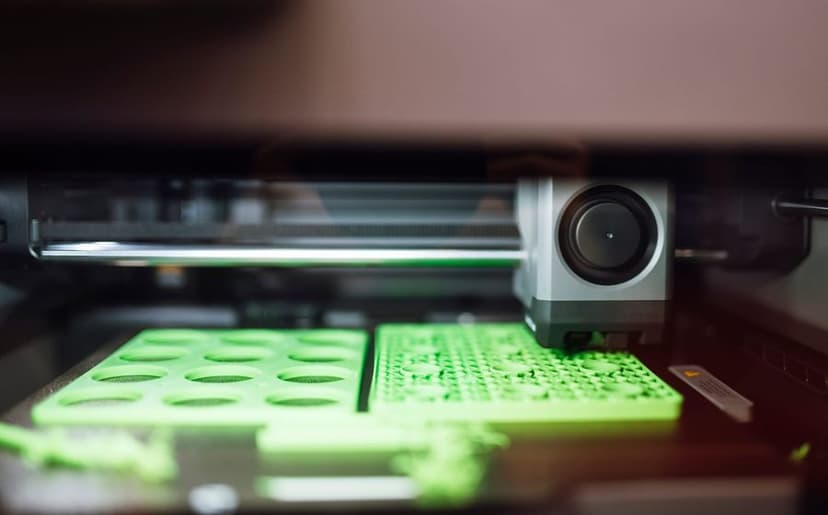
Today G-code drives not only routers and mills but also 3D printers and laser cutters. If you want to see how mechanics, electronics and code come together in one machine, read mechatronics explained.
Types of CNC machines: router, mill, lathe or plasma?
| Type | How it cuts | Typical material | Used for |
|---|---|---|---|
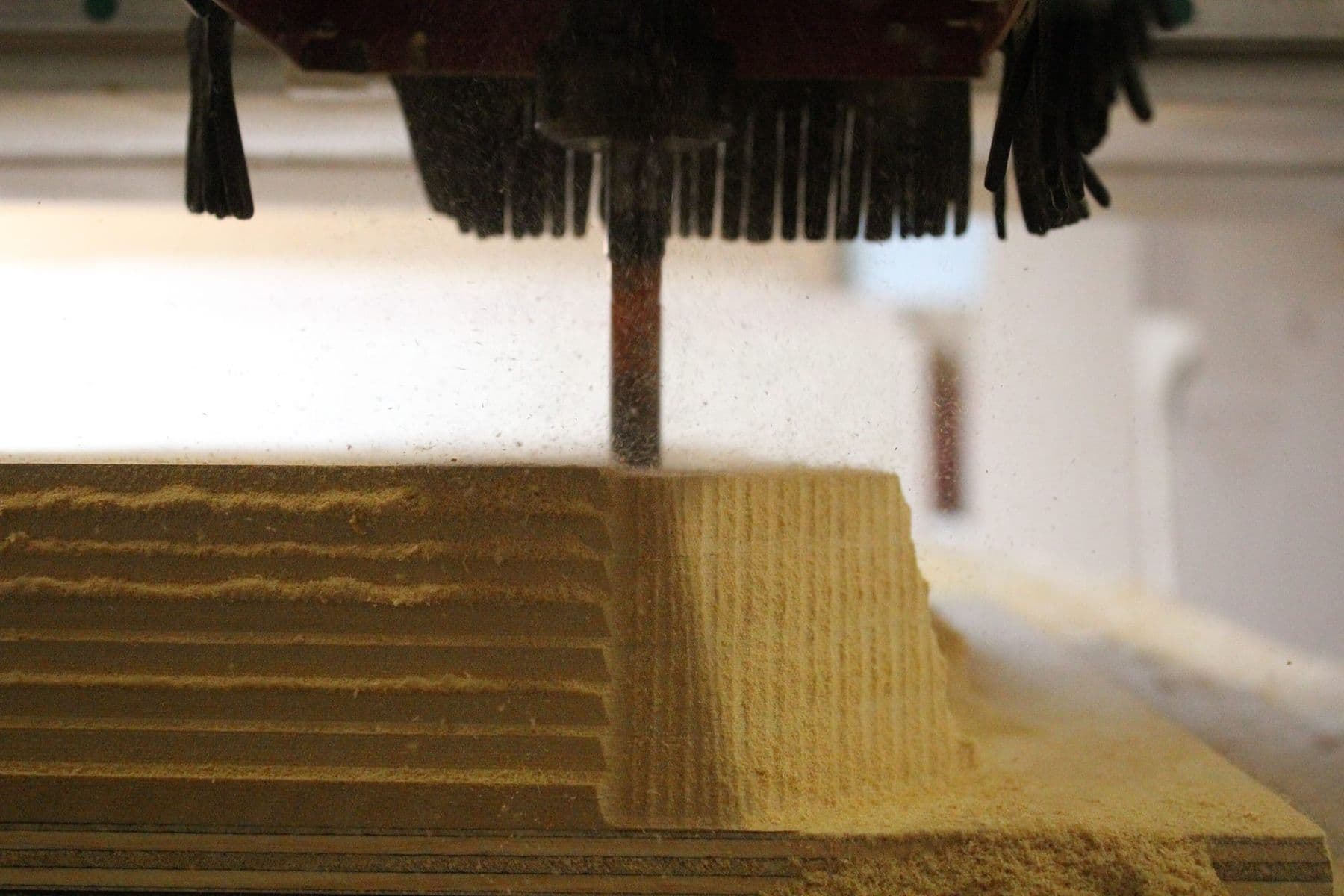
| CNC router | Spinning bit, large flat bed | Wood, plywood, MDF, plastics, composites | Furniture, signs, relief |
| CNC mill | Spinning cutter, very rigid frame | Steel, aluminium, titanium | Precise mechanical parts |
| CNC lathe | The part spins, the tool stays still | Metal, plastic, wood | Shafts, bushings, threads |
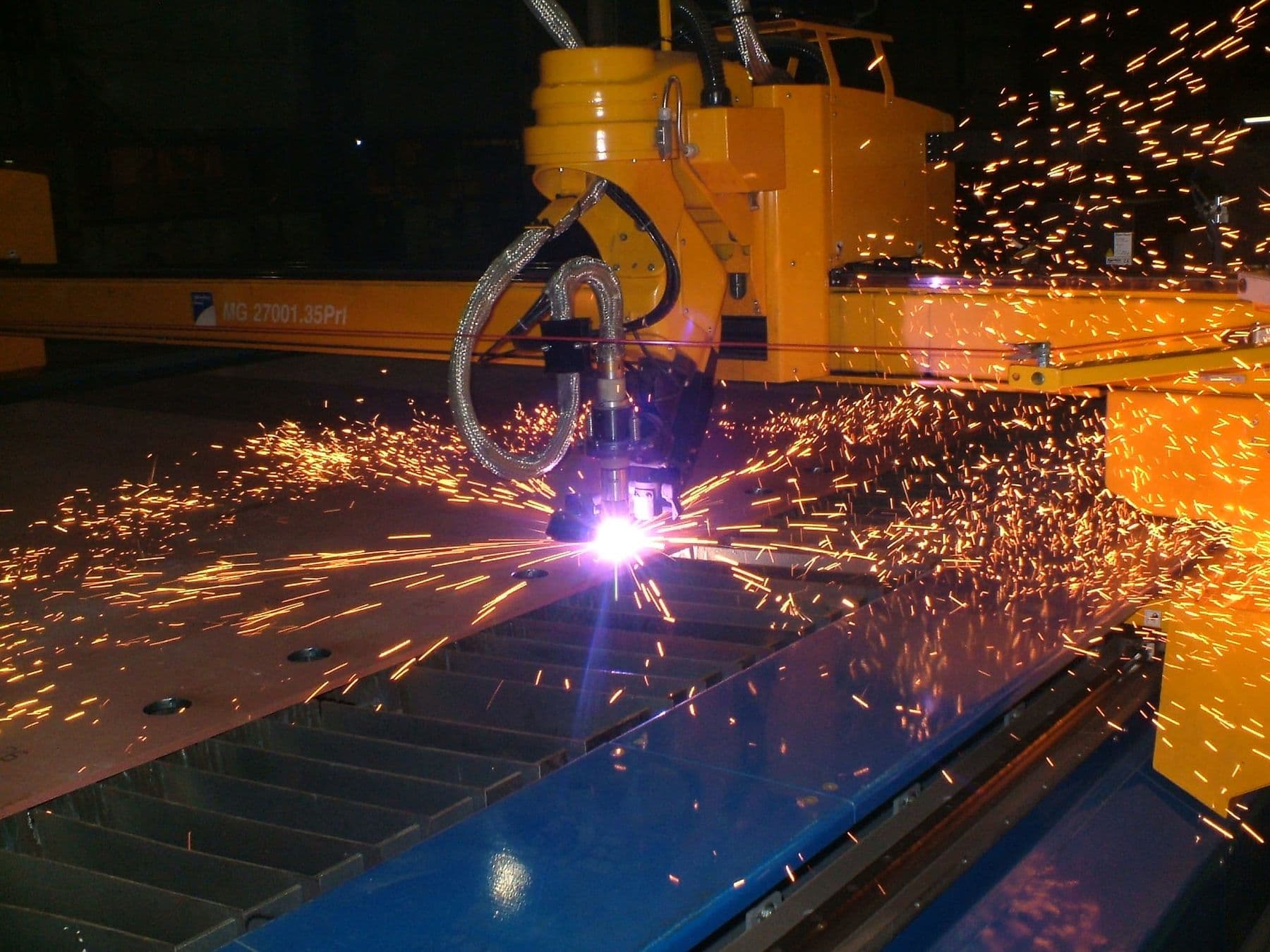
| Plasma cutter | Electric arc and gas jet | Conductive metals | Cutting metal sheet |
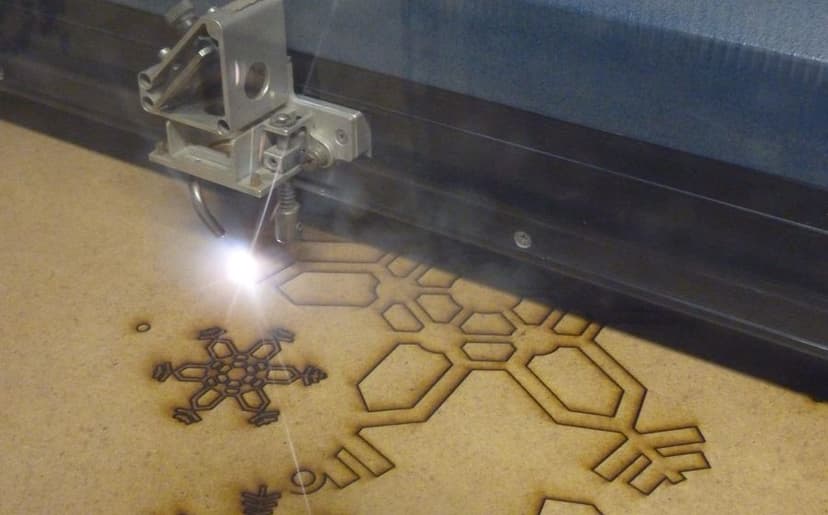
| Laser cutter | A focused beam | Plywood, acrylic, paper, leather | Precise flat parts, engraving |
When people in Georgia search for a “CNC machine”, they usually mean a wood router with a large bed. Our lab in Tbilisi, for example, has a router with a 1300×2500 mm work area, big enough for a full sheet of plywood. For metal you need a mill: heavy and rigid so it does not vibrate when cutting steel.
For a detailed comparison of the technologies, see CNC, laser cutter or 3D printer.
How does a CNC router work? Axes and main parts
A CNC router has three main axes:
- X: left to right.
- Y: front to back.
- Z: the tool moving up and down, which sets cutting depth.
A 3-axis machine can cut any shape from the top of a sheet, including 3D relief. A fourth, rotary axis turns the workpiece, for example to carve a column or a table leg. A 5-axis machine can tilt the tool and machine complex shapes in one setup. Mills come with three to six axes, while lathes usually have two: X and Z.
The main parts: the spindle (the motor that spins the bit at thousands of revolutions per minute), motors and linear guides (which position the spindle precisely), the controller (which turns G-code into motor movement), the bed for holding the sheet (often vacuum or clamps) and dust extraction.
CAD → CAM → G-code: from drawing to finished part
- CAD (design). You draw the part in a 2D or 3D program: Fusion 360, VCarve, CorelDRAW or another.
- CAM (toolpaths). You tell the software which bit to use, how deep and how fast to cut, and choose the operation: profile, pocket, V-carve or 3D relief.
- Post-processor. It translates the toolpaths into your specific machine’s “dialect”, because G-code varies between controller manufacturers.
- Machine setup. You fix the sheet, install the bit and set the zero point (X0 Y0 Z0).
- Cutting and finishing. The machine runs the program while you watch, then you sand and finish.
Mistakes in file preparation are the most expensive ones: open contours, the wrong bit diameter, an unsecured sheet. We wrote about them separately: preparing files for CNC: 7 common mistakes.
G-code: a simple example explained
G-code is a text file where each line is a command. G-words control motion and modes; M-words control auxiliary functions (spindle, coolant, program end). The program below cuts a 3 mm deep groove along the outline of a 50×30 mm rectangle: the centre of the bit travels around the rectangle between the points (10, 10) and (60, 40). The zero point is X0 Y0 at a corner of the sheet and Z0 on its top surface. Everything after a semicolon is a comment the machine ignores.
G21            ; units: millimetres
G90            ; absolute coordinates (from the zero point)
G17            ; working plane: XY
M3 S18000      ; spindle on, 18,000 rpm
G0 Z5          ; rapid move: lift the bit 5 mm above the surface
G0 X10 Y10     ; rapid move to the start point
G1 Z-3 F300    ; plunge to 3 mm depth at 300 mm/min
G1 X60 F1500   ; cut along X to 60 mm at 1500 mm/min
G1 Y40         ; cut along Y to 40 mm
G1 X10         ; back to X10
G1 Y10         ; return to the start point
G0 Z5          ; lift the bit
M5             ; spindle off
M30            ; end of program
The most common commands:
| Command | Meaning |
|---|---|
| G0 | Rapid move, no cutting |
| G1 | Straight cut at the feed rate (F) |
| G2 / G3 | Arc clockwise / counter-clockwise |
| G20 / G21 | Inches / millimetres |
| G90 / G91 | Absolute / incremental coordinates |
| M3 / M5 | Spindle on / stop |
| F, S | Feed rate / spindle speed |
G-code is rarely written by hand; CAM software generates it. But an operator must be able to read it: before cutting you can spot mixed-up units (G20 instead of millimetres) or a Z value deeper than the sheet.
End mills: which one to choose?
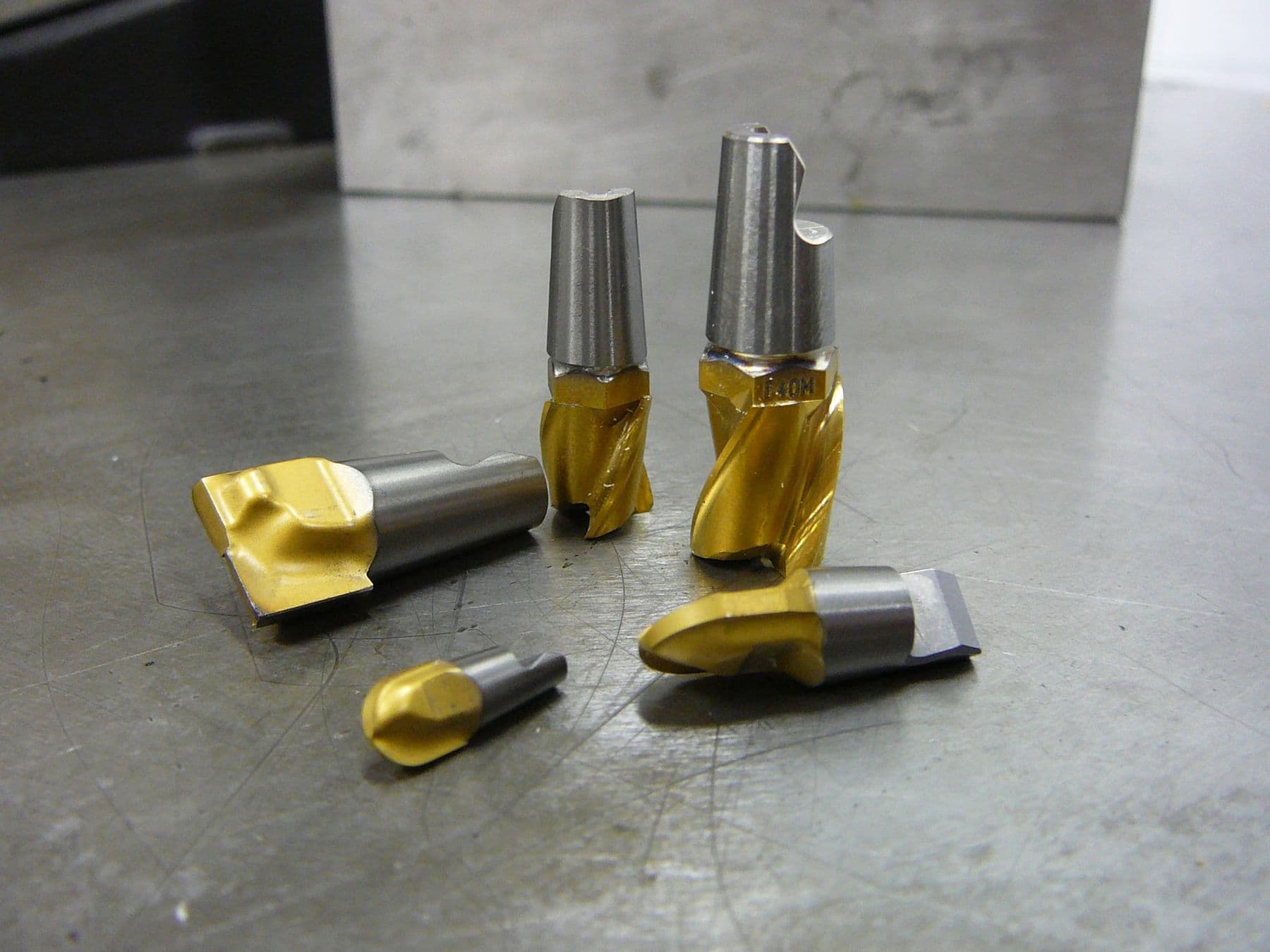
The end mill (router bit) is the CNC machine’s knife, and the right one is half the job:
| Bit | Shape | Used for |
|---|---|---|
| Flat end mill | Flat tip | Profiles, pockets, flat floors |
| Ball nose | Rounded tip | 3D relief, smooth surfaces |
| V-bit | Cone, often 60° or 90° | Lettering, V-carving, chamfers |
| Up-cut spiral | Spiral pulls up | Clean bottom edge, clears chips well |
| Down-cut spiral | Spiral pushes down | Clean top edge, holds thin sheets |
| Compression | Both directions | Laminated plywood, both faces clean |
| Single-flute O-flute | One polished flute | Acrylic and other plastics |
An up-cut bit clears chips from deep slots well but can fray the top veneer of plywood. A down-cut bit protects the top edge, but chips stay in the slot and the bit heats up in deep cuts. A compression bit leaves both faces clean, but only when the cutting depth engages both of its sections.
Feeds and speeds. The key idea is chip load, the thickness of material each flute removes per revolution. The formula: feed rate (mm/min) = rpm × number of flutes × chip load. At 18,000 rpm with a two-flute bit and a 0.1 mm chip load, the feed is 3600 mm/min. Take starting values from the bit manufacturer’s chart. Tool makers have a saying: “make chips, not dust”. Chips carry heat away; dust means the bit is rubbing, heating up, going dull and burning the wood.
CNC machine safety
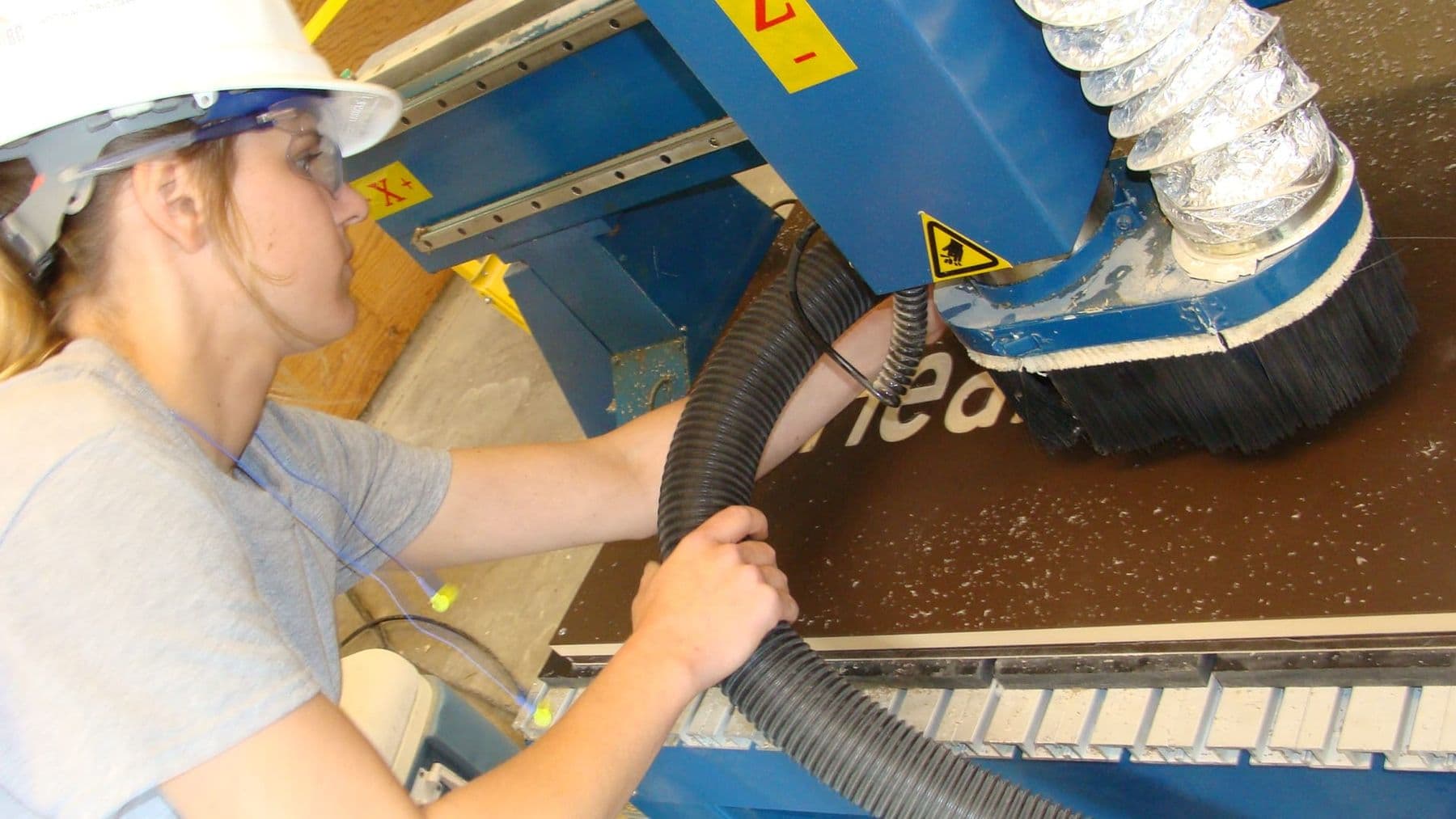
A CNC router with a spindle of 2 kW or more cuts wood in seconds, so the rules are absolute:
- Safety glasses and hearing protection whenever the machine runs.
- Never leave a running machine unattended, and keep your hands out of the work area.
- Before changing a bit or cleaning, the spindle must be fully stopped and the machine switched off.
- Tie back long hair; no loose sleeves or bracelets.
- Clamp the sheet firmly: a loose offcut can fly like a projectile.
- Learn where the emergency stop is on day one.
Dust. According to the UK Health and Safety Executive (HSE), wood dust causes asthma and skin problems, and hardwood dust can cause a rare nasal cancer. Use local dust extraction while cutting and a vacuum instead of a broom for cleaning. For dusty work, wear a respirator such as FFP3.
Run every new program in the air first: set the zero 10–20 mm higher and watch where the bit travels. You will spot mixed-up units, a collision with a clamp or an excessive depth before you ruin a sheet.
Where to learn CNC machining
A CNC operator needs three skills: design (CAD), building toolpaths (CAM) and running the machine safely. Theory can be learned online, but listening to the bit, clamping and setting zero can only be learned at the machine. The path and the projects are described in detail in CNC course: 3D design, CAM and machine operation. For first project ideas, see 12 CNC projects for beginners.
Frequently asked questions
What does CNC stand for?
CNC stands for Computer Numerical Control. It means the machine’s movement is controlled by a computer and a program rather than by hand.
What is the difference between a CNC router and a CNC mill?
A CNC router is lighter, with a large bed and a fast spindle, and cuts wood, plywood and plastics. A CNC mill is heavy and rigid and is built for precise metal machining.
What is G-code?
G-code is the most widely used programming language for CNC machines and 3D printers. Each line is one command: G1 X60 F1500 means “cut in a straight line to X60 at 1500 mm/min”. It is usually generated by CAM software.
What materials can a CNC router cut?
A wood router cuts wood, plywood, MDF, acrylic, plastics, foam and composites, and with the right bit and settings soft metals such as aluminium. Steel needs a mill.
Is CNC machining hard to learn?
The basics, cutting a flat part from a ready file, take a few weeks. Experience with vector graphics or 3D modelling speeds things up a lot. What takes longest is building experience with materials, bits and cutting settings.
Next step
If you want to make real objects from your own drawings, you can start digital fabrication with flat parts: the Laser Cutting & Engraving course takes you from a CorelDRAW file to a finished piece such as a box, a souvenir or a sign. Questions? Contact us for a free consultation.
Sources
- Numerical control, Wikipedia
- G-code, Wikipedia
- G-Codes, LinuxCNC Documentation
- M-Codes, LinuxCNC Documentation
- How Chip Load Factors into CNC Router Speeds and Feeds, Precision Board
- How To Choose Solid Carbide Spiral Router Bits, Infinity Tools
- CNC Router Safety, Purdue University
- Woodworking: hazardous substances, HSE