A CNC course teaches the whole chain from drawing to finished part: 2D and 3D modelling, building CAM toolpaths (profile, pocket, V-carve), choosing the bit, spindle speed and feed rate, clamping the sheet, setting zero and running the machine safely. The TDS course in Tbilisi is for adults, runs for 8 weeks (48 hours) and ends with a furniture part of your own design.
CNC router operators are needed in furniture workshops, sign and advertising production, and in making interior and exhibition pieces. This article explains who the course is for, what you learn week by week and which skills an operator’s job really requires. If you are new to the topic, start with what a CNC machine is and how it works.
Who is a CNC course for?
| Who you are | What the course gives you |
|---|---|
| Furniture maker | Precise, fast cutting and repeatable parts |
| Designer or architect | Large-format pieces, panels, models |
| Sign and advertising maker | V-carved lettering, relief, 3D letters |
| Engineer | Prototypes and precise flat parts |
| Laser course graduate | The next machine: thicker material and 3D relief |
| Career changer | A practical skill that production needs |
The course is for adults (18+) and is intermediate level. The laser cutting course is not a prerequisite, but knowing a vector graphics program (such as CorelDRAW or Illustrator) helps a lot. If you would rather start with the laser, see the laser cutting and engraving course.
What you learn: the 8-week CNC path
| Week | Topic | Result |
|---|---|---|
| 1 | How the machine is built, safety, workholding | Safety sign-off |
| 2–4 | CAM: profile and pocket, V-carve and text, choosing bits | A wooden sign |
| 5–6 | 3D relief, finishing and polishing | A 3D panel |
| 7–8 | Your own project: a furniture part, assembly, presentation | Certificate |
Week one matters most: what the machine is made of, how the sheet is clamped, where the emergency stop is and how to protect yourself from dust and noise. Until this stage is complete, nobody runs the machine alone.
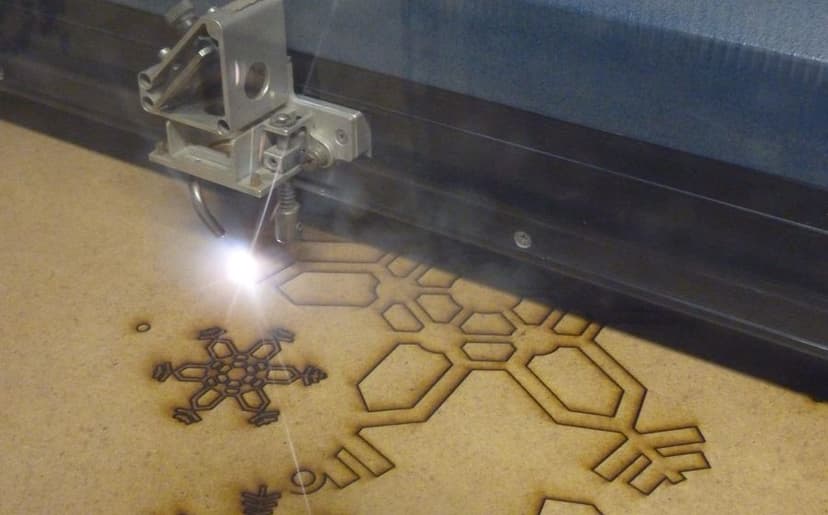
In the CAM block you learn how a drawing becomes a toolpath: a profile cuts the part out, a pocket removes material from the surface, and a V-carve uses a conical bit to create crisp lettering. You also choose bit diameter, spindle speed and feed rate so the material does not burn and the bit does not break.
In 3D relief you set up roughing and finishing passes with a ball-nose bit, then sand and finish the surface. In the project weeks you design, cut, assemble and present your own furniture part.
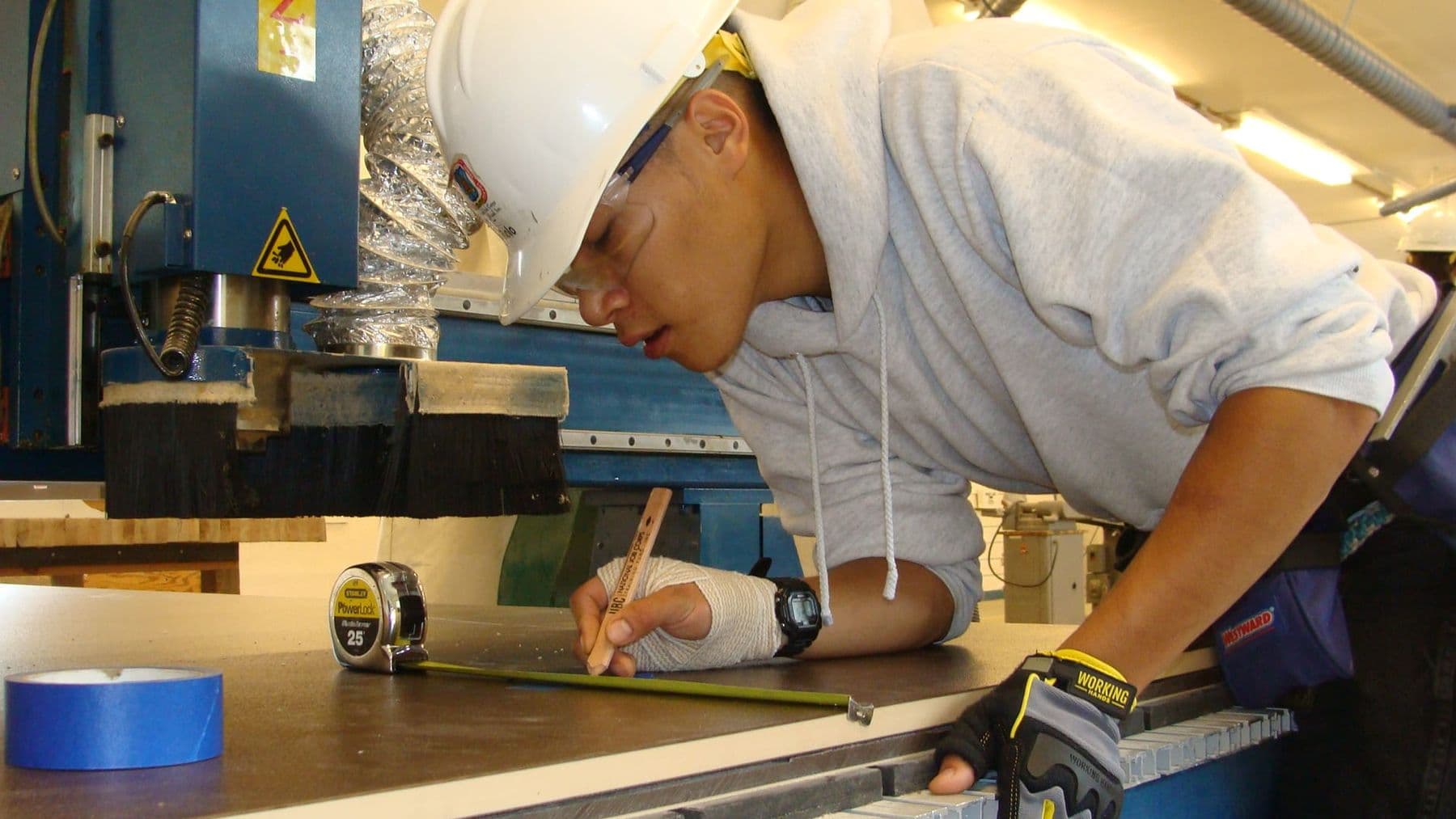
Example: how a wooden sign is made with a V-carve
The first big piece on the course is a wooden sign. Here is the process step by step:
- In VCarve you draw the sign outline and type the text, avoiding very thin fonts that barely show in wood.
- You assign a V-carve toolpath to the text, for example with a 90° V-bit. The software calculates the depth from the width of each letter, so the edges come out crisp.
- You cut the outline with a flat end mill in several passes and leave small tabs so the part does not move on the final pass.
- You check the result in the simulation: letters, depth, tool path.
- You clamp the board, set zero on the surface and run the program in the air first.
- You cut, trim the tabs by hand, sand and finish with oil or varnish.
One project like this covers almost every basic skill: design, two different bits, clamping, zero and finishing. On the course we work with MDF and 18 mm plywood.
Which software and machine will you use?
We work with three tools:
- VCarve Pro (Vectric): 2D and 2.5D toolpaths (profile, pocket, V-carve, drilling), 3D model import and nesting parts efficiently on a sheet. The Pro version has no limit on job size.
- Fusion 360 CAM: for parts designed as parametric 3D models, with toolpaths built directly from the model.
- G-code: we do not write it by hand, but we read it so we can spot mistakes before cutting.
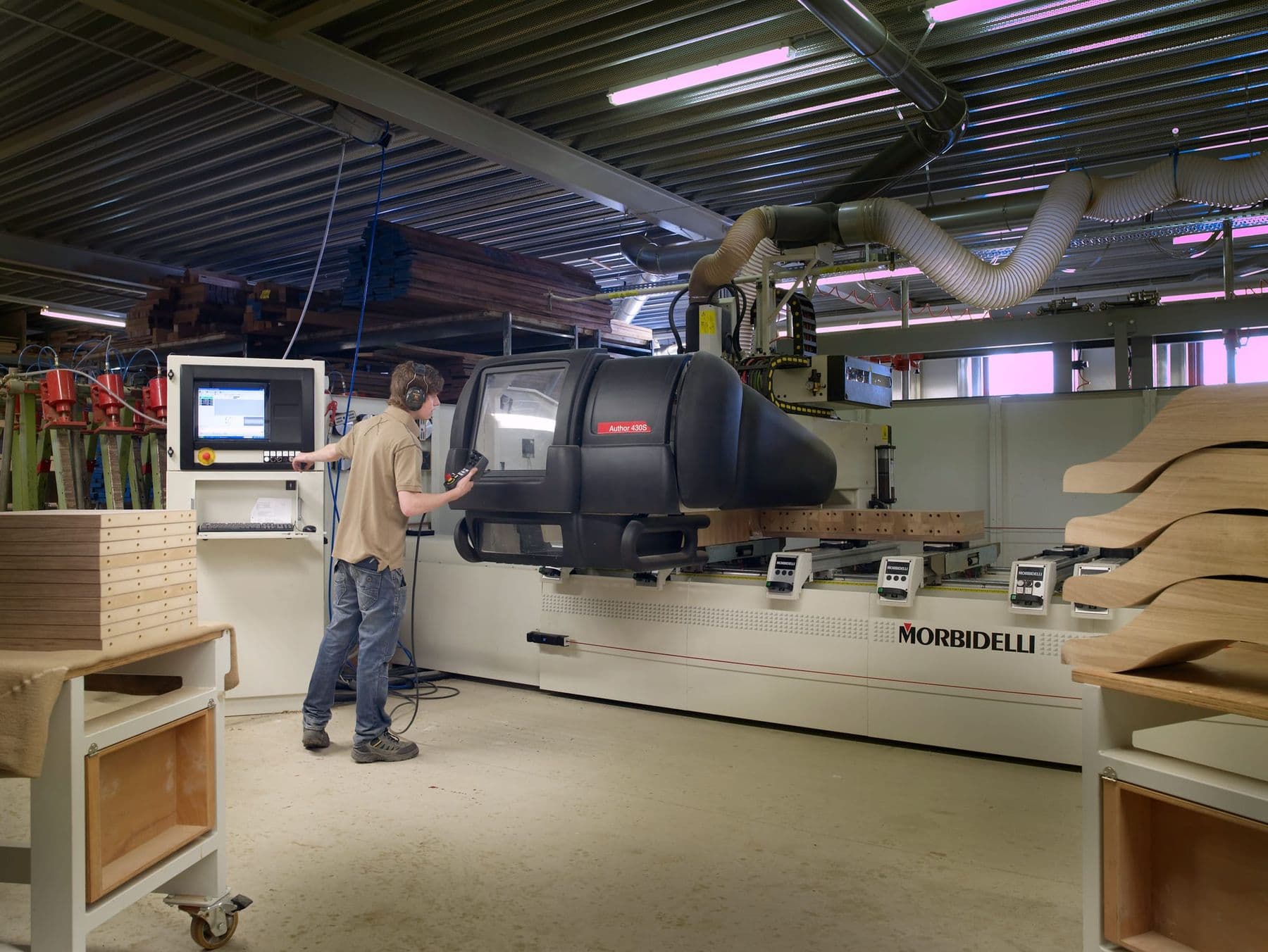
The lab’s CNC router has a 1300×2500 mm work area and a 2.2 kW spindle, big enough for a full sheet of plywood. That means you practise on real furniture-size parts, not just small samples.
MDF or plywood: what we practise on and why
| Material | Properties | Best for |
|---|---|---|
| MDF | Uniform, no knots, easy to cut | V-carving, pockets, painted signs, relief tests |
| 18 mm plywood | Strong, layered, attractive edge | Furniture parts, joints, shelves |
MDF produces very fine dust, so extraction matters even more. The top veneer of plywood can fray with an up-cut bit, so on the course we cut the same part with different bits and compare. That is the fastest way to see why no single bit fits every job.
What skills does a CNC machine operator need?
Employers expect specific skills from a CNC operator:
- Reading drawings and checking files: dimensions, closed contours, units.
- Building toolpaths in CAM and choosing the bit for the material.
- Clamping the sheet and setting the X, Y and Z zero correctly.
- Watching the cut: noticing problems early from the sound, chips and surface.
- Quality control: checking dimensions and finishing edges.
- Maintenance: changing bits, surfacing the spoilboard, cleaning.
- Following safety rules without exception.
We practise these skills on real projects. Typical file preparation mistakes get their own session; read about them in preparing files for CNC: 7 common mistakes.
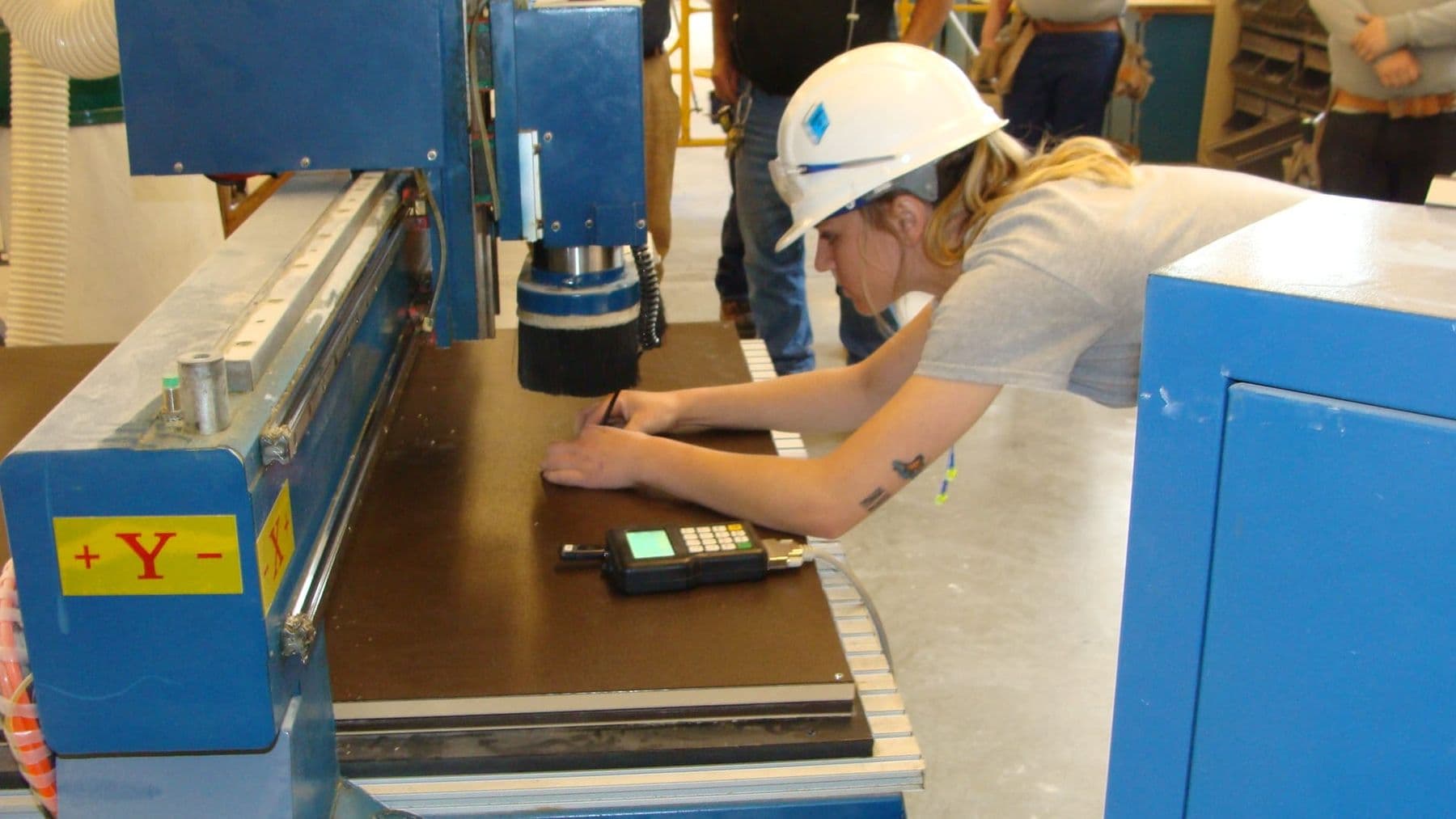
Learning CNC on your own or on a course?
You can learn a lot online, but not everything:
| What you can learn alone | What you only learn at the machine |
|---|---|
| The software interface, from video tutorials | Clamping a sheet reliably |
| G-code commands | Setting zero accurately |
| Types of bits | Telling a good cut from a bad one by sound |
| The feed rate formula | Tuning settings on real material |
| Design principles | Behaving safely in an emergency |
A CNC machine is expensive and mistakes cost money: a broken bit, a ruined sheet or, worst of all, an injury. That is why your first practice hours should be spent next to an experienced instructor.
Good free resources for self-study: Vectric’s video tutorials for VCarve, the LinuxCNC documentation for G-code commands, and bit manufacturers’ feed charts. Fusion has a free licence for personal, non-commercial use with limited features (as of 2026). Use them for theory; the machine practice we do together.
Before the course, try drawing a simple shape in any vector program: a rectangle with rounded corners, a circle and some text. If you already understand editing nodes and closing a contour, the CAM part will be much easier.
What can you do after the course?
You finish with three real pieces (a sign, a 3D panel, a furniture part) and a certificate, issued with at least 80% attendance and a final project. Each certificate has a number and a QR code an employer can use to verify it.
Next steps differ:
- A job in production: CNC operator roles in furniture, sign and interior workshops mostly need exactly the skills you practise on the course.
- Your own workshop: a CNC router for small batches of furniture, souvenirs and decor.
- Design practice: a designer who understands production limits creates more realistic projects.
For your first independent projects, see 12 CNC projects for beginners. Comparing options? Read tech courses for adults.
How to prepare for a CNC course: checklist
No prior knowledge is required, but these steps make the first weeks easier:
- Refresh basic geometry: millimetres, diameter and radius, angles.
- Try drawing and closing a contour in a vector program.
- Download the free VCarve trial from Vectric’s website and explore the interface.
- Read what a CNC machine is and how it works, especially the part on bits.
- Wear closed shoes and clothes without loose sleeves in the workshop.
- Think of a final project idea: a shelf, a table leg, a stool part.
Frequently asked questions
What do I need to work as a CNC operator?
You need to read drawings, build toolpaths in CAM, know bits and cutting settings, clamp material, set zero and follow safety rules. Hands-on experience with a real machine is worth the most.
How long does it take to learn CNC?
The basics, safely cutting a flat part from your own file, take a few weeks. The TDS course runs 8 weeks (48 hours) and covers 2D cutting, V-carving, 3D relief and your own project.
Do I need the laser course before CNC?
No. The laser course is not required, but knowing a vector graphics program helps, because CNC files start as vectors too.
Which software will I learn?
VCarve Pro for 2D, V-carve and 3D relief toolpaths, Fusion 360 CAM for parametric models, and reading G-code. Practice takes place on the lab’s CNC router with a 1300×2500 mm bed.
What format is the course?
The course is taught in Georgian, on-site or in a hybrid format with part of the theory online and practice in the lab.
What is the minimum age for the CNC course?
The CNC course is for adults, from 18. The reason is safety: working with a powerful machine demands full attention and responsibility.
Next step
If you want to make real furniture parts and signs with your own hands, contact us for a free consultation and we will work out together which path fits your goal.
Sources
- VCarve Pro, Vectric
- CNC router, Wikipedia
- G-Codes, LinuxCNC Documentation
- How Chip Load Factors into CNC Router Speeds and Feeds, Precision Board
- CNC Router Safety, Purdue University
- Woodworking: hazardous substances, HSE