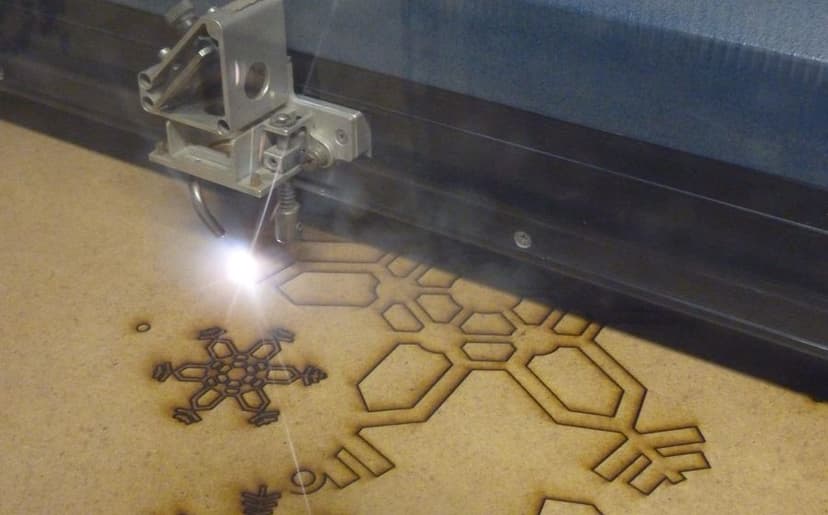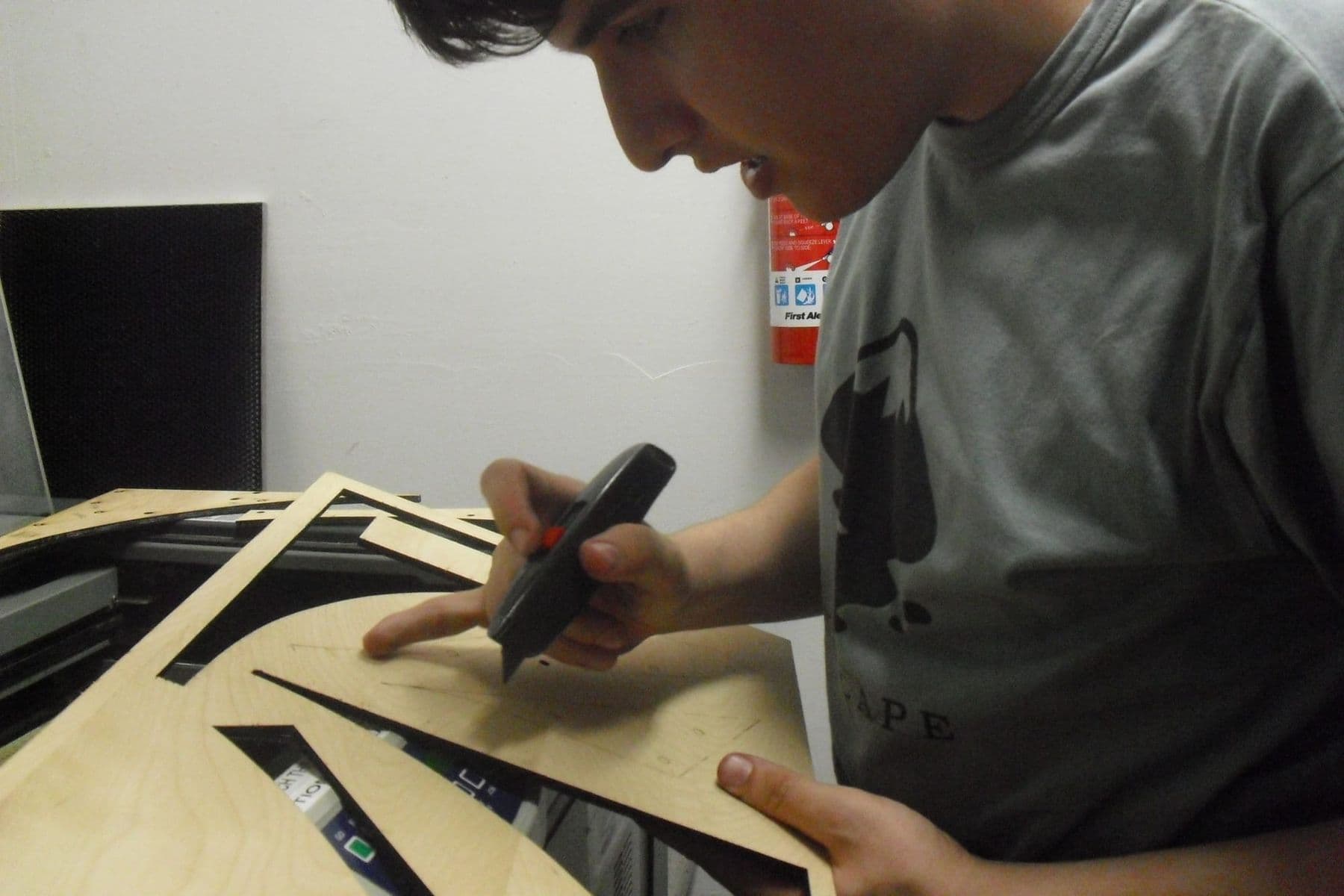
A laser cutting and engraving course teaches you to turn an idea into a vector file, choose the material, set up the machine and make a product good enough to sell: a box, a souvenir, a sign. At Tbilisi Digital School it is a 6-week hands-on course for adult beginners: 12 sessions, 36 hours in total, in the lab, on a 100 W CO₂ laser.
You can order laser cutting from plenty of workshops in Tbilisi, but once you can prepare files and run the machine yourself, going from idea to sample takes hours instead of days. You also know exactly what one piece costs to make, and why.
Below we go through the course week by week: what you learn, which software you use, what a laser cutter operator does and what you can do once the course is over. If you want the basics first, start with what laser cutting and engraving is.
Who is a laser cutting course for?
The course is for adults aged 18 and over and needs no prior experience. It is especially useful for:
- Beginners who like making things by hand and are new to digital fabrication.
- Small businesses making souvenirs, packaging, signs and gifts that need batch production and personalisation.
- Designers who want to get from idea to prototype fast: graphic, interior or product designers.
- Architecture students and architects who build models from plywood, card and acrylic.
- Makers and craftspeople who work in wood, leather or acrylic and want to speed things up.
What these groups share is wanting to turn ideas into objects themselves, without waiting in someone else’s queue at someone else’s price. If you are not sure a whole course is for you, you can start with a single masterclass (more on that below).
What you learn in 6 weeks: the course plan
The course is split into six blocks, and each block ends with a concrete result you keep.
| Week | Topic | Hours | Result |
|---|---|---|---|
| 1 | Introduction and safety | 3 | Safety sign-off and a first cut |
| 1–2 | CorelDRAW for laser | 9 | A logo file ready for cutting |
| 3 | Materials | 6 | Your own settings chart |
| 4 | Running the machine | 6 | Running the machine on your own |
| 5 | Engraving | 6 | A photo-engraved board |
| 6 | Final project | 6 | Your own product and a certificate |
Week 1: safety and a first cut. You learn how CO₂, fibre and diode lasers differ, why fume extraction matters, how to prevent fires and why PVC is never cut. In the first week you already cut a keychain.
Weeks 1–2: CorelDRAW for laser. You set cut lines to 0.001 mm with colour codes, convert text to curves, combine and trim shapes with Weld/Trim, and export the file as DXF or AI.
Week 3: materials. You work with plywood, MDF, acrylic and leather, run a test matrix of 10–90% power × 5–400 mm/s speed, and measure the kerf, the width of the line the beam burns away.
Week 4: running the machine. In LightBurn you set up layers and cut order, set the focus, check Air Assist and learn everyday maintenance.
Week 5: engraving. You choose DPI and a dithering mode for photo engraving, and look at batch production and pricing.
Week 6: final project. You make your own product from idea to finished object and present it.
A good final project pulls the whole path together: file, material test, kerf compensation and engraving. For example, a finger-jointed box with an engraved lid, a layered lamp, a sign or a small batch of souvenirs.
 Course at TDSLaser Cutting & Engraving6 weeks · 20 h · Starts 17 NovDetails
Which software and machine will you use?
The course tools are CorelDRAW, LightBurn and RDWorks. CorelDRAW is where you draw and prepare the file: the cut, score and engrave layers. LightBurn controls the machine: it is where each layer gets its speed, power and order, and where the job is sent to the laser. If you want a head start, read LightBurn for beginners: from file to first cut.
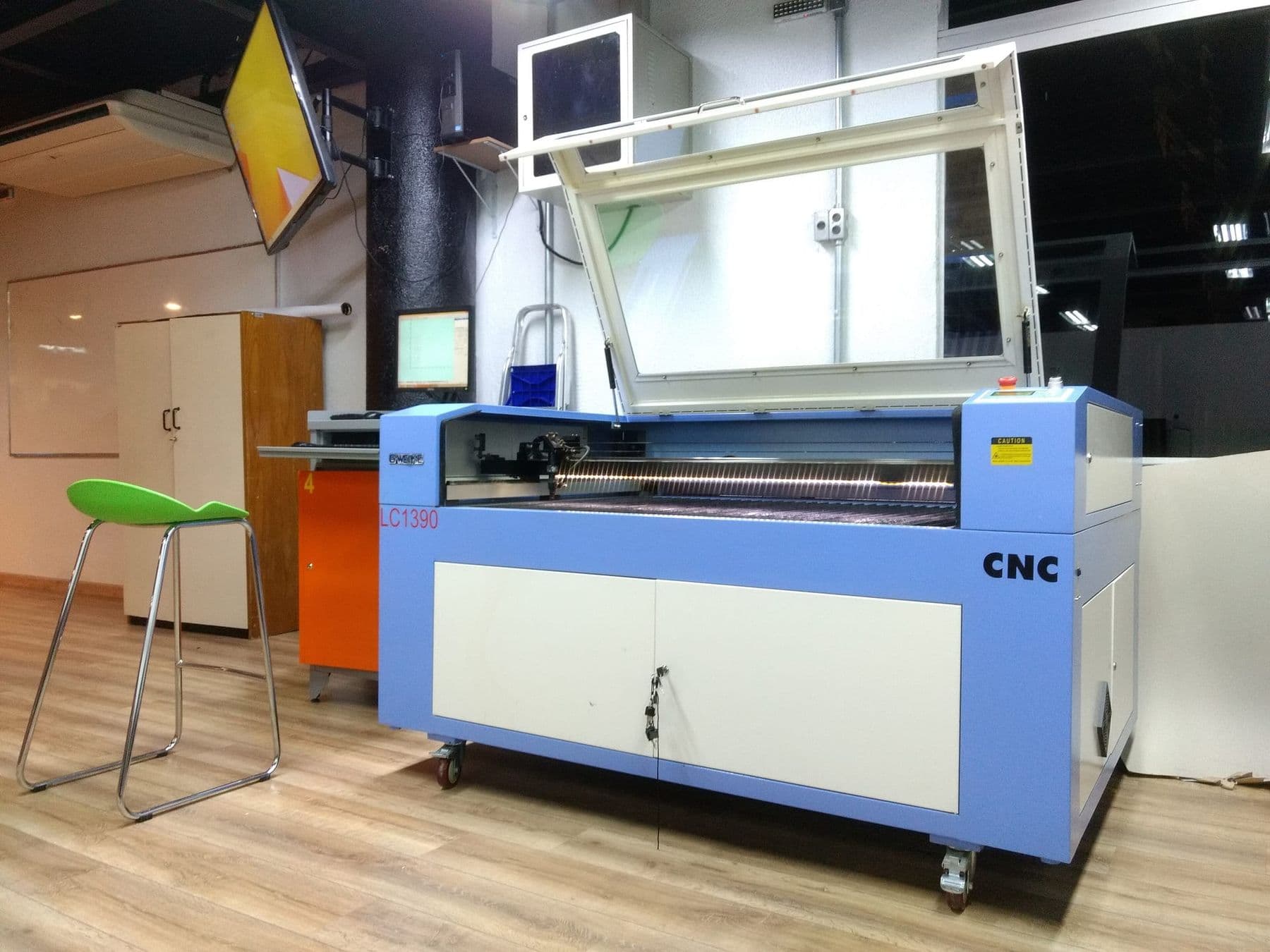
The lab has a 100 W CO₂ laser with a 1300×900 mm bed, big enough for large sheets and for cutting dozens of small parts in one job. The main course materials are 3–6 mm plywood, MDF, acrylic and leather.
What does a laser cutter operator do?
A laser cutter operator is not someone who just presses a button. A good operator handles a job from start to finish:
- Checks the file: closed contours, text converted to curves, correct dimensions.
- Nests the parts on the sheet to waste as little material as possible.
- Picks the material and settings from their own test chart.
- Sets the focus, traces the frame and starts the job.
- Stays with the machine while it cuts and watches for fire.
- Checks quality: dimensions, edge charring, joint fit.
- Cleans the lens and mirrors and keeps an eye on the machine’s condition.
These skills are used in sign and souvenir workshops, interior decor, packaging and anywhere there is a laser cutter. The course gives you the foundation for the role: files, materials, settings, safety and pricing.
How do you price a laser-cut product?
Pricing is a week 5 topic. Beginners often get it wrong by counting the material and forgetting the time. The cost of one piece has five parts:
- Material: the sheet price divided by the number of parts that fit on it, plus waste.
- Machine time: minutes of cutting and engraving. LightBurn shows the job time in advance.
- Design: the time spent preparing the file, spread across the batch.
- Finishing and packaging: sandpaper, glue, oil, box, label.
- Profit: what pays for your know-how and your risk.
A simple example: if one box takes 6 minutes to cut, the machine cuts 10 boxes an hour, but assembly, finishing and packaging may take as long again or longer. So price by the time the whole process takes, not just the laser minutes.
How to prepare for the course
No special preparation is needed, but a few simple steps make the first weeks easier:
- Get familiar with vector graphics: install the free Inkscape and try drawing a circle, a rectangle and some text.
- Decide on one product you want to make by the end. For inspiration, see 15 laser cutting ideas.
- Collect examples: photos of products you like, and measurements of objects that need a box or a stand.
- If you plan a small business, write down who the product is for and what similar items sell for.
Keep a settings notebook from day one: material, thickness, power, speed, number of passes and a photo of the result. By the end of the course it will be your most valuable tool, because every new order can start without a test.
What happens after the course?
The course ends with your final project and its presentation. You receive a certificate if you attend at least 80% of the sessions and present a final project. Each certificate has a unique number and a QR code that can be checked on the school’s website.
After the course you can use the lab’s machine with hourly rental, so you can test a product and fulfil your first orders before buying a machine of your own. If you are thinking of buying, read CO₂ or diode laser.
A logical next step can be a bigger format. Thick plywood, solid wood, furniture parts and 3D relief are the job of a CNC router: see what a CNC machine is and how it works.
Course or masterclass: where to start?
If you are not yet sure the laser is for you, you can start with a single masterclass.
| Item | Masterclass “Make a Wooden Box with a Laser” | Laser Cutting & Engraving course |
|---|---|---|
| Length | 180 minutes | 6 weeks, 36 hours |
| What you make | A finger-joint plywood box | Files, tests, engraving, your own product |
| Software | CorelDRAW | CorelDRAW, LightBurn, RDWorks |
| Result | A box you keep | Running the machine yourself, plus a certificate |
At the Make a Wooden Box with a Laser masterclass you draw a finger-joint box in CorelDRAW, cut it from plywood and assemble it. It is a good way to find out whether you enjoy the process before committing to the full course.
Frequently asked questions
Do I need any experience for a laser cutting course?
No. The course is for beginners and starts with the basics of vector graphics. Basic computer skills are enough; if you have used CorelDRAW or Inkscape before, the first weeks will be easier.
What age can you start laser cutting?
The Laser Cutting & Engraving course is for ages 18 and up. For teens aged 13–17, a laser cutter is one of the tools on the 3D Printing and Modelling: Tinkercad to Fusion 360 course, which goes from Tinkercad and Fusion 360 to a product of their own.
Can I use the laser after the course?
Yes, after the course you can use the lab’s machine with hourly rental. That is handy while you are still testing a product and are in no hurry to buy your own machine.
Is the laser engraving course taught in English?
The course runs mainly in Georgian, with the practical work in the lab. Some groups may be taught in English: each group’s language, schedule and format are on the course page, which always has the current information.
Can you make money with laser cutting?
Small workshops often start with a laser: souvenirs, personalised gifts, signs, packaging. Batch production and pricing are a separate topic on the course, but the outcome depends on your product, its quality and how you sell it.
How is the laser course different from the CNC course?
A laser cuts flat sheets (plywood, acrylic, leather) with a very narrow line and engraves surfaces. A CNC router uses a cutting bit, so it handles thick plywood, solid wood and 3D relief. The CNC course is also seen as a natural next step after the laser; see the full comparison in CNC, laser or 3D printer.
Next step
If you want to learn laser cutting and engraving yourself and finish with a product of your own, see the laser cutting course page: it has the full syllabus, the price and the upcoming groups.
Sources
- Which version of LightBurn is right for you?, LightBurn Software
- Material Test, LightBurn Documentation
- Laser Cutters, University of Illinois Division of Research Safety
- Boxford BGL690 laser cutter: risk assessment, University of Cambridge
- Material handling: acrylic, Trotec Laser
- Laser cutting, Wikipedia