You can grade homework with AI, but only part of the job. AI is good at drafting a rubric, writing a first version of feedback and finding the mistakes that repeat across a class. The final grade, the student's context and any question of academic integrity stay with the teacher. And never use an AI detector as evidence: research shows they are not reliable.
Teachers spend a large share of their time marking homework and writing comments. Thirty essays at five minutes each is already two and a half hours. Used well, AI cuts that time: it is your assistant, not your grader.
Below you will find a ready rubric example, feedback prompts, a list of what not to hand over to AI, and ideas for redesigning homework so it still makes sense when every student has a chatbot.
What can AI do when grading, and what can it not?
Chatbots (ChatGPT, Claude, Gemini) and teacher tools such as Brisk Teaching (a Chrome extension for Google Docs) are strong at working with text: they read, summarise and phrase quickly. They are weak wherever you need to know the student, their progress and the class context.
| Task | Does AI help? | Who decides |
|---|---|---|
| Rubric draft | Yes, a lot | Teacher edits |
| First draft of feedback | Yes | Teacher reads and adds |
| Common class mistakes | Yes | Teacher plans next lesson |
| Counting quiz answers | Yes, but check | Teacher |
| Final grade | No | Teacher only |
| “Did AI write this?” | No | A conversation with the student |
Researchers at the University of California, Irvine asked ChatGPT to score about 1,800 middle and high school essays on a six-point scale and compared the scores with trained human raters. Depending on the batch, ChatGPT was within one point of the human score 76–89% of the time, and matched exactly about 40% of the time (two humans matched each other about half the time). The lead researcher’s conclusion: good enough for low-stakes, formative use such as a preliminary score on a first draft, not for grades that count towards the final mark.
How to build a grading rubric with AI: a worked example
A rubric splits an assignment into criteria and describes each criterion at several levels. A good rubric shows students in advance what you expect, and makes your grading faster and more consistent. For the complex tasks of Georgia’s national curriculum, a rubric is close to essential.
AI writes good rubrics when you give it precise context: grade, subject, the task text, target concepts and the number of levels. For example:
You are a history teacher's assistant. Grade 8 students wrote an argumentative
essay (300–400 words): "Why did King David the Builder's reforms make Georgia
stronger?" Create an analytic rubric with 4 criteria and 4 levels (4, 3, 2, 1
points). Criteria: thesis, arguments and evidence, use of historical sources,
structure and language. Each level description is one sentence a 13-year-old
understands. Output a table.
A shortened version after the teacher’s edits:
| Criterion | 4 points | 3 points | 2 points | 1 point |
|---|---|---|---|---|
| Thesis | Clear, arguable, one sentence | Clear but general | Vague | No thesis |
| Arguments | 3 arguments, each with evidence | 2–3, some unsupported | 1 argument | Only retelling |
| Sources | 2+ sources, cited correctly | 1–2 sources | Mentioned, not used | None |
| Structure and language | Logical paragraphs, almost no errors | Logical, a few errors | Paragraphs mixed up | Hard to read |
Never use the output unchecked. Look for three things: do the levels match your subject standard, is the same thing scored twice under two criteria, and will a student understand the wording? For more ready prompts for quizzes and differentiated tasks, see ChatGPT for teachers: 10 lesson prompts; to practise building a lesson plan, quiz and rubric with ChatGPT and Claude, there is a two-hour online workshop, AI for Lesson Planning in 2 Hours.
 Course at TDSAI for Teachers4 weeks · 16 h · Starts 16 NovDetails
Before using a new rubric on the whole class, test it on three essays you have already graded: one strong, one average, one weak. If the rubric gives a different score from yours, the problem is the rubric, not the essay. Fix the descriptions first, then share it with students.
How to write feedback for students with AI
Good feedback answers three questions: where am I now, where am I going, and what is my next step. A generic comment (“good, but improve it”) teaches nothing. AI helps because it quickly writes specific, rubric-based comments, and you only edit them and add a personal line.
In practice:
- Remove the student’s name and any personal details; replace them with a code (“Student 07”).
- Paste the rubric and the work into one request.
- Ask for “two strengths and one next step”, in language suited to the student’s age, 80 words maximum.
- Ask it to support every point with a quote from the work.
- Read, edit and add one sentence of your own. The student should feel a person read their work.
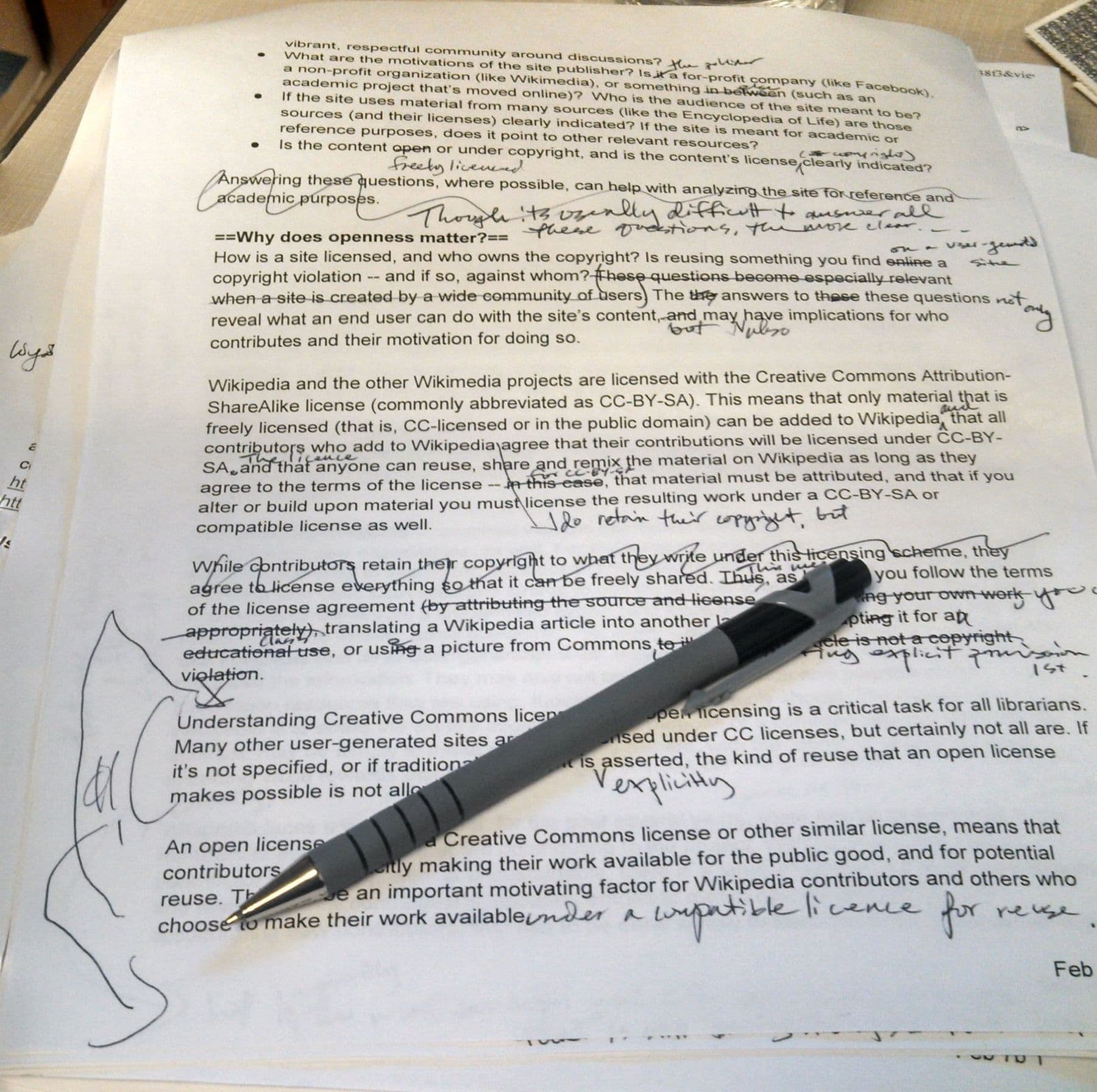
Another useful move is class-level analysis. After grading, give AI your short anonymous notes and ask it to group the most common mistakes. That tells you what the next lesson should cover: if half the class struggles to write a thesis, a 15-minute exercise on it is worth the time. How to prepare that lesson’s plan, quiz and worksheet with AI is shown step by step in lesson plans with AI.
What should you never delegate to AI?
AI makes mistakes, sometimes confidently, and it does not know your students. Some decisions belong to the teacher only:
- The final grade. An AI score can be a reference point, not a decision.
- Accusations of copying or AI use. More on this below.
- Grading students with special educational needs. The individual education plan and context matter most.
- Personal or emotional topics. If a student writes about family, health or a problem, that text does not go into AI.
- Sensitive messages to parents. A draft is fine; the tone and content must be yours.
Student work and privacy: what not to upload
Student work is personal data, especially when it contains a name, school, photo or family details. UNESCO’s 2023 guidance on generative AI in education calls for mandatory protection of data privacy and an age limit for independent use; for classroom use it suggests considering a limit of 13.
Practical rules:
- Never upload names, ID numbers, photos or signatures.
- Cover the name before photographing handwritten work.
- Check the service settings: many chatbots let you switch off the use of your chats for model training.
- Agree at school level which tools are allowed, and explain the rules to parents.
Are AI detectors reliable?
Short answer: no. This is not just an opinion:
- In 2023 an international team of academic integrity researchers tested 14 detectors, including Turnitin, and concluded they are “neither accurate nor reliable”. Rewriting AI text by hand or with a paraphrasing tool made them even worse.
- Stanford researchers ran seven detectors on TOEFL essays written by non-native English speakers: on average the detectors flagged 61% of them as AI-generated, and almost 20% were flagged by all seven.
- Vanderbilt University switched off Turnitin’s AI detector in 2023. It calculated that even a 1% false positive rate would have wrongly flagged about 750 of the 75,000 papers it submitted to Turnitin in 2022.
These studies are mostly on English text. For Georgian and other smaller languages, detector accuracy has barely been tested, so trust the result even less.
What to do instead? If you have doubts, talk to the student: ask them to explain their argument, or to write a few sentences on the same topic in class. The version history in Google Docs shows how the text was built. That is far fairer evidence than a detector percentage.
How to redesign homework for the AI era
If a task can be completed with one prompt, the problem is the task. The best protection is homework that asks for the student’s thinking, process and own experience.
| Old task | New version |
|---|---|
| Essay on photosynthesis | Run an experiment at home and describe your results |
| Summary of a text | Find 3 mistakes in an AI summary and explain them |
| Report on a topic | Interview a grandparent and compare with a source |
| Worksheet of problems | Explain one solution in a 2-minute voice note |
| Essay at home | Outline at home, essay in class in 25 minutes |
In some tasks you can allow AI openly, as long as the student describes what AI did and what they did. That is how they learn to use it responsibly. For ideas on livelier lessons, see fun lessons with AI: 20 ideas; for the university context and syllabus AI policies, see AI for university lecturers.
Frequently asked questions
Can ChatGPT grade homework?
Partly. It can suggest a score against a rubric, find mistakes and draft comments. In research it landed within one point of a human grader 76–89% of the time but matched exactly only about 40% of the time, so the final grade should be the teacher’s.
How do I create a rubric quickly?
Give AI the task text, grade, 3–5 criteria and the number of levels, and ask for a table. Then compare it with your subject standard and test it on three essays you have already graded. Your first rubric will be ready in 20–30 minutes.
Can I accuse a student based on an AI detector?
No. Independent studies show detectors are neither accurate nor reliable, especially on text by non-native speakers. If in doubt, talk to the student and look at the document’s version history.
Is it safe to upload student work to AI?
Only anonymised: no names, photos or personal details. Check the service’s privacy settings and agree at school which tools are allowed. Do not upload work with personal or emotional content at all.
Which AI tool is best for student feedback?
ChatGPT, Claude and Gemini all write good feedback, including in Georgian. Brisk Teaching is handy if you work in Google Docs. What matters most is a good rubric and your final edit, not the tool.
Your next step
If you want to turn your rubric, a feedback bank and classroom AI rules into one system, the final, eighth session of the AI for Teachers course is built around exactly that: you make an interactive quiz, a rubric and a feedback bank for your own subject. In the seven sessions before it, you prepare a complete unit of teaching materials with AI. See the teachers’ course next to our other courses on the AI courses page.
Sources
- AI essay grading is already as ‘good as an overburdened’ teacher (Tate et al.), The Hechinger Report
- Testing of Detection Tools for AI-Generated Text (Weber-Wulff et al., 2023), arXiv
- GPT detectors are biased against non-native English writers (Liang et al., 2023), Patterns / PMC
- Guidance on AI Detection and Why We’re Disabling Turnitin’s AI Detector, Vanderbilt University
- Guidance for generative AI in education and research, UNESCO
- UNESCO calls for regulations on AI use in schools, UN News
- Grading and Performance Rubrics, Carnegie Mellon University