AI helps university lecturers with many jobs: preparing the syllabus and lecture materials, finding literature, analysing data, redesigning assessment, and even building a course assistant for students. To do it well, follow three rules: state a clear AI policy in your syllabus, check every source AI suggests yourself, and design assessment that does not depend on an AI detector.
Students already use AI whether the lecturer allows it or not. So the real question is not “ban or allow” but how to allow it in each assignment, and how to assess what we actually want students to learn.
Below you will find a three-level syllabus AI policy template, a comparison of research tools, examples of redesigned assessment, and the APA and MLA rules for citing AI.
Five jobs where AI helps a lecturer
Much of a lecturer’s work is text and sources, so the benefit is real. Every task also carries its own risk.
| Task | Example tools | Main risk |
|---|---|---|
| Syllabus and learning outcomes | Claude (Projects), ChatGPT, Gemini | Generic text that fits any course |
| Lecture materials and slides | Gemini Notebook, Gamma | Factual errors |
| Finding literature | Semantic Scholar, Elicit, Consensus | Invented or wrong sources |
| Assessment and feedback | Any chatbot with a rubric | Trusting a score unchecked |
| Data analysis | ChatGPT, Claude, Gemini Notebook | Unchecked code and conclusions |
We compare the chatbots in detail in ChatGPT, Claude and Gemini compared. Note that in July 2026 Google renamed NotebookLM to Gemini Notebook. It grounds its answers in the sources you add, which makes it especially useful for preparing lecture material.
How to prepare a syllabus and lectures with AI
AI writes a good syllabus only when you give it your context. A generic request (“write me a marketing syllabus”) produces text that fits every university and none. Work like this:
- Create a dedicated project (Claude Projects, ChatGPT Projects or Gemini Notebook) and upload the programme description, the course learning outcomes and your old syllabus.
- Ask for a 15-week topic plan where each topic is linked to a specific learning outcome.
- For each week, ask for one local or regional case and one in-class activity.
- Decide the assessment components (midterm, final, presentation) yourself and ask AI only for a rubric draft.
- Read the result as you would a colleague’s work: check every source and every fact.
Once the project exists, it keeps paying off: next semester you get a lecture plan, a slide outline and review questions from the same sources in minutes.
How to write an AI policy for your syllabus: a three-level template
One general sentence (“The use of AI is prohibited”) does not work. Students need to know what is allowed in each assignment. Researchers Perkins, Furze, Roe and MacVaugh created the AI Assessment Scale for this, with five levels: No AI, AI Planning, AI Collaboration, Full AI and AI Exploration. For many syllabi, three levels are enough:
| Level | What is allowed | Example task | Declaration |
|---|---|---|---|
| 1. No AI | Nothing | Final exam in the room | Not needed |
| 2. AI as helper | Ideas, outline, language editing | Term paper | Required |
| 3. AI as tool | Using AI is part of the task | Critical analysis of an AI answer | Required, with prompts |
Template text you can paste into a syllabus and adapt:
AI use policy
Each assignment in this course has an AI level (1, 2 or 3).
Level 1: AI may not be used.
Level 2: You may use AI for ideas, outlining and language editing.
Attach a declaration: which tool, for what, and what you changed.
Level 3: Using AI is part of the assignment. Attach your prompts and the answers.
You must check every source suggested by AI yourself.
An unverified or invented source is a breach of academic integrity.
Keep the declaration short, for example: “I used ChatGPT to find three possible angles on the topic and to edit the language of the introduction. The arguments, sources and conclusion are mine.” The core principle: the student is responsible for everything in the work, including AI’s mistakes.
AI in academic research: which tool for what?
AI saves a lot of time in literature searches, but this is also where the most dangerous error appears: invented references. A 2023 study in Scientific Reports found that 55% of the works cited by GPT-3.5 and 18% of those cited by GPT-4 did not exist. Real citations also often had substantive errors (43% and 24%). Newer models are better, but the rule stays: a source you have not opened yourself does not exist.
Tools that work with real scholarly databases:
- Semantic Scholar is a free search engine run by the non-profit Ai2, covering more than 200 million papers.
- Elicit follows systematic-review logic: it finds papers, extracts data into a table and backs claims with sentence-level citations.
- Consensus searches over 400 million papers (as of 2026) and shows how far studies agree on yes/no questions.
- Gemini Notebook summarises and compares the PDFs you upload, and shows which part of the source an answer is based on.
- Zotero is free software for managing references and building bibliographies.
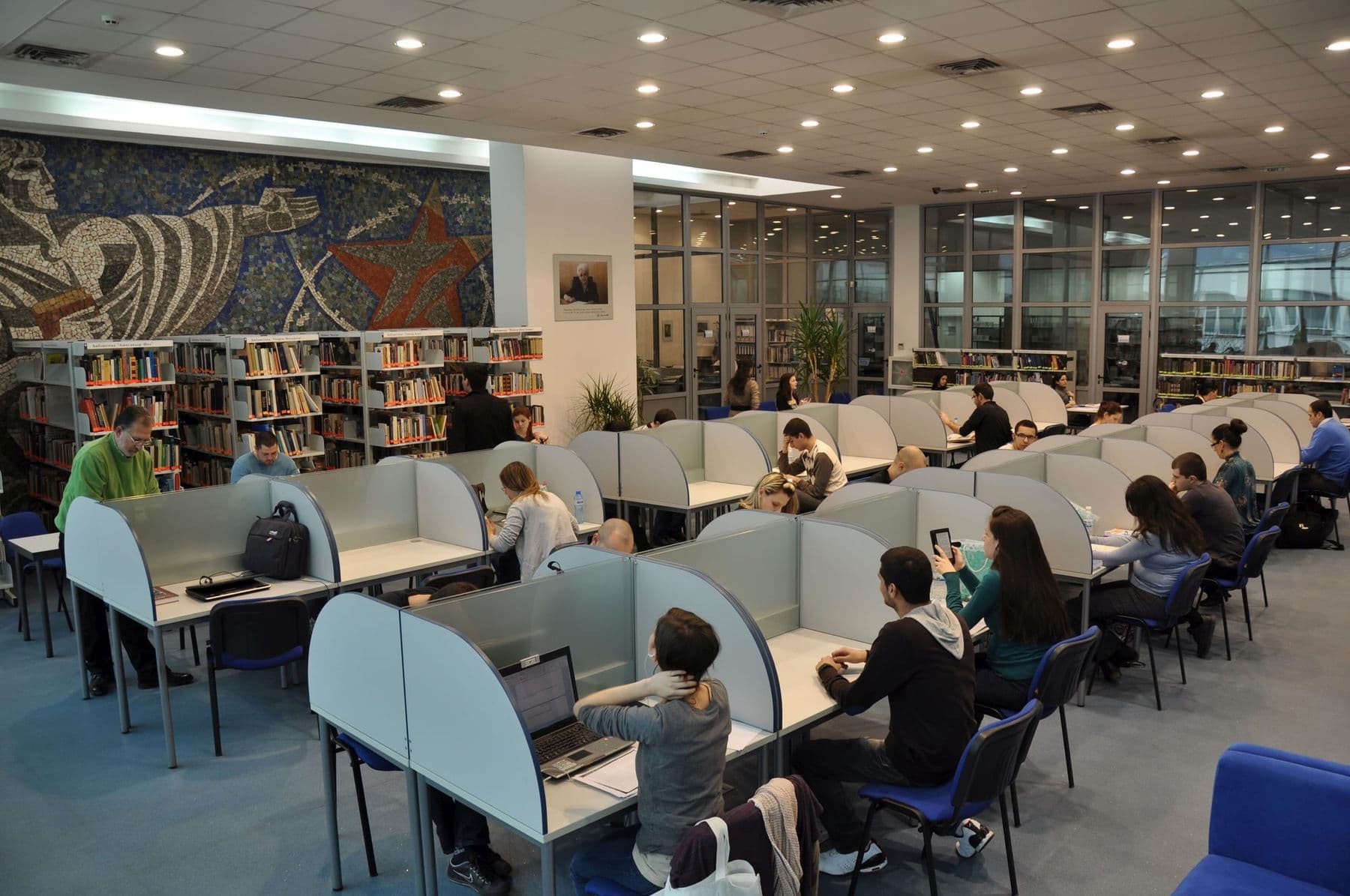
A small, verified literature review looks like this:
- Phrase the research question in English, since most of the literature is in English.
- Search Semantic Scholar or Elicit and select 15–20 papers.
- Open each one by DOI and confirm the author, year and journal.
- Upload the full texts to Gemini Notebook and ask for a comparison table.
- Check every claim in the table against the original page.
- Build the bibliography in Zotero, not in a chatbot.
Ask two questions about every source AI suggests: does this paper exist (open it by DOI), and does it actually say what AI claims? The second error is more common and harder to spot: the paper is real, but its conclusion is different.
How to redesign assessment when students have AI
AI detectors are unreliable: independent studies show they often get it wrong, especially on text by non-native speakers. We cover the evidence in grading homework with AI. So it is better to design assessment from the start so that AI does not break it.
| Assessment | Why it is vulnerable | How to redesign |
|---|---|---|
| Take-home report | Written with one prompt | Report plus a 10-minute oral defence |
| Online quiz | Answers are in the chatbot | In-room quiz or open questions |
| Term paper | Only the final text is graded | Process portfolio: plan, draft, revision |
| Essay on a general topic | AI has general knowledge | Local data, a Georgian case |
| Problem sets | AI solves them | Find and explain the error in an AI solution |
An oral defence is the simplest and fairest method: a student who wrote the work explains its arguments easily. A process portfolio shows how the idea developed and is the best evidence of learning at the same time.
How to cite AI: APA and MLA
When a student or researcher quotes or paraphrases AI-generated text, they must cite it. Both major styles give a specific format.
APA (7th edition). The author is the company that made the tool, the version goes in parentheses and a descriptor in square brackets: OpenAI. (2023). ChatGPT (Mar 14 version) [Large language model]. https://chat.openai.com/. In text: (OpenAI, 2023). APA also recommends describing how you used AI in the methods section or introduction, quoting the prompt in the text, and attaching long transcripts as an appendix.
MLA (9th edition). AI is not listed as an author. The title slot describes the prompt, followed by the tool name, version, company, date and URL. MLA adds a warning: check any secondary sources AI mentions and cite only what you have read yourself.
Both share one principle: AI is a source, not an author. A person is responsible for the text.
Academic integrity and data protection
UNESCO’s guidance on generative AI in education and research calls for a human-centred approach, data privacy protection, and for institutions to validate tools before students use them. For a lecturer, that means practical rules:
- Do not upload student names, grades or personal data to AI.
- A manuscript you receive for peer review is confidential: uploading it to AI breaks the author’s trust and often the journal’s rules too.
- Upload unpublished research data only to services whose data policy you have read.
- Whatever you ask of students (a declaration, checked sources), do the same in your own materials.
Time saved on preparing materials is most valuable when you spend it on talking to students and giving feedback. For a step-by-step example of fast material preparation (plan, quiz, worksheet), see lesson plans with AI: it is written for school teachers, but the approach works for lectures too.
Frequently asked questions
Can I use AI for academic research?
Yes, for finding literature, analysing data and editing text, as long as you check every result and describe your use transparently. The research question, methodology and conclusions remain the researcher’s responsibility.
What should a syllabus say about AI?
The allowed level for each assignment (no AI, helper or tool), the declaration requirement and the rule on checking sources. You can use the template above directly and adapt it to your subject.
How do I cite ChatGPT in APA style?
APA format: OpenAI. (year). ChatGPT (version) [Large language model]. URL. In text: (OpenAI, year). Describe the use in your methods section and attach long conversations as an appendix.
What is the best AI tool for a literature review?
Semantic Scholar for broad free search, Elicit for systematic-review style work, Consensus for a quick picture of how studies agree, and Gemini Notebook for working with your own PDFs. A general chatbot is the riskiest way to find sources.
Does AI handle Georgian academic text?
Gemini, ChatGPT and Claude handle Georgian text well, and Gemini Notebook can create audio and video overviews in Georgian. Literature searches still mostly happen in English, because most scholarly databases are English-language.
Your next step
If you want to try all of this on your own course, start with one assignment: give it an AI level, write the rule into the syllabus and see at the end of the semester what changed. Questions? Write to us through the free consultation form. Courses for school teachers and other professions are on our AI courses page.
Sources
- Guidance for generative AI in education and research, UNESCO
- The AI Assessment Scale (Perkins, Furze, Roe, MacVaugh), AIAS
- Fabrication and errors in the bibliographic citations generated by ChatGPT (Walters & Wilder, 2023), Scientific Reports / PMC
- How to cite ChatGPT, APA Style
- Generative AI tools: APA Citation Style (7th edition), Camosun College Library
- How do I cite generative AI in MLA style?, MLA Style Center
- About Semantic Scholar, Ai2
- NotebookLM is now Gemini Notebook, Google