Teach children AI as a tool, not as a friend. At 7–12 the best approach is play: the child “trains” a simple model in Teachable Machine or Scratch, and uses chatbots only together with a parent. From 13, ChatGPT and Gemini are acceptable with parental permission, parental controls switched on and clear family rules.
AI is already part of children’s lives: the voice assistant on a phone, YouTube recommendations, a chatbot inside a game. A ban won’t work, and leaving kids alone with it is risky. A third way works best: the child understands how AI works, knows its limits and keeps what is private, private.
Is ChatGPT safe for kids, and from what age? Age limits in 2026
Every major service sets its own minimum age in its terms. As of October 2026:
| Service | Minimum age | Under 18 | Parent tools |
|---|---|---|---|
| ChatGPT (OpenAI) | 13 | Parent or guardian permission required | Linked accounts, quiet hours, feature switches |
| Gemini (Google, personal account) | 13 | Under 13 only via Family Link | Parent turns it on or off in Family Link |
| Claude (Anthropic) | 18 | Not intended for minors | None |
Two details matter. First, every service adds “or the minimum age in your country, if higher”. Second, OpenAI’s terms state plainly that users under 18 need a parent’s or legal guardian’s permission. So a 13-year-old’s account should be opened with a parent’s consent, not in secret.
International bodies are cautious too. UNESCO’s 2023 guidance on generative AI in education suggested that schools consider an age limit of 13 for classroom use. UNICEF’s Guidance on AI and Children, version 3.0 (2025), sets out ten requirements, including safety, data protection and building children’s skills.
How to set up parental controls in ChatGPT and Gemini
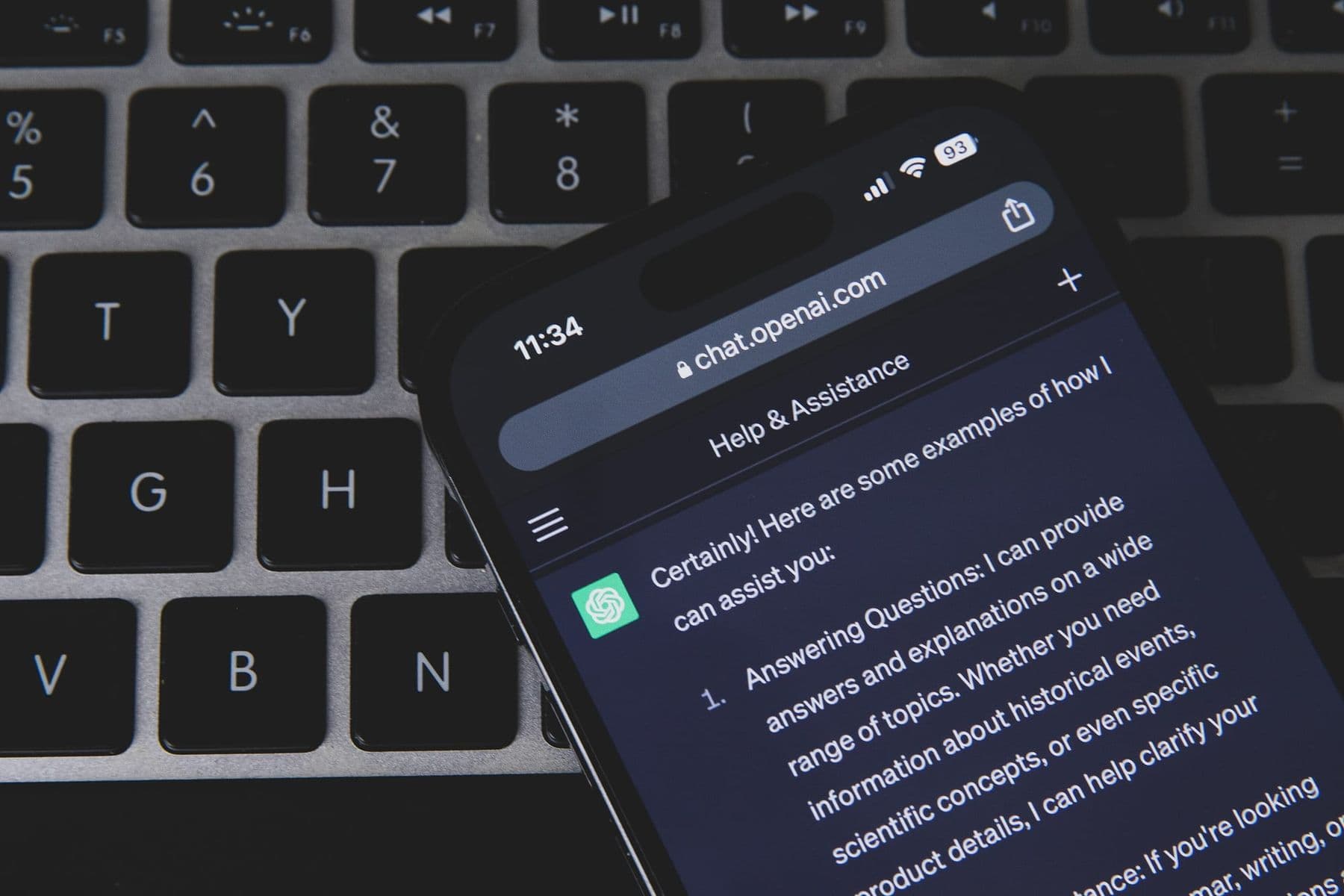
ChatGPT. A parent links their account to the teen’s account: Settings, then Parental controls, and sends the teen an invitation, which the teen accepts. According to OpenAI, once accounts are linked, extra safeguards reduce graphic content, viral challenges, sexual, romantic and violent roleplay, and extreme beauty ideals. The parent can:
- set quiet hours when ChatGPT is unavailable;
- turn off voice mode, image generation and saved memories;
- turn off the setting that lets the teen’s conversations be used to improve the model.
Important: parents cannot read their teen’s conversations. OpenAI notifies parents only in rare cases when specially trained reviewers identify a serious safety concern. Controls do not replace trust and conversation. The settings change over time, so check the current list on OpenAI’s help page.
Gemini. On a supervised (Family Link) account of a child under 13, the parent controls Gemini access: in Family Link, select your child, then Controls, Gemini, Gemini Apps, and turn it on or off. Google itself warns parents that filters are not perfect, that Gemini can feel human but is a tool, not a person to confide in, and that its answers can be wrong.
How to teach kids about AI through play
Learning about AI does not start with a chatbot. Children learn far more when they “teach” the computer themselves and see when it fails. Three free tools for this:
- Teachable Machine (Google). In the browser, no code: you capture examples with a webcam or microphone, and the computer learns to tell images, sounds or poses apart. According to Google, the model trains in the browser on your own computer, so webcam and microphone data stay on the device unless you save the project to Google Drive.
- Machine Learning for Kids. A free tool that brings a model your child trains into Scratch. It works without signing up and has an admin page for teachers.
- Scratch extensions. Video Sensing, Text to Speech and Translate show a child how a computer “sees”, “speaks” and “translates”.
A first project in 30 minutes: rock, paper, scissors. In Teachable Machine, create an image project with three classes: rock, paper, scissors. Your child shows each gesture to the webcam 50–100 times from different angles. Click Train Model and test it. Then the key part: ask a sibling or friend to try. The model often fails because it learned from one hand only. That is your child’s first lesson about data and bias: AI is only as good as its data.
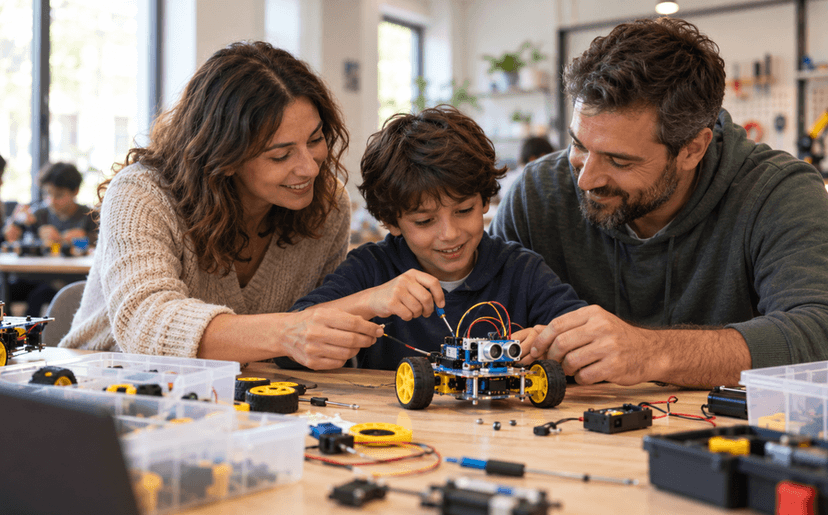
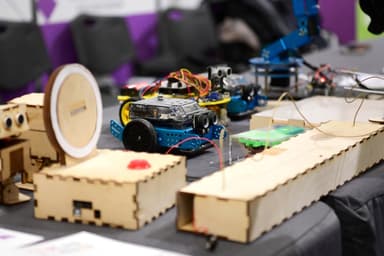
The foundation of understanding AI is the logic of programming: conditions, loops, data from a sensor. For ages 7–10, Scratch is the best start. See our guides to coding for kids and a first Scratch game in 30 minutes. Our Programming and Robotics: Scratch and mBot course teaches this logic to children aged 7–10 on a real robot that “sees” a line with a sensor and makes its own decisions.
 Course at TDSRobotics and Electronics 7–9: from mBot to Your Own Otto Robot7 months · 3 phases · 72 h · Starts 21 NovDetails
AI for kids by age: what to do at home
| Age | What to do | Tool | Parent’s role |
|---|---|---|---|
| 7–9 | “Robot parent”: your child gives you exact commands | Paper, play | Play together |
| 7–9 | Rock, paper, scissors | Teachable Machine | Sit beside them |
| 10–12 | An AI game in Scratch | Machine Learning for Kids | Help, don’t do it for them |
| 13–15 | ChatGPT in study mode, fact-checking | ChatGPT, Gemini | Set controls, agree on rules |
| 16–17 | Own project: a bot, a video, research | Various | Act as a consultant |
“Robot parent” is a screen-free game. Your child tells you how to make a sandwich, and you follow every instruction literally. “Put the cheese on the bread”, and you place the whole block of cheese, wrapper and all. Your child laughs and gets the main point: a computer “understands” nothing, it only executes instructions.
Family rules: 7 rules for AI
Write the rules together and stick them on the fridge. Children keep rules they helped to make:
- AI is not a person. It has no feelings and cannot be a friend, however warmly it writes.
- Nothing private. Full name, address, school, phone number, passwords and photos stay out of the chat.
- Other people’s photos only with permission. No uploading a friend’s or sibling’s picture without their consent.
- Check every fact. AI sometimes makes things up convincingly. Verify important information in a second source.
- In a shared room. Under 13, chatbot conversations happen only where a parent is around.
- You write the homework. AI can explain, ask you questions and quiz you, but the work is yours.
- Strange answer = talk to a parent. If something AI says worries, scares or embarrasses you, tell us. Nobody will punish you for it.
A separate word on AI companions, apps that offer an emotional relationship with a character. Common Sense Media rates them as an unacceptable risk for users under 18 and recommends that minors do not use them.
Privacy: what should children never tell a chatbot?
Children talk to a chatbot like a diary: who they fought with, which school they attend, where they live. Explain simply: everything you write in a chat is stored on a company’s server and may be read by a person. That is why addresses, school names and family details stay out of the chat.
Practical steps:
- in ChatGPT parental controls, turn off the use of conversations to improve the model;
- use a neutral account name and don’t use your child’s photo as the profile picture;
- explain that voice recordings and photos are data too;
- don’t save Teachable Machine projects that contain your child’s face or voice to Google Drive.

Homework and AI: where is the line on honesty?
Instead of a ban, show your child where the line is. A good rule: use AI like a tutor, not like a ghostwriter.
| Good use | Bad use |
|---|---|
| “Explain fractions as if I were 10” | “Solve these 10 problems” |
| “Ask me 5 questions on this topic” | “Write my essay for me” |
| “What is wrong with my sentence?” | Copying text and handing it in |
| “What would the other side argue?” | Copying facts without sources |
Study mode in ChatGPT guides a student to the answer with questions instead of giving it directly. Agree with your child that homework help happens in this mode. Ask the teacher too: the school may have its own AI rules.
Once a week, ask a chatbot something together whose answer you know for sure: the history of your street or an old family recipe. When the AI is confidently wrong, your child sees for themselves why every fact needs checking. That experience works better than any lecture.
Frequently asked questions
What age can kids use ChatGPT?
Under OpenAI’s terms, from 13, and under 18 only with a parent’s or legal guardian’s permission. If the age of consent in your country is higher, that applies. Children under 13 should use a chatbot only with a parent, on the parent’s account.
Is ChatGPT safe for kids?
No online service is completely safe. A teen account with parental controls has extra filters, but filters can fail and AI can give wrong information. Controls need to come with family rules and regular conversation.
Can parents read their child’s ChatGPT conversations?
No. Linking accounts does not give parents access to conversations. Parents manage settings and are notified only about serious safety concerns, so agree with your child that they will show you interesting or strange conversations themselves.
Can a 10-year-old use Gemini?
Only on a Google account supervised with Family Link, where the parent turns Gemini Apps access on or off. According to Google, accounts managed by Family Link still can’t use the Gemini web app. On a personal account, Gemini is 13+ (or the minimum age in your country).
Should I ban AI completely?
A ban works only briefly: your child will meet AI at school, in games and at friends’ homes anyway. It is far safer when they understand how AI works, where it fails and what not to share, which is exactly what home projects and family rules teach.
Your next step
Start with one evening: build rock, paper, scissors in Teachable Machine together and write your family rules. If your child loves technology and you want them to learn programming logic properly, read our guide to tech courses for kids in Tbilisi or book a free consultation.
Sources
- Terms of Use, OpenAI
- Managing parental controls in ChatGPT, OpenAI Help Center
- Manage your child’s Gemini Apps access, Google Help
- Consumer Terms of Service, Anthropic
- Guidance on AI and Children 3.0, UNICEF Innocenti
- UNESCO calls for regulation of generative AI in schools, UN News
- Social AI Companions risk assessment, Common Sense Media
- Teachable Machine, Google