Choose a tech club by your child’s age and interests. At 7–10, the best start is block-based coding with a simple robot; at 10–14, robotics and electronics with Arduino; at 13–17, depth: C++, 3D modelling, drones or design. A good course in Tbilisi has small groups, a kit for every child and a tangible result to take home.
There is no shortage of after-school activities in Tbilisi, from chess to dance to robotics, but tech clubs raise the most questions: how coding differs from robotics, what age is right and what a good school should offer. This guide answers them in one place.
To be upfront: we are a technology school ourselves, and we mention our courses below. The checklist, however, works for any club, and you can use it with any school.
What age can kids start tech courses?
There is no magic age, only signs of readiness. At 5–7, a keyboard and a long lesson are usually too much, but ScratchJr works beautifully: children snap blocks together on a tablet to make characters move. ScratchJr was made for ages 5–7, while regular Scratch, according to its creators, is aimed mainly at ages 8–16.
From around 7, most children can stay with one problem for a long time if the problem feels like a game. That is why group tech clubs for kids often start at 7. We cover the signs of readiness in more detail in what age to start robotics.
| Age | What fits | Typical tools |
|---|---|---|
| 5–7 | Play, stories, logic puzzles, at home with a parent | ScratchJr, unplugged games |
| 7–10 | Block coding and a first robot | Scratch, mBlock, mBot |
| 10–14 | Robotics, sensors, Arduino | mBot, Arduino, Tinkercad |
| 13–17 | C++, 3D, drones, design | Arduino IDE, Fusion 360, DJI Tello, Illustrator |
Ages 7–10: coding and robotics through play
At this age, code has to bring something to life right away. In Scratch, a child stacks colourful blocks and a character moves on screen. When the same blocks drive a real robot, interest grows even more: the car follows a line, stops at a wall, plays a sound.
What a child should learn in the first months:
- Sequence: commands run in order, and changing the order changes the result.
- Loops: “repeat 10” or “forever” replaces ten identical blocks.
- Conditions: “if the sensor sees a wall, turn”.
- Debugging: the robot went the wrong way, so something in the code is off, and we look for it.
For this age we run Programming and Robotics: Scratch and mBot for ages 7–10. It takes about two months and needs no experience. The mBot robot your child programs during the course stays with them. How a young child learns to program an mBot is explained in mBot and Scratch from age 7. To start at home, read our guides to coding for kids and a first game in Scratch.
Ages 10–14: robotics, electronics and Arduino
After 10, children want to know how a device works, not only what it does. It is the perfect time for robotics and electronics: sensors, motors, a microcontroller and the first lines of C++.
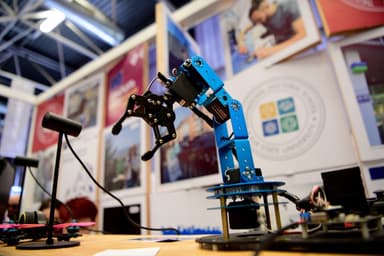
There are two paths. If your child loves building and moving machines, choose robotics. On our Robotics: from mBot to a Robotic Arm course, students aged 10–14 work with several platforms: mBot, Ottobot, a 4WD robot, a robotic arm and a Tello drone. The course ends with a team competition and a final. All three age levels are compared on our robotics courses for kids page.
If your child keeps asking “how does this work?”, electronics may fit better: Electronics and Smart Devices is for ages 10–13. Students build and program smart devices with sensors on Arduino and learn 3D modelling in Tinkercad. The electronics mega kit stays with the student, so experiments continue at home.
We look at each path in detail in how to choose a robotics class and electronics course for kids.
 Course at TDSRobotics and Electronics 10–12: Arduino, a Robot Car and a Robotic Arm7 months · 3 phases · 72 h · Starts 21 NovDetails
Ages 13–17: depth, a portfolio and real professional tools
Teenagers are done with toys. They want the tools engineers and designers actually use, and a result they can show friends or put in a portfolio. Four strong directions at this age:
- Electronics and robotics in depth: Arduino C++, sensors, a 4WD robot and a robotic arm. Electronics and Robotics (Advanced) ends with a robot competition.
- 3D modelling and printing: from Tinkercad to Fusion 360 and from an idea to a printed object. 3D Printing and Modelling: Tinkercad to Fusion 360 runs in a hybrid format. More in 3D modelling course for kids.
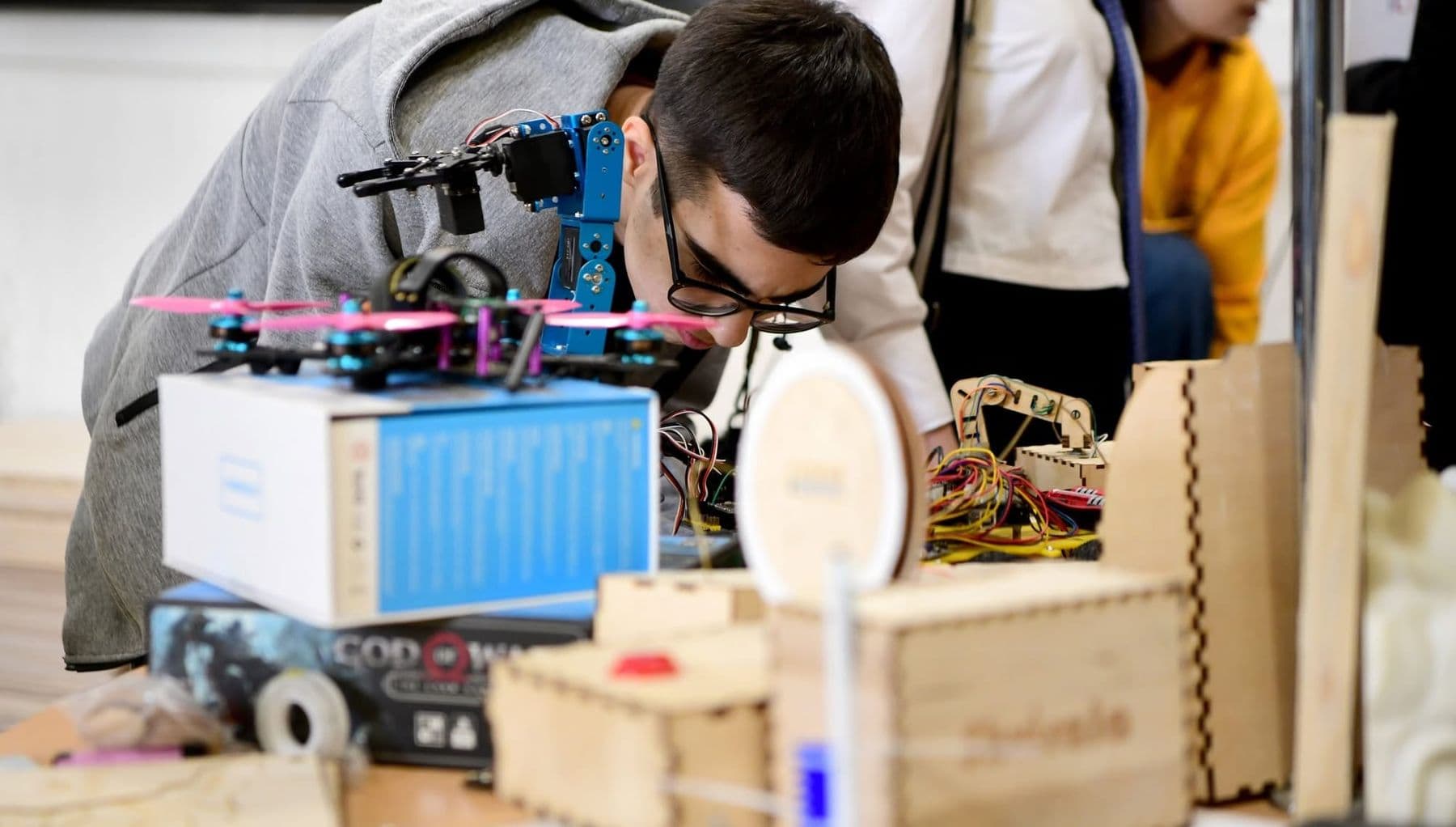
- Drones: flight physics, programming a DJI Tello with blocks and Python, photogrammetry. On Drones: Building, Coding and Photogrammetry, the aircraft students build is theirs to keep. More in drones course for teens.
- Design and architecture: Illustrator, Photoshop, ArchiCAD, a portfolio and a physical scale model. See Graphic Design and Intro to Architecture and our article on graphic design for teens.
All our tech courses for kids in one table
Our Junior Academy has seven courses. Each takes about two months and is taught in Georgian. The table shows the age and the main content; the schedule and price are on each course page.
| Course | Age | What the child does |
|---|---|---|
| Programming and Robotics: Scratch and mBot | 7–10 | Programs an mBot robot with Scratch blocks |
| Electronics and Smart Devices | 10–13 | Arduino, sensors, 3D modelling in Tinkercad |
| Robotics: from mBot to a Robotic Arm | 10–14 | mBot, Ottobot, 4WD robot, robotic arm, Tello drone |
| Electronics and Robotics (Advanced) | 13–17 | Arduino C++, 4WD robot, robotic arm, smart devices |
| 3D Printing and Modelling: Tinkercad to Fusion 360 | 13–17 | Tinkercad, Fusion 360, 3D printer, own product |
| Graphic Design and Intro to Architecture | 13–17 | Illustrator, Photoshop, ArchiCAD, portfolio and model |
| Drones: Building, Coding and Photogrammetry | 13–17 | DJI Tello, Python, building an aircraft, photogrammetry |
On the robotics, electronics and drones courses, the kit and materials are included in the course, and what the child builds stays with them.
Which tech club fits your child’s interests?
Age only sets the limits; interest picks the direction. Watch what your child does in free time:
- Builds LEGO for hours: robotics.
- Takes apart an old remote to look inside: electronics.
- Plays games and says “I want to make one”: coding, first Scratch, then Python.
- Draws, sculpts, plans how to rearrange their room: 3D modelling or design.
- Is crazy about planes: drones, from 13.
- Asks you how ChatGPT “thinks”: AI basics. How to teach this safely is in AI for kids.
If your child is interested in everything, start with robotics: it combines building, electronics and coding. After one or two courses, they will know what they enjoy most.
How to judge a course: a parent’s checklist
In a good tech club, children do things with their hands rather than watch. MIT Media Lab researcher Mitchel Resnick, one of the creators of Scratch, names four P’s of creative learning: Projects, Peers, Passion and Play. Look for them in the course description and in your first conversation with the school.
| What to ask | Good answer | Red flag |
|---|---|---|
| How many kids per group? | A small group, the teacher helps everyone | “As many as sign up” |
| Does every child get a kit? | Each child works with their own kit | Five kids watch one robot |
| What happens in every lesson? | Build, program, test | Lectures and slides |
| How does the course end? | Own project, presentation, competition | “A test” |
| Who teaches? | A practitioner who is good with kids | They can’t tell you |
| How do parents see progress? | Photos, projects, feedback | Nothing until the end |
| What does the child get at the end? | Certificate, work, sometimes the kit | Only a piece of paper |
At our school, for example, a child receives a certificate with at least 80% attendance and a completed final project. Every certificate has a number and a QR code, so anyone can verify it online.
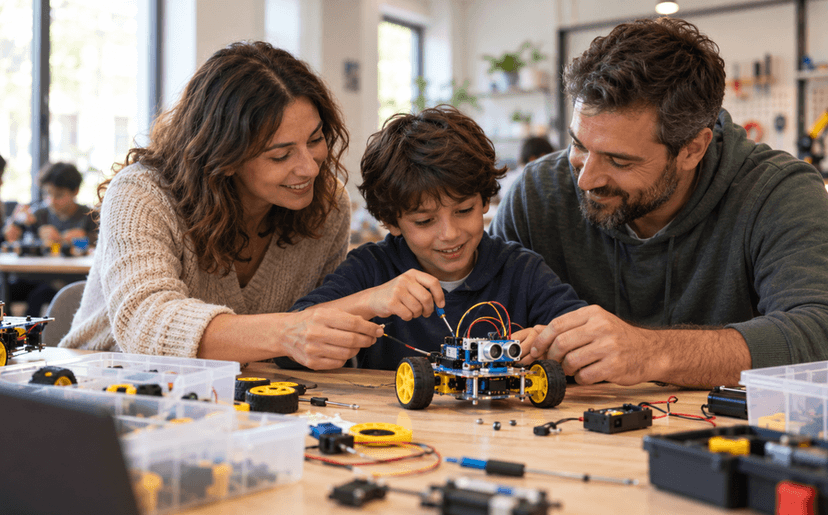
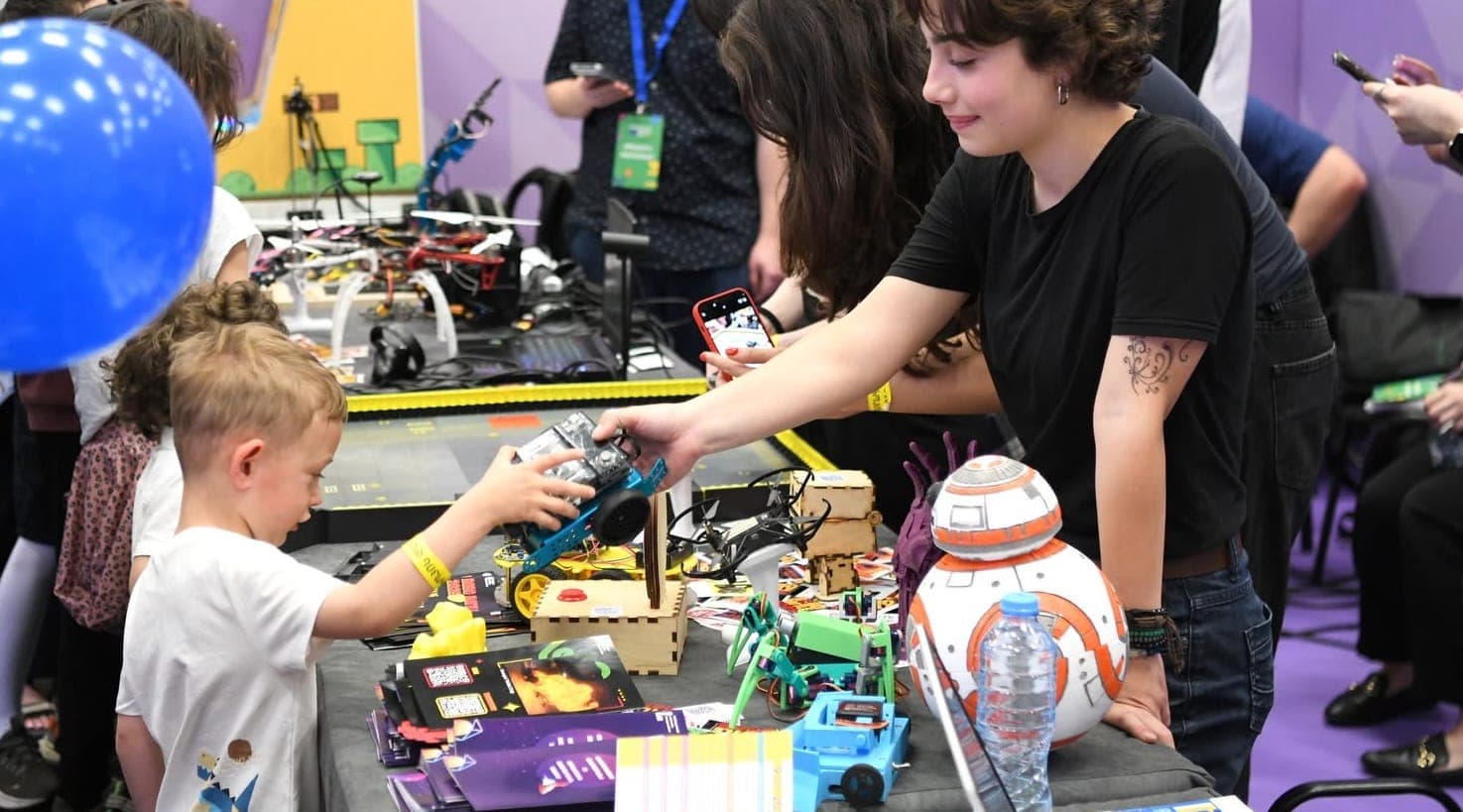
Bring your child to the first conversation and ask them to put one question to the teacher. You will quickly see how the teacher talks to children and how curious your child is about what they see. A noisy lab with robots on the tables and half-finished projects is a good sign.
How to find out if your child will like it before you enrol
Before a two-month course, let your child taste the topic. A few ways:
- One week of Scratch at home. Scratch is free, runs in the browser and has a Georgian interface. If your child keeps returning to “finish” a game, the interest is real.
- An open lecture. What Is Mechatronics? A Lecture for Parents and Kids is free: what mechatronics is, what age to start and how to choose a first field. It ends with a lab tour.
- A workshop with a parent. Kid + Parent: Build a Moving Robot is for children aged 8–12 and a parent. You build and program a moving robot together in one session.
- A free consultation. Call us or use the form on the contact page. We will tell you which course fits your child’s age and interests, and which one is better left for later.
How many clubs at once, and how to avoid overload
A tech club is great, but it does not replace sport, reading and free play. Two or three lessons a week are usually enough for visible progress without fatigue. Avoid two tech clubs at the same time: it is better to finish one course and then pick the next.
A tech club is also not the same as screen time. In a good lab, children spend more time building, measuring and testing than looking at a screen. If your child only sits at a computer during a course, ask the school where the hands-on work is.
How to support your child at home if you are not technical
Parents do not need to know coding or electronics. Curiosity matters far more. Five simple habits:
- Ask them to explain. “What does this block do?”, “Why did the robot stop?” If they can explain it, they understand it.
- Keep their projects. One folder of photos and files becomes their first portfolio by the end of the year.
- Let them make mistakes. Don’t fix it for them. Ask, “What have you tried already?”
- Point out real technology. Lift buttons, traffic lights, automatic doors: sensors and programs are everywhere. Talk about how they work.
- Give them free tools. Scratch, Tinkercad and the micro:bit browser simulator are enough for practice at home.
Showing a robot at a friend’s birthday party or sharing a Scratch game with the family builds confidence more than anything. That is how the wish to continue with the next course is born.
Frequently asked questions
What age can a child start robotics in Tbilisi?
Group courses usually start at 7. At that age a child can focus on a task for a long time if it is presented as a game. For ages 5–6, ScratchJr and playing together at home work better.
Is coding or robotics better for kids?
For ages 7–10, both together are best: the child writes programs with Scratch blocks and sees the result on a real robot. From 11–12 you can choose: games and apps lead to coding, moving machines lead to robotics.
Does my child need their own computer?
All the equipment and materials are ready in our lab, so you don’t need to buy a computer for the course. For practice at home, an ordinary laptop is enough: Scratch and Tinkercad both run in the browser.
What does my child get at the end of a course?
A certificate with a QR code, with at least 80% attendance and a completed final project. On the robotics, electronics and drones courses, the robots, devices and aircraft they build stay with the child.
What language are the kids’ courses taught in, and where?
Junior Academy courses are taught in Georgian at our lab in Vake. The 3D printing and modelling course is hybrid; the others are fully on-site. Software interfaces are often in English, and children pick up the words they need quickly, which helps their English too.
Your next step
If your child is 7–10, start with Scratch at home and then move to a real robot. If they are older, pick a direction from the interest list above. If you are unsure, book a free consultation: we will talk about your child’s age and interests and tell you honestly which course fits now and which one fits later.
Sources
- Scratch: For Parents, Scratch Foundation
- About ScratchJr, DevTech Research Group, Boston College
- What is the micro:bit?, Micro:bit Educational Foundation
- Give P’s a Chance: Projects, Peers, Passion, Play, Mitchel Resnick, MIT Media Lab