Teens can start learning graphic design at 13, and the best way in is through four foundations: composition, colour, typography and the grid. The first projects are a logo, a poster and a series of social media posts, made in Illustrator (vector) and Photoshop (raster) or their free alternatives. By 15–17, that work can already become a portfolio.
Many teenagers think design means “drawing pretty pictures”. In reality a designer solves problems: how to make someone see the key information in three seconds, recognise a brand from across the street, read text without getting tired. This guide shows parents and teens where to start, what to learn first and what the road to a portfolio looks like.
What is graphic design, and what do designers do?
Graphic design is visual communication: arranging text, images and colour so people understand a message quickly and correctly. Designers work in a few main areas:
- Branding: logos, colours, typefaces, a company’s visual style;
- Social media: posts, stories, ad banners;
- Print design: posters, brochures, packaging, book covers;
- Digital interfaces: the visual side of websites and apps (UI).
The good news for teens: you do not need a special talent for drawing to start. Observation, developing taste and lots of practice matter far more.
Taste grows with practice. Try three simple habits: every day, photograph one sign, package or poster you like; write one sentence on why it works; once a week, rebuild one of them with your own colours and typeface. Within a month you will look at the street differently.
The 4 design foundations to start with
Composition
Composition is how elements are arranged in space. Four ideas to learn in the first week: balance (the page does not “lean” to one side), contrast (the main element stands out by size, colour or weight), emphasis (one thing the eye sees first) and hierarchy (the order: headline, subhead, details). A quick test: look at your poster for three seconds. If you cannot say what it is about, the hierarchy is not working.
Colour
Screens make colour with light (RGB: red, green, blue), printers with ink (CMYK: cyan, magenta, yellow, black). That is why a bright screen colour can print dull: files for social media are made in RGB, files for print in CMYK. For a beginner, two or three main colours plus one neutral are plenty. A popular rule of thumb is 60-30-10: 60% main colour, 30% secondary, 10% accent.
Typography
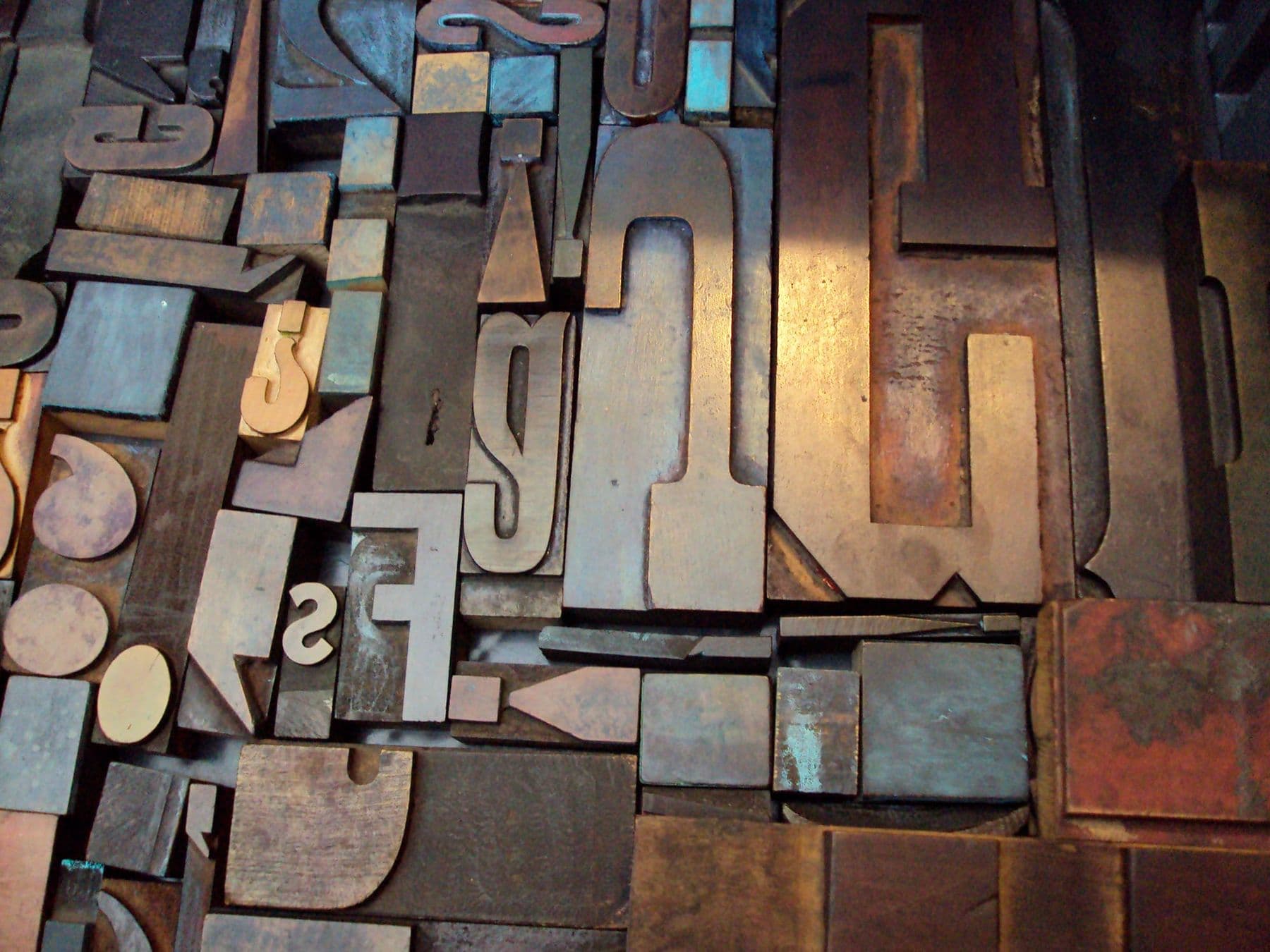
Typography is the visual arrangement of text: typeface, size, spacing, line length. A few practical rules:
- No more than two typefaces per piece: one for headings, one for body text;
- Aim for 45–90 characters per line, with line spacing at 120–145% of the type size;
- For Georgian text, check that the font includes Mkhedruli: many Latin fonts have no Georgian letters, and the software silently swaps in another font;
- A free, open-licence option with Georgian letters is Noto Sans Georgian / Noto Serif Georgian (SIL Open Font License).
The grid
A grid is a set of invisible lines that every element aligns to: margins, columns and the gutters between them. A grid makes a design feel orderly even when viewers cannot say why. Start simple: a 12-column or 4-column grid, with every element’s edge on a column line.
Vector or raster: Illustrator and Photoshop
| Feature | Vector graphics | Raster graphics |
|---|---|---|
| Made of | Mathematical curves | Pixels |
| When enlarged | Stays sharp | Gets blurry |
| Typical software | Adobe Illustrator, Inkscape | Adobe Photoshop, GIMP |
| Formats | SVG, AI, PDF | JPG, PNG, PSD |
| Used for | Logos, icons, illustration | Photos, retouching, collage |
A logo is always made as a vector, because it has to look equally clean on a business card and on a building. Photo editing and collage belong in a raster program. For a detailed look at paid versus free tools, read our guide to design software for beginners.
The first three projects
How to design a logo in 6 steps
- Brief: who is the logo for, what does the brand do, who is its audience? Write three words the brand should be remembered by.
- Moodboard: collect 15–20 images, colours and typefaces that capture that mood.
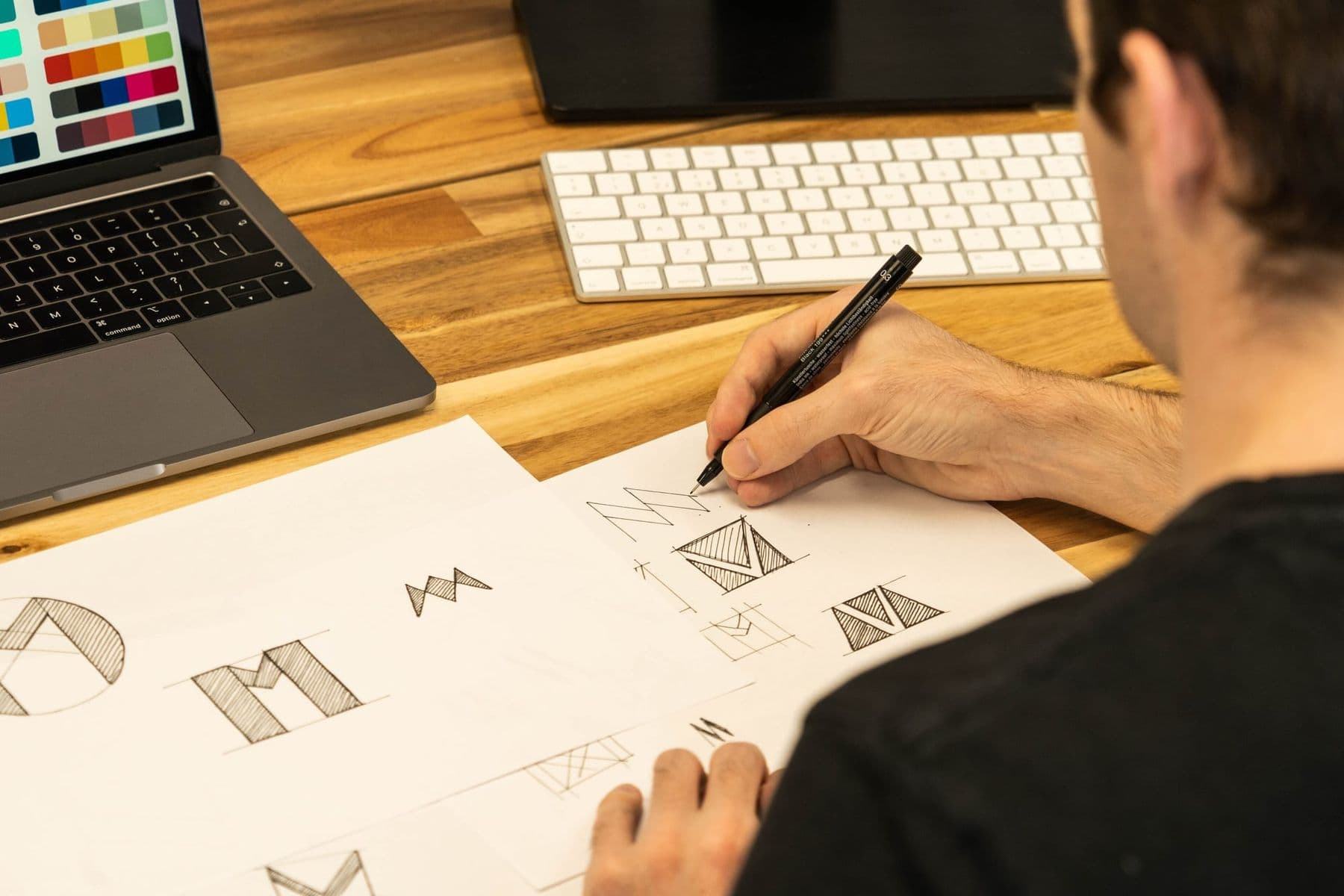
- Sketches on paper: at least 20 quick sketches. The first idea is rarely the best.
- Choose a type: a symbol, a wordmark or a combination mark.
- Vectorise: take the best two or three sketches into Illustrator or Inkscape and rebuild them with the Pen Tool and simple shapes.
- Test: check the logo at a tiny size (an app icon), in black and white and on a dark background. If it breaks anywhere, simplify.
A poster
A poster is the best exercise in hierarchy: one big headline, one strong image, clear information (what, where, when). Start with a real task: a school event, a favourite film, a city festival.
A social media series
One post is easy. Three or five posts in one style are a system: the same colours, typefaces, grid and logo position. This is exactly the skill companies ask for most often.
Keep every sketch and in-between version, not just the final piece. In a portfolio, how you got to the result often says more than the result itself. Once a month, redo an old piece: you will see how much you have learned.
7 common beginner design mistakes
Almost everyone makes these in the first few months. Knowing them in advance saves a lot of time:
- Too many typefaces. Five fonts on one poster create chaos. Two are enough.
- Everything is important. When every element is big and bright, the eye has nowhere to land. Pick one accent.
- Fear of empty space. White space is not wasted space; it lets elements breathe.
- No alignment. Elements that are “almost” on one line look worse than ones clearly on different lines. Use a grid and Align.
- Low contrast. Light grey text on white looks elegant but is hard to read, especially on a phone.
- A raster logo. A logo made in Photoshop goes blurry when enlarged. Logos are always vector.
- Copying other people’s work. Inspiration is fine, copying is not. Use other people’s images and fonts only after checking the licence.
How to build a design portfolio
A portfolio is a collection of your best work that shows how you think and what you can do. The University of the Arts London (UAL) advice is a good guide for any creative field:
- 3–5 projects that show a range of skills;
- Each project told as a story: research, process, outcome;
- Sketches and experiments, not only polished finals;
- Plenty of white space and short, clear captions;
- Start and end with your strongest work.
In Georgia, creative faculties ask for more than a portfolio. At the Tbilisi State Academy of Arts, for example, bachelor applicants need both the Unified National Exams and the academy’s own creative competition. Requirements are published every year, so always check the university’s official page in the year you apply. Working on a portfolio early also helps you prepare for the creative exam.
Graphic design salaries: what to know
Graphic designers’ earnings vary widely: they depend on the portfolio, the specialisation (branding, UI, motion design), languages, and whether you work in-house or freelance, for local or international clients. Reliable, current statistics for this profession in Georgia are scarce, so we do not quote figures. For a realistic picture, look at current vacancies on Georgian job sites and note which skills they ask for.
One thing is clear: the profession is changing. AI now generates options in seconds, so a designer’s value lies more and more in ideas, taste and judgement. To see how designers use AI in daily work, read AI for designers.
A graphic design course in Tbilisi
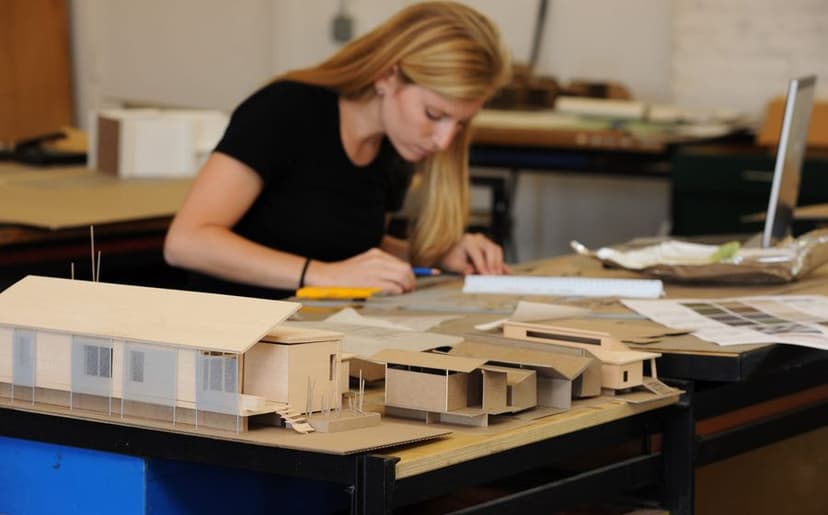
At Tbilisi Digital School, the course Graphic Design and Intro to Architecture is for beginners aged 13–17 (2 months, on-site, in Georgian). Students learn vector and raster, RGB and CMYK, composition, colour and typography; they create posters, branding and social media visuals in Illustrator and Photoshop, and draw a house plan with a 3D view in ArchiCAD. The course ends with their own portfolio and a physical scale model. If your teen is also curious about buildings, read architecture for teens.
Frequently asked questions
What age can you start learning graphic design?
Visual play and drawing are good at any age, but structured learning with professional tools (Illustrator, Photoshop) works best from about 13. By then a teen can grasp abstract rules such as hierarchy and grids and judge their own work critically.
Do you need to be good at drawing to do graphic design?
No, but sketching by hand helps a lot. Graphic design is more about layout, colour and type than realistic drawing. Quick, rough sketches on paper are the cheapest and fastest way to test ideas.
How can I design a logo for free?
Inkscape is a free vector program; you can also use Figma’s free plan, or Affinity, which as of 2026 is free for individuals. The tool is not the point: brief and 20 paper sketches first, then vectorise and test at small sizes.
Where can a teenager learn graphic design?
There is plenty of free material online, but teens need feedback most of all: someone who explains why a poster is not working. A course with a mentor speeds that up. Choose one that ends with real projects and a portfolio.
How much do graphic designers earn in Georgia?
There is no single answer: it depends on experience, portfolio, specialisation and clients. Reliable recent statistics are rare, so the best guide is current job listings. A strong portfolio and good English also open the door to international clients.
Next step
Try it today: pick a café or club you know and sketch 20 logo ideas for it. If your teen enjoys the process, it is time for structured learning. If you would like them to learn design with a mentor in Tbilisi and finish with a portfolio, book a free consultation.
Sources
- Portfolio advice, University of the Arts London
- Typography in ten minutes, Butterick’s Practical Typography
- Noto Georgian fonts, Noto Fonts (GitHub)
- How to apply (in Georgian), Tbilisi State Academy of Arts
- Creative Cloud plans, Adobe
- Inkscape, Wikipedia
- Affinity, Canva