AI in education works best as a teacher’s assistant, not a replacement: it drafts the lesson plan, rewrites one text at three reading levels, builds a worksheet, a quiz and a first round of feedback. The teacher checks, corrects and decides. Grades, accusations of cheating and students’ personal data are not AI’s business, which is why every school needs clear rules.
Below are short answers to what teachers and school leaders in Georgia ask most, with links to detailed guides. Changing facts (services, age rules, laws) are as of October 2026.
How AI is used in education: six jobs
AI helps most where a teacher repeats the same kind of work:
| Job | What AI does | What the teacher does |
|---|---|---|
| Planning | Drafts the unit and lesson plan | Checks it against the curriculum |
| Differentiation | One text at three levels | Decides who needs which level |
| Materials | Worksheets, slides, infographics, audio | Checks facts and language |
| Feedback | Rubric draft, first comments | Gives the grade and final comment |
| Accessibility | Simplified text, read-aloud, glossary | Follows the individual plan |
| Admin | Letters to parents, minutes | Checks the tone, sends it personally |
AI writes the draft; the teacher is responsible. A lesson plan, test and worksheet in 15 minutes is shown step by step in AI lesson planning, and copy-ready prompts are in ChatGPT for teachers: 10 ready prompts. New to the basics? Start with what artificial intelligence is.

Which AI tools work in Georgian, and from what age?
Age limits are set in each service’s terms, and what a teacher may use is not always allowed for students. As of October 2026:
| Tool | Best for | Georgian | Students |
|---|---|---|---|
| Gemini | Plans, texts, Canvas | Writes it well | 13+; all ages on school accounts |
| Gemini Notebook | Unit notebook, quiz, audio | Georgian audio too | All ages on school accounts |
| ChatGPT | Plans, prompts, feedback | Writes it well | 13+, parental permission under 18 |
| Claude | Long texts, rubrics | Writes it well | 18+ |
| Diffit | Texts at different levels | Test it first | A teacher tool |
| Brisk | Feedback in Docs and Slides | Test it first | Teacher-set activities only |
| Wayground | Interactive quizzes | You type questions in Georgian | Join by code, no account |
- Gemini and Gemini Notebook. Since June 2025 Gemini is open to Workspace for Education users of all ages once the school admin enables it, with stricter rules for under-18s and, Google says, no human review or model training on that data. Personal accounts: 13+. See our Gemini Notebook guide.
- ChatGPT is 13+, with parental permission under 18. In August 2026 OpenAI launched ChatGPT for Teens (13–17): per AP, it estimates age, puts minors in a stricter mode and guides homework instead of giving answers.
- Claude is 18+ on personal accounts, so in school it stays a teacher’s tool.
- Diffit and Brisk are teacher tools. Diffit says it collects no student data; Brisk Boost shows students only teacher-approved tasks. Georgian is not confirmed on their official language lists, so read the output before class.
- Wayground (formerly Quizizz, renamed June 2025): students join with a code. If you enter student data yourself, its privacy policy asks for parental consent for children under 13.
Schools on Microsoft accounts should know that Copilot for work and school accounts does not list Georgian, which is why we use Gemini and Gemini Notebook for Georgian materials.
 Course at TDSAI for Teachers4 weeks · 16 h · Starts 16 NovDetails
What AI must not decide in a school
AI makes confident mistakes and does not know your students. These decisions stay with people:
- Grades: an AI score is a hint, not a decision.
- Accusations of cheating or AI use: a detector score is not evidence.
- Special needs plans, admission, placement and discipline.
- Reading emotions through a camera: banned in the EU since February 2025.
- Sensitive letters to parents: AI may draft, you decide tone and content.
Never put a student’s name, ID number, grades, photo, health or family details into an AI chat. Under Article 7 of Georgia’s Law on Personal Data Protection, consent-based processing of a child’s data under 16 needs a parent’s consent, so get it in writing before students open AI accounts. Feedback with AI, grade kept yours: see AI homework grading.
Using AI in teaching and learning: a worked example of one unit
Take a grade 6 science unit, “Energy sources”: two weeks, six lessons. The sequence works for any subject.
| Step | Tool | Result | What you check |
|---|---|---|---|
| 1. Unit plan | Gemini, ChatGPT or Claude | 6 lessons, key question, complex task | Fit with the standard |
| 2. Notebook | Gemini Notebook | Study guide, mind map, 10 questions | Citations in the textbook |
| 3. Three levels | Gemini Notebook or Diffit | One text at three levels | Terms and difficulty |
| 4. Visuals | Gemini + Canva | Illustrated worksheet, poster | Labels added by hand |
| 5. Audio | Gemini Notebook | Georgian audio overview, QR code | Listen to the end |
| 6. Assessment | Wayground or Google Forms | Quiz, rubric, feedback bank | You give the grade |
A prompt for step 1:
“You are an assistant to a grade 6 science teacher in Georgia. Unit: ‘Energy sources’, 6 lessons of 45 minutes. Below are the standard outcomes and the textbook chapter. Suggest the unit’s key question, a complex task, a goal and one activity per lesson, and 4 rubric criteria. Use facts only from the pasted text. First ask me 3 clarifying questions.”
Copy the outcomes from the national curriculum portal. In step 2 the quiz rests on your uploaded chapter, with citations; in step 3 all three texts share the same concepts, so the class still discusses together.
AI still renders Georgian letters badly inside images. Generate the illustration without text and add Georgian labels in Canva or Google Slides: no garbled letters on the worksheet, and fixing a word takes a minute.
For 20 engaging activity ideas, see fun lessons with AI.
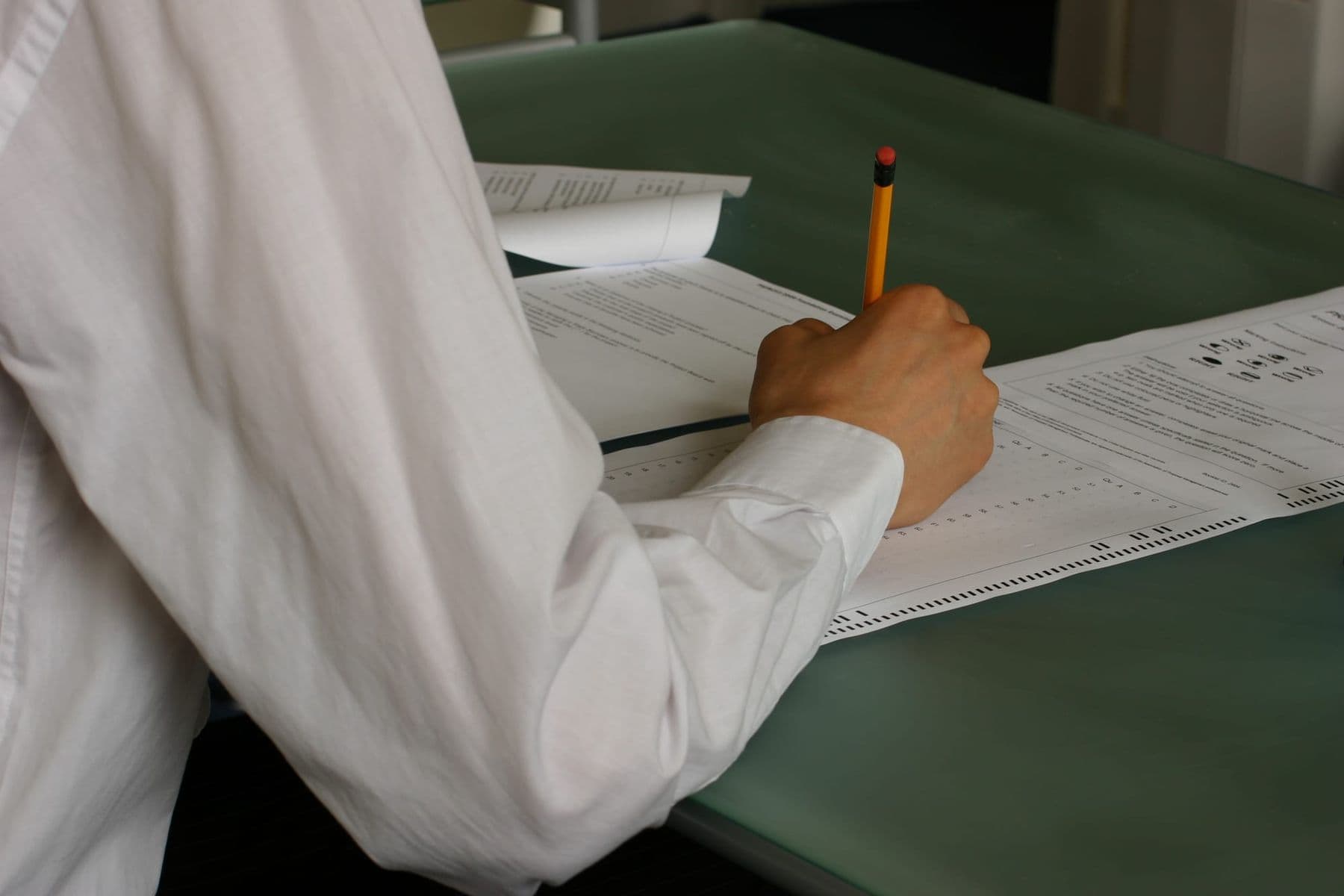
Academic honesty: do AI detectors work?
Not reliably. Independent research agrees:
- Weber-Wulff et al. (2023) tested 14 detectors, including Turnitin: neither accurate nor reliable.
- Liang et al. (Stanford, 2023): seven detectors wrongly flagged 61% of essays by non-native English speakers as AI-written.
- Perkins et al. (2024): six detectors caught AI text only 39.5% of the time, less after simple edits; not fit for integrity decisions.
- OpenAI shut down its own AI text classifier in July 2023 over low accuracy.
All of this was in English; on Georgian text, trust a detector even less.
Instead of a detector:
- Make the process visible: outline, drafts, Google Docs version history.
- Talk to the student: ask them to explain the argument or write a paragraph in class.
- Change the task: personal experience, local data, an oral explanation.
- Allow AI openly, with a declaration: which tool, for what, what the student changed.
For universities, see the syllabus AI policy in AI for university lecturers.
AI in schools: a 6-point school AI policy template
Fill in these six points and discuss them with your staff:
- Purpose. “AI is a learning tool here: it supports students’ thinking and does not replace it. A person always makes decisions about a student.”
- Approved tools and ages. Which service, which grade, which account (school accounts preferred). Under-13s use AI with the teacher, on the projector.
- Data. What never goes into AI, and when written parental consent is needed.
- AI level per assignment. 0: no AI; 1: AI for ideas and checking; 2: AI is part of the task. Levels 1–2 need a short declaration.
- Integrity procedure. A conversation, version history, redoing part in class. Never a detector score alone.
- Training and review. Teacher training, an AI literacy lesson for students, informing parents, a named lead, a yearly review.
Keep point 2’s tool list in an appendix so it can be updated without re-approving the policy.
What UNESCO and the EU AI Act say about AI in education
UNESCO. Its 2023 guidance on generative AI in education calls for a human-centred approach, data protection, validating tools before use and an age limit for independent use (13 for classrooms, per UN News). Its 2024 AI competency framework for teachers sets 15 competencies in five dimensions, from human-centred mindset and ethics to AI pedagogy, at three levels: acquire, deepen, create.
The EU AI Act treats education specifically:
- Banned since 2 February 2025: emotion recognition in education institutions, except for medical or safety reasons.
- AI literacy (Article 4, same date): organisations using AI must take measures to support their staff’s AI literacy.
- High-risk (Annex III, point 3): AI that decides admission or placement, evaluates learning outcomes, assesses the level of education a person can access, or monitors students during tests. Due in August 2026, these rules were moved to 2 December 2027 by the Digital Omnibus, in force since 27 July 2026.
A lesson-planning chatbot is not high-risk; risk starts where AI decides about a student. The Act does not bind schools in Georgia, but it is a sound benchmark.
For parents: what to know about AI at school
- Ask the school: does it have AI rules, which tools are approved, whose account does your child use?
- At home, keep to the age rules (ChatGPT and Gemini from 13, Claude from 18) and turn on parental controls.
- For homework, ask “Explain it to me” rather than “Did you write it?”
More on age limits and parental controls in AI for kids, safely.
Frequently asked questions
What is AI used for in education?
For planning, differentiation, materials, feedback, accessibility and admin. AI drafts, the teacher checks and decides, and AI never gives grades.
At what age can students use ChatGPT or Gemini?
Both require users to be 13 on personal accounts, and ChatGPT needs parental permission under 18. On a school Workspace for Education account, Gemini and Gemini Notebook are available to all ages if the admin enables them; Claude is 18+.
Should schools ban AI?
A total ban rarely works: students use AI at home anyway. A clear policy with an AI level per assignment works better.
How can a teacher tell if a student used AI?
Detectors cannot tell reliably, especially for second-language writing. Talk to the student, check the version history and have part of the work done in class.
Which AI is best for teachers working in Georgian?
Gemini, ChatGPT and Claude all write Georgian well. For your own textbook and Georgian audio, Gemini Notebook is the most convenient.
Where can teachers in Georgia learn to use AI?
TDS runs two online formats in Georgian: the two-hour workshop “Practical AI Tools for Teachers” and the 8-session course “AI for Teachers”, where you build a complete unit for your subject. A good free starting point is UNESCO’s AI competency framework for teachers.
Next step
Start with one job and one class: this week, one text at three levels; this month, a first draft of your school’s AI policy. For first steps with a trainer, join the two-hour online workshop Practical AI Tools for Teachers; to build a complete unit for your subject over eight online sessions, see AI for Teachers. Other professions: our AI courses. For a school team, ask for a free consultation.
Sources
- Guidance for generative AI in education and research, UNESCO
- AI competency framework for teachers, UNESCO
- AI Act: regulatory framework and application timeline, European Commission
- Annex III: High-Risk AI Systems, EU Artificial Intelligence Act
- Testing of Detection Tools for AI-Generated Text (Weber-Wulff et al., 2023), arXiv
- GPT detectors are biased against non-native English writers (Liang et al., 2023), Patterns / PMC
- The Gemini app is now available for all Google Workspace for Education users, Google
- OpenAI launches ChatGPT for Teens, Associated Press / Anchorage Daily News