AI does not replace the shoot: you still create the frame, the light and the rapport with people on camera. The time savings come in the edit: transcript-based editing, automatic subtitles, audio cleanup, colour matching, object removal and extending shots. For Georgian subtitles you need a tool that officially recognises Georgian speech, because the built-in transcription in editing apps often does not.
In 2026 all three popular editors, Adobe Premiere, DaVinci Resolve and CapCut, expanded their AI features significantly. This guide shows which feature helps at which stage, how to make Georgian subtitles, and what to consider before uploading client footage to an AI service. If you want to generate new shots rather than process existing footage, see our Higgsfield step-by-step guide; for a map of every kind of AI tool, see the guide to AI apps.
Where does AI help a videographer?
The table reflects October 2026 (Premiere 26.5, DaVinci Resolve 21, CapCut desktop). Feature names are as they appear in the apps.
| Task | Premiere | DaVinci Resolve | CapCut |
|---|---|---|---|
| Transcript editing | Text-based editing, Paper Edit | IntelliScript (from a script) | Transcript-based editing |
| Finding footage | Media Intelligence | AI IntelliSearch | Smart search |
| Audio cleanup | Enhance Speech | Voice isolation (Studio) | Voice enhancer |
| Masks and objects | Object Mask | Magic Mask, object removal (Studio) | Background remover |
| Resolution and sharpness | – | Super Scale (Studio), UltraSharpen | AI video upscaler |
| New footage | Generative Extend, Generative Media Tool | – | AIGC (Seedance 2.5) |
A few key details. Premiere’s September 2026 release (26.5) added the Generative Media Tool, which creates video and sound effects directly on the timeline, and Paper Edit, which builds a sequence from selected transcript lines. DaVinci Resolve 21 added AI IntelliSearch (search footage by people, objects and spoken words), AI CineFocus (change focus and depth of field) and an AI Speech Generator that turns text into speech. According to Blackmagic, many Neural Engine features, including Super Scale, voice isolation and object removal, are in the paid Studio version. CapCut has an AIGC section that generates new shots with Seedance 2.5.
This is exactly the combination we teach in our course: AI-generated shots, visual effects on your own phone footage and final assembly in free DaVinci Resolve or CapCut.
 Course at TDSAI for Motion Designers: Video, Animation and Sound4 weeks · 12 hDetails
Transcript-based editing: cut an interview like a text
Transcript-based editing saves the most time on interviews and podcasts. The app turns speech into text; you delete unwanted phrases in the text and the clip is cut to match. With Premiere’s Paper Edit you select the best quotes and get a first cut in seconds. Resolve’s IntelliScript works the other way: you give it a script (Final Draft or plain text) and it lays the matching takes on the timeline.
For Georgian there is a big “but”. According to Adobe’s official list, Premiere’s Speech to Text supports 18 languages, and Georgian is not one of them. We could not find Georgian in official transcription language lists for DaVinci Resolve or CapCut either, so check the language menu in your version. Transcript editing works well for English or Russian interviews in Georgia; for Georgian, transcription is still done in a separate tool.
Georgian subtitles with AI: step by step
Georgian AI subtitles work like this: transcription in a service that knows Georgian, human proofreading, then importing the finished file (SRT) into your editor.
- Finish the edit first. Make subtitles last, when the cut is locked, or the timecodes will drift.
- Export the audio. Export only the sound from the sequence (WAV or MP3), ideally after cleanup.
- Transcribe. ElevenLabs Scribe officially supports Georgian and places it in its “high accuracy” tier (word error rate 5–10%). You can download the result as SRT or VTT. Microsoft Azure Speech also recognises Georgian (ka-GE), but it is a developer service.
- Proofread. A 5–10% error rate means 5–10 wrong words in every 100. Read along with the audio and check names, numbers and terms in particular.
- Style. Two short lines on screen work best. In the lab we keep lines under 40 characters and split long sentences by meaning.
- Import and font. Bring the SRT into Premiere, Resolve or CapCut and pick a font with Georgian letters (for example Noto Sans Georgian). If you see boxes instead of letters, the font does not support Georgian.
- Burned in or separate. For Reels and TikTok, burn the subtitles into the picture. For YouTube, upload the SRT separately so viewers can turn it on or off.
Save the subtitle file with the project and put a version in its name (for example interview_v3_ka.srt). If the client changes the edit, you fix only the changed parts instead of transcribing again. Keep every AI change on a separate track or as a separate version, so you can always return to the original.
Sound: cleanup, voice-over and music
Sound is half the video: viewers forgive a weak shot but not bad audio. AI gives the fastest results here:
- Premiere’s Enhance Speech is in the Essential Sound panel: set the clip type to Dialogue, then Enhance. The Mix Amount slider keeps some room sound so speech does not sound like it is in a vacuum.
- DaVinci Resolve Studio isolates voice and separates dialogue with the Neural Engine.
- CapCut has a voice enhancer and a background noise remover.
- ElevenLabs Voice Isolator is a separate service that takes audio and video files up to 500 MB and one hour.
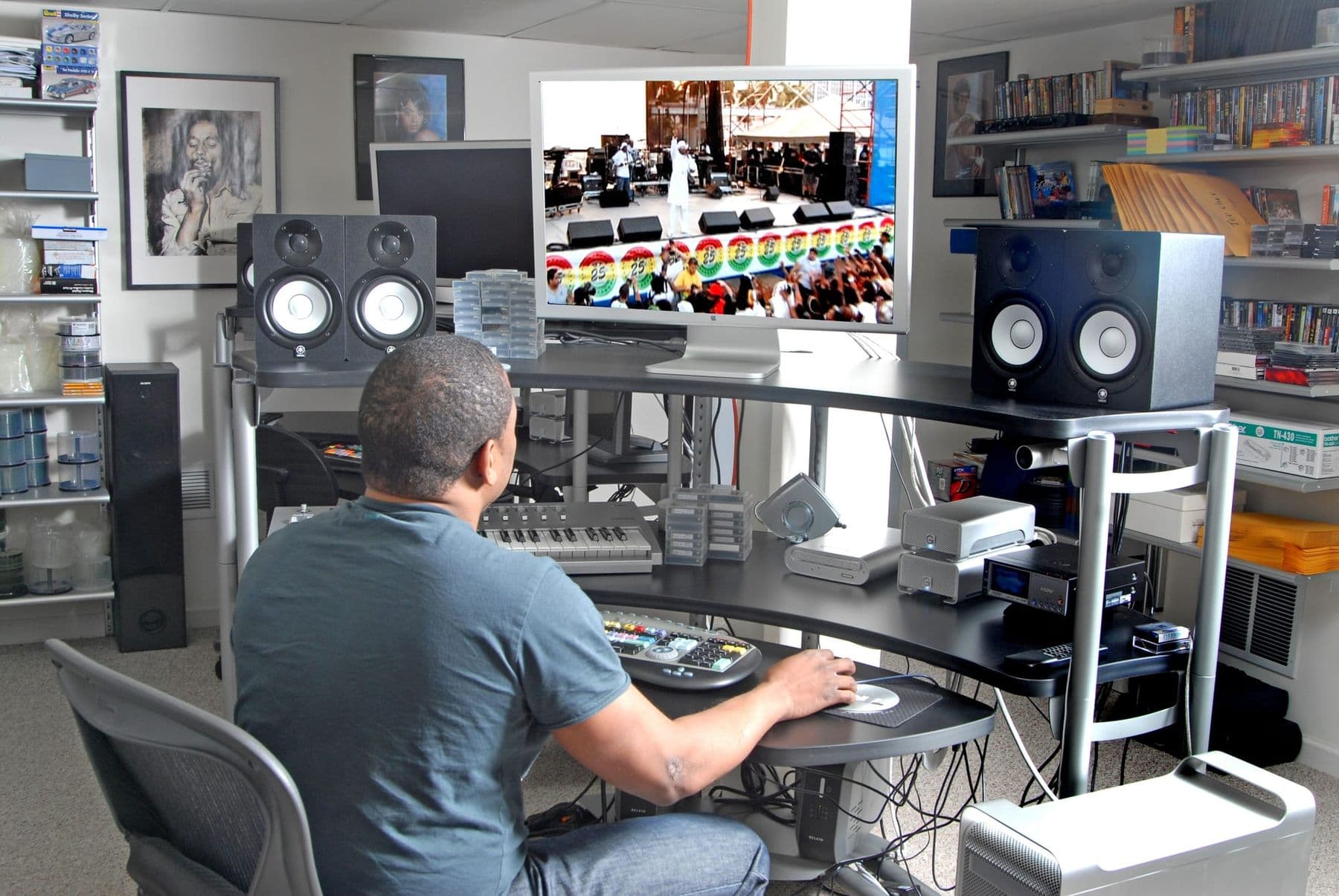
AI cannot rescue a recording where two people talk at once, loud music plays or the audio is clipped. A lavalier microphone and ten seconds of room tone on set are still the best insurance. Listen on studio monitors or closed headphones rather than laptop speakers.
Georgian voice-over, voice cloning rules and a test script are covered in Georgian AI voice. If you plan to clone a voice in Resolve 21’s Speech Generator, the same rule applies: only with the owner’s written consent. For background music, see how to make music with AI.
Colour, resolution and generated shots
AI video processing also works on colour and image, but be careful: the easiest result to get is an artificial look.
- Colour matching. Premiere’s Color Match matches one clip to another and, with Face Detection on, prioritises skin tones. Adobe’s own tutorial calls it a starting point: most clips need manual tweaks.
- Upscaling. Resolve Studio’s Super Scale creates 4K and 8K from HD, and UltraSharpen sharpens upscaled footage; CapCut has an AI upscaler too. Useful for archive or old phone footage, but check faces: AI sometimes invents detail.
- Extending a shot. Premiere’s Generative Extend adds up to 2 seconds of video and up to 10 seconds of audio at the start or end of a clip, and since 26.5 it accepts footage from 360p to 4K. It helps when a take ended slightly too early for the music.
- New B-roll. Shots from Premiere’s Generative Media Tool, CapCut’s AIGC or Higgsfield work for illustration, backgrounds and transitions. Removing objects or changing the background or weather in your own footage is covered in AI video and animation.
One rule for documentary, news and wedding films: never cut in an AI-generated shot as if it really happened. Realistic generated scenes must be labelled on YouTube and Instagram.
Client consent, rights and labelling
AI in the edit raises new questions: where client footage goes and whose consent you need.
- Cloud or local. Some features run on your computer, others send footage to a server. According to Adobe, Generative Extend sends a short segment of the clip to a cloud model. Adobe also states that it does not train generative AI on customer content. Other services differ: under Higgsfield’s terms, uploaded material may be used to train its models.
- People on camera. A person’s image and voice are personal data, and Georgia’s Law on Personal Data Protection lists voice characteristics among its examples of biometric data. Change faces, clone voices or “de-age” someone (for example with Resolve 21’s Face Age Transformer) only with that person’s written consent.
- The contract. State which AI tools you use, whether footage goes to cloud services, who owns the final files and who labels AI content on publication.
- Labelling. Instagram requires a label on photorealistic video and realistic-sounding audio that was digitally created or altered. AI-generated scenes or voices are clearly covered; when in doubt, label.
Frequently asked questions
Which software makes Georgian subtitles automatically?
Georgian is not on Premiere’s official list. ElevenLabs Scribe (with SRT and VTT export) and Microsoft Azure Speech officially recognise Georgian. The usual route is to transcribe there, proofread and import the SRT into your editor.
Can I edit video with AI for free?
Partly. DaVinci Resolve and CapCut have free versions, though many of Resolve’s Neural Engine features (voice isolation, Super Scale, object removal) are in the paid Studio version. The ElevenLabs free plan includes transcription with limited credits.
Premiere, DaVinci Resolve or CapCut: which should I choose?
Premiere suits you if you already work in Adobe apps and need Generative Extend. DaVinci Resolve is strong in colour and audio and is a one-time purchase. CapCut is fastest for vertical social video. Many videographers use two of them together.
Can AI fix bad audio?
AI handles background noise, air-conditioning hum and room echo well. Overlapping speech, loud music and clipped recordings often cannot be fixed, so do not rely on AI instead of recording good sound on set.
Will AI replace videographers?
AI speeds up routine work: transcription, search, cleanup, subtitles. Choosing the shot, working with people on set, building the story and taste are still yours. The advantage goes to those who master both.
Next step
Start with one interview: clean the audio, make Georgian subtitles the way described above and see how much time you saved. If you want to learn to create shots and effects with AI and assemble them into a finished spot with Georgian voice-over, see the course AI for Motion Designers: Video, Animation and Sound in Tbilisi. If you have questions, contact us for a free consultation.
Sources
- Adobe Premiere desktop release notes, Adobe
- Speech to Text in Premiere Pro, Adobe
- Generative Extend FAQ in Adobe Premiere, Adobe Help Center
- What’s new in DaVinci Resolve 21, Blackmagic Design
- DaVinci Resolve Studio, Blackmagic Design
- CapCut desktop video editor, CapCut
- Speech to Text, ElevenLabs Documentation
- Label AI content on Instagram, Instagram Help Centre