Higgsfield is a browser-based AI video studio where one account and one credit balance give you dozens of models: Google Veo 3.1, Kling, Seedance, Nano Banana and Higgsfield’s own Cinema Studio. To make an AI video, you create a still frame first, choose a camera move and animate the frame, then add sound and titles in the edit.
Higgsfield is not a single model: it brings models from different companies into one interface and adds tools built around film language (camera, lens, light, character). Credits go fast, so this guide focuses on process: how to spend less and get predictable results.
For the general AI video method and a comparison of other tools, read AI video and animation: Runway, Kling, Veo. For a map of every kind of AI tool, see our guide to AI apps.
What is Higgsfield and which models does it include?
According to Higgsfield, as of October 2026 one credit balance covers more than 30 video, image and audio models. They fall into three groups:
- Video models: Google Veo 3.1, Kling (3.0 and 4.0), ByteDance Seedance (2.0 and 2.5), Wan and xAI’s Grok Video.
- Image models: Google’s Nano Banana Pro and Nano Banana 2, Higgsfield Soul 2.0, GPT Image and FLUX.2.
- Higgsfield’s own tools: Cinema Studio (camera, lens, light), Soul ID (one character in every shot), Genjutsu (motion transfer onto your character or product, and object swaps), Lipsync Studio (talking characters), Audio (voice-over) and Upscale (higher resolution).
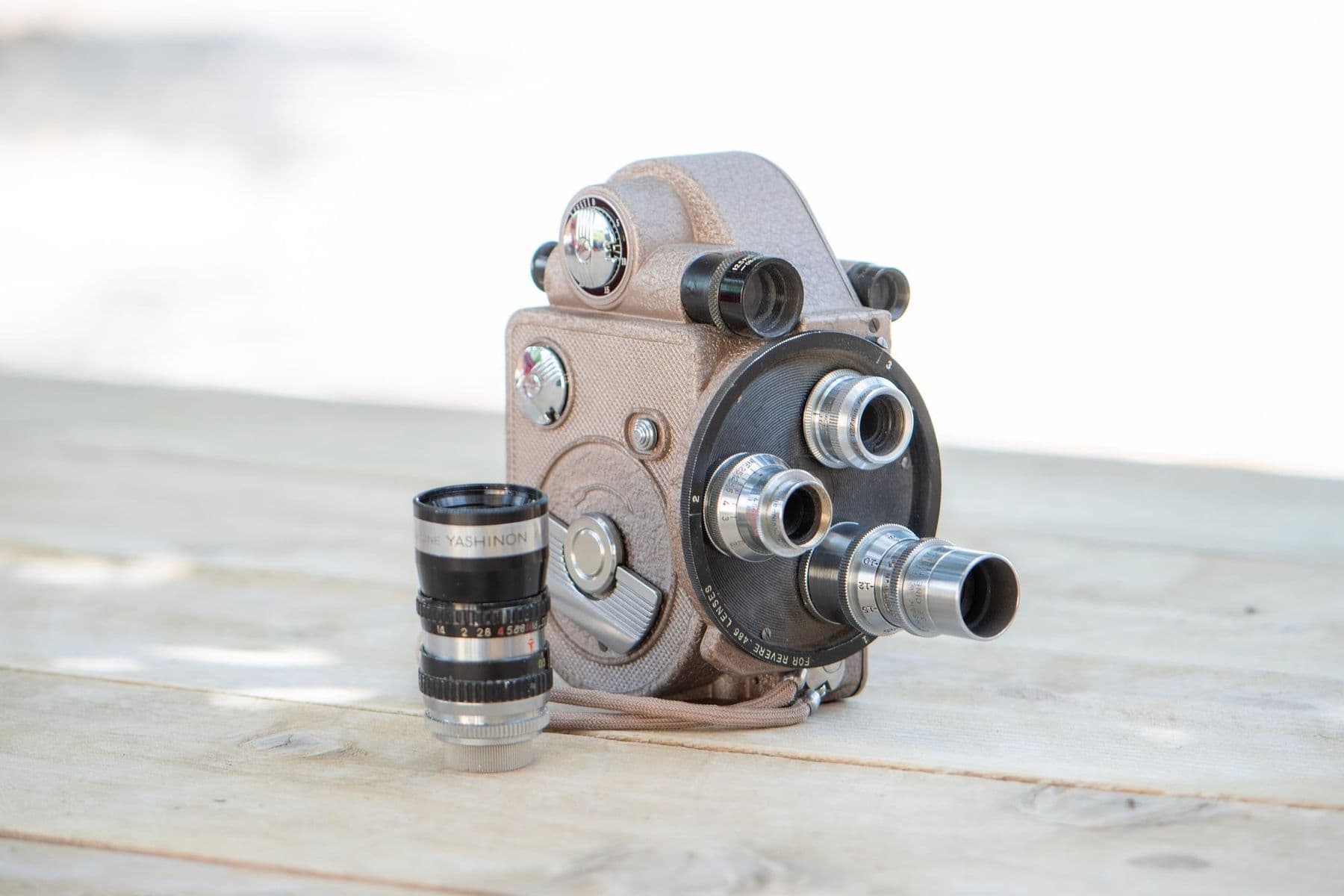
Cinema Studio 4.0, released in August 2026, lets you direct AI video in film terms. It has more than 30 camera movement presets (such as POV, Robot Arm, Pan Left and Helicopter Shot), four camera types (Modern, DV Camcorder, 35mm Film, 8mm Film), five lenses (Clean Sharp, Anamorphic and others) and apertures from f/1.4 to f/11. It accepts up to 50 reference images per generation, creates up to 30 seconds of video, and can extend a clip forward or backward.
Soul ID learns one person’s face so they look the same in every shot. Higgsfield’s help center asks for 20 or more photos of the same person (up to 80), well lit, from different angles and with different expressions. Do this only with the consent of the person in the photos.
We use Higgsfield’s Cinema Studio, Soul ID and talking characters, alongside Kling and Seedance, in hands-on sessions of the AI for Motion Designers course:
 Course at TDSAI for Motion Designers: Video, Animation and Sound4 weeks · 12 hDetails
How much does Higgsfield cost? Plans and credits
Prices are from Higgsfield’s official pricing page as of October 2026, excluding VAT. Plans change often, so check before you buy.
| Plan | Price per month | Credits per month | Key points |
|---|---|---|---|
| Free | $0 | 0 | Explore the interface; no commercial use |
| Starter | $15 | 200 | Commercial use, selected models only |
| Plus | $49 ($39 billed annually) | 1,000 | All models, start and end frames, Higgsfield Speak |
| Ultra | $129 ($99 billed annually) | 3,000 | Same, with more credits and more unlimited models |
Higgsfield’s pricing page puts 1,000 credits at about 67 Seedance 2.5 videos or 500 Nano Banana Pro images; the exact cost depends on model, resolution and length.
A few details to know before you buy:
- Starter is limited. It runs only Seedance 2.0 Fast and 2.0 Mini, has no start and end frame control and no Higgsfield Speak, and Kling 3.0, for example, is 720p only.
- Credits do not roll over. On individual plans, unused credits reset at each renewal.
- Refunds. Only within 7 days of the first purchase, and only if no credits were used. Renewals are non-refundable.
- “Unlimited” models (for example Kling 3.0 and Nano Banana 2 for seven days on Plus) work only on the higgsfield.ai website and for a limited time.
How to make a 15-second product video with Higgsfield: 7 steps
Take a 15-second reel for a Georgian honey brand as the example: three shots of 5 seconds each, in 9:16.
- Plan on paper. Shot 1: a jar on a wooden table, the camera slowly moves in. Shot 2: honey pouring from a spoon, close-up. Shot 3: the jar in window light, the camera circles it, with space for the logo at the end. Decide where text will go so it does not cover the subject.
- Reference photo. Shoot the real product on your phone: daylight, clean background, label clearly visible. AI cannot invent your label and often distorts Georgian letters, so keep label close-ups to a minimum.
- Still frames. In Nano Banana Pro or Soul, use the reference photo to create three stills in one style. Describe the scene, light and lens, then say what must not change. More on image generation in how to create images with AI.
- One product or character throughout. Use the same reference in every generation. If a person appears, create a Soul ID only with their consent, or use Cinema Studio’s fictional AI Cast actors.
- Camera move. In Cinema Studio, give each shot one move: push in, slide sideways or orbit. For a product, a sharp lens (Clean Sharp) and a wide aperture (f/1.4) blur the background, while Anamorphic gives a cinematic feel.
- Image to video. Test first with short, low-resolution (720p) clips and pick the best of two variations. For the logo reveal, set start and end frames (Plus and above). Then render the winners at high quality or enlarge them with Upscale.
- Sound and Georgian voice-over. Some models (for example Veo 3.1) generate their own sound, but video models do not handle Georgian speech reliably. Create the voice-over in Higgsfield Audio with an ElevenLabs v3 or v4 model, or in ElevenLabs directly, as explained in Georgian AI voice. For background music, read how to make music with AI.
Here is what the prompt for shot 1 might look like:
Shot 1 (5 seconds, 9:16). A glass jar of honey on a wooden table,
warm morning window light from the left, a blurred kitchen behind.
Camera: slow push-in, Clean Sharp lens, f/1.4.
Do not change: the jar's shape, colour, label or lid.
No text in the frame.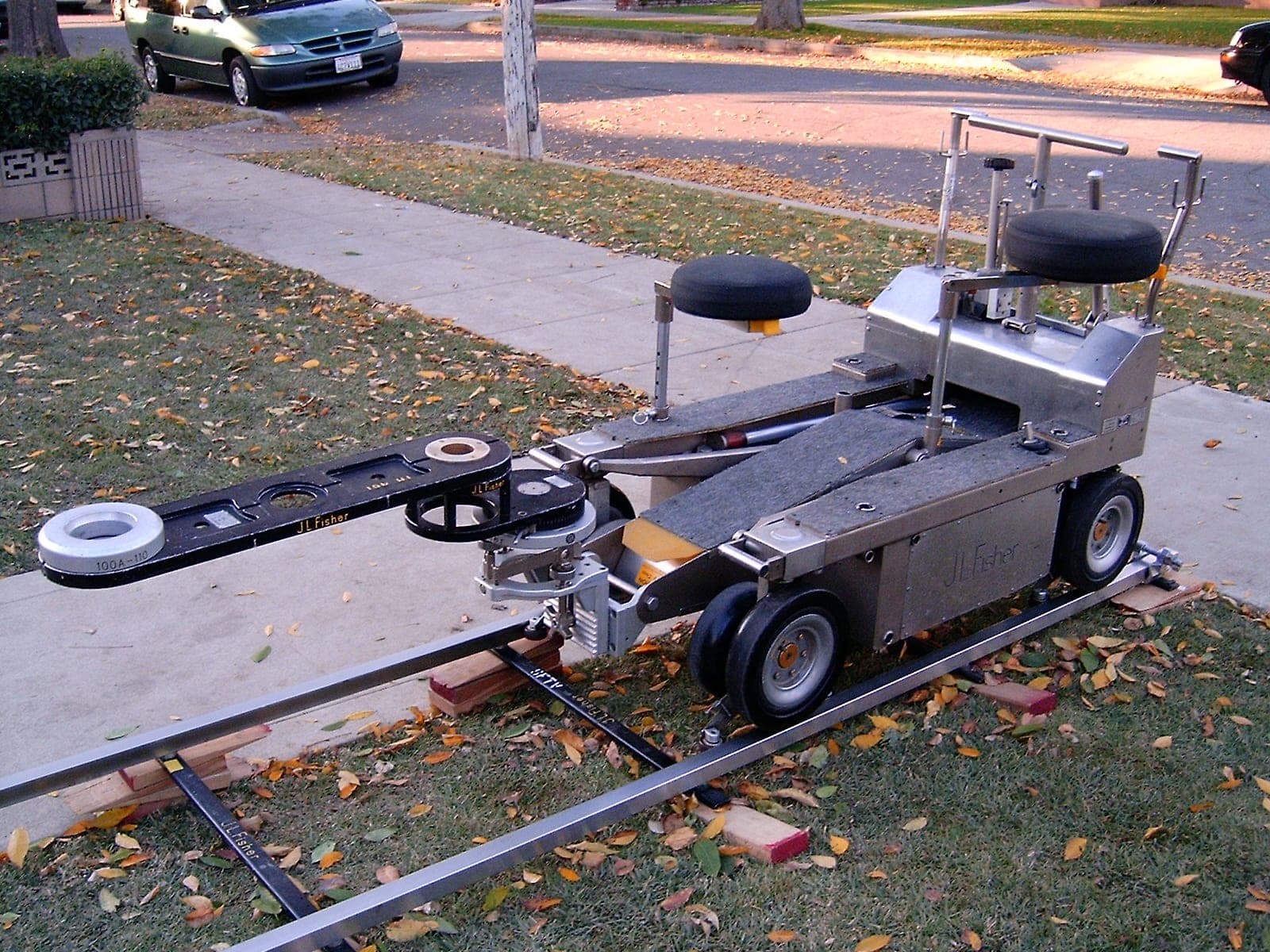
When you pick a move in Cinema Studio, imagine what equipment a real shoot would need: if the move is physically impossible, the result often looks unnatural too.
Cheap tests, expensive finals. Test motion and pace at low resolution with short clips, and render the final version at high quality only once you like the camera and composition. Save every prompt that worked in a separate file: it saves time and credits on the next video.
How to edit and export for Reels and TikTok
Higgsfield creates the shots; you assemble the spot in an editor, and free CapCut or DaVinci Resolve is enough:
- Assembly. Put shots, voice-over and music on one timeline. The first 2 seconds matter most: show the product or a question there.
- Georgian titles. Add text in the edit with a font that has Georgian letters. AI still writes Georgian text into frames unreliably.
- Safe zone. In vertical video, the app’s buttons and caption cover the bottom and right edges, so keep important text near the centre.
- Export. 1080×1920, MP4 (H.264). Make a separate 16:9 version for YouTube.
- Labels. Instagram requires you to label photorealistic AI video when posting (the Add AI label toggle), and YouTube asks for disclosure of realistic AI content.
For other AI editing tools, from Georgian subtitles to audio cleanup, see AI for videographers.
Who owns a video made with Higgsfield?
Higgsfield’s terms of use were last updated on 26 July 2026. The main points:
- Ownership and commercial use. Higgsfield claims no ownership of what you upload or generate and does not restrict commercial use of outputs. Its pricing page, however, lists commercial use as not included on the Free plan.
- Training. Your inputs and outputs may be used to train Higgsfield’s models (an Enterprise agreement is the exception), and content already used cannot be removed from trained models. Do not upload confidential client material without permission.
- Uniqueness. Your result may be similar or identical to another user’s; Higgsfield does not promise uniqueness.
- Real people. If you upload someone’s face or voice, you need their consent, and depicting people without permission or legal justification is prohibited. Accounts are for users 18 and over.
- Disclosure. Where the law requires it, you must disclose AI-generated or altered content.
When is another tool a better fit?
Higgsfield is strong for trying many models and directing in film language. Otherwise:
- Changing your own footage (background, weather, objects): video editing models such as Runway Aleph or Gemini Omni, compared in our AI video overview.
- Images only: ChatGPT or Gemini is often enough; see the Gemini guide.
- A long monologue in Georgian: filming a real person still sounds more natural than an AI character.
- A month of content for a business: planning, copy and visuals together are covered in AI for marketing.
Frequently asked questions
Is Higgsfield AI free?
Partly. On the Free plan you can create an account and explore the interface, but as of October 2026 it includes no credits and no commercial use. Paid plans start at $15 a month (Starter, 200 credits).
How many videos can I make with Higgsfield credits?
It depends on the model, resolution and length. Higgsfield’s pricing page puts 1,000 credits (the Plus plan) at about 67 Seedance 2.5 videos or 500 Nano Banana Pro images. Test at low resolution and your credits last longer.
Can Higgsfield speak Georgian?
Built-in speech in video models does not yet handle Georgian reliably. Higgsfield’s Audio section, however, includes ElevenLabs v3 and v4, which ElevenLabs officially lists as supporting Georgian. Create the voice separately and add it in the edit.
Can I use Higgsfield videos commercially?
On a paid plan, yes: Higgsfield’s terms claim no ownership of outputs and do not restrict commercial use. The Free plan does not include commercial use. You need consent for any real person’s face or voice, and photorealistic videos should be labelled on social media.
Is Higgsfield better than using Kling or Veo directly?
If you use one model and already subscribe to it, working directly is often simpler. Higgsfield makes sense when you compare models or need Cinema Studio’s camera control.
Next step
Start with one shot: photograph your product, turn it into a still frame and animate it with two different camera moves. If you want to learn the whole process, from script and style frames to a finished spot with Georgian voice-over, see the course AI for Motion Designers: Video, Animation and Sound in Tbilisi. Not sure where to start? Contact us for a free consultation.
Sources
- Pricing, Higgsfield
- Terms of Use Agreement, Higgsfield
- Cinema Studio 4.0, Higgsfield Blog
- How do Higgsfield plans work?, Higgsfield Help Center
- How do I create and use a Soul ID character?, Higgsfield Help Center
- Credits vs Unlimited Plans for AI Video Generation in 2026, Higgsfield Blog
- Models, ElevenLabs Documentation
- Label AI content on Instagram, Instagram Help Centre