A laser-cut wooden box is assembled from six plywood panels whose edges alternate between “fingers” and slots that slot precisely into each other. Finger width is usually 2–3 times the material thickness. There are two secrets: measure the sheet’s real thickness, and compensate for kerf by offsetting the outline by half the kerf. The easiest route is a free box generator such as boxes.py or MakerCase.
A laser-cut box is the first serious project for many people, and for good reason. It teaches everything a precise part needs: dimensions, material thickness, kerf, layer order and assembly. And at the end you have something useful that looks good.
Below we first explain how the joint works, then show kerf compensation with numbers, and finally go from a generator to a finished box.
What is a finger joint?
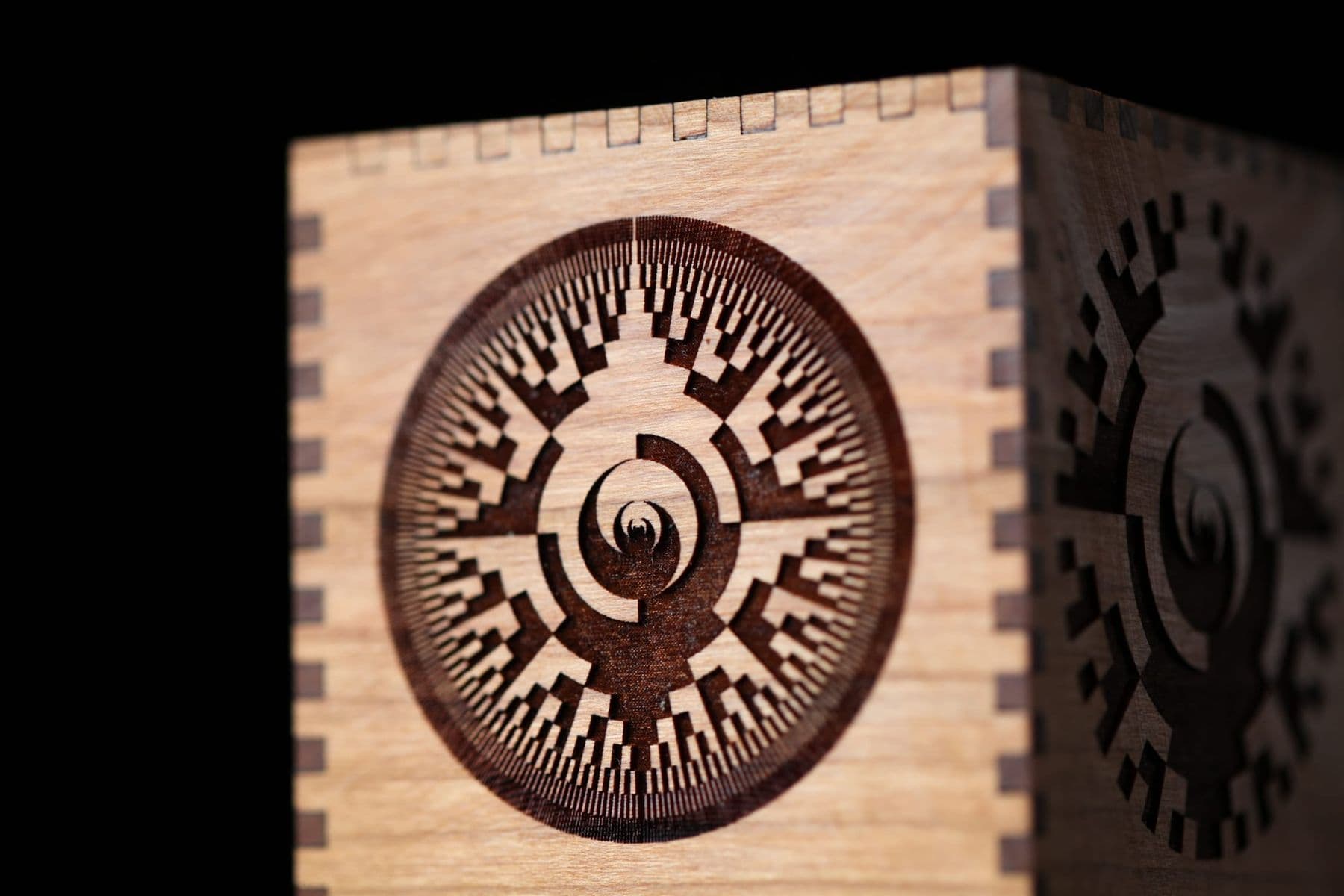
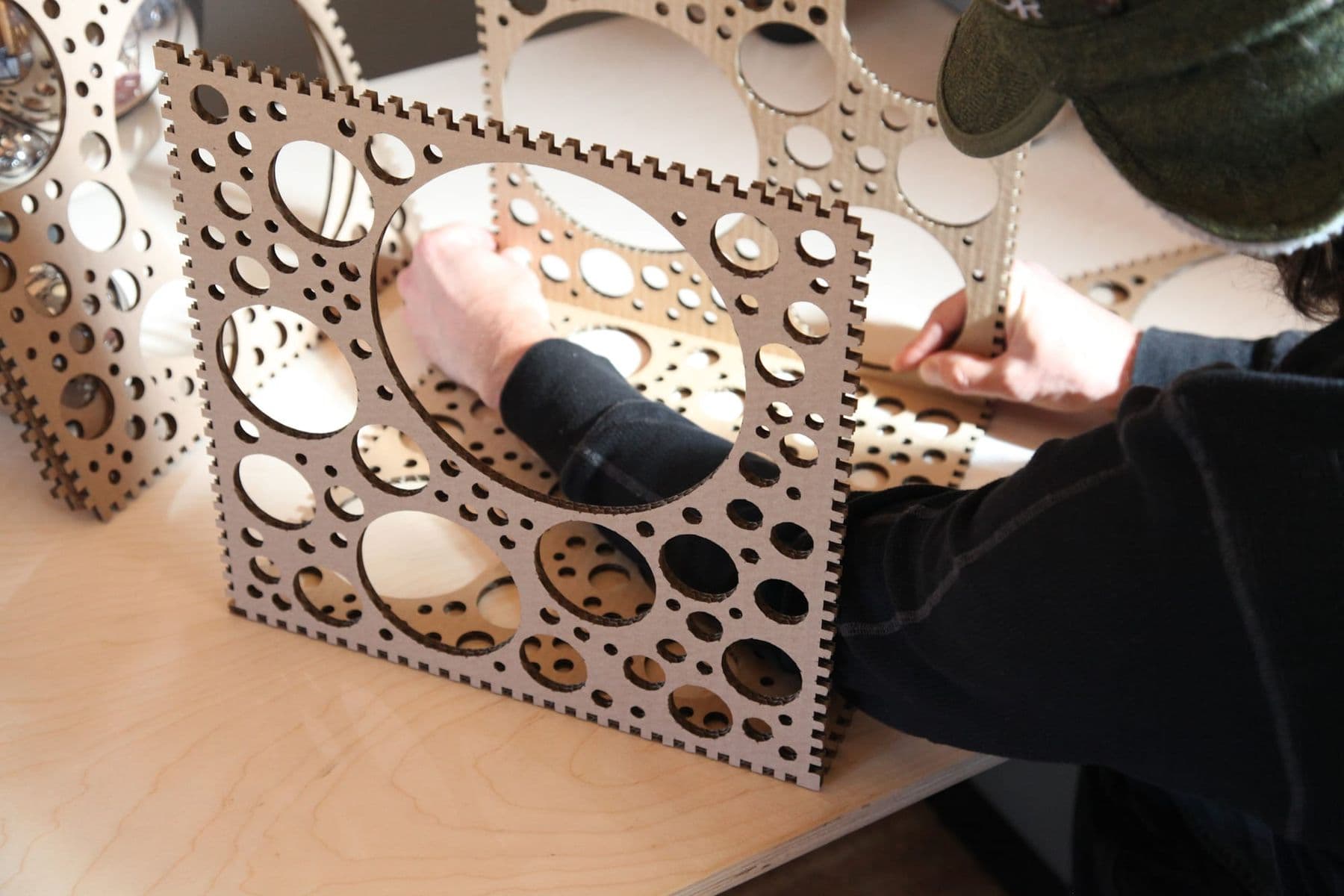
The finger joint (or box joint) comes from woodworking: alternating tabs and slots are cut at the ends of two boards so they interlock. On a laser the same principle works on flat panels: each edge is divided into fingers and slots, and the finger depth equals the material thickness exactly. When two panels meet at a corner, the fingers of one fill the slots of the other, and the corner comes out flush and strong.
A well-fitted joint holds even without glue, but glue makes the box far more durable. A badly fitted joint is either loose, so the box wobbles, or too tight, so the plywood splits during assembly.
Box dimensions: inside, outside and material thickness
Before you start drawing, decide which dimension matters:
- Inside dimensions matter when a specific object must fit: a phone, a circuit board, a deck of cards.
- Outside dimensions matter when the box must fit on a shelf or in a drawer.
The difference between them is two wall thicknesses. For example, a closed box with outside dimensions of 100×80×60 mm in 3 mm plywood is 94×74×54 mm inside. In the boxes.py generator most dimensions are inside sizes, but you can tell it to work from outside dimensions.
Never take plywood thickness from the label. “3 mm” plywood may really be a little thinner or thicker, and that difference repeats on every finger. The boxes.py manual also advises measuring every sheet: in plywood even a hundredth of a millimetre makes a noticeable difference. Use calipers and measure in several places.
Finger width and count
In boxes.py, finger and slot widths are given as multiples of the material thickness, which is a good rule for any box:
- Fingers and slots of 2–3 times the thickness: 6–9 mm for 3 mm plywood. Such fingers are strong and easy to assemble.
- Very narrow fingers (equal to the thickness or less) break easily in plywood.
- Very wide fingers weaken the joint and make the box wobble.
- Leave a little extra at the ends of each edge so the corners stay strong; in boxes.py this is the surroundingspaces setting.
When drawing by hand, use an odd number of fingers per edge: the edge then ends the same way at both ends and the opposite panel comes out symmetrical.
Kerf compensation in numbers
Kerf is the width of the line the laser beam burns away. Cut a file without compensation and every finger gets narrower by half the kerf on each side, while every slot gets wider by the same amount.
How to measure it: cut a 20 mm square and measure it with calipers. If it comes out at 19.8 mm, the kerf is 0.2 mm and the compensation is half of that, 0.1 mm (boxes.py calls this value burn).
Here is what happens to a 6 mm finger and a 6 mm slot with a 0.2 mm kerf:
| Compensation | Finger after cutting | Slot after cutting | Result |
|---|---|---|---|
| 0 | 5.8 mm | 6.2 mm | 0.4 mm gap, the box wobbles |
| 0.05 mm | 5.9 mm | 6.1 mm | Loose, glue only |
| 0.10 mm | 6.0 mm | 6.0 mm | Snug, assembles by hand |
| 0.12 mm | 6.04 mm | 5.96 mm | Very tight, plywood may split |
More compensation means a tighter fit, less means a looser one. According to the boxes.py manual, the value is usually adjusted in steps of 0.01 or even 0.005 mm, and the BurnTest generator checks several values on one sheet. Wood compresses slightly, so a snug fit works well; acrylic does not compress and needs a slightly looser fit for glue.
If your file has no compensation, LightBurn’s Line mode settings include Kerf Offset, which moves the cutting path outward from a closed shape. For a finger-jointed panel that is exactly what you need, but check the result separately on slots and holes inside a panel. The LightBurn basics are covered in LightBurn for beginners.
Laser cut box generators: boxes.py and MakerCase
Drawing a box by hand is good practice, but two free online generators save hours:
| Item | boxes.py | MakerCase |
|---|---|---|
| Where | boxes.hackerspace-bamberg.de | makercase.com |
| Cost and licence | Free, open source (GPL v3) | Free online tool |
| Box types | Dozens: closed, hinged, divider trays, shelves and more | Basic box, hinged, sliding lid, dividers |
| What you set | Size, thickness, fingers, burn, BurnTest | Size, thickness, joint type |
| Output | SVG (other formats with an extra tool) | SVG, DXF, 3MF |
boxes.py is Florian Festi’s open-source project: it is an online generator, an Inkscape extension and a Python library for writing your own generators. MakerCase is simpler, with fewer settings, and is often easier for beginners. Always check the kerf compensation in the result: if you did not set it in the generator, add it in LightBurn.
 Course at TDSLaser Cutting & Engraving6 weeks · 20 h · Starts 17 NovDetails
Step by step: from generator to finished box
- Measure the plywood thickness with calipers in several places and take the average.
- Measure the kerf with a 20 mm square or BurnTest.
- Enter the dimensions, thickness, finger width and compensation in the generator, and download the SVG.
- Import the file into LightBurn and check the size with the ruler.
- Add engraving on the lid (a name, an ornament) as a separate layer that runs before the cuts.
- Order the layers: engraving, inner contours, outer contour.
- Cut two neighbouring panels first and test the fit. If it is good, cut the rest. Keep the exhaust on and stay with the machine while it cuts.
- Dry-fit the box without glue, check it, and only then apply glue.
Assembly and glue
Ordinary wood (PVA) glue is enough for a wooden box. Apply a thin layer to the fingers only, join the panels and wipe away excess glue immediately with a damp cloth before it dries. Hold the assembled box with clamps or simply masking tape, and check the corners are square: the diagonals should be equal.
A laser-cut edge is dark. Some people like the handmade look; others sand it clean. Brush soot off the surface with a soft brush and, if you like, finish with oil or wax.
Before the real box, cut two small test strips with a single joint at three different compensations (for example 0.08, 0.10 and 0.12 mm). In two minutes you will see which one fits snugly by hand without splitting, and you will not waste a whole sheet.
Variations: lids, dividers and engraving
Once the basic box works, the variations build on it:
- Hinged lid. boxes.py has dedicated generators for this, such as HingeBox, and MakerCase has a Laser Hinge Box.
- Sliding lid. The lid slides in a groove cut into the side walls. MakerCase has it as a ready-made type.
- Dividers. A box split into compartments for screws, jewellery or tea; boxes.py has DividerTray.
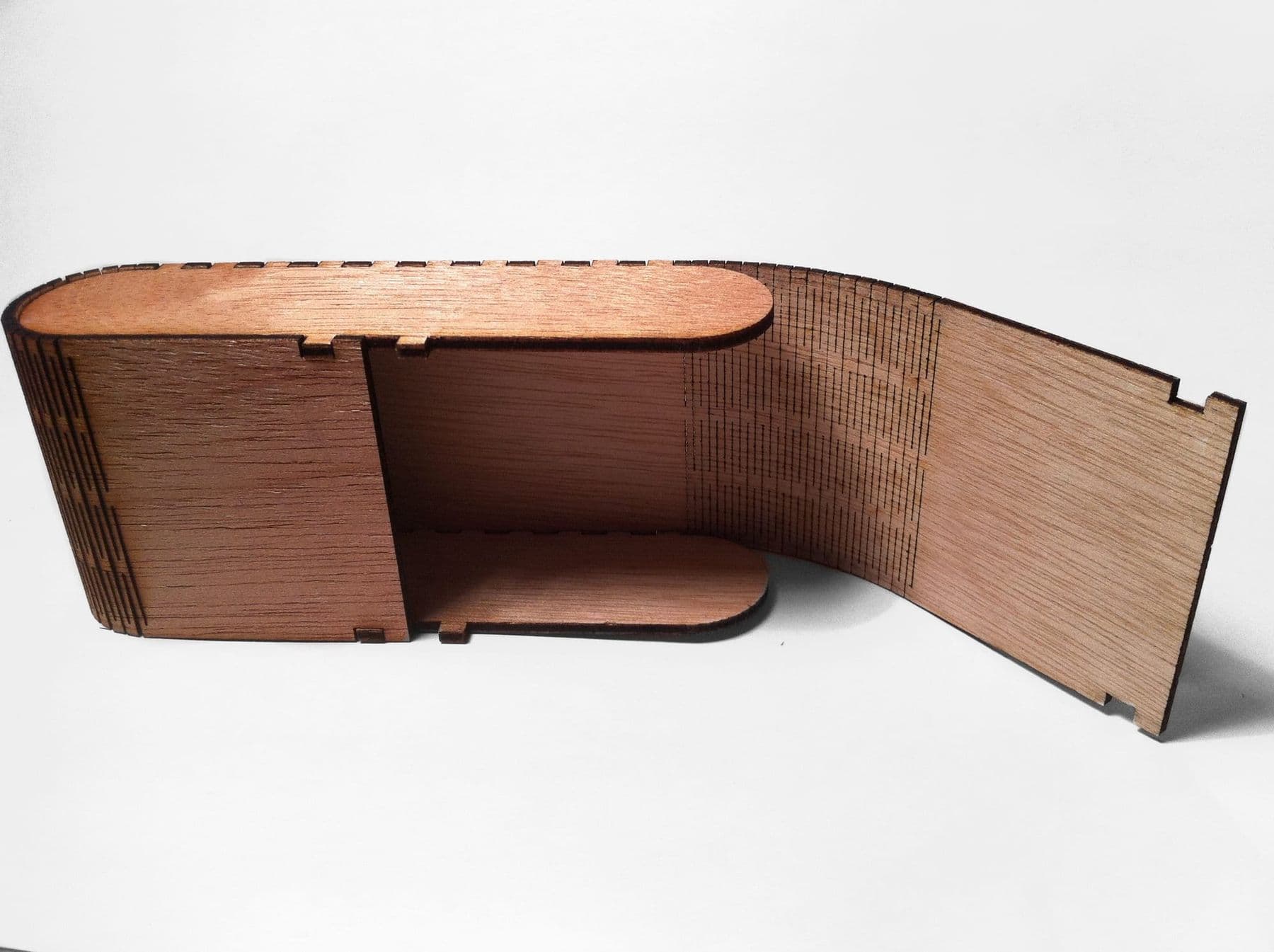
- Living hinge. A dense pattern of cuts that lets plywood bend into a rounded wall.
- Engraved lid. A name, a date, an ornament or a photo turns the box into a gift.
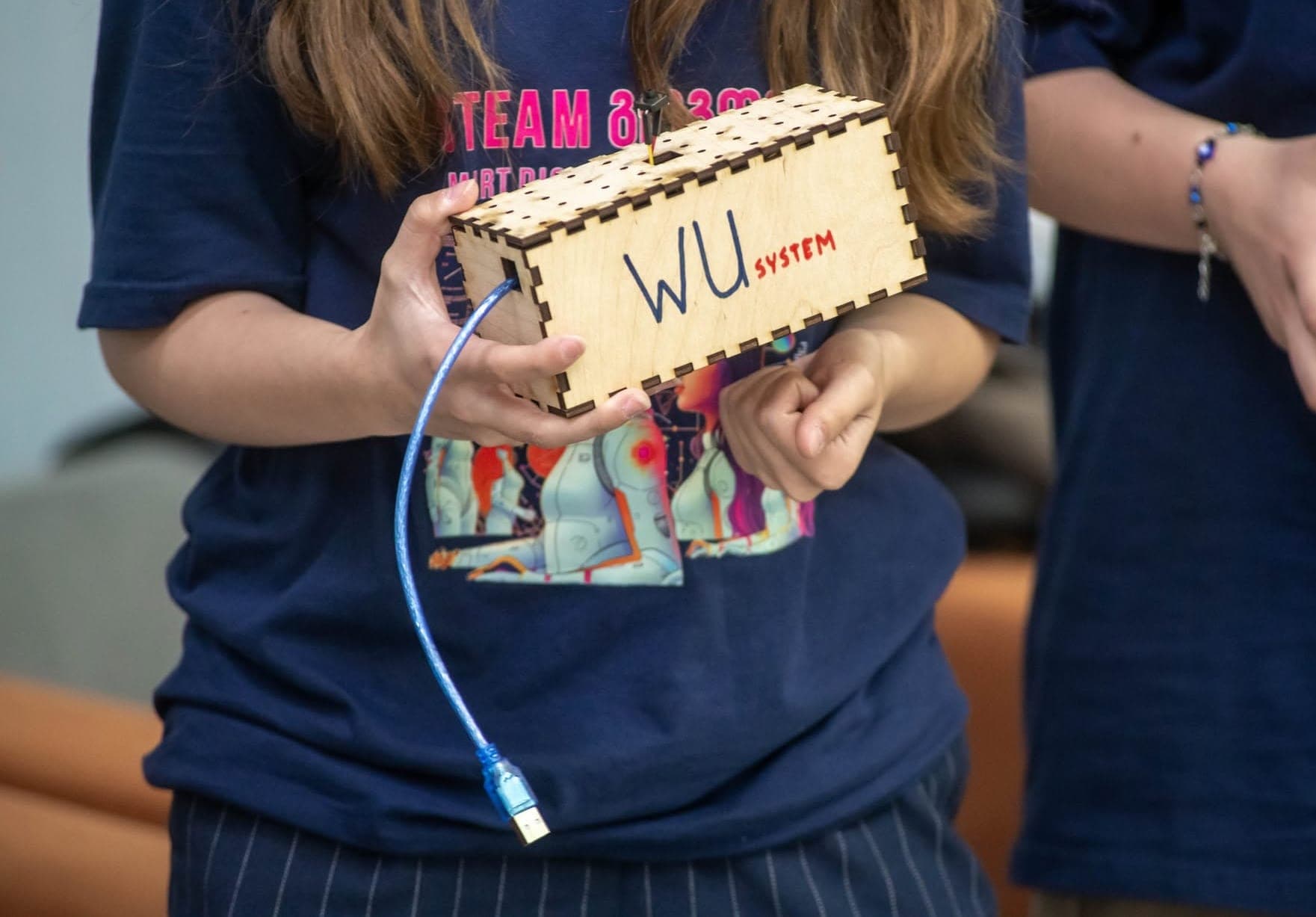
- Electronics enclosure. Holes for buttons, a display and a USB cable.
Architectural models are assembled with the same technique of slots and joints; read more about that direction in architecture for teens. For projects beyond boxes, see 15 laser cutting ideas.
Frequently asked questions
What plywood thickness is best for a laser-cut box?
To start, 3–4 mm birch plywood: it cuts easily, is light, and is strong enough for a small box. For a large box, 6 mm is more stable, but it cuts more slowly and the fingers should be wider too.
Why don’t my finger joints fit?
There are two causes: the file uses a different thickness from the real sheet, or the kerf compensation is wrong. Measure the thickness first, then change the compensation by 0.01–0.02 mm and test on two panels.
Do I need glue for a finger joint box?
A well-fitted box stands without glue, but it can come apart with frequent opening or in transport. That is why boxes meant as gifts or for sale are assembled with wood glue.
Which box generator is best?
MakerCase is simple and good for beginners. boxes.py offers far more types and settings and is better for complex projects. Both are free.
Can you make an acrylic finger joint box?
Yes, but acrylic does not compress, so the fit should be slightly looser, and the panels are joined with special acrylic glue. Cast acrylic varies more in thickness, so measure every sheet.
How long does it take to make one box?
A 100 W CO₂ laser cuts a small plywood box in a few minutes; engraving the lid adds time depending on size and interval. Then come assembly, glue drying and finishing. On your first box, most of the time goes into preparing the file and the test cuts.
Next step
The fastest way to master the finger-joint box is to make one at a laser with someone to guide you. At the Make a Wooden Box with a Laser masterclass in Tbilisi you draw a finger-joint box in CorelDRAW, cut it from plywood and assemble it, and the box is yours to keep.
Sources
- Boxes.py: open-source box generator, GitHub
- Boxes.py user manual, Florian Festi
- Boxes.py online generator, Hackerspace Bamberg
- MakerCase: free online box designer
- Line Mode: Kerf Offset, LightBurn Documentation
- Laser cutting, Wikipedia
- Material handling: acrylic, Trotec Laser