Maths becomes fun when students build and test the formula with their own hands. Five STEAM activities make that possible: Platonic solids in Tinkercad and on a 3D printer, geometry art in Scratch, a probability game with a dice simulation, a laser-cut tangram for fractions, and measuring with an Arduino sensor. Each one links to a specific school topic.
“When will I ever need this?” is the question maths teachers hear most often. A STEAM activity answers it by itself: a child remembers Euler’s formula when counting the vertices of a polyhedron they printed, and understands exterior angles when their sprite draws a star on screen.
Below, each activity comes with steps, the maths behind it and, where useful, an extension idea.
Which activity fits which grade and topic?
| Activity | Suggested grade | Maths topic | Tool |
|---|---|---|---|
| Platonic solids | 7–9 | 3D shapes, Euler’s formula | Tinkercad, 3D printer |
| Geometry art | 5–7 | Angles, polygons | Scratch |
| Probability game | 6–9 | Probability, frequency | Scratch |
| Tangram and fractions | 3–6 | Fractions, area | Laser cutter or cardboard |
| Measuring with a sensor | 7–10 | Mean, error | Arduino |
The grades are a guide: the same activity can be done simply with younger students and with more calculation with older ones.
Activity 1: Platonic solids in Tinkercad and on a 3D printer
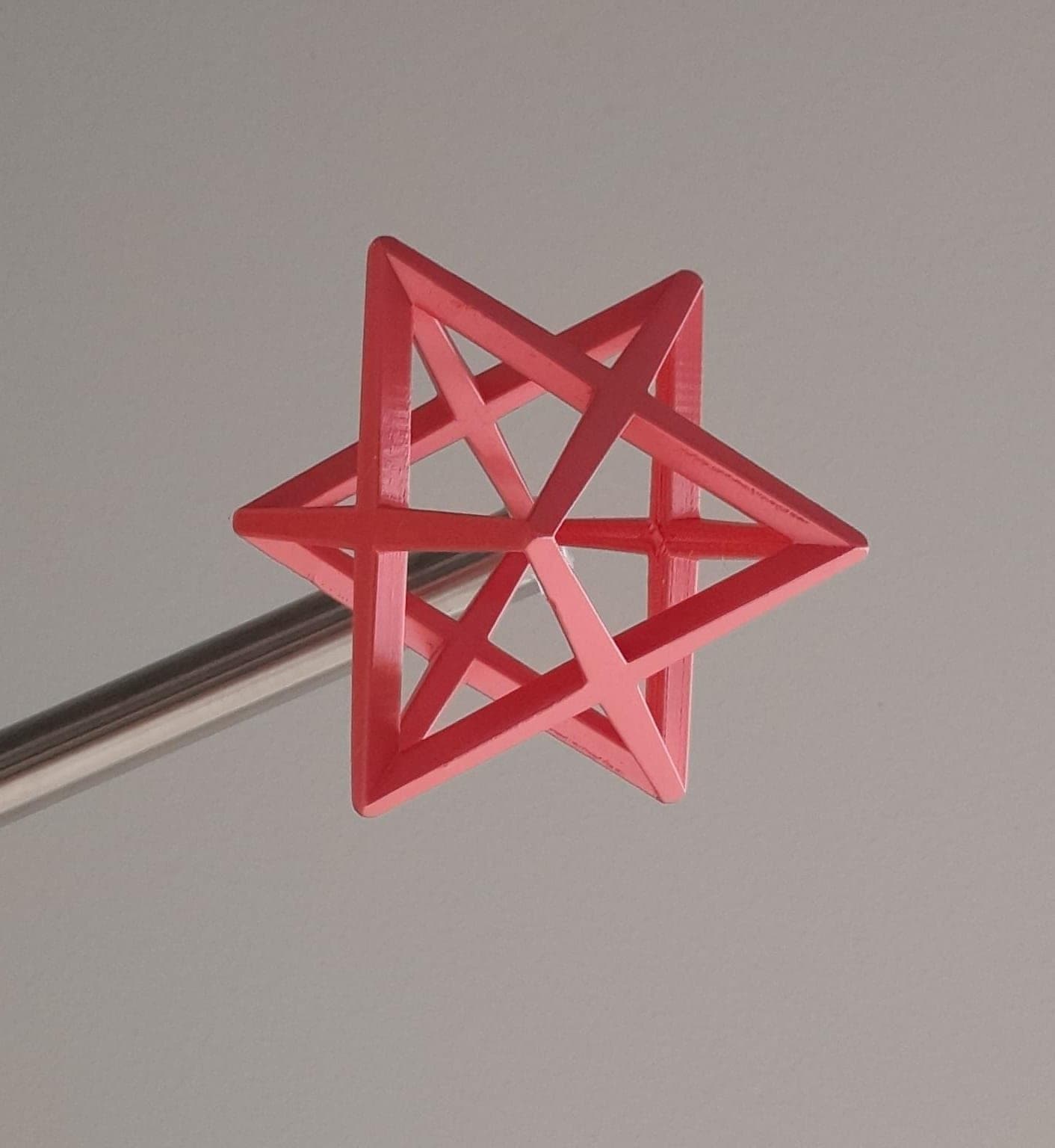
A Platonic solid (a regular polyhedron) is a convex polyhedron whose faces are all the same regular polygon, with the same number of faces meeting at every vertex. There are exactly five.
| Solid | Vertices (V) | Edges (E) | Faces (F) | V − E + F |
|---|---|---|---|---|
| Tetrahedron | 4 | 6 | 4 | 2 |
| Cube | 8 | 12 | 6 | 2 |
| Octahedron | 6 | 12 | 8 | 2 |
| Dodecahedron | 20 | 30 | 12 | 2 |
| Icosahedron | 12 | 30 | 20 | 2 |
Steps:
- In Tinkercad the cube is a ready shape. For a tetrahedron take a Cone and, in its settings, set Sides to 3 and Top Radius to 0.
- Calculate the dimensions. For a regular tetrahedron with edge a = 30 mm, the circumradius of the base is R = a/√3 ≈ 17.3 mm and the height is h = a·√(2/3) ≈ 24.5 mm. Enter these as Base Radius and Height. The height comes from Pythagoras: h² = a² − R².
- An octahedron is made of two regular square pyramids (a cone with 4 sides): for a = 30 mm, both the radius and each pyramid’s height are a/√2 ≈ 21.2 mm.
- Check with Tinkercad’s Ruler that the edge really is 30 mm. If it is not, adjust the radius and work out together where the mistake was.
- Print in PLA, each part flat side down, then glue the two octahedron halves together.
- Count V, E and F on the printed models and check Euler’s formula.
The maths: Euler’s formula V − E + F = 2 holds for every convex polyhedron, not just the Platonic ones. The dodecahedron and icosahedron are harder to build in Tinkercad, so make them from paper nets and check the formula on them too.
Getting started in Tinkercad is covered in Tinkercad for beginners.
 Course at TDS3D Design and Printing: From Tinkercad to Fusion 3607 months · 3 phases · 72 h · Starts 24 NovDetails
Activity 2: geometry art in Scratch
With Scratch’s Pen extension, the sprite leaves a line as it moves. One loop is enough for a regular polygon: “repeat n times: move 80 steps, turn 360/n degrees”.
| Shape | Sides (n) | Turn angle | Interior angle |
|---|---|---|---|
| Triangle | 3 | 120° | 60° |
| Square | 4 | 90° | 90° |
| Pentagon | 5 | 72° | 108° |
| Hexagon | 6 | 60° | 120° |
| Octagon | 8 | 45° | 135° |
| Five-pointed star | 5 | 144° | 36° |
Steps:
- Add the Pen extension; start with “erase all” and “pen down”.
- Draw a square, then a hexagon. Let students find the turning angle themselves.
- Create a variable n and draw any polygon with one script.
- The art part: repeat the polygon 36 times, turning 10 degrees and changing the pen colour each time.
The maths: the sprite turns through the exterior angle at each vertex. For the shape to close, all the turns must add up to 360°, which is where 360/n comes from. Drawing the star, the sprite makes two full turns: 5 × 144° = 720°.
Extension: for a spiral, increase the step length by 2 each time through the loop and keep the turn at 90°. Then try 89° or 91°: one degree creates a completely new drawing. Ask students to explain why. For Scratch basics and a first project, see your first game in Scratch.
Activity 3: a probability game with dice
Steps:
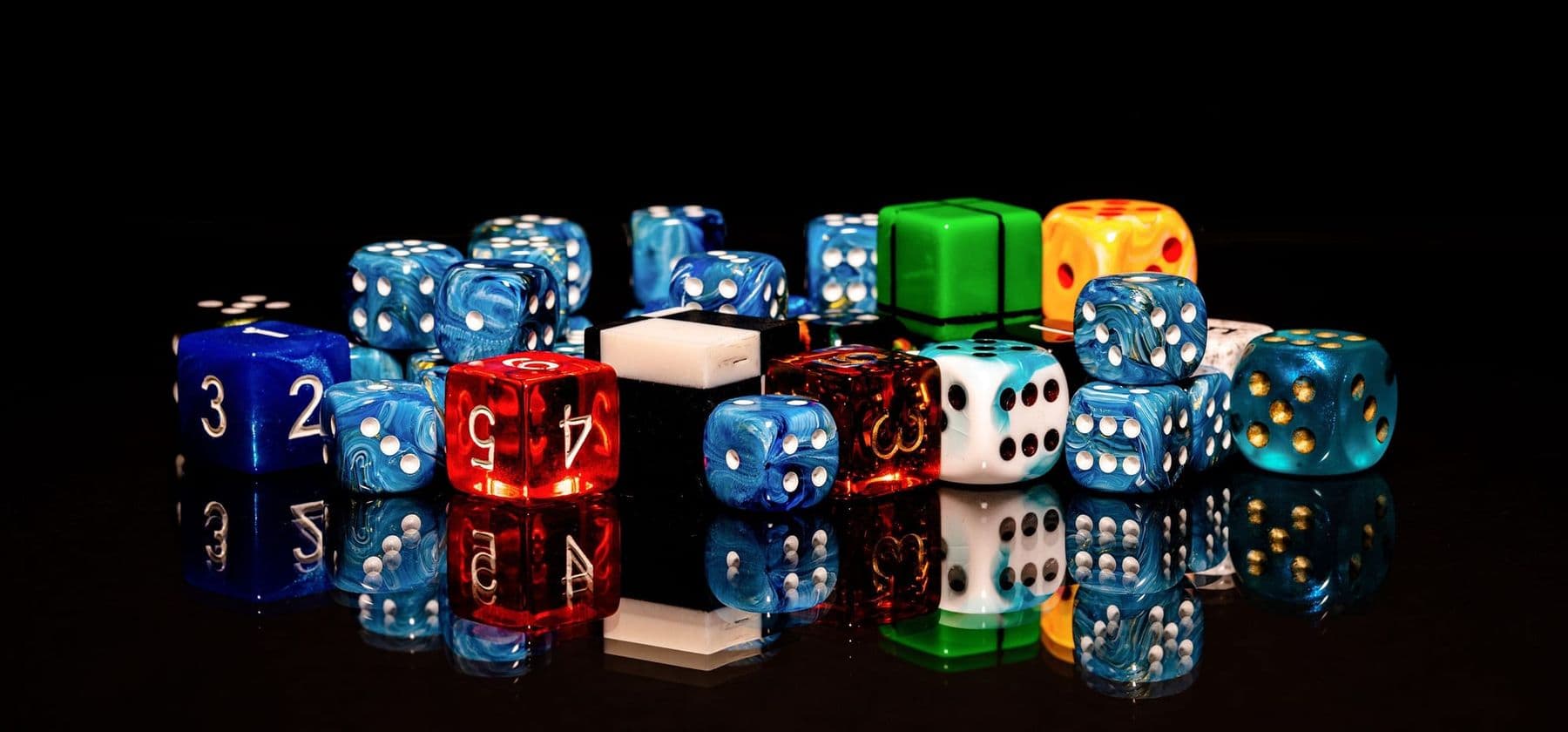
- In Scratch, create six variables (ones, twos and so on).
- Loop 600 times: “pick random 1 to 6” and increase the matching variable.
- Run it and compare: each number should come up about 100 times. Run it 6,000 times and watch the result approach the theory.
- Now two dice: record the sums from 2 to 12. Play “horse race”: each player picks a sum, and whoever’s sum comes up 10 times first wins.
| Sum of two dice | Combinations (of 36) | Probability |
|---|---|---|
| 2 or 12 | 1 | 2.8% |
| 3 or 11 | 2 | 5.6% |
| 4 or 10 | 3 | 8.3% |
| 5 or 9 | 4 | 11.1% |
| 6 or 8 | 5 | 13.9% |
| 7 | 6 | 16.7% |
The maths: on one die every number is equally likely, but not for the sum of two: 7 can be made six ways (1+6, 2+5 …), 2 only one way. The more trials, the closer the relative frequency gets to the theoretical probability: that is the law of large numbers. Children who pick 7 in the horse race win most often, which is the perfect excuse to explain why.
Activity 4: a laser-cut tangram for fractions
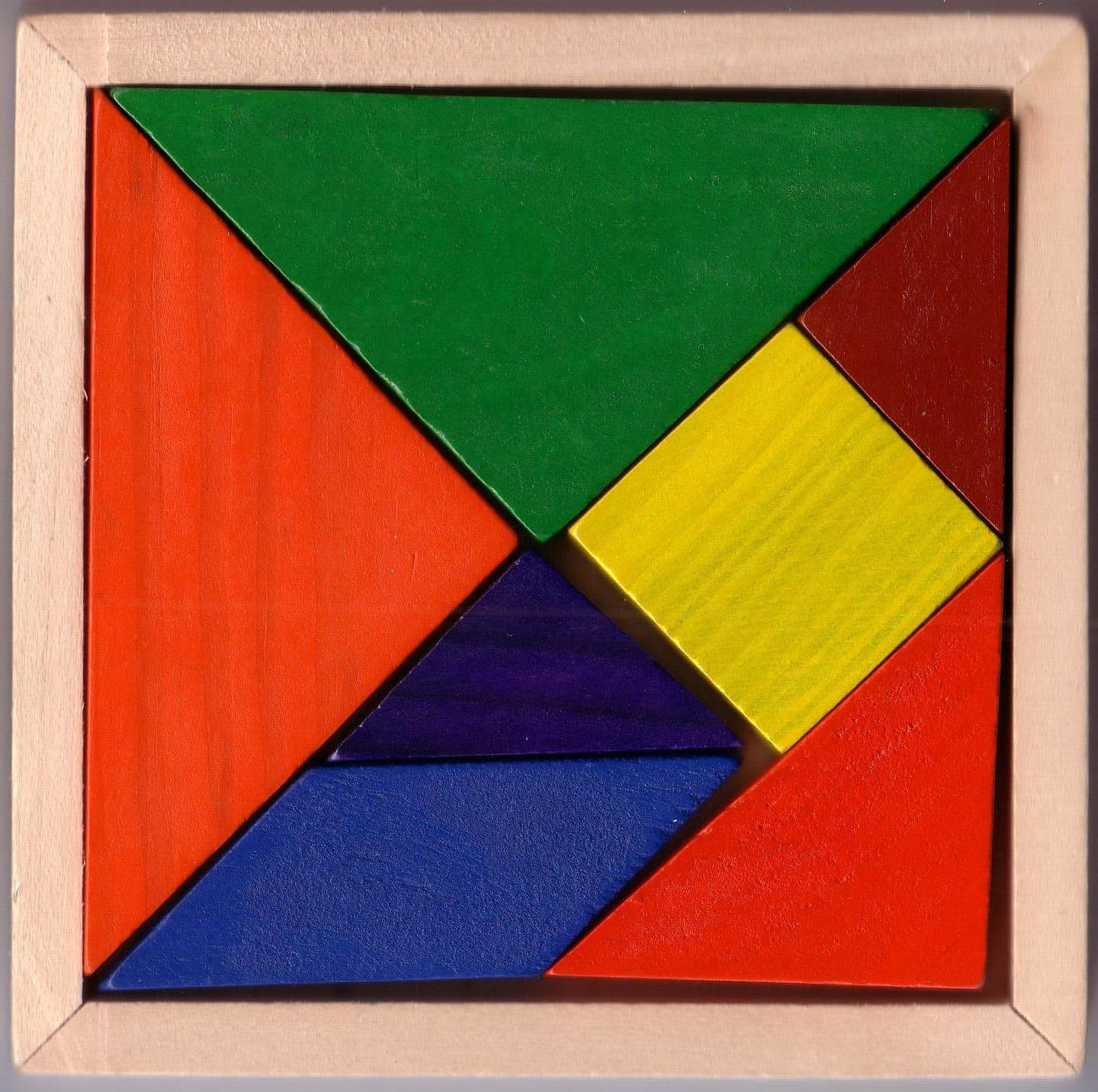
The tangram is a seven-piece Chinese puzzle cut from one square. It is an excellent hands-on model for fractions and area.
| Piece | Count | Area of the whole |
|---|---|---|
| Large triangle | 2 | 1/4 each |
| Medium triangle | 1 | 1/8 |
| Small triangle | 2 | 1/16 each |
| Square | 1 | 1/8 |
| Parallelogram | 1 | 1/8 |
Steps:
- In a vector program (for example the free Inkscape), draw a 100 × 100 mm square and the tangram lines.
- Laser-cut it from 3 mm plywood. Without a laser, cut the same from cardboard with a craft knife, with an adult’s help.
- Questions for students: how many small triangles fit in a large one? Prove that the square and the parallelogram have the same area.
- Check that all the fractions add up to 1: 1/4 + 1/4 + 1/8 + 1/16 + 1/16 + 1/8 + 1/8 = 1.
Safety: only a trained adult operates the laser cutter. Never leave it unattended while cutting, and run the fume extraction. For more laser ideas, see laser cutting ideas.
Activity 5: measuring with Arduino, mean and error
The HC-SR04 ultrasonic sensor measures distances from about 2 cm to 4 m. It sends an ultrasonic pulse and times the echo. Distance = time × speed of sound / 2, where the speed of sound in air at 20°C is about 343 m/s. We divide by two because the sound travels there and back.
Steps:
- Connect the sensor to an Arduino and print the distance in centimetres to the Serial Monitor.
- Measure the same distance (say, table to wall) 10 times and record it in a table.
- Calculate the mean and the range (largest minus smallest value), and compare with a tape measure.
- Measure the length and width of the room (if they are under 4 m) and calculate its area.
Extension: roll a toy car slowly in front of the sensor and record the distance every second. Divide the change in distance by the time to get the speed. On a distance–time graph, steady motion is a straight line.
The maths: this activity teaches the basics of statistics: why measurements differ, why we trust the mean, and what error means. For sensor basics, see Arduino for beginners.
Start an activity with a question, not instructions: “Why does the sprite turn 72 degrees and not 108?” or “Which sum will come up most often?”. Prediction first, then the experiment, then the explanation. That turns maths from rules to memorise into discovery.
How to link these activities to the curriculum
They work best not as a “reward” at the end of a topic but in the middle of it, as an investigation. For example, in a unit on polygons, run the Scratch activity first, then teach the interior and exterior angle rules students have already discovered. A few practical tips:
- One activity a month is enough for students to see maths differently.
- Pair work: one codes or designs, the other calculates and checks.
- Assess with a rubric: mathematical accuracy, explanation and creativity separately.
- An exhibition: printed solids, Scratch drawings and tangram figures on the classroom wall.
For planning STEAM across a whole school, read STEAM education in schools.
Frequently asked questions
How can I make maths fun?
Let students make something: draw a shape in Scratch, print a polyhedron, simulate a game. When the formula explains how their own work behaves, maths stops being a set of abstract rules.
Which free tools can I use for maths activities?
Scratch is free and runs in the browser. Tinkercad is also free and does 3D modelling in the browser. Inkscape is free for vector drawing. And you can simulate Arduino in Tinkercad Circuits without a board.
Does a school need a 3D printer?
Not necessarily. Modelling and calculating the Platonic solids happens in Tinkercad, and the solids can be built from paper nets. A 3D printer makes the activity more tangible, but it is not required to start.
What age are these activities for?
Tangram and fractions from grades 3–4, Scratch geometry from grade 5, Platonic solids and probability from grades 6–7. Measuring with Arduino works best from grade 7, when students already learn about the mean and error.
Where can I find more 3D printing and laser ideas?
For the laser, see our article with 15 laser cutting ideas; for 3D modelling, our Tinkercad guide for beginners. Both have step-by-step instructions for beginners.
Your next step
If your teenager gets hooked on geometry and 3D modelling, the 3D Printing and Modelling: Tinkercad to Fusion 360 course in Tbilisi has students aged 13–17 design increasingly complex models, drive dimensions with parameters and formulas, and turn their own idea into a real object. Teachers who want to learn printing themselves can take the adult course: both are on our 3D printing courses page.
Sources
- Platonic solid, Wikipedia
- Tangram, Wikipedia
- Scratch Foundation
- Ultrasonic Distance Sensor HC-SR04, SparkFun